r/PlaystationPortal • • 2d ago

Mod Approved GTAVI Collective Post Thread

7 Upvotes

Please post all GTA and portal pictures on this post instead of clogging the sub with just GTA post.

Starting today all new GTA post will be directed to here.


r/PlaystationPortal • • Nov 03 '23

Moderator approved PlayStation Portal FAQ thread - Sticky?

170 Upvotes

FAQ Updated 4/10/2025 with more details, changes, accessories, and troubleshooting.

Hi, I made a quick FAQ for the Portal. Admin's should consider making this a Sticky thread. I know I missed some, so everyone feel free to add to this. I tried to be as serious as possible and not be facetious in some of these answers as I'm naturally a very sarcastic (borderline 370422@, lol) person.

  • Q: How much does this cost?

    • A: $199 plus applicable taxes.
  • Q: When will this come out?

    • A: Its out. Came out 11/15/2023
  • Q: Where can I buy this?

    • A: Sony PlayStation direct here, along with Best Buy, Amazon, Target, WalMart, Gamestop, anywhere you can buy your games and consoles.
  • Q: Can I play this in another room?

    • A: Yes
  • Q: Can I play this outside if I have Wifi, like a hotel, or on an airplane?

    • A: Yes
  • Q: Can I download games on to here?

    • A: No
  • Q: Can I stream Netflix, Hulu, Disney+

    • A: No because of digital rights protection
  • Q: Can I stream games.

    • A: Yes, by swiping from right to left you can select home and enter the game streaming beta to stream games online

      • NOTE: you can NOT stream games and play local games on the PS5 at the same time if you are signed on with the SAME Account. If someone wants to play on the PS5 while you're playing streaming on the portal, they will have to sign on with a different user account.
  • Q: Will this have the same lag as I get on my phone when using remote play

    • A: Results WILL vary.

      • Its recommend looking into turning on uPNP/Port Forwarding on your Modem/Router to help improve your connection.
      • If you can hardwire your PS5 to your modem/router. Wifi experiences will vary based on how many connections are active and who is using the wifi connection in your home currently. (Disclaimer: I am not a network professional, I did this and saw results, however, results for you may vary)
  • Q: Can I play Nintendo or Xbox Games on this?

    • A: No
  • Q: Can I play Steam games on this?

    • A: No
  • Q: Is there a case for this?

    • A: Yes, I recommend the Skull and Co. case found here, or the Genki Saya sling found here , (The black one is water proof and the green one is water resistant... I picked green because I don't jump into pools with electronics).
  • Q: Is there a dock for this?

    • A: Yes, I recommend the Power A dock, found here.
  • Q: Can you use this to do couch co-op (2 Player)

    • A: No unless you are using the streaming beta to play a game, and someone on your PS5 is logged into a different User Account and playing the same game that is locally downloaded onto your PS5 console. However, I don't have any friends (any that come over at least) so this remains untested on my end.
  • Q: Do I need a PS Plus Membership to use this

    • A: YES and NO

      • No, you don’t need a PS+ Membership to play local games
      • YES if youintend to use the streaming beta or play multiplayer games
  • Q: Do I need a PS5 to use this?

    • A: Yes and NO

      • YES to play your PS5 games that are installed on your console
      • NO if you only intend play in the streaming beta. (YOU NEED A PS+ subscription to do this)
    • This is ONLY compatible with PS5 hardware, and will not work with PS4 hardware.
  • Q: Can I use my air pods or other Bluetooth headphones with this

    • A: No, you can hardwire headphones or purchase Sony’s proprietary ear buds and headphones once they become available. Pre-orders are opening soon for the ear buds and they’re launching in December.
    • You can also purchase a bluetooth adapter and attach it to the back of the handheld.
  • Q: Do I need internet to use this

    • A: Yes, you need internet for your PS5 (hardwire recommended) with at least 15mbps down and 5 mbps up, and you’ll need a stable WiFi connection where you are currently to play over the “airwaves”
    • This video assisted in network set up.
    • This video assisted in port forwarding
  • Q: Can someone watch Netflix on the TV while I use this?

    • A: Yes, as long as the way you access Netflix is not on your PS5
  • Q: Can I power on my PS5 with this

    • A: Yes, if it is in standby mode. If the PS5 is fully powered down then NO.
  • Q: How big is this

    • A: Potentially about the size of 2 DualShock controllers placed side by side, but like a Katana, very well balanced. Hardly have any hand fatigue after hours of play.
  • Q: What’s the battery life?

    • A: Varies by game and stability of network, however, PlayStation is targeting the same battery life of the current dual shock controller
  • Q: Can I use Youtube and other media apps on this

    • A: No
  • Q: My PS5 is in Washington and I’m in New York, can I use this

    • A: Yes, as long as you have stable internet in both locations
    • A: To connect to hotel WiFi, if the hotel requires you to go to an internet page to accept terms a QR Code will appear on the Portal, scan it with your phone that is connected to the WiFi and sign in through your phone.
  • Q: Can this be played on another continent if strong WiFi is available (Even Mars or the International Space Station)

    • A: Maybe, yes? So long as it isn't blocked by a network firewall, but I would assume there may be a delay latency due to distance, (UNCONFIRMED)
  • Q: Will 3rd party buds work?

    • A: No, unless they are wired. (Same with headphones, I use Beats Studio Pro wireless, plugged in of course)
  • Q: Can I play if I have a Disc based PS5

    • A: Yes, so long as the disc is in the system or you have someone at home swap discs. You can play any downloaded digital title at any time.
  • Q: Can I use this as a 2nd controller

    • A: Possibly, as a single player you can use this as a 2nd controller if your main controller needs to charge, however, there may be a input delay as the device communicates through Remote Play.
  • Q: Can I use the hotspot on my phone

    • A: Yes, note, network quality will differ by current connection status. LTE will be slower and significantly worse than 5G. Its your network’s fault, not the device. (Data plans will drain quickly. Ensure you have unlimited data for hotspot)
  • Q: I have XXXXXX as my mobile provider (i.e. T-Mobile) and my iPhone HotSpot isn't working

  • Q: Can I download games onto this to play offline

    • A: No
  • Q: Can I download apps?

    • A: No
  • Q: Can I try before I buy?

    • A: I recommend downloading Remote Play on your phone, laptop, computer, or tablet and setting it up, play around with the settings and identify how the solution actually works. Behavior will be almost identical to this device with exception of image quality and connectivity.
  • Q: I don’t have a PS5 should I get this?

    • A: No, buy a PS5 first as it only works with the PS5
  • Q: I can't hardwire, how can I improve my network

    • A: There's a couple things you can do, you can get a WiFi extender and place it closer to your PS5, in our old house we used a PowerLine adapter to run network data through our power lines essentially providing a "hardwired" solution. There are some power configurations where this won't work, but if you're interested in checking it out they can be bought on Amaozn here.
  • Q: Can I use my Sony Pulse 3D headphones which were marketed as PS5 headphones?

    • A: Yes, but only wired - and the headphones include an aux port and aux cord.
  • Q: Do we know the screen details?

    • A: I think it’s 8 inches 1080p, 60hz IPS
  • Q: How can I add my portal to a WiFi connection that requires an external authentication?

    • A #1: if at a hotel (or even a coffee shop) see if you can contact the WIFI support line (usually at a hotel the front desk knows the number), you can then ask them to WHITELIST your MAC address for connection. I've done this in the past with the APPLETV before Apple unlocked the ability to authenticate on an external device. - For a hotel they may ask when your checkout date is, this will set up the limiters to your connection for the duration of your stay and reduce the need to connect and contact them every time.

      • Sony updated the portal to allow external sign on. It will display a QR code you can scan on the screen. Scan it with a device already connected to the WiFi (Phone, tablet) and sign in through that code.
    • A #2: You can use your hotspot on your phone, this will consume data so ensure you have an unlimited plan, also ensure your phone is plugged in as your battery will drain quickly.
    • A #3: You can get a travel router and spoof your MAC Address
    • A #4: Thanks to reddit user - u/Reg0r you can use your laptop to spoof your MAC address... The following instructions are done on a MacBook - Results may vary
  1. Open SETTINGS on the Portal
  2. Click NETWORK
  3. Scroll to SETUP INTERNET CONNECTION and click
  4. Press the square button to view MAC address
  5. Write this address down or take a photo (you’ll need this in a moment)
  6. Press the circle button multiple times to back all the way out of SETTINGS
  7. Turn the Portal off, and leave it off until the process is complete
  8. Open TERMINAL on the laptop
  9. Type this text in the terminal and then press enter: ifconfig en0 | grep ether
  10. The current MAC address of the laptop will display in the terminal. Write this down or take a photo, as you will need this at the end.
  11. Disconnect the laptop from the WiFi connection entirely.
  12. Now we will “spoof” the MAC address of the Portal to the laptop. In TERMINAL, enter this command: sudo ifconfig en0 ether xx:xx:xx:xx:xx:xx (xx:xx:xx:xx:xx:xx needs to be the MAC address of the Portal that you wrote down earlier)
  13. Now, enter the same text from before in the terminal: ifconfig en0 | grep ether
  14. It should now display the MAC address of the Portal instead of your laptop’s actual MAC address
  15. Now that the laptop is spoofing the MAC address of the Portal, connect the laptop to WiFi and authenticate as necessary until the internet connection is working properly.
  16. Disconnect from the laptop from WiFi
  17. Return the laptop to its original MAC address by typing: sudo ifconfig en0 ether xx:xx:xx:xx:xx:xx (this needs to be the MAC address of the laptop that you wrote down earlier, NOT the MAC address of the Portal.)
  18. Once more, enter the same text from before in the terminal: ifconfig en0 | grep ether. It should return the original MAC address of the laptop.
  19. Turn on the Portal and it should now be able to connect to WiFi properly without needing to authenticate, because it was already done on the laptop while masquerading as the Portal.

r/PlaystationPortal • • 8h ago

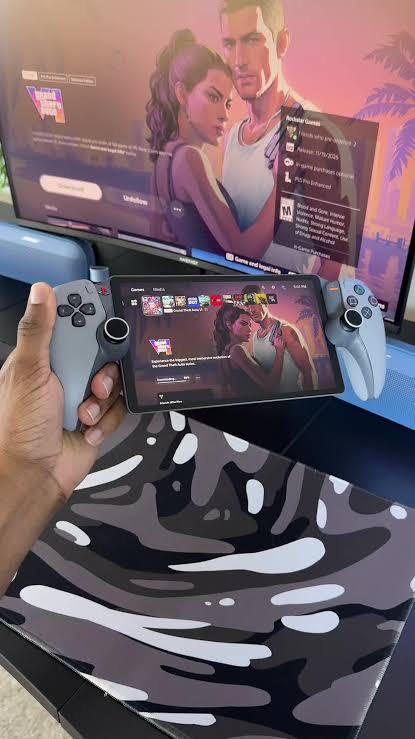
NEWS GTA 6 on my portal now!!! Ps won hands down.

Post image
182 Upvotes

so many ppl gonna cop a portal over black Friday to Xmas just to play GTA 6. All they gonna need is good wifi and a ps premium. Ps official won. And we gonna get online later? Yea it's a wrap. Ps is the goat. I don't even need a ps5. Ppl gonna realize this. Portal goin up in price or outta stock ya think? Would b cool if they launched a GTA6 ps portal


r/PlaystationPortal • • 4h ago

Question Cloud streaming or Remote Play

Post image
39 Upvotes

Is playing via cloud streaming more stable than with remote play?

I just ordered a PS Portal and wanted to play GTA 6. :D


r/PlaystationPortal • • 5h ago

Recommendations PS Portal on flights

Post image
45 Upvotes

Not sure if there is a thread on which airlines the portal works on but moving smooth on WestJet. Get a unstable connection symbol here and there but it straightens up immediately. First airline I've been able to play it on.


r/PlaystationPortal • • 1h ago

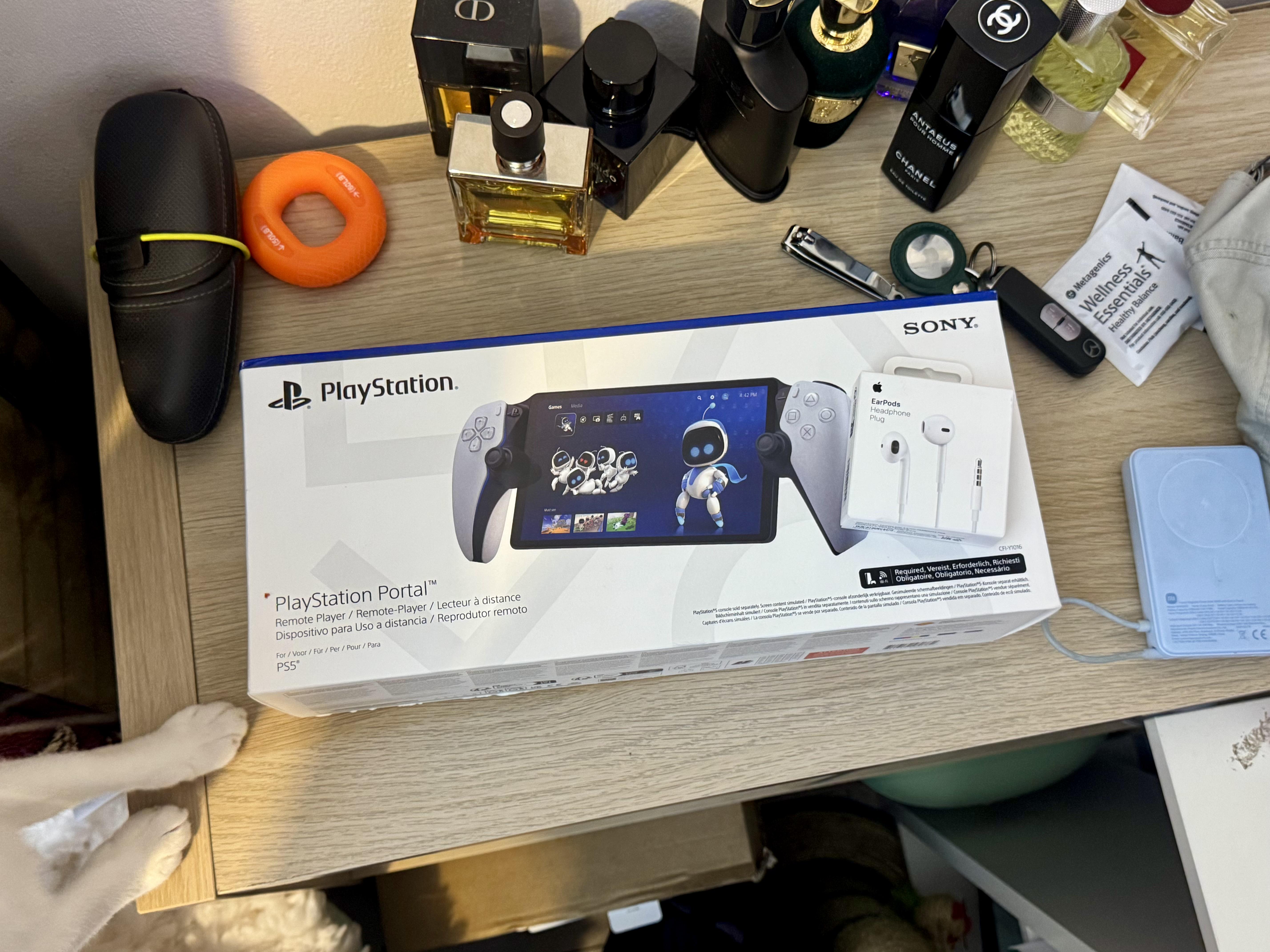
Got my Portal! PS Portal + EarPods. Better late than never 😎

Post image
18 Upvotes

r/PlaystationPortal • • 19h ago

Recommendations GTA Vi Streaming Review:

Post image
325 Upvotes

Hello,
I wanted to give my review for GTA VI through ps plus streaming. It released yesterday and this was the perfect chance for me to play it outside of home. I tried it at school where the internet speed was 120 mbps.

It worked wonderfully! No loss of frame rates, very good quality, and I enjoyed it through. There is input delay but it’s not going to ruin your experience bad.
Honestly speaking the portal from the last update has gone from a device that rotted on my desk to something that I use often

Edit: A problem that occurs often is an hour into playing the game, the connection issue pops up where the frame rate and the resolution drops and starts to lag, and then it fixes itself. This occurs often, while at home where I have 1.2gb speed but also outside where I get 120mbps speed. Both remote play and streaming

Played for 1 hour and 30 minutes.
The battery: 77%➡️47%
Played on Max Brightness and Max Resolution

Photo: techmarkgaming (TikTok)


r/PlaystationPortal • • 5h ago

Got my Portal! This looks insanely amazing

23 Upvotes

Just got my portal last night and played for a solid hour using cloud streaming . no lags at all, the quality looks absolutely great!!


r/PlaystationPortal • • 2h ago

Recommendations Stop buying extra PlayStation Link adapters! One adapter pairs with up to 8 devices (Learn from my expensive mistake 😅 )

Thumbnail
gallery
11 Upvotes

Hey everyone,

Anyone rocking the Pulse Elite headset or Pulse Explore earbuds—especially my Portal Pal who like moving between setups.

I was literally buying multiple PS Link USB adapters because I thought they were paired one-to-one with specific devices. Turns out, a single PS Link adapter can actually remember and connect to up to 8 different devices!

Before you build a drawer full of dongles like I did, here are a couple of quick things to keep in mind:

  • Multi-Device Pairing: You only need one adapter per console/PC. Just hold the button on the adapter and put your headset/earbuds in pairing mode to add another device to its memory (up to 8 total).
  • Two Hardware Versions: Sony actually quietly released two versions of the PS Link adapter. The original is a standard USB-A stick, while the newer revision features a detachable tip so you can natively plug it into either a USB-C or USB-A port without needing an extra converter.

Hopefully, my wallet's sacrifice saves a few of you some cash! Happy gaming!


r/PlaystationPortal • • 2h ago

NEWS $229.00 at Navy Exchange (for military and veterans)

Thumbnail
mynavyexchange.com
8 Upvotes

Been looking for a Black Friday deal and I don’t think there’s going to be anything better than this. Plus it’s tax free.


r/PlaystationPortal • • 11h ago

Got my Portal! I switched from Xbox Series S to PS Portal just for GTA 6!

Post image
42 Upvotes

Finally joined the Portal community! :)

I was already 20% into GTA 6 on the Xbox Series S, but I travel quite a bit and hate being stuck at home just to play. I decided to get a Portal exclusively for cloud gaming without owning a PS5(yet anyways..)
Surprisingly, the latency isn’t nearly as bad as I expected. It’s noticeable but feels pretty similar to the Xbox I just gave away just slightly worse at times.

Having to repurchase the game and restart the story sucks, but I really enjoy the freedom of handheld gaming.

Do you think I made a smart decision or will I eventually regret it?

(Sorry for the sparkles for the guys haha)


r/PlaystationPortal • • 14h ago

Pics Goals!

Post image
39 Upvotes

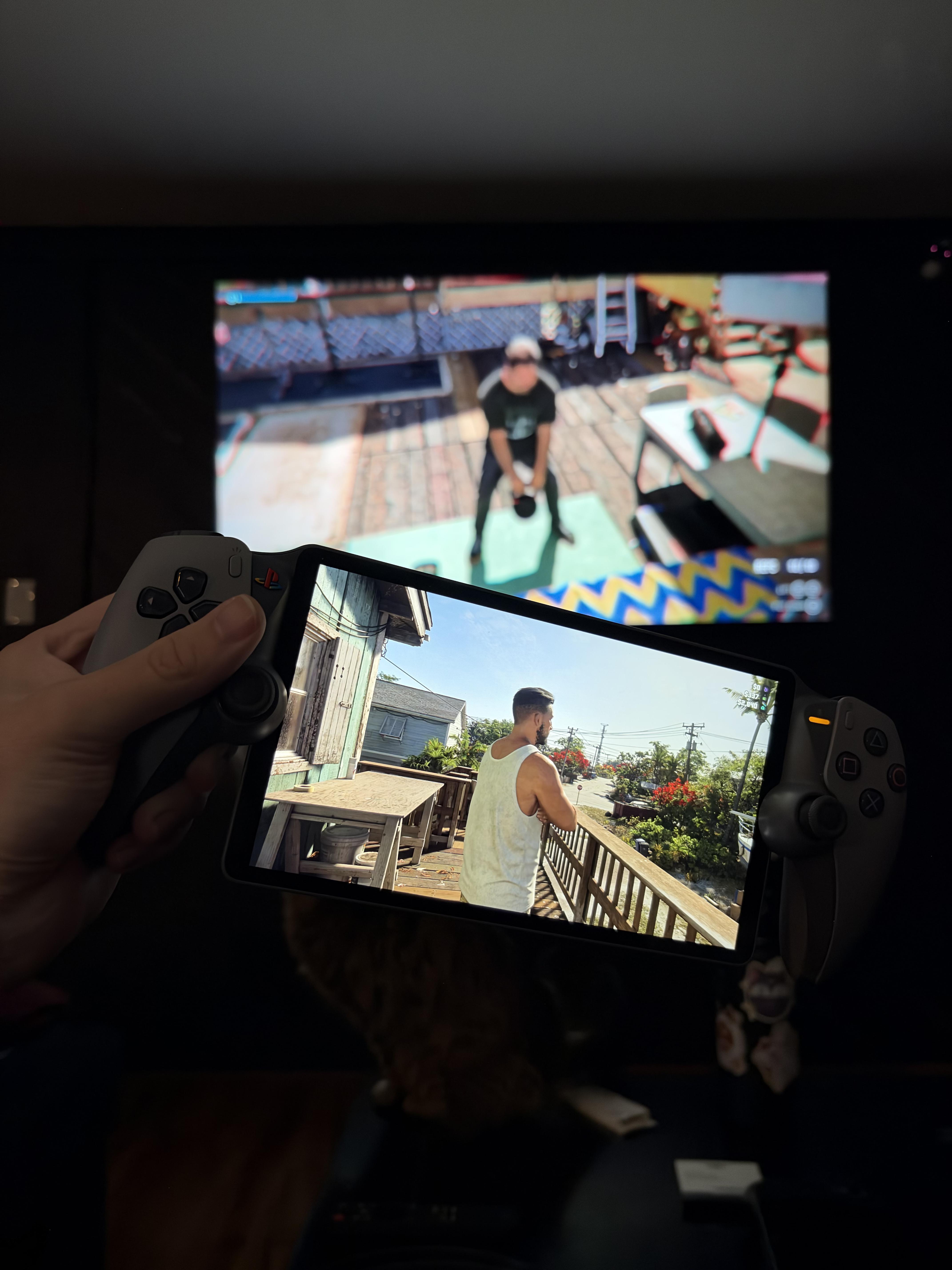
Wife is on the TV and I’m on the Portal through cloud streaming ☺️


r/PlaystationPortal • • 1h ago

Question Remote play problem

3 Upvotes

Hello everyone!

I ordered a PlayStation Portal today, but I’m having trouble using the Remote Play feature with my PS5.
All the settings are configured correctly. It works when both devices are connected to the same network, but it doesn’t work when they’re connected to different networks. My PS5 is connected to the internet via Wi-Fi, not an Ethernet cable.

Could anyone help me figure out what the problem might be?


r/PlaystationPortal • • 2h ago

NEWS The answer to my prayers

Post image
3 Upvotes

For someone without a PS5 and who doesn’t have the capacity to own one, seeing the streaming for PS Portal icon suddenly appear is actual music to my ears! Who else is now forking out £90 tonight and getting on it 🙏🏽


r/PlaystationPortal • • 11h ago

Got my Portal! Almost returned it

15 Upvotes

Deliberated for a while and finally got a Portal to play GTA6 away from my kids. I wasn’t sure about remote play so I’ve been evaluating it to see if I would keep or return.

The first results where pretty damning: the game would start out at 1080p but then rather quickly downgrade to 720p, occasionally stutter and depending on location go down to 540p.

My kneejerk reaction was that I was right: remote streaming of games will of course never work reliably. Here I was with my expensive, 4 hardwired access poin UniFi setup and it still sucked. Of course people with ISP provided solutions would suffer even worse.

But then I started looking into my network. Turns out the surrounding radio environment had changed a lot since I set it up, and I had added more APs without paying proper attention to channels, which meant most of my APs were on the same channel competing for airtime. They were screaming at each other. So scanned the air and put each AP on a channel where there was the most space, away from loud neighbors’ APs. I also moved one AP to a slightly different location.

And voila, it now works almost perfectly, and TX loss has decreased dramatically. Turns out I was too cocky, and I’m glad the Portal exposed this flaw in my network. In a way, I caused this by having too many APs, although properly configured it’s still much better than fewer.

Now I have both portable GTA6 and a vastly better Wi-Fi. I will say this though that Sony is brave releasing something so dependent on variables they can’t control. I’m glad they did, but I can imagine they get a lot of returns and support cases because of people almost like me.


r/PlaystationPortal • • 12h ago

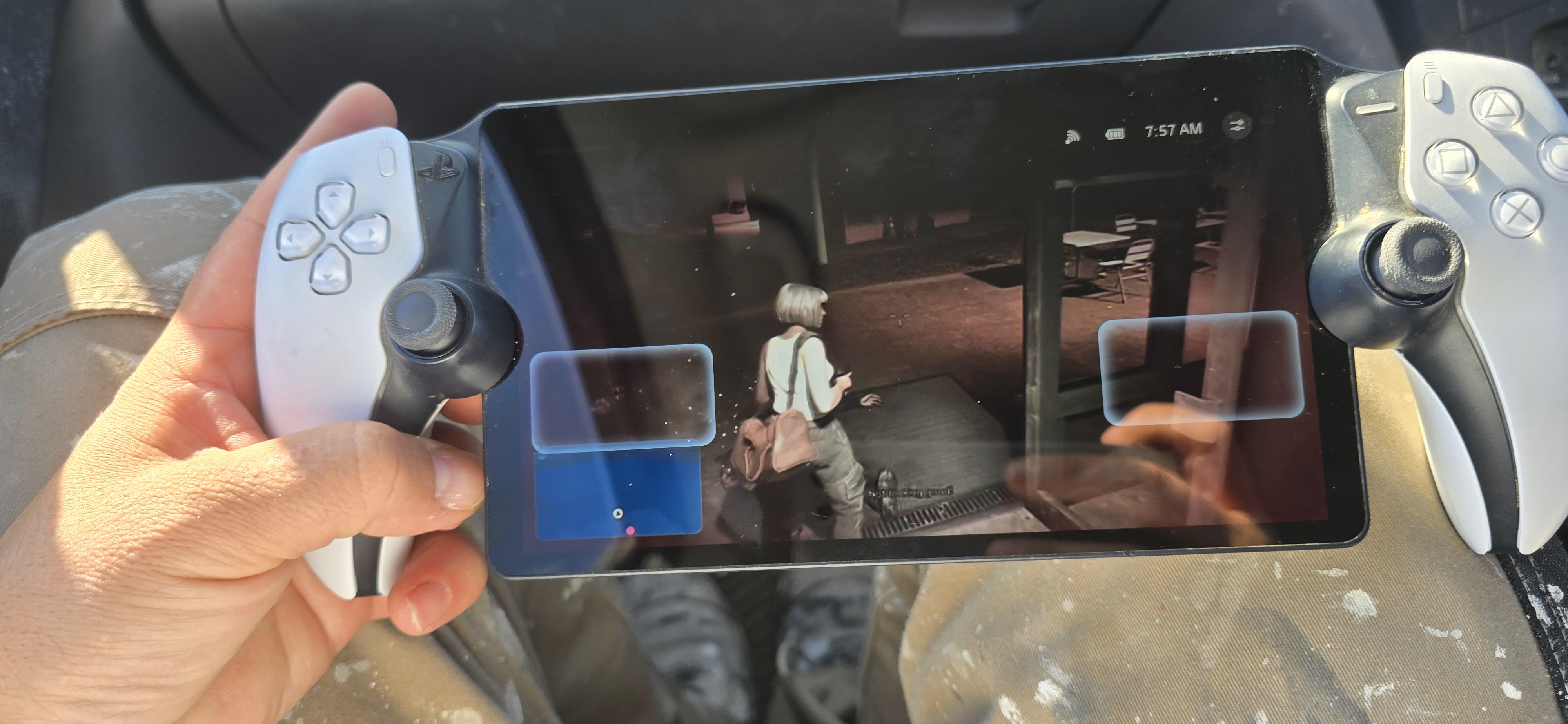
Pics Stuck in traffic, my worker is the driver today , we take turns since he lives 3 min away. ( tradies )

Post image
21 Upvotes

Son saved over my save so getting to part 2 again. Fun mission to do in traffic.


r/PlaystationPortal • • 1h ago

Remote Play Settings / Wifi Setup PS Portal only getting 2.1mbps on T-Mobile Hotspot

2 Upvotes

I have the T-Mobile plan that gives me 250gb of full speed hotspot. However, my portal seems to hang around 2.2Mbps at 360p. I did a speed test on my iPhone and I get 300Mbps. Anyone know a fix? Also, my PS5 is on gigabit ethernet.


r/PlaystationPortal • • 1h ago

Question Cloud Streaming a Game On The Primary Account

2 Upvotes

My account is the primary, my wife is on family sharing. We have purchased the games on my account. For the longest time, she played Disney Dreamlight Valley on both the PS5 and via remote play on the portal.

I know, we are late to the party, but just discovered cloud streaming on the PS Portal. Issue is, I am the one with PS Premium, not her, so she can't do the Cloud Streaming. Now with GTA 6, we discovered I can stream it on the portal, while she plays her game on the PS5, but, we want to do the opposite. He stream to the portal and I play on the console.

If we purchase her a PS Premium/Plus subscription, can she then stream the game even though it is technically owned by my account?

(I rarely played on the PS5, more of a PC gamer, but now with GTA6, we battle for PS5 time, and this could be a simple solution as she likes playing on the portal).

Thanks in advanced who help keep my marriage in a good shape, Lucia is already mad at me on GTA, don't need the wife mad too...lol


r/PlaystationPortal • • 4h ago

Question mobile hotspot won’t connect

Post image
3 Upvotes

Hello does anyone know why i cant connect to my mobile hotspot. I have t mobile trying on iphone 18 pro.


r/PlaystationPortal • • 17m ago

Question Remote play network setup/Portal vs IPad

1 Upvotes

I just bought a portal for travel this weekend so I could play some GTA 6 while I’m away from home. I have a ps5 at home, hard wired, on google fibers mid tier plan which I think is pretty good. I didn’t do anything to my network setup to help with remote play yet but so far it’s been pretty good. Very noticeable input lag but still playable for this game. Def could not play a competitive shooter with this setup.

My questions are:

  1. What steps can I take for my home network (obviously too late for this weekend but in general) to make this a better experience? (Main concern is reducing input lag)
  2. If I already have an iPad and controller, can I achieve the same results on that and therefore just return the portal?

Edit: Perhaps I should add that I don’t plan on using this while at my house. The use case is strictly while traveling. Also, I have ps premium and therefore can use cloud streaming.


r/PlaystationPortal • • 57m ago

Question How to Cloud Stream GTAVI

1 Upvotes

I’m not seeing the option to select GTA VI for cloud streaming but I might have made an oopsies? Anyone else have this kinda problem?

• I have PS+ Premium.
• Purchased and installed GTA VI STANDARD game on my PS5.
• BUT I accidentally bought the DELUXE add on while signed into my sons account that does not have PS+.

Would this cause it not to show up to cloud stream? I can’t even purchase the add on under my own account. Should I temporarily delete his account from my PS5 and try? Looking for ideas


r/PlaystationPortal • • 1h ago

Question Buying PS Portal used or brand new

1 Upvotes

Looking to save money on the portal. Is it worth buying it brand new, or do you think buying refurbished/used/open box is just as good(obviously depending on the condition? I've been looking through eBay and have found decent-priced ones that look clean for around the 150-180 range instead of the MSRP of $250. I know for black friday they usually have deals, but I'm not sure if it'll drop down past $200


r/PlaystationPortal • • 1h ago

Question Issues with connectivity

1 Upvotes

I got my portal a while back and always had connectivity issues. Once I hardwired my ps5, it had gotten better. Upgraded my router and got an extender as well. It still wasnt the greatest but I was able to get about an hr in worth of play. Last night I was in thr middle of a battle on spider-man and it lost connection without warning. Then it wouldnt even recognize my wifi at all. Im almost feeling as if the portal was shot from the start or if all the plaster walls in the house are just screwing with it that bad. Im planning on researching settings for the eero router I have to try and dial in better connections. Any suggestions on what to try for better connection would be greatly appreciated


r/PlaystationPortal • • 1h ago

Question buying different region prtal

1 Upvotes

Someone on facebook is selling a portal from a different region, the box is all in spanish, there wouldn't be an issue if I used it with my US account right? I'm in missouri, idk why the box is in spanish unless they bought it from a store that imports?