r/printers • • Dec 19 '24 Bravo

Discussion The truth about printer subscription programs and many misconceptions about them

155 Upvotes

Dear all,

I work in the printer industry. For a very well-known consumer products manufacturer that gets discussed on this sub a lot.  I will not disclose which manufacturer I work for, nor will I disclose any manufacturer I do not work for (since the industry is relatively small eliminating 1 or 2 will make it generally too obvious as to which I do work for) as I am not officially speaking on behalf of the company. But, I want to set the record straight on subscription programs because some of you are drastically misinformed and it is very frustrating to see as someone who understands these programs as well as basic logic.

There are two types of subscription programs. Each of the major consumer manufacturers offers at least 1 of these programs, some offer both.

The first type of program is an auto-reordering program. The printer can tell (via various ways depending on each manufacturer) when the ink / toner is low and when it hits a certain point that will trigger an order of the ink/toner that device uses. Most manufactures that offer this will first send you an email letting you know that an order has been triggered and it will allow you to skip the delivery of the consumable and thus not get charged. If you allow the order to go through you are purchasing that consumable. That consumable is yours, you own it, just as if you walked into a Staples, Office Depot, Best Buy, or bought it on Amazon… You can cancel the “subscription” the next day and continue to use that consumable until it is empty.

The second type of program is a true subscription program. **THIS** is what many of you are vastly misinformed and / or are irrational about. In this program *you are not purchasing a consumable* at all. You are paying the manufacturer for X number of pages per month. The manufacturer will send you a consumable to use because the printer needs ink / toner to work but, that is not what you are paying for. You are paying the manufacturer $Y per month to print up to X pages per month.. that’s it. Of course you can print over that X number and pay an overage (just like years ago with cell phones).. and of course, you can print under that X number and some pages will roll-over to future months (just like years ago with cell phones). The owner of the consumable is the manufacturer. You never bought it, you never owned it. Therefore, it is not yours to use after you end the subscription! The only reason most manufactures do not ask for it back is because they don’t want to pay for shipping it back to them. But, they still own it… not you.  You can think of this like renting an apartment. You are paying a landlord $X per month to live in their building. The landlord is providing the building for you to live in while you are paying rent. You do not own the building. and when you stop paying rent you are no longer allowed to continue living in the building. Just like your Netflix subscription, Apple TV subscription and Disney+ subscription.. when you stop paying for the subscription, you stop getting to use the service. Just because while you were paying you had access to the content does not mean you at any time owned that content and get to continue watching it once you stop paying the subscription.

I truly hope this helps clarify somethings for some of you. Others I understand are lost causes but, I will do my best to answer any questions I can.


r/printers • • 5h ago

Purchasing looking for budget friendly home printer!

2 Upvotes

i dont know a whole lot about printers so i really need help with this. ive had the canon TS3300 for as long as i can remember, and its long overdue to be replaced. i usually print 1-2 full color letter-size pages daily (small business related) and im looking for something with pretty good photo quality, but i dont care much for other features since this is all i use it for, or documents occasionally. id prefer something at least a little more modern than this printer... also, definitely not a requirement, but id prefer if it could do different paper sizes. current printer only does letter size. maybe im using it wrong though 🤷‍♂️ please throw suggestions at me!


r/printers • • 1d ago Popcorn

Other Interesting?

Post image
160 Upvotes

r/printers • • 2h ago

Troubleshooting HP 8720 problem with the supply system even after cleaning printhead

1 Upvotes

I started getting an error “there is a problem with the supply system” for cyan and magenta. Only ever used HP inks, worked perfect till a few days ago. Tried everything including removing printhead and cleaning it with a solvent solution for printers. Do i just have to buy a new printhead at this point?


r/printers • • 4h ago

Purchasing Looking for a printer for wedding needs

1 Upvotes

Hi All,
I’m wanting to do some printing for my upcoming wedding. I want a printer that can print addresses on envelopes, and high quality images for seating charts and menus. I’d like to use it in the future for invitations and household needs.

Thanks for any recommendations!


r/printers • • 5h ago

Troubleshooting Cannon Pixma Error Code 7800

1 Upvotes

Got a Pixma G2160 that is now giving me code 7800 and refuses to do anything. Any good Idea on what to do?


r/printers • • 6h ago

Purchasing Brother hll3280cdw vs hll3295cdw

1 Upvotes

hi. my HP LaserJet Pro 400 m451DN has gone kaput after 10 or so years. I've been looking at the hll3280cdw or hll3295cdw as a replacement. Or should I stick with HP?

Wants: color, duplex, wireless printing. ability to print on heavy cardstock, sticker paper, laser printable holographic paper, etc.

Uses: work, school and crafting projects.

the hll3295cdw seems harder to find on Best Buy or Staples. I'd be okay feeding each speciality paper via the manual feed one sheet at a time if I have to. But if the hll3295cdw is significantly better as in more features and less issues, I'd be willing to upgrade.

But if there is a different color laser to suggest that can fit my above needs, i'm open to suggestions.

TY in advance!


r/printers • • 12h ago

Purchasing iPad Pro scanner printer question

2 Upvotes

work 98% entirely on my iPad Pro. The only thing I use a MacBook for is to scan physical artwork. I current have an Epson WF 7840 (I think that’s the right number) and though I can use the Epson smart scanner app to use my scanner/printer to scan the art at my preferred DPI (600) I’m unable to scan as a TIFF unless it is strict B&W, I can’t if it’s grayscale or color which is a problem if I’m scanning pencil work. I can do that on my Mac. I don’t know if Brother, Xerox or HP scanner/Printers have an iPad compatible app that allows me to scan at 600 dpi and as a tiff in grayscale or B&W. Looking at the sites haven’t been overly helpful. Brother’s customer service said I can scan at 600 dpi. I don’t want to have to go and buy one to find out the hard way. So does anyone have any insight on this? Because it is the last little piece for me to go fully iPad only


r/printers • • 8h ago

Discussion Looking for a compact all-in-one printer for a small therapy office – Epson EcoTank or other recommendations?

1 Upvotes

Hi everyone!

I'm setting up a small private therapy practice and looking for recommendations for a reliable, compact all-in-one printer that would work well in a small office.

I recently purchased a file cabinet and ideally, I'd like the printer to fit on top of it without taking up too much space.

The cabinet's approximate dimensions are:

  • Width: 15.75 inches
  • Depth: 20 inches

I'm looking for a printer that can:

  • Print documents regularly (mostly black-and-white, but color printing would be a plus).
  • Scan documents.
  • Make photocopies.
  • Connect directly to a Windows laptop via USB-A (USB-A to USB-B cable is fine).
  • Be reasonably economical in terms of ink costs and maintenance.
  • Be reliable for everyday use in a small professional office.

I've been considering the Epson EcoTank series, particularly the ET-2900, because of its refillable ink tanks and compact design. However, I'm open to other brands and models if you think there's a better option.

A few questions:

  1. Would you recommend an Epson EcoTank for this type of use?
  2. Is the ET-2900 a good choice for a small office, or would you recommend another model?
  3. Are there any compact printers that you would particularly recommend for scanning and copying documents?
  4. Are there any issues with reliability, maintenance, or paper feeding that I should consider?

My main priority is finding something that fits comfortably on the cabinet while being practical and reliable for everyday office use.

Thank you so much for your help!


r/printers • • 8h ago

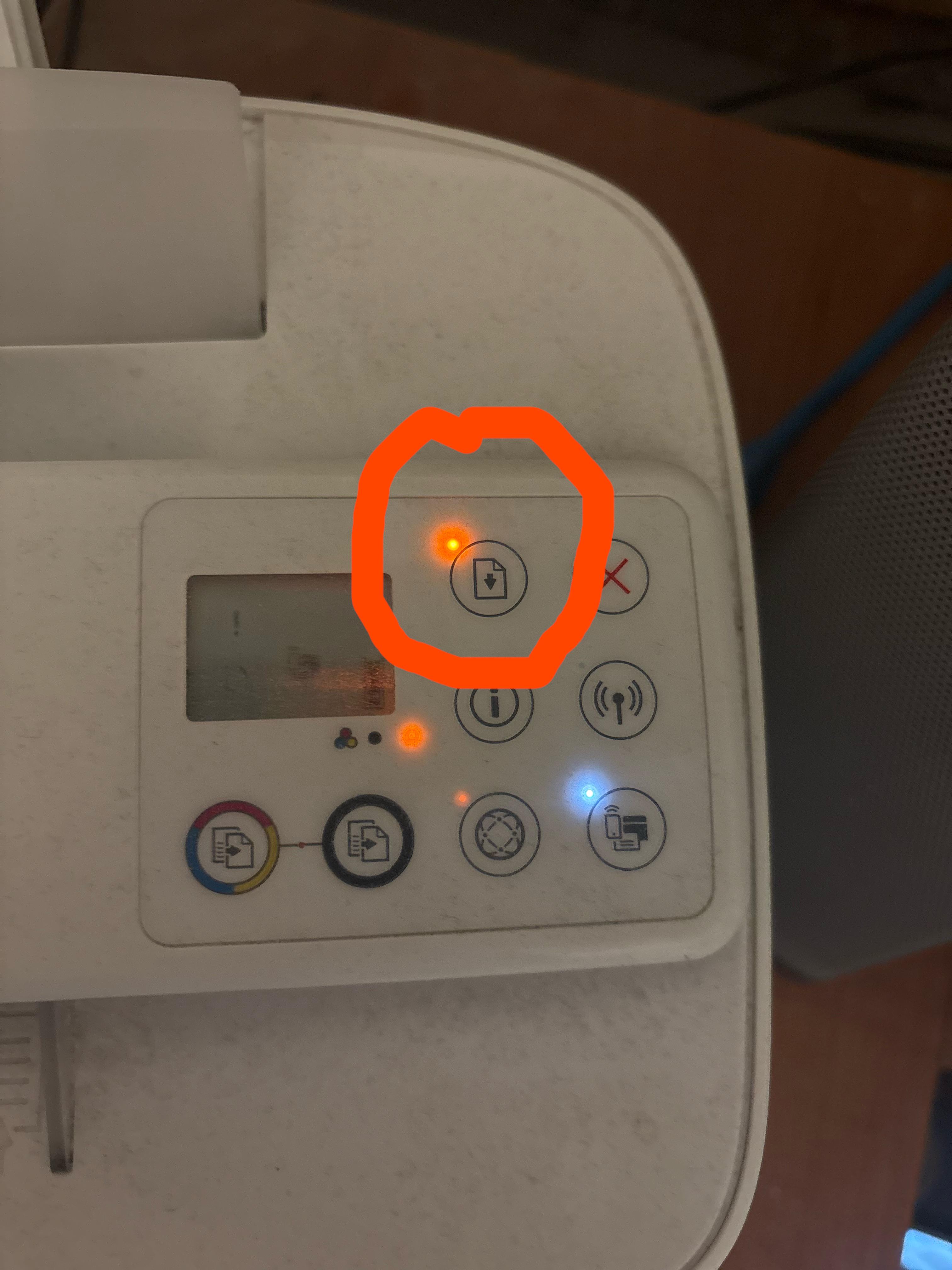
Troubleshooting What does this symbol mean? It keeps flashing, paper isn’t able to go through

Post image
1 Upvotes

r/printers • • 9h ago

Troubleshooting Epsom Ecotank ET-15000 paper jam but can't find paper

1 Upvotes

Hi! Dunno how much information I actually need to put so I'm just gonna add as much detail as possible 😅. I recently bought a used ecotank printer off of eBay knowing that I was gonna have to do a manual cleaning. Did that yesterday (following this tutorial) and in the tutorial it had me stop the printer in the middle of printing and take out the paper manually from the inside before doing the cleaning.

Taking out the paper was a pretty ugly process for me and it lead to some rips so basically, I'm almost 100% sure there IS paper in there, I just cannot find it. I followed the directions the Epsom gave but no luck. Any way I can get that paper to show? How fucked am I?


r/printers • • 9h ago

Discussion Best Printer to scan and print comic covers or inside

Thumbnail reddit.com
1 Upvotes

r/printers • • 1d ago

Rant I have six 3D printers, no issues. But “normal” printers…

Post image
18 Upvotes

This Epson hit my limit. Then hit the floor.

Never buying another Epson or HP printer. HP was even worse.

I went with a Brother laser since that’s what I’ve had in my office for years without any issues. Had it up and running within 5 minutes.

I hate all of the bells and whistles they force onto you. Especially in the software. I don’t want any cloud services, a firmware update every other day, five different applications on my computer.

Just print the damn thing.


r/printers • • 13h ago

Troubleshooting Hp LaserJet error 50

1 Upvotes

I recently bought used Hp m181n printer, prints are perfect, everything worked fine, but I turned it off and next day I saw er50 on the screen and blinking error light. After I turned it off, unplugged from electricity error was gone and everything got back to normal.

Did anyone had similar issue? Im thinking if I should return it or ask for partial refund since printer prints just fine.


r/printers • • 19h ago

Troubleshooting Troubles with my thermal printer

Post image
3 Upvotes

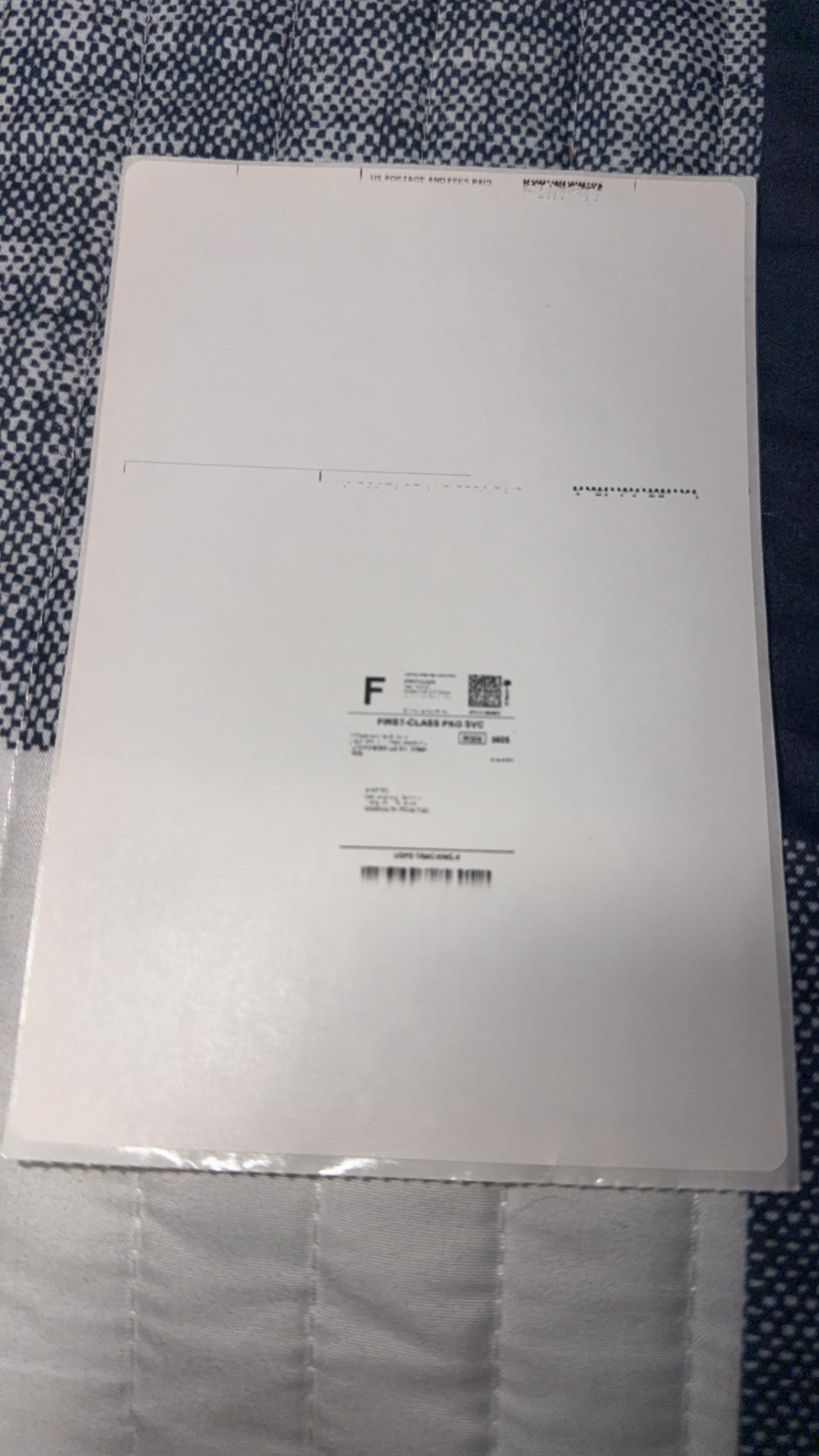
I recently posted about my thermal printer only printing slightly (check previous post for pics) but now after reading people’s suggestions, I have kind have made something work. In the picture down below is what it looks like with a lower print size. I have checked that everything was 4x6 but lowering it down seems to be working better than I would have imagined. The best I could get was the 4x1, anything after that was resulting in the same problem. If you guys think of anything please let me know!


r/printers • • 1d ago

Other Tired of ink-wasting 'power clean' cycles on tank printers, I built Nozzle Guardian: an open-source driverless anti-clog daemon

22 Upvotes

Hey everyone,

I bought a tank printer (EcoTank) specifically to stop being extorted by expensive ink cartridges. But if you own an Epson EcoTank, Canon MegaTank, or HP Smart Tank, you know the unspoken curse: go on vacation for a week, and one of your color nozzles clogs.

When this happened to me, the printer's only built-in solution was a "Power Cleaning" cycle. It ran for 15 minutes, made a racket, drained nearly a third of all my ink tanks straight into the waste maintenance box, and threatened to brick the printer when the waste sponge filled up. All of that just to clear *one single dried nozzle*.

I decided that was absurd, so I built **Nozzle Guardian** — a lightweight, completely autonomous daemon designed to keep printheads permanently fresh with surgical efficiency.

### What makes it different from standard test pages:

  1. **Zero Wasted Paper (The 3mm Micro-Stripe):** Instead of spitting out a full-page color pattern, it prints a tiny 3 mm micro-line at the absolute top margin of the page. You can literally keep the *exact same piece of scrap paper* sitting in the rear feed tray and reuse it 50+ times.
  2. **Channel-Decoupled Purges:** If you print black-and-white documents every day, your Black channel never dries out. Nozzle Guardian tracks dormancy per color channel. If only Cyan/Magenta/Yellow have been idle for 6 days, it purges *only* CMY in pure color pass. It never wastes ink creating composite black, and never flushes channels that are already healthy.
  3. **Driverless & Zero-Bloat (Pure IPP):** It speaks raw Internet Printing Protocol (RFC 8011) and PWG-Raster directly over your Wi-Fi/LAN. You don't need CUPS, proprietary vendor drivers, or bloated desktop print suites running.
  4. **Home Assistant Native:** Comes with ready-to-use MQTT/REST sensors and 1-tap actionable mobile notifications ("Color nozzles dormant for 7 days. Tap to run 3mm purge").

The project is 100% open-source under the MIT license:

👉 **GitHub:** https://github.com/umbette/nozzle-guardian

We also set up an automated community compatibility tracker in the repo — if you have a tank printer (Epson, Canon, HP, Brother) and try it out, please let us know how your model behaves!


r/printers • • 15h ago

Troubleshooting Brother inkjet error message “the printer couldn’t print the _PrepartoryJob____”.

1 Upvotes

I have had a Brother MFC-J995DW INKvestment Tank Color Inkjet for about 8 years now and have LOVED it. I used to do a lot of graphic printing and the colors have always been so vibrant - not so much in the last year. Recently, I’ve been getting an error message saying “the printer couldn’t print the _PrepartoryJob____”. However, after a short delay, it will print, but output quality is lessened, even though I have all the settings set for best quality. I’m not sure of exactly when this started to happen, but I have had both a brother firmware update and a windows (11) update during this time. Could either of those updates caused this problem? I would also like to note that the ink I’m using is more than a year old. I will happily purchase more ink if I was sure that the old ink is the problem, but I am reluctant to spend that money if its not the real issue. Has anyone else had this message and solved the problem? Thanks.


r/printers • • 15h ago

Troubleshooting Horizontal double lines on my Pixma Pro 200S

Post image
1 Upvotes

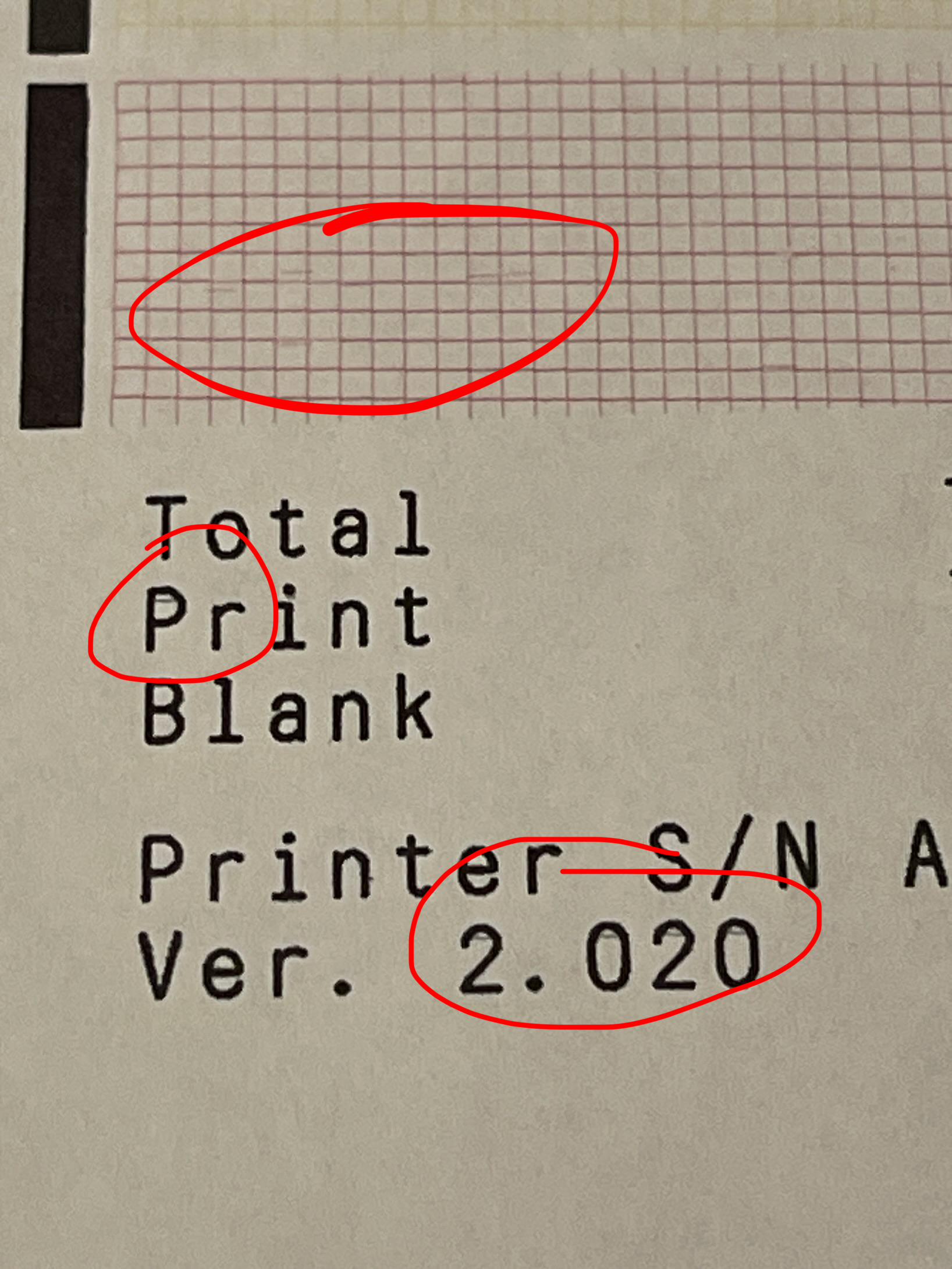
I’m getting very faint horizontal double lines on the black ink and photo magenta, always in the same spots across nozzle checks.

I’ve tried aligning the print head both auto and manually, running a deep clean, running a regular clean and the ink is genuine

Is this a print head problem? Is this something that can be fixed?


r/printers • • 15h ago

Discussion Small Business Budget Friendly Laser Printers Black Friday Shopping

1 Upvotes

What would you like to accomplish?

I'm looking for a laser color printer without carriages. I also have had TERRIBLE luck with canon printers locking me out of them using 3rd party ink. I have bought 2 canon printers in 5 years and do not intend to buy another. I have not heard good things about HP and online reviews are poor.

I am needing a printer for business cards, photo printing, and stickers.

I want to find a printer where the refillable ink or its alternatives are also affordable and not subscription-based.

Are there any models you are currently looking at?

Epson & Brother

More Details:

QuestionsAnswers
Budget:Max $200
Country:U.S.
Color or black and white:Color
Laser or ink printer:Laser
New or used:New
Multi-function:not necessary
Home or business:Small business at home office
Printing content:Documents, cardstock, photos, stickers
Printing frequency:50 pages/mo
Pages per minute :don't care
Page size:Letter
Device printing from:PC
Connection type:wifi

r/printers • • 16h ago

Troubleshooting Help with 150 Laser and Wifi

1 Upvotes

Hello,

I was wondering if anyone can help me with a printer I am ready to throw against a wall.

I have a 150nw laser, it’s actually quite good, except for one problem. Whenever something is unplugged or if there is a power cut, it loses any sort of connection and reconnecting is a pain in the ass.

There was a power cut a few weeks ago, it only lasted for a few minutes and I can’t get the printer back online.

The printer itself works, I can print a test page. When I try to connect to a Windows laptop via USB, windows recognises the printer but says there is an error… unfortunately it doesn’t say what the error is. I haven’t tried on a mac yet.
Whenever I try connecting via my routers WPS button, nothing happens.
The next thing I am trying is to connect to the printers own wifi network ‘DIRECT-E2-HP Laser 150nw’. I can connect, but it asks for a password I don’t have. Apparently it is supposed to be on the test page but I can’t find it (I can see wps pin and network key, but both passwords are invalid).


r/printers • • 20h ago

Discussion Canon Poxma: Holes in photo paper - fixable with better paper?

Post image
1 Upvotes

Hello, I have a canon Pixma G7050. I'm printing photos for the first time, on a cheaper photo paper. The printer makes these holes for transporting the paper through the printer.

When I buy the good, canon photo paper, will they be there, too, or is this a paper issue?

Thanks a lot in advance!


r/printers • • 20h ago

Troubleshooting Printing artifacts and missing elements when using PDF-XChange with a Ricoh IM CW2200 – compatibility issue?

1 Upvotes

Hi everyone,

I’m experiencing a serious and rather strange printing issue with a Ricoh IM CW2200 plotter when printing architectural drawings from PDF-XChange.

With certain architectural PDF plans, the printed output contains additional hatching, shading, or other graphic artifacts that are not present in the original PDF. These artifacts appear only in the printed output and can make parts of the drawing look completely different from the original.

Even more concerning, on some printing attempts, certain text elements and dimension lines (cotes) have completely disappeared from the printed output, although they are clearly present in the original PDF.

I have already tested both an older and a newer version of PDF-XChange, but the issue still occurs.

As a temporary workaround, I tried printing the exact same PDF files using Adobe Acrobat, and in that case the artifacts and missing elements do not appear. The drawings are printed correctly.

This makes me wonder whether the problem could be related to:

- PDF-XChange's PDF rendering/printing engine;

- the Ricoh printer/plotter driver;

- the plotter's PDF processing/RIP software;

- compatibility between PDF-XChange and the Ricoh's printing workflow;

- certain PDF elements such as transparency, clipping paths, vector objects, layers, hatches, fonts, or complex architectural linework.

Has anyone experienced a similar issue with a Ricoh IM CW2200, especially when printing architectural/technical PDFs?

I would really like to find the underlying cause and a stable, long-term solution. I need to be able to rely on the plotter to reproduce all the information contained in a PDF accurately, including text, dimensions, hatches, vectors, layers, etc.

I am not looking for a workaround that simply flattens or rasterizes the PDF/image, as this can reduce the quality of architectural drawings and is not an ideal solution for technical documentation. I would prefer a solution that preserves the original vector information and print quality.

At this point, I would also appreciate recommendations for a reliable PDF viewer/printing application for architectural and technical drawings, if PDF-XChange is known to have compatibility issues with this type of plotter.

Does anyone know if there is a specific PDF-XChange setting, Ricoh driver setting, RIP/plotter configuration, or PDF processing option that could solve this permanently?

Adobe Acrobat currently works correctly with the same files, so I suspect there may be a difference in how the two applications process/render the PDFs before sending them to the plotter.

Any suggestions, technical explanations, or similar experiences would be greatly appreciated.

Thank you!


r/printers • • 21h ago

Discussion Fucked up a printer, don't want to do it again with the next one

1 Upvotes

Hello I had been a user of a Brother DCP T720dw for at least 2 years, using it as a small business, it worked like a charm, no problems aside from few paper jams until i broke it, I was making 1000 presentation cards( I know don't tell at me) and after finishing the job my printer never worked the same again, the alignment was off and then I didn't print anymore; I didn't took proper care of it by not letting it cold down and the thermostat broke(at least that's what my technician told me I don't know if it had something else but I believe it) it was a hefty chunk to get it repaired so I just had to wait to get the moment to buy another one and I will be getting the Brother DCP T730dw and I really don't want this to happen again to my new printer, so I ask, what's you guys advice to keep a healthy printer if you are using it for a stationary business or something alike? I see many people using similar printers for the same thing but they dont seem to have issues even after printing lots of stuff, what's the limit of pages per day you print (full color) and what the cooling period ? This might seem very stupid to ask but I don't want to waste my money again with such expensive equipment:(


r/printers • • 1d ago

Troubleshooting Hp officejet pro 6968

Thumbnail gallery
1 Upvotes

r/printers • • 1d ago

Review My experience with HP printers has been a nightmare, and I urge you to steer clear too

4 Upvotes

If you found your way here, you likely know about the frustrating practices HP engages in, but maybe you’re also searching for the right printer for your needs. My advice? Trust your instincts and avoid HP.

As someone who creates art and wanted to make high-quality, large prints at home, I decided to splurge on one of their pricey wide format printers. The print quality wasn't even close to what I expected, but honestly, that's just the tip of the iceberg.

Once you fall into their trap by updating the printer's firmware or downloading their suggested software, congratulations! You've now activated HP’s cartridge protection feature, meaning you can kiss any chance of using third-party cartridges goodbye, despite having paid for the printer.

On top of that, their software keeps track of your print volume, and even if there's ink left in your cartridges, you'll hit a limit on how many sheets you can print. You’ll find yourself tossing out perfectly functional cartridges just to hand over more cash to HP.

And it gets even worse: if you run out of one color but still have black ink available, guess what? You can’t print in black and white! These printers are designed to require full color cartridges for minor upkeep tasks that are completely unnecessary for what you want to do.

HP's business model seems to revolve around trapping customers with their overpriced cartridges and forcing them to spend more on things they don’t need in order to use the gear they already own.

So, think twice before buying from them and consider this a cautionary tale.