r/ProCreate • u/keiiicchi • 1d ago
I need Procreate technical help Why are my default brushes different?
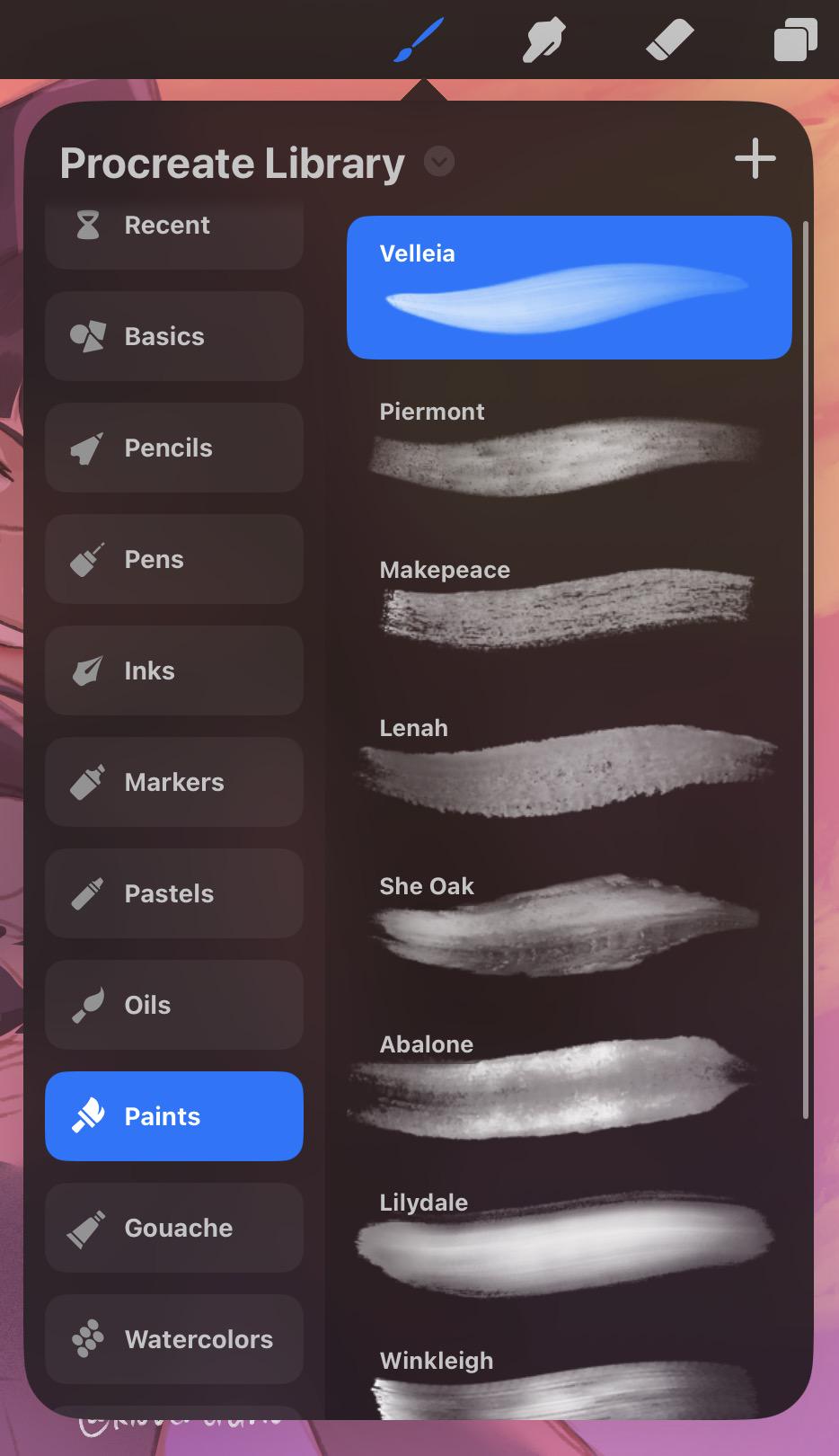
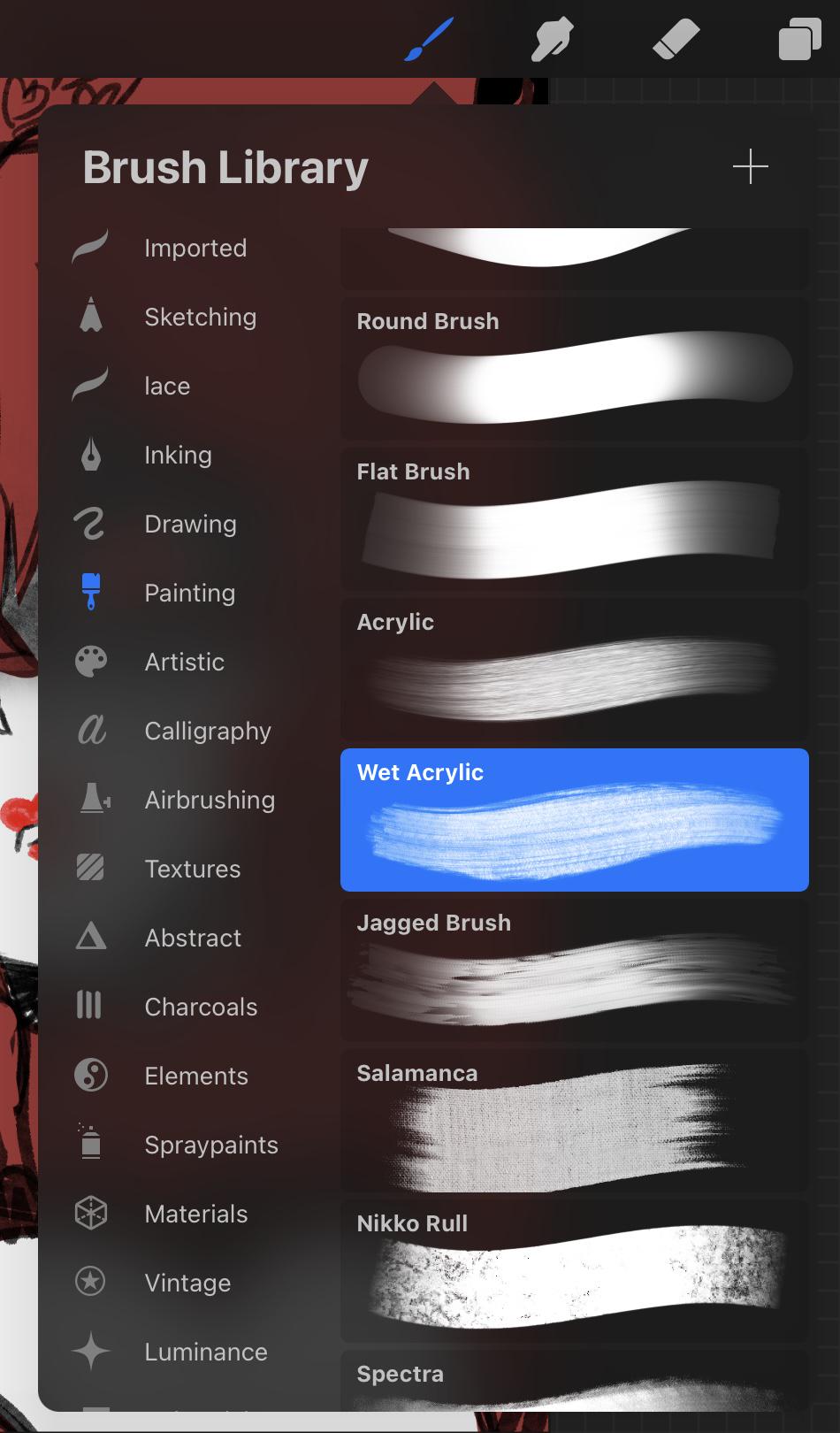
I bought a new iPad to replace my old one. A slightly different UI is one thing, but i was so confused to see completely different brushes. Is there a way to get the old brushes back? I don’t wanna have to experiment all over again since I’ve already gotten comfortable with the old ones
1st pic is from my new ipad and 2nd pic is from my old ipad. Everything in the screenshots were brushes that were there when I first installed the app (just moved around slightly)
10
Upvotes
•
u/AutoModerator 1d ago
With Procreate Dreams just releasing you might have some questions surrounding that, feel free to ask them over on r/procreate too!
In addition to asking questions, there is a Procreate Handbook, along with additional questions on Procreate FAQ, and r/Procreate's FAQ also check in the search bar in case your question has been asked already. In addition, please provide an image and/or video of what your issue is for better communication.
The official Procreate Youtube channel is loaded with tutorials to complement the Handbook and FAQ.
Procreate does not actively look at this subreddit. To report bugs directly to the procreate team, use this
I am a bot, and this action was performed automatically. Please contact the moderators of this subreddit if you have any questions or concerns.
18
u/DumbassJalapeno 1d ago
Press the little drop down arrow beside ‘Procreate Library’ and a little menu will show up and you can press ‘Back to libraries’ to access the classic brush library
1
u/happycard1097 7h ago
when the brush library is displayed you can also pinch with two fingers to switch between the two libraries. Also there is a setting in Procreate preferences to store your brushes in iCloud. These changes were added in late 2025. The new Procreate library has brushes developed by Kyle Webster and take advantage of the updated brush engine.