r/ProtonDrive • u/Intrepid-Machine8031 • 6d ago
ProtonDrive on Mac. How do I sync a folder between ProtonDrive and the Mac and the app?
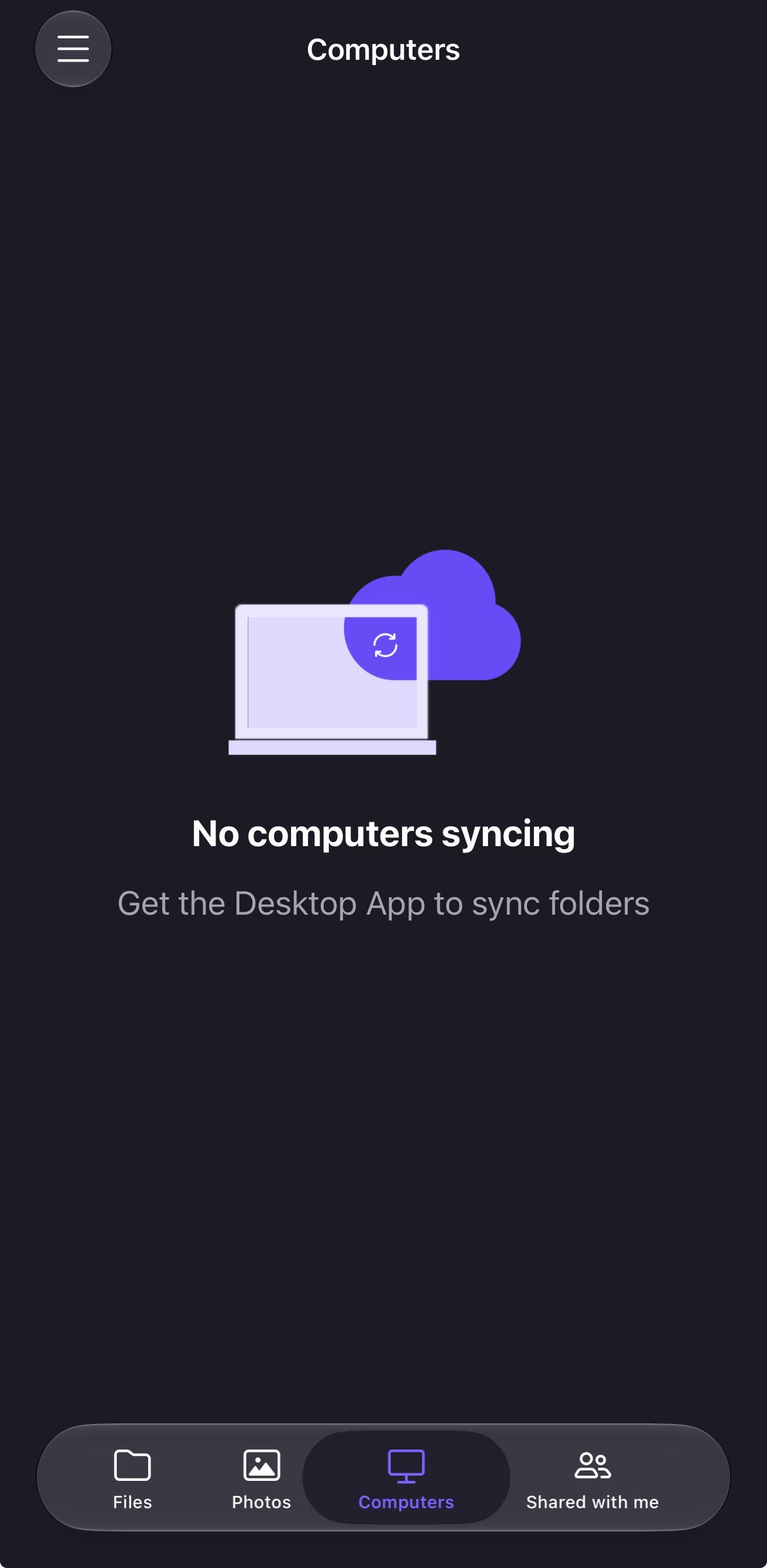
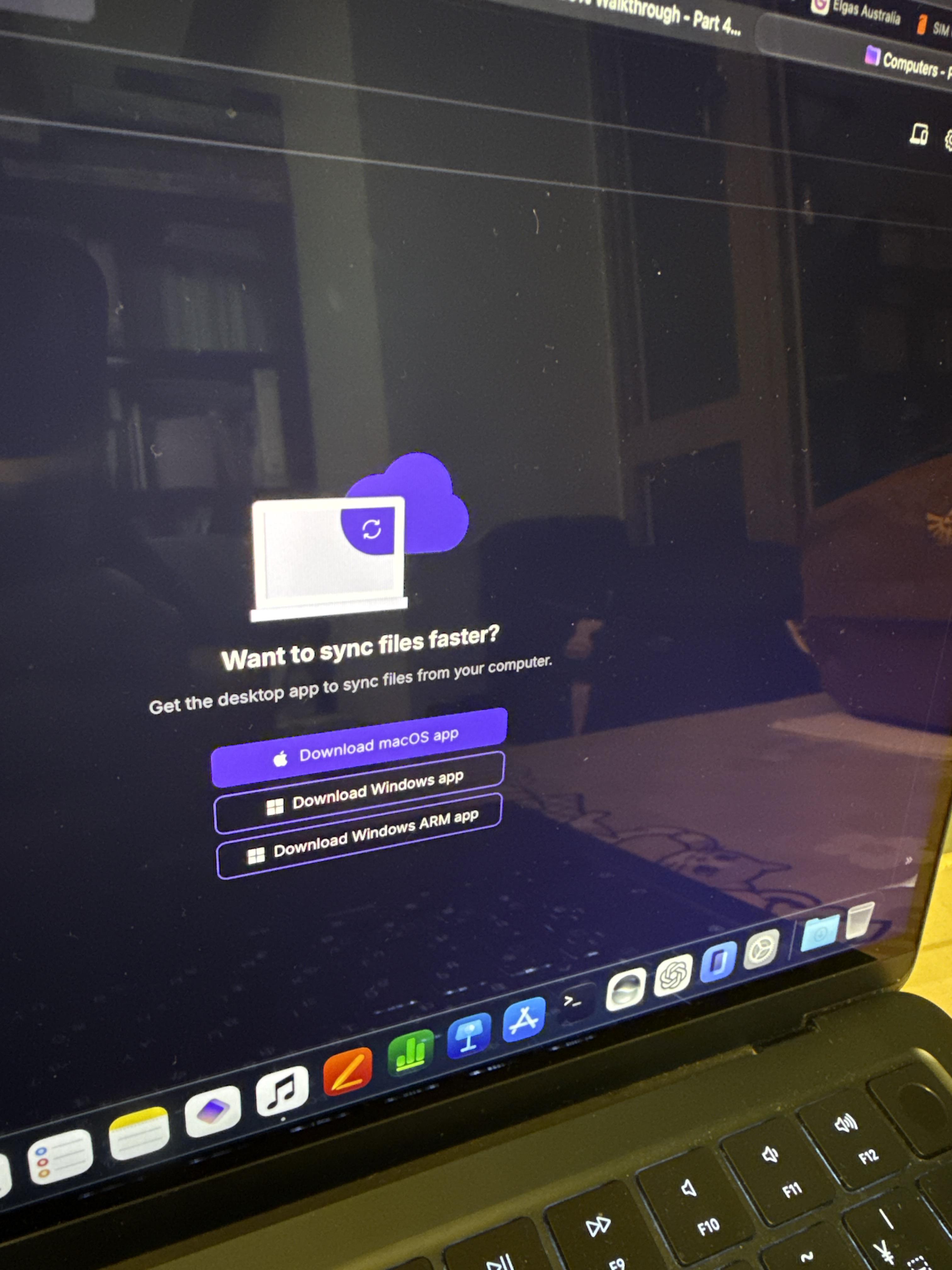
Within Proton Drive, there is a “computer” tab where you can sync your relevant computer files directly within the Proton Drive app.. Be it online web version or in the iOS app and or on the Mac computer itself. I’ve followed the instructions under the computer tab that simply prompts you to download the Mac app of Proton Drive. I have the app running on the Mac, but fail to see it listed under the computer tab of the drive app?? What am I doing wrong? Am I wrong or what am I missing?!
3
Upvotes
11
u/DecentraSphere 6d ago
Only works on Windows. I‘m waiting for the release for macOS, too.
1
u/Louisthemagic 5d ago
They said that this would be coming in one of the next updates.
1
u/astradevman 2d ago
Do they actually have a real desktop app or what they call desktop app is the menu bar popup? I’ve had proton drive in my Mac for a long time, but it ain’t a real desktop native app (it’s a popup on my top menu bar, which ain’t great at all).
1
u/Silent-Patient1076 1d ago
The Mac app is really only good for cold storage. If you have files spread all over your hard drive (as most do), you're pretty much out of luck.
If you're looking for a Tresorit-style sync, where you get to chose the exact file path, that has been a roadmap feature for a while now.