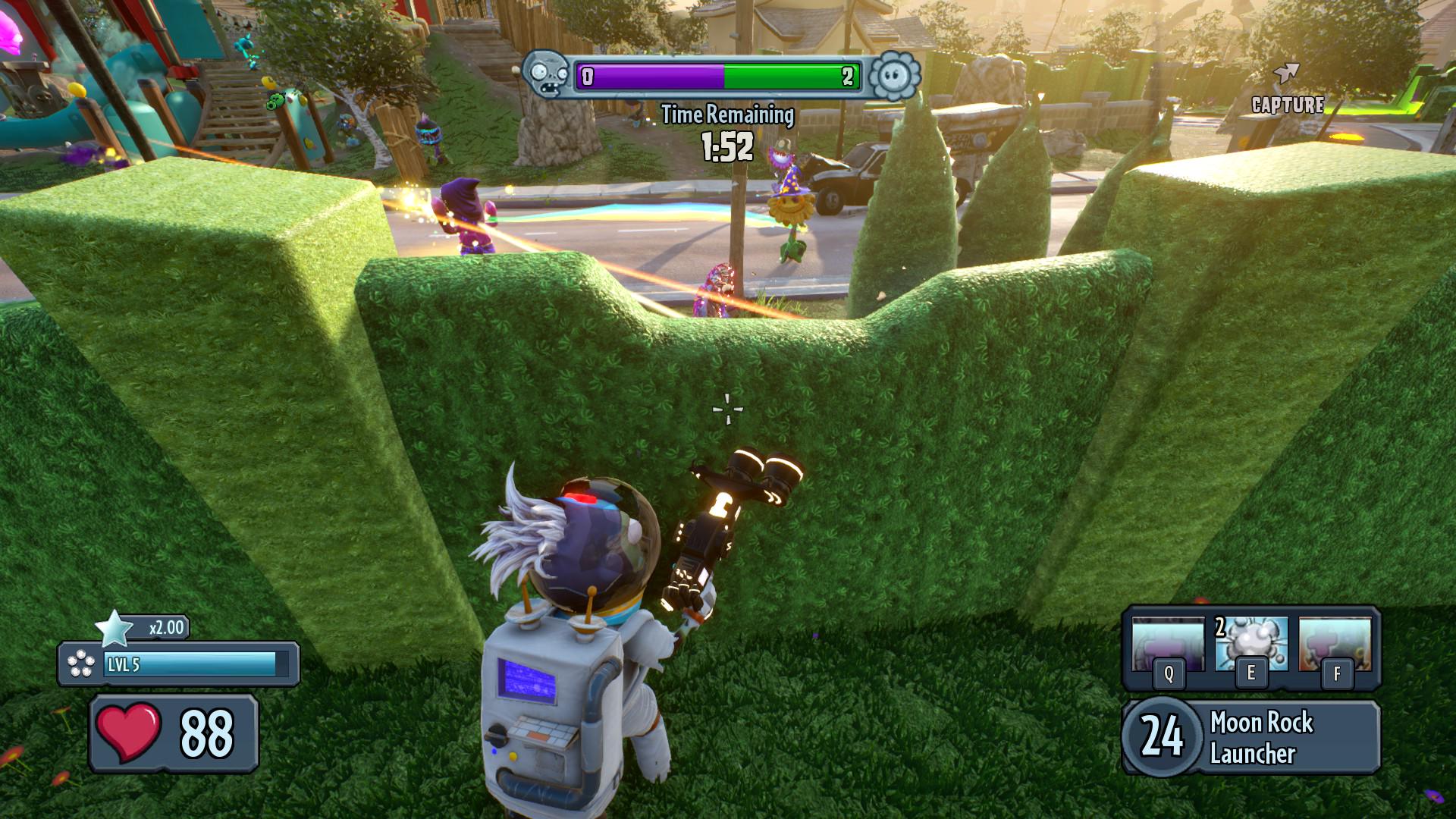
I've been a fan of the PvZ franchise for as long as I can remember. As a kid, I always wanted to play Garden Warfare 1, but my Xbox 360 never worked properly. It wasn't until 2024 that I finally got the game and spent countless hours playing it.
However, I also wanted to play it anywhere, so I installed GW1 on my phone through Winlator using a YouTube tutorial featuring OptiJuegos. At the time, there were no character variants, and Garden Ops was the only playable mode.
Then I discovered a video by Konxeyn Val showcasing character variants and functional bots on mobile — something I thought was impossible because of Frosty Mod Manager. I tried reaching out to him, but he didn't seem interested in sharing how he did it.
That was disappointing, especially because I believe the PvZ franchise is still alive thanks to its community. Sharing discoveries and helping each other is what keeps these games alive.
So I took matters into my own hands. Using Codex (ChatGPT), I managed to get character variants working in Garden Ops and all game modes running with functional bots. I'm currently working on getting the mini-plant cases working as well.
I'm sharing this because I believe discoveries like these should be accessible to everyone, especially the small but dedicated Winlator community.
I have a complete tutorial explaining how I did it, along with a download link for the fully configured game.
Let's keep Garden Warfare alive together!
Tutorial:
Here's a clearer guide to publish. This list of files corresponds to the game version and PrivatePlayGW1.fbmod 1.1 that we tested on your installation. The files may differ in other versions.
GW1 offline: bots and variants without opening Frosty
1\. Back up `Juego\gamedata\Update\Patch\Data`.
2\. On a Windows PC, open Frosty Mod Manager and select: `Juego\gamedata\PVZ.Main_Win64_Retail.exe`
3\. In Frosty, add `OfflineMod\ModsOffline\PrivatePlayGW1.fbmod`, apply the mod, and launch the game once. Once it opens, close it. Frosty generates the modified files here: `Juego\gamedata\ModData\Default\Update\Patch\Data`
4\. Copy those files to the corresponding original folder: `Juego\gamedata\Update\Patch\Data`
Keep the same subfolder structure and replace files with matching names. Do not copy `mods.json`, as it contains Frosty metadata. Do not copy symbolic links either: in your installation, `ModData\Default\Data` points to the original `gamedata\Data` folder. Default is inside ModData; they are not two separate destinations.
5\. Transfer the modified installation to your phone and launch it using GameHub or Winlator. Press F1 to open the Map Loader. First, load a Garden Ops lobby; then try Team Vanquish, Suburbination, or Gardens & Graveyards to play with bots. Private Play instructions.
Modified files among the generated files
After comparing Frosty's output with the original files, we found 35 modified files and 2 new ones. Frosty also generated `mods.json`, which we did not copy, and `initfs_win32`, which was identical to the original.
* In the root directory: `layout.toc`.
* In `win32`: the `.sb` and `.toc` pairs for `cooponly_characters`, `cooponly_weaponsandattachments`, `globals`, `installed_characters`, `installed_weaponsandattachments`, `installedchunks`, `ui`, and `weaponsandattachments`.
* In `win32_pvz\levels`: the `.sb` and `.toc` pairs for `coastal\level_coop_coastal\level_coop_coastal`, `coastal\rush_coastal_001\rush_coastal_001`, `coop_suburbia\level_coop_suburbia\level_coop_suburbia`, `desert\level_coop_desert\level_coop_desert`, `desert\rush_desert_001\rush_desert_001`, `level_frontend_gen3\level_frontend_gen3`, `mainstreet\level_coop_mainstreet\level_coop_mainstreet`, `sandbox\level_suburbia2\level_suburbia2`, and `sandbox\level_suburbiac\level_suburbiac`.
* The two new files are `desert\level_coop_palms\level_coop_palms.sb` and its corresponding `.toc` file, inside `win32_pvz\levels`.
The `.sb` and `.toc` files contain game data and its indexes. Frosty merges the mod's changes into these files, so we cannot identify a specific file as being solely responsible for bots or variants. Make a backup before repeating the process on another installation, as the list depends on the game and mod versions.