Update
Thanks for the pin and all the feedback! Both map views now have game textures, you can import your save on the website, and the lore compendium has more screenshots and a searchable game text archive. The Windows app is now on 3.0.7.4, with the textured maps bundled for offline use.
I made Queen’s Domain Atlas to help players explore the game, find things they missed, and dig into its story.
What’s on the website
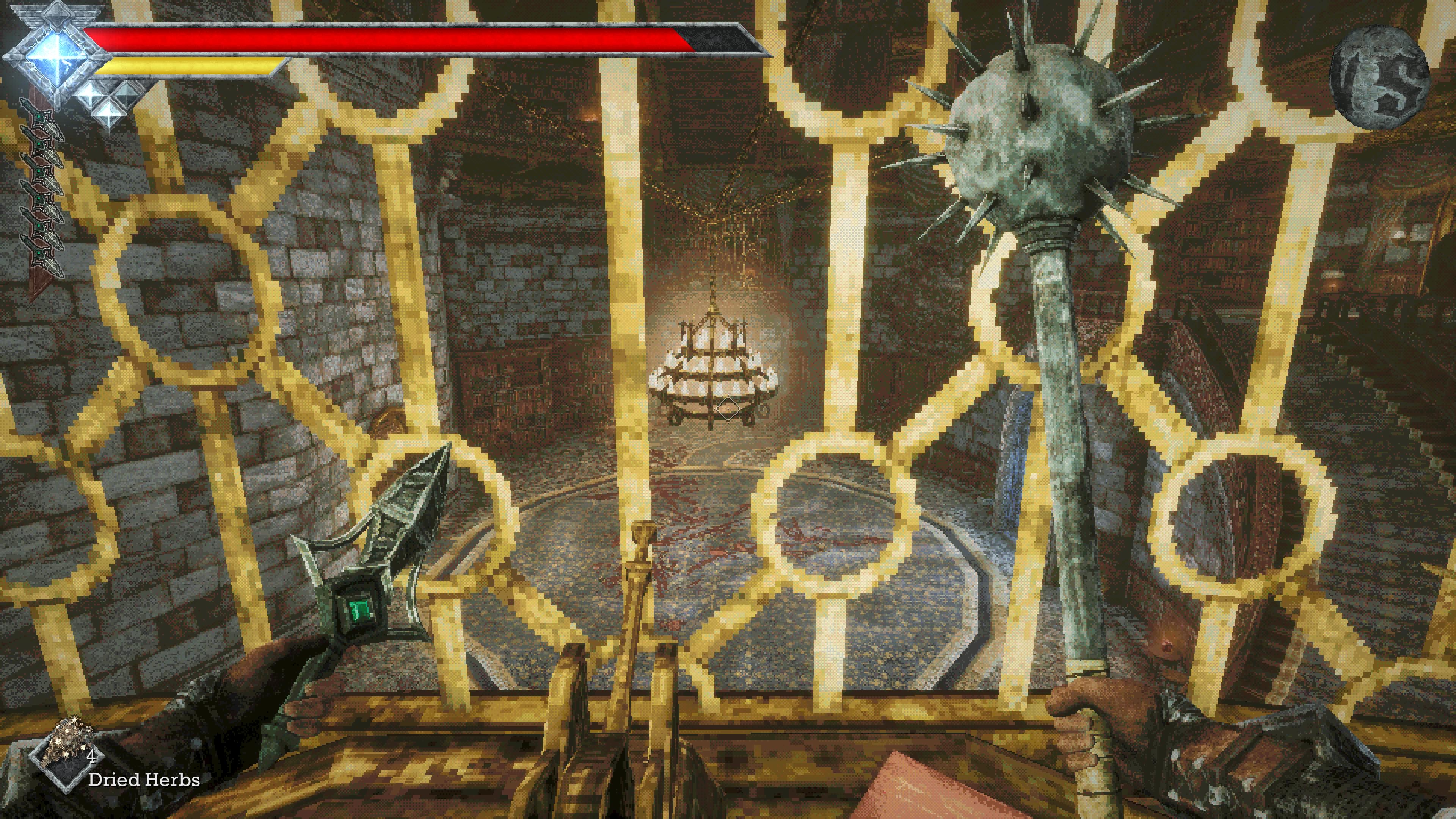
- Interactive 2D and 3D maps. Filter by area, elevation, or marker type to find weapons, enemies, bosses, secrets, and collectibles. The 3D map opens with game textures and includes scenery and character models. Use Color mode to switch to zone colors, or turn on Textures in 2D to see the game’s floor materials. The 3D view also has cutaways and separate layers for stacked areas.
- Collection tracking and save import. Check off finds by hand or click the floppy disk at the bottom right of either map and choose your
World*.sav file. Review the checkmarks and add them to your existing progress. The dialog tells you where to find the save, and the file stays in your browser. - Item wiki. Item images, descriptions, locations, hidden weapon stats, food and accessory effects, and ways to obtain items, including weapon evolution.
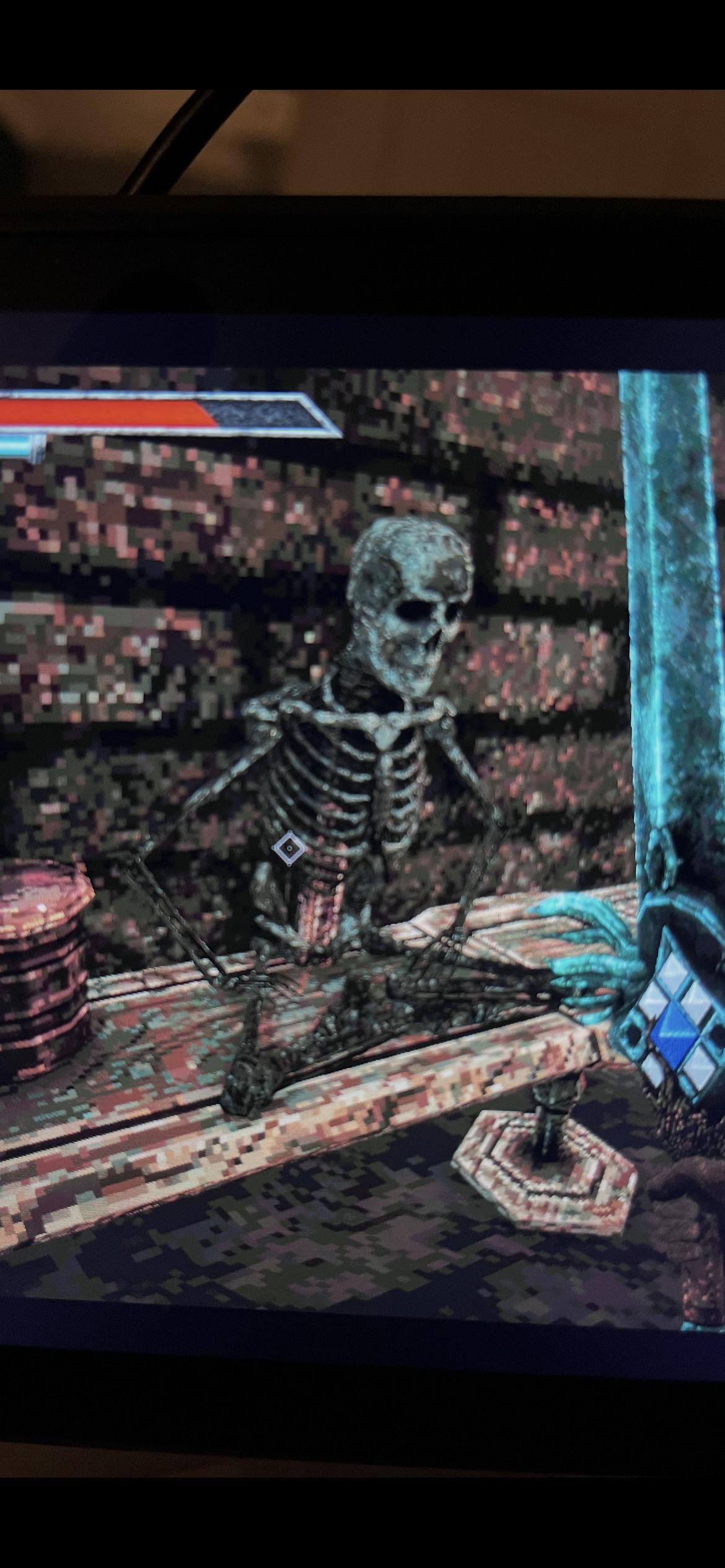
- Full bestiary. All 188 in-game entries with model images, descriptions, weaknesses, resistances, and links to their map locations.
- Grimoire codes. Codes with pictures of their rewards so you can see what each one gives you.
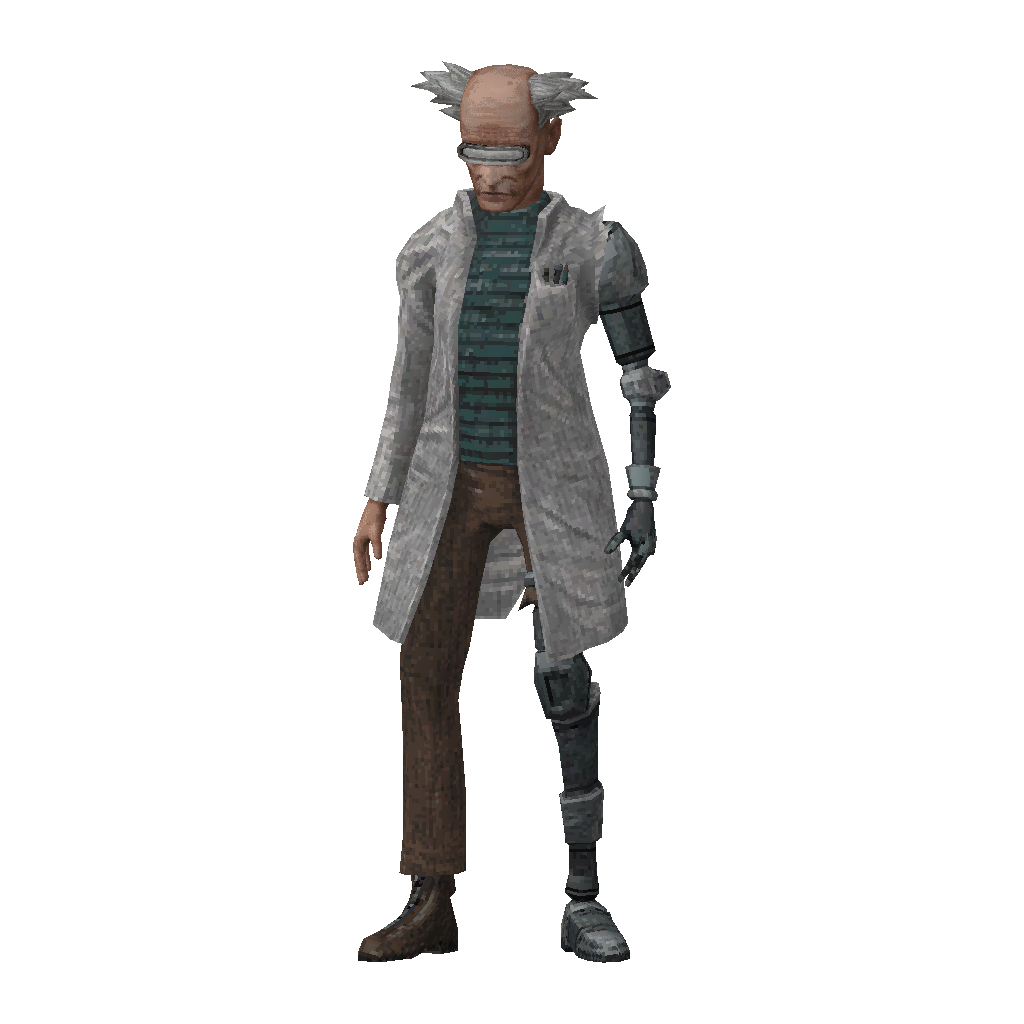
- Story and lore compendium. The complete story and all four endings, a character directory, environmental lore, and a searchable archive of books, NPC dialogue, and cutscene text.
Windows companion app
- Automatic save tracking. Pick your world save with the floppy disk button and the app remembers it across restarts. Once you save in-game, the map updates within a few seconds. Missing only shows locations confirmed missing from that save.
- Personal pins. Name and save spots you want to revisit or teleport to. Open Pins in the toolbar and click Delete pin to remove one right in the app. Your pins carry over when you update.
- 3D camera controls. In Fly mode, select a location or pin and right-drag to orbit around it. Left-drag lets you look around.
- Live player location and travel. Use Locate player or Follow player, browse save points, and teleport to markers, pins, or points you select on the map. The app creates a save backup before travel.
- Optional movement tools. Configure game-speed hotkeys, unlimited mushroom levitation, or no-clip and free flight. These tools start switched off.
- Puzzle helpers. Track which Lost Books you’re carrying and where they go, or use the Record of Sin maze guide to see room connections and secret doors.
- Update notices. The app lets you know when a newer version is available.
Teleporting requires the game to be running and unpaused. Setup instructions are on the download page. Download Windows Atlas 3.0.7.4
The 3.0.7.4 executable is digitally signed, and Windows Defender found no threats in that ZIP. Nexus still has the older 3.0.6 upload quarantined. Nexus Mods listing
Spoilers
I’d recommend playing through naturally first, then reaching for the Atlas when you’re stuck or looking for something you missed. There are spoilers throughout, especially in the maps, bestiary, and lore.
If you spot a misplaced marker, missing information, or something that could be easier to use, let me know.