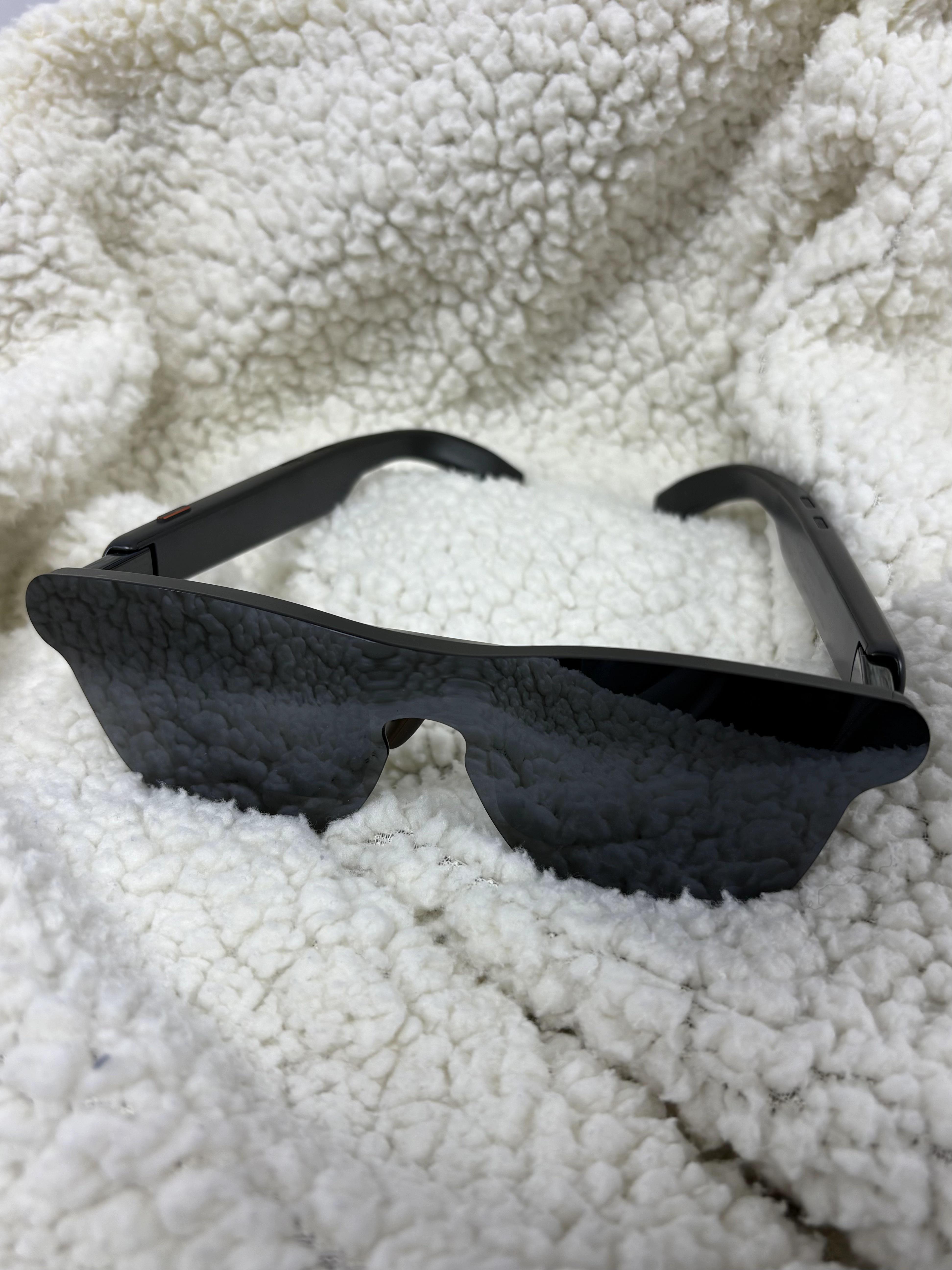
Apologies for yet another newbie question, but like many others I'm trying to figure out my new GT Max from the Black Friday deal.
For what it's worth, I am trying these on the 18 Pro Max and Duo, and I have not yet connected it to my macbook or mac mini.
Now I like to think I'm pretty techie, but I'm at a loss here.
I scanned the barcode in the included User Guide, because it told me I needed to download the RayNeo app. I downloaded the app it led me to, RayNeo AR. (A quick search of the App Store and I see there is also a RayNeo XR and RayNeo AI, which I have NOT downloaded yet.)
In the RayNeo AR app, I'm presented with a Pair Glasses screen, and the only two options I see there are RayNeo X3 Pro and RayNeo X2. I try the pair manually option, and it tells me to go to Settings to pair directly via Bluetooth. Lots of clicking different buttons on the glasses gets me nowhere and the glasses are not showing up as an available Bluetooth device. I google how to put the GT Max into pairing mode, and Google tells me that the GT Max don't even have Bluetooth.
So there is big question number one.
I skip the app, and connect the cable to my iphone, and my screen is mirrored. I open Infuse, which is the entire reason I bought these, and open a SBS 3D movie. All I see are the two separate squares. I fiddle with settings, turn on 3D mode, and it refreshes and...I still see two squares.
I tried a non 3D movie file which it did convert to 3D. But the actual 3D files do not switch to 3D, just the separate side by side squares.
So that is big question number two.
Finally, I noticed there was no audio playing at all. I fiddled with settings, have the volume cranked all the way up, and nothing. So I throw in my airpods, pair them to my phone, audio comes through just fine. But nothing at all comes through the speakers on the glasses.
And that is big question number three.
So, I'm sure there is something comically simple that I am missing with all of this, but can anyone please assist with any of these questions?
Thank you in advance!