r/Samsung_GoodLock • • 15h ago

Question Good Lock's multi-finger gesture: bug or intentional?

4 Upvotes

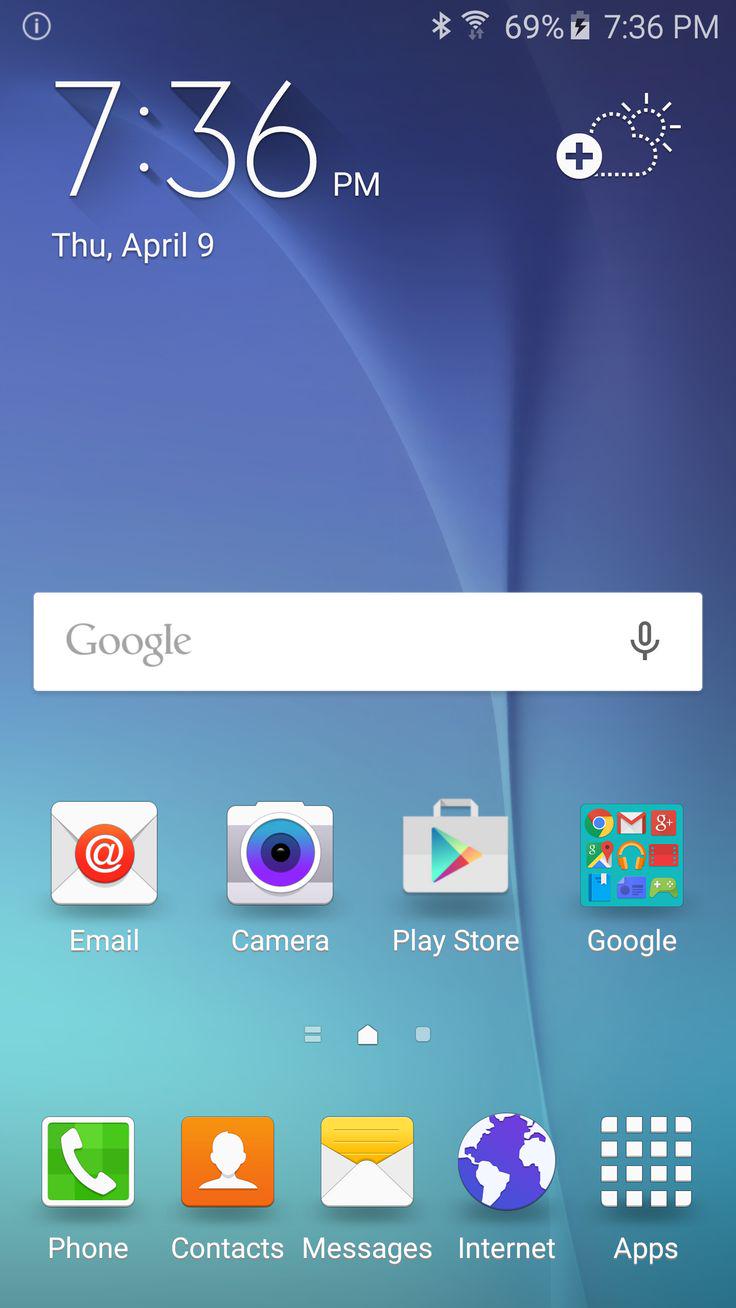
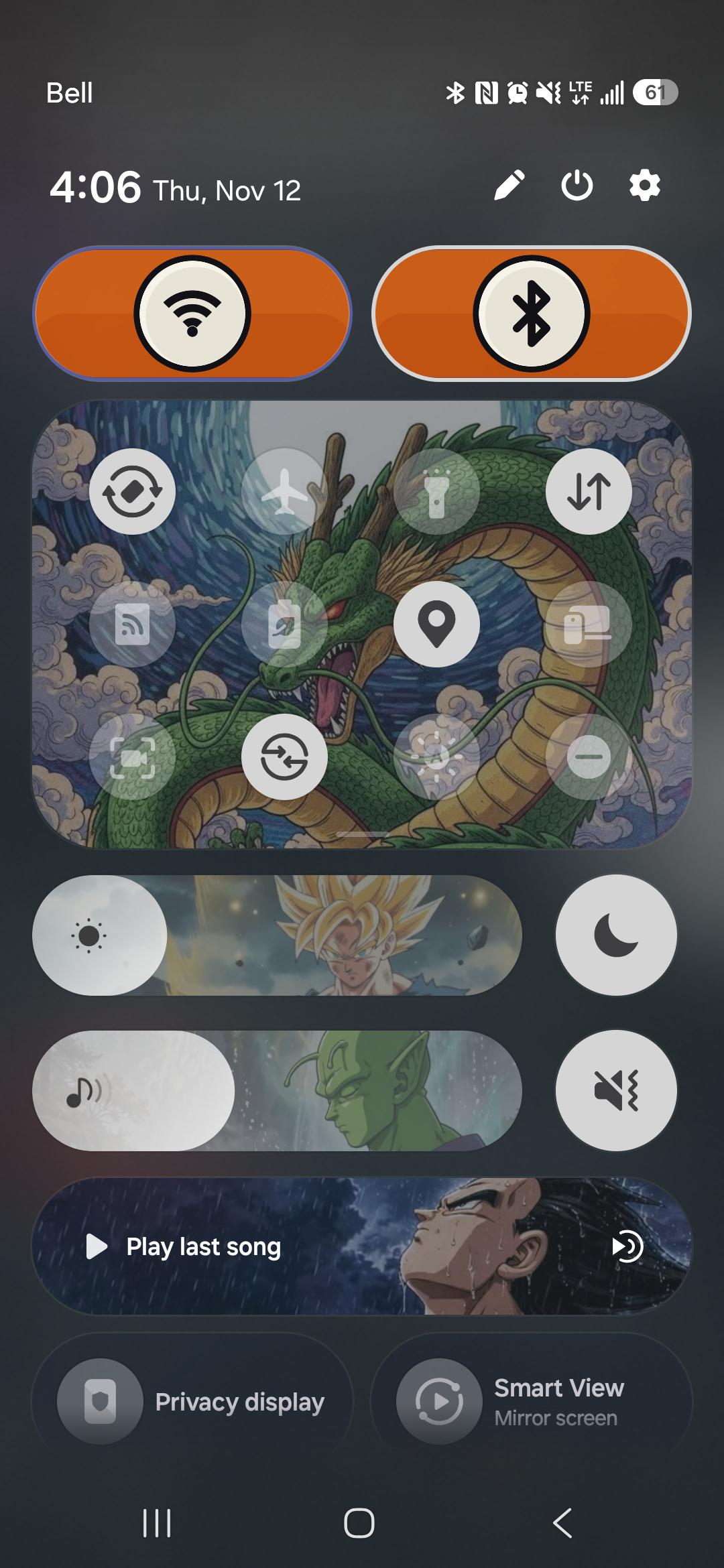
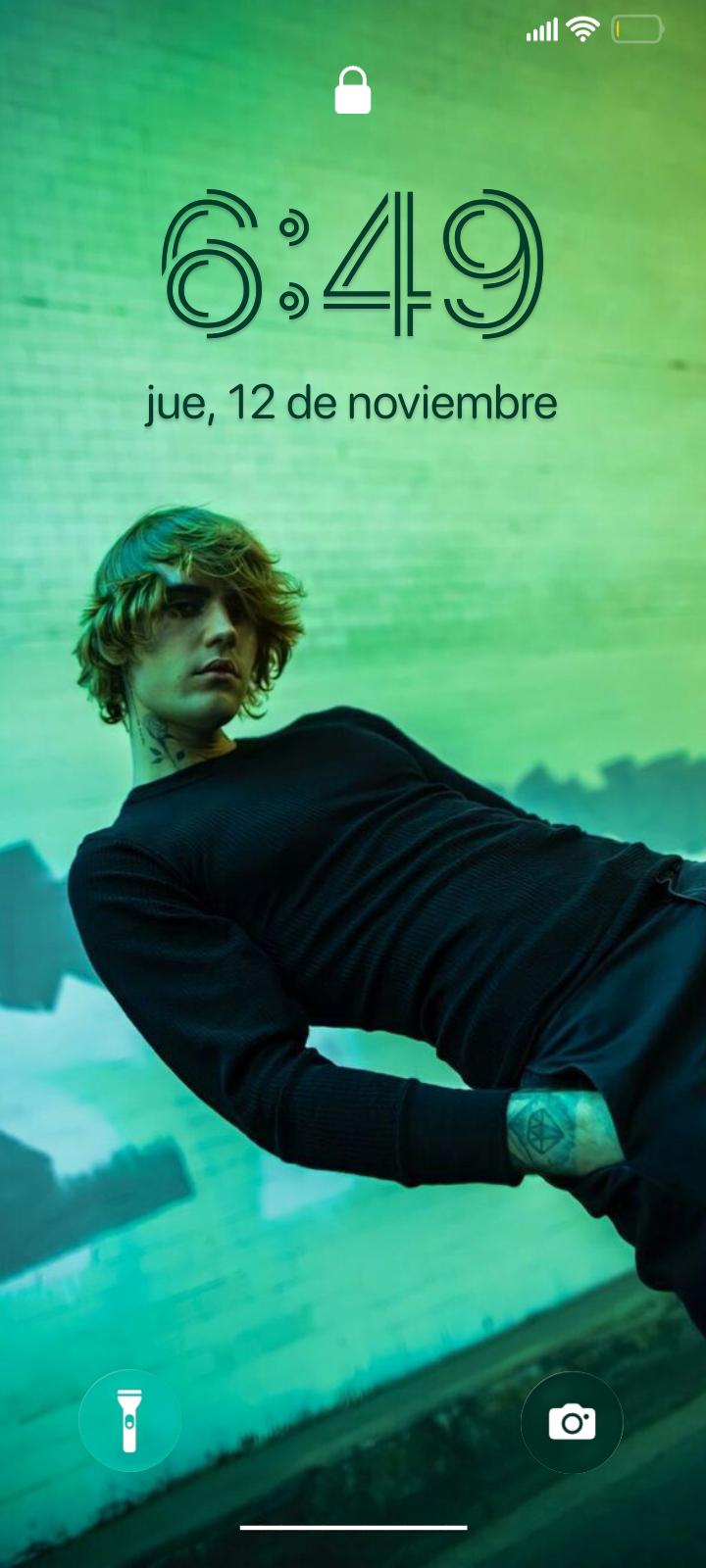
The gesture does not require all fingers to move for the actions to trigger; as you can see, this causes a lot of unintentional triggers. I just want to know if this is by design, or is there a setting somewhere that I missed?

• Device model: S24 Ultra
• One UI version: Oneui 9
• Good Lock module name: Home Up
• Module version: 18.0.00.38

EDIT: Here's a simple way to reproduce the issue: Set up a two-finger swipe-up/down gesture, then open any photo in your Gallery and use pinch-to-zoom. You'll often find that the two-finger swipe gesture gets triggered unintentionally while zooming in or out.

r/Samsung_GoodLock • • 1d ago

Help Good Lock apps not working after updating to One UI 9

Thumbnail
gallery
39 Upvotes

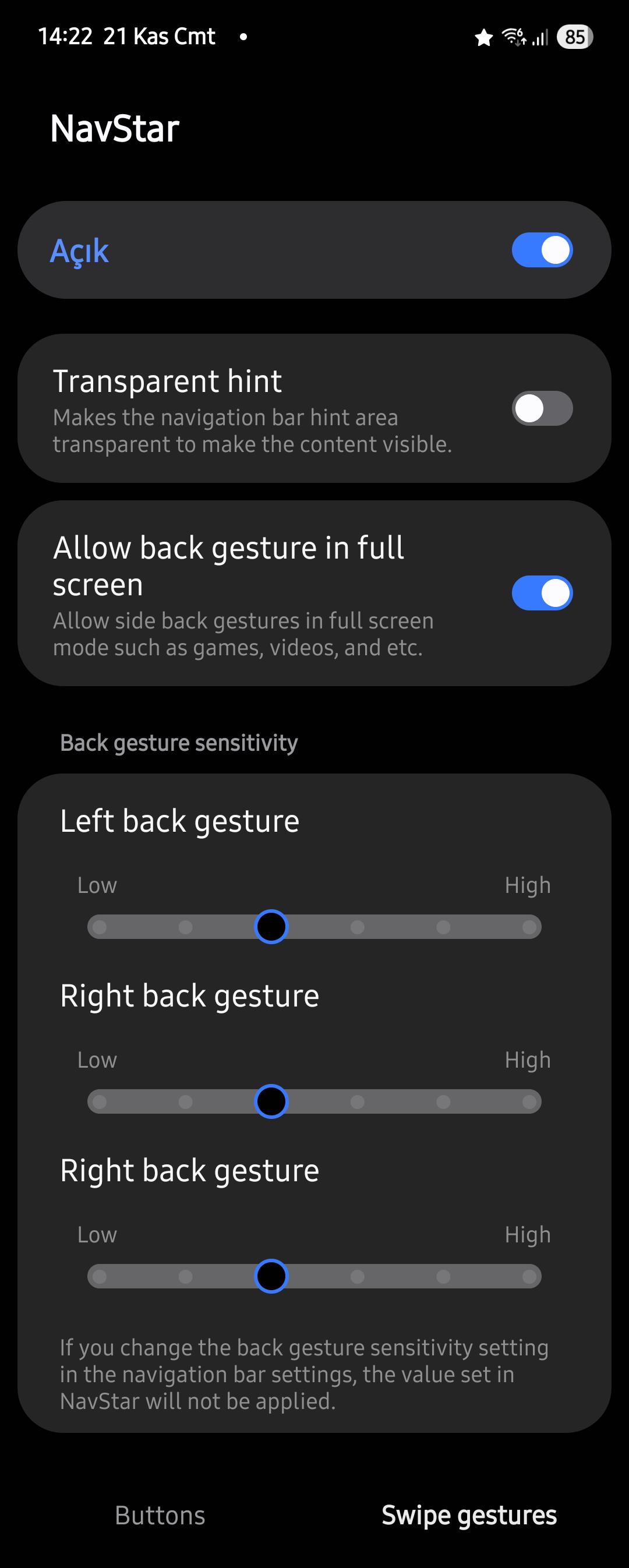
Flex volume UI from Sound Assistant and Customize side back gesture indicator from NavStar isn't working in One UI 9.

All goodlock modules used to work fine in One UI 8.5, but after the One UI 9 and updating the goodlock modules they stopped working like before.

GoodLock - 3.0.16.6

Sound Assistant - 9.5.00.7

NavStar - 9.0.00.16

Edit: Uninstalling and reinstalling fixed it!


r/Samsung_GoodLock • • 1d ago

Question When will Samsung update Good Lock on One UI 9.5?

10 Upvotes

Does anyone know when Samsung will update Good Lock modules?? I didn't know they wouldn't work when I updated to 9.5 beta, and don't wanna downgrade and wipe my device....


r/Samsung_GoodLock • • 3d ago

Help Navstar Back Gesture Icon Customization Gone

Post image
6 Upvotes

My phone is Samsung S21 FE 5G it's currently running one ui 8 august patch is anyone else having this problem?


r/Samsung_GoodLock • • 3d ago

Question Registar - Buds manager disappearing when reordering settings menu (bug).

1 Upvotes

As the title says, has anyone been able to figure a way out to avoid the buds manager disappearing when reordering the settings menu using registar?

The alternative way to access buds settings now seems to be via the Bluetooth details and then pressing the buds gear.

It's been there for a while, even a quick google search shows this. I was hoping this would have been solved, especially after the latest registar update.

S26 ultra - one UI 9.


r/Samsung_GoodLock • • 5d ago

Question Does Goodlock not have, "Use horizontal scroll" for app screen anymore

5 Upvotes

Gemini told me this how we could get pages back after UI 7 update. Just upgraded to a s25+ and never had this issue with my s24+ which I had a week ago!


r/Samsung_GoodLock • • 6d ago

Help Felder color set to White when using theme Park to change icons

Post image
10 Upvotes

I changed the icon of an app using theme park (in the icons section), but when i did change the icons the folder color suddenly changed to white and i don't know how to change it.

I previously had then to transparent but i didn't find any setting in theme Park to change the color


r/Samsung_GoodLock • • 7d ago

Guide Is there an online User Manual for me to reference?

5 Upvotes

I've seen lots of tutorials on YT but they rush through the steps. I couldn't find a user manual online or on Samsung. Does anyone know where to find a way to clearly show each feature and how to set it up. Yes, I am old.


r/Samsung_GoodLock • • 9d ago

Theme / Icon Pack Help with old icon pack like Galaxy S6-without any launcher

Post image
30 Upvotes

Is there any way i can get an old icon pack like this one, I don't want to use any launcher just an icon pack which i can use from the themepark app.

I dont want all the apps to look old juat the system apps. I read about nova launcher but again i dont wanna use a 3rd party launcher. I tried finding it on internet and reddit couldn't find it anywhere. Does anyone has this or a similar icon pack maybe a tutorial to do it.


r/Samsung_GoodLock • • 9d ago

Question Quick Panel options I need some help setting it up

6 Upvotes

I've been seeing quite a few different panels with images and colorful icons, but I don't see an option where I change anything but the colors. I have GoodLock and Theme Park what am I missing 🤔

S25 Ultra OneUi 9 Android 17

Thanks


r/Samsung_GoodLock • • 9d ago

<<< - Moderation - >>> Community Feedback: Would You Like a Weekly Off-Topic Discussion Thread?

6 Upvotes

Hey everyone,

As the subreddit continues to grow, we've noticed that some discussions don't quite fit our focus on Good Lock and its modules. Under Rule 6, topics such as general Samsung support, Android discussions, device recommendations, accessories, and other unrelated subjects are normally removed to keep the feed focused.

We're considering introducing a recurring weekly discussion thread where those off-topic conversations would be welcome, while keeping the main feed dedicated to Good Lock.

Some examples of what could go in such a thread:

• Samsung devices and hardware

• General One UI discussion

• Android news and updates

• Accessories and wearables

• Small questions that don't need their own post

• General community chat

We'd also like to remind everyone that our Discord server is available for real-time discussion and has already grown to 86 members. It's a great place for chatting, getting quick help, and connecting with other community members.

Before we make any changes, we'd like to hear from you.

Would you use a weekly off-topic discussion thread? (Copy-paste options)

• Yes, I would participate regularly
• Yes, but only occasionally
• No, I'd prefer to keep everything Good Lock focused
• Other (please comment)

Feel free to leave feedback, suggestions, or concerns below.

Thank you for helping keep this place awesome.

/Nef


r/Samsung_GoodLock • • 10d ago

Question Custom Background Image for Quick Panel/Notification

Thumbnail
gallery
3 Upvotes

I recently started messing around with Goodlock and other Samsung customizations. I wanted to know if it is possible to have a custom background IMAGE in these drop down spaces as Quickstar only allows for colors. I also tried some of those widget apps but they change the entire layout, are cumbersome to use and are laced with ads. Any help would be appreciated!

Samsung Galaxy S24+ UI 9.0


r/Samsung_GoodLock • • 10d ago

Showcase Pink Emoji Quick Panel - One UI 9 Samsung Galaxy S23 Ultra

Thumbnail
gallery
0 Upvotes

Quick panel reference for girls who like cute pink color.

I made it by asking the AI to generate each control that could represent the function of the control itself and then applying them one by one via QuickStar.

Active and inactive indicatorsare set in Theme Park and are simply a thin colored border.

I am also developing an application to create images for each control panel to be more precise when applied rather than taking them directly from the gallery.

Device S23 Ultra - One UI 9


r/Samsung_GoodLock • • 11d ago

Help Background images in panel sliders are all frosted?

Post image
46 Upvotes

Im trying to figure out why my custom bluetooth/wifi button images are clear, but the background images on tool panel, brightness, volume, and music bads look frosted over. Any ideas?


r/Samsung_GoodLock • • 11d ago

Question Is there a way to get the media player back to notification panel instead of quick panel?

5 Upvotes

it used to be this way back in the days, but now unless I press the dynamic island thing, I have to swipe down twice rather than once. id love to have it back in the notification panel.

another workaround I found is adding a gesture with one hand operation+ to bring me direct to the quick panel

let me know if you guys have a solution for this


r/Samsung_GoodLock • • 11d ago

Showcase GOOD LOCK SPIDER TEMAS24 ULTRA ONE UI 9.0, KEYS CAFE , NAVBAR, QUICKSTAR. ALL PLUGIN FROM GOOD LOCK 🫶

Thumbnail
gallery
17 Upvotes

GOOD LOCK SPIDER TEMAS24 ULTRA ONE UI 9.0, KEYS CAFE , NAVBAR, QUICKSTAR. ALL PLUGIN FROM GOOD LOCK 🫶


r/Samsung_GoodLock • • 12d ago

Help google widget stuck after updating to ui 9

Thumbnail
gallery
5 Upvotes

finally updated my samsung to ui 9 and everything on my home screen was messed up so I read a comment on here that I have to update all my good lock apps which i did and almost everything went back to normal. but there's still a problem, my google widget refuses to move?? it's stuck and moves through all the pages, the only way to remove it is disabling Google itself from apps. the first pic is how it's supposed to be and the second and third is how it is now.


r/Samsung_GoodLock • • 11d ago

Theme / Icon Pack Pantalla de bloqueo inspirada en ios 26 usando GoodLuck

Post image
0 Upvotes

Ya se lo que van a decir pero me gusta mucho el estilo de iOS entonces siempre me esmero en que se parezca mucho, y bueno creo que lo logré, todo se hizo con apps de stock de samsung sin apps externas. Good Luck, Modos y Rutinas.


r/Samsung_GoodLock • • 13d ago

Help Как создать рабочую гиф на экране разблокировки самсунг?

0 Upvotes

Пытался через ClockFace(goodlock), все вроде норм ставлю свою гиф, но она в итоге получается статичной, хз как это дефать.


r/Samsung_GoodLock • • 13d ago

Showcase [SHOWCASE] Ronova (Genshin Impact) & Phrolova Deep Red Setup - One UI 9 Hi everyone! I wanted to share my custom deep red and black setup featuring Ronova (Ruler of Death from Genshin Impact) on the home screen and Phrolova (Wuthering Waves) inside the quick panel tray. I’m running this layout on t

Thumbnail
gallery
1 Upvotes

[SHOWCASE] Ronova (Genshin Impact) & Phrolova Deep Red Setup - One UI 9

Hi everyone! I wanted to share my custom deep red and black setup featuring Ronova (Ruler of Death from Genshin Impact) on the home screen and Phrolova (Wuthering Waves) inside the quick panel tray. I’m running this layout on the Galaxy S25 Ultra (Snapdragon 8 Elite), and the hardware colors and contrast look absolutely tier-1 after a deep system recalibration.

Here is the exact step-by-step layout and where to find every option within Good Lock on One UI 9 to recreate this exact aesthetic.

System Specs:

- Device: Samsung Galaxy S25 Ultra

- Software: One UI 9.0

- Theme Focus: Crimson / Deep Red (Ronova & Phrolova)

---

Step 1: Visual Assets & Character Artworks

- Generate or download your preferred character portraits. In this specific layout, all Ronova and Phrolova art assets were custom-generated using PixAI.

- Apply your main Ronova portrait as your home screen wallpaper via the native Settings -> Wallpaper and style menu.

Step 2: System Color Palette Matching (Native One UI Engine)

To align all toggles and UI sliders with the deep crimson theme:

  1. Long-press any empty space on your Home Screen.
  2. Tap on Wallpaper and style -> Color palette.
  3. Ensure Color palette is toggled ON.
  4. Under the Wallpaper colors tab, select the dominant Deep Red/Crimson color swatch generated by the system.
  5. Tap Apply.

Step 3: Quick Panel Customization (Good Lock -> QuickStar)

To style the status bar and position the Phrolova panel background nicely on the latest software layout:

  1. Open the Good Lock app and launch the QuickStar module.
  2. Go into Advanced settings.
  3. Toggle ON "Resize panel items" to allow flexible layout adaptations past stock scaling thresholds.
  4. Tap on "Show bar levels" to enable exact volume/brightness percentages, visually matching the clean technical look.
  5. Head into Visibility of indicator icons if you need to clean up and hide any cluttered system tray icons (like battery percent text or network icons) to unblock the top of your layout.

Step 4: Home Screen Layout & Grid Customization (Good Lock -> Home Up)

To change the app grid layout and reduce icon sizes so Ronova remains fully visible:

  1. Open Good Lock and tap on Home Up.
  2. Navigate to Home Screen -> App Icon Settings.
  3. Toggle it ON and locate the Icon Size slider.
  4. Move the slider left to reduce the icon scaling down past stock limits (supports up to 85% reduction) to make them compact.
  5. Under Home Screen -> Home Screen Grid, adjust your layout density to open up more negative space for the art assets.

Step 5: Custom Premium Icon Skins (Ko-fi & X Icon Changer)

Good Lock's standard theme engine can sometimes block specific independent custom packs. To bypass this and apply individual styles:

  1. The minimalist custom icon pack was purchased directly from an independent digital asset creator on Ko-fi.
  2. Download and open X Icon Changer from the app store.
  3. Select each application individually, tap on the Photo -> Gallery option, upload the corresponding Ko-fi icon asset, and apply it to build a completely uniform, customized skin for each individual app icon on your screen.

Step 6: Layout Media Displays (Native Gallery Widgets)

The secondary picture-in-picture window showcase on the home screen layout is handled via native system blocks:

  1. Long-press the home screen and tap Widgets -> Gallery.
  2. Choose the frame layout and add it to your screen.
  3. Long-press the newly placed widget, tap Settings, and lock it to a static custom folder containing your pre-cropped character assets.

---

Final Note from my personal experience:

I wanted to share this because it worked perfectly for me after weeks of battling Samsung's broken HDR bug, and I truly hope it helps you reclaim your vibrant screen too! Customizing the phone is the easy and fun part, but dealing with locked display configurations can be a nightmare. Please be extremely patient if the screen mode doesn't kick in immediately. For me personally, it took around 2 to 3 weeks of keeping the local firewall strictly active. The magic happened only after the Google and Samsung servers hit their backoff limit and finally gave up pushing remote override requests, allowing the Android background maintenance cycle to permanently apply the hidden Cinema DCI-P3 mode. Don't lose hope if it takes time—it works!


r/Samsung_GoodLock • • 13d ago

Showcase AI Generated Cycling quickpanel icons with chatgtp make

Post image
0 Upvotes

I like cycling and make with chatgtp the quickpanel icons.

It was a lot off work to make. I think I was busy 2 months. Always new ideas to try.

This is the result.


r/Samsung_GoodLock • • 14d ago

Help Can I customize the battery icon to look like this?

Post image
43 Upvotes

Samsung Galaxy A37

OneUI 9

Can I customize it using Good Lock or will I need some other apos to do it? I REALLY cannot stand the way the default battery icon looks like and it's hard for me to read it.

My ideal solution would be to make the batgery icon black and the battery percentage text white and if possible larger font.


r/Samsung_GoodLock • • 14d ago

Question Virtual Touch Pad Undesired Position Reset

1 Upvotes

Has anyone else experienced an unwanted position change to the left of their Z Fold when virtual pad is open and untouched for about 5 seconds? Super annoying to have to reach all the way across the screen just to regain cursor control all the time. Any help or even just saying "wait until Samsung eventually recognizes this and patches this" would be appreciated!


r/Samsung_GoodLock • • 17d ago

Help Animations d'ouverture d'application One ui 5 ou 6 sur One ui 9

Thumbnail
gallery
10 Upvotes

Bonjour, j'ai un Galaxy S23 Ultra. Et j’aimerai avoir les anciennes animations d'ouvertures d'applications de One UI 5 ou 6. Il est possible de le faire avec Home Up. Mais je ne sais pas quel réglages faire. Avez vous une idée ? Merci. Si vous savez faire, pouvez vous me dire tous les réglages a faire y compris les cubic Beizer de l’interpolateur svp.


r/Samsung_GoodLock • • 17d ago

Help Can no longer change transparency of navbar

4 Upvotes

In the description module, the navbar says you change the navigation bar's color and transparency.

Theres no option in it now. I want to change my navigation bar to be black and opaque