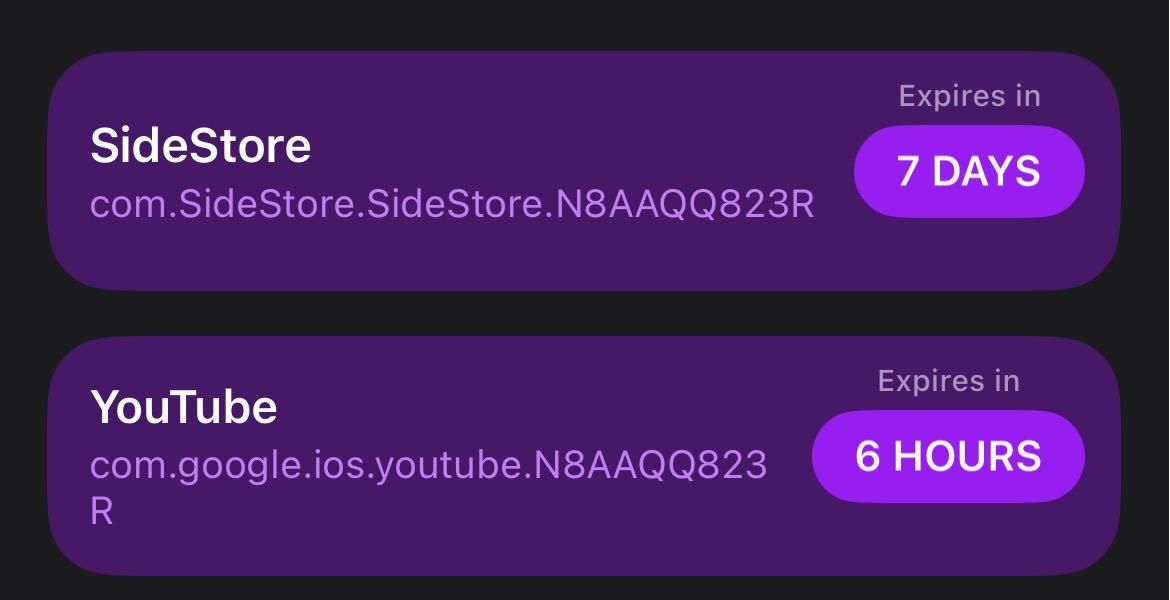
I wanted to share this because I’ve spent quite a bit of time troubleshooting SideStore, and after reading multiple articles and trying numerous suggested fixes, I finally got it working on both my iPhone and iPad.
Hopefully this helps someone else dealing with the same problems.
The problems I was having
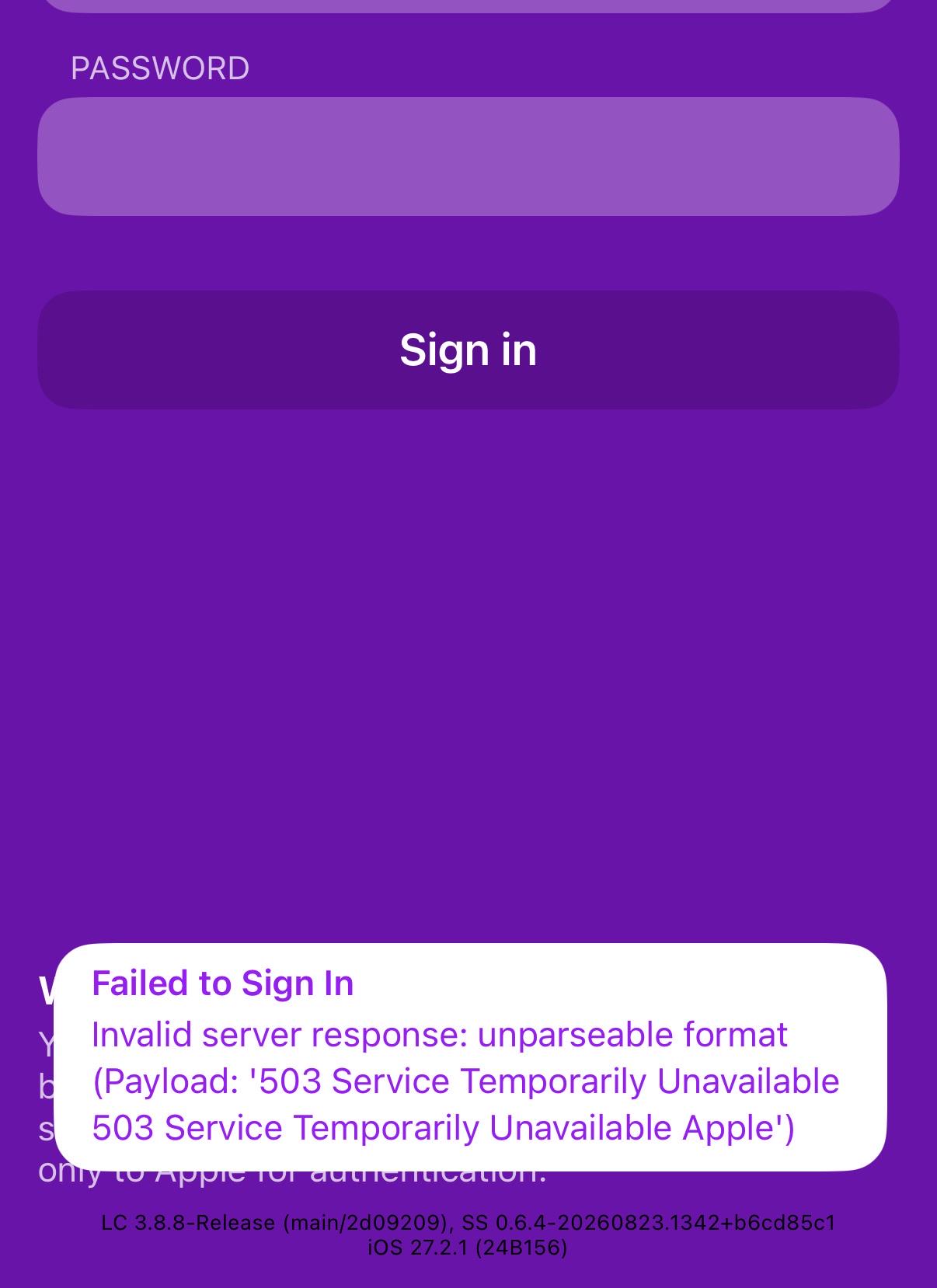
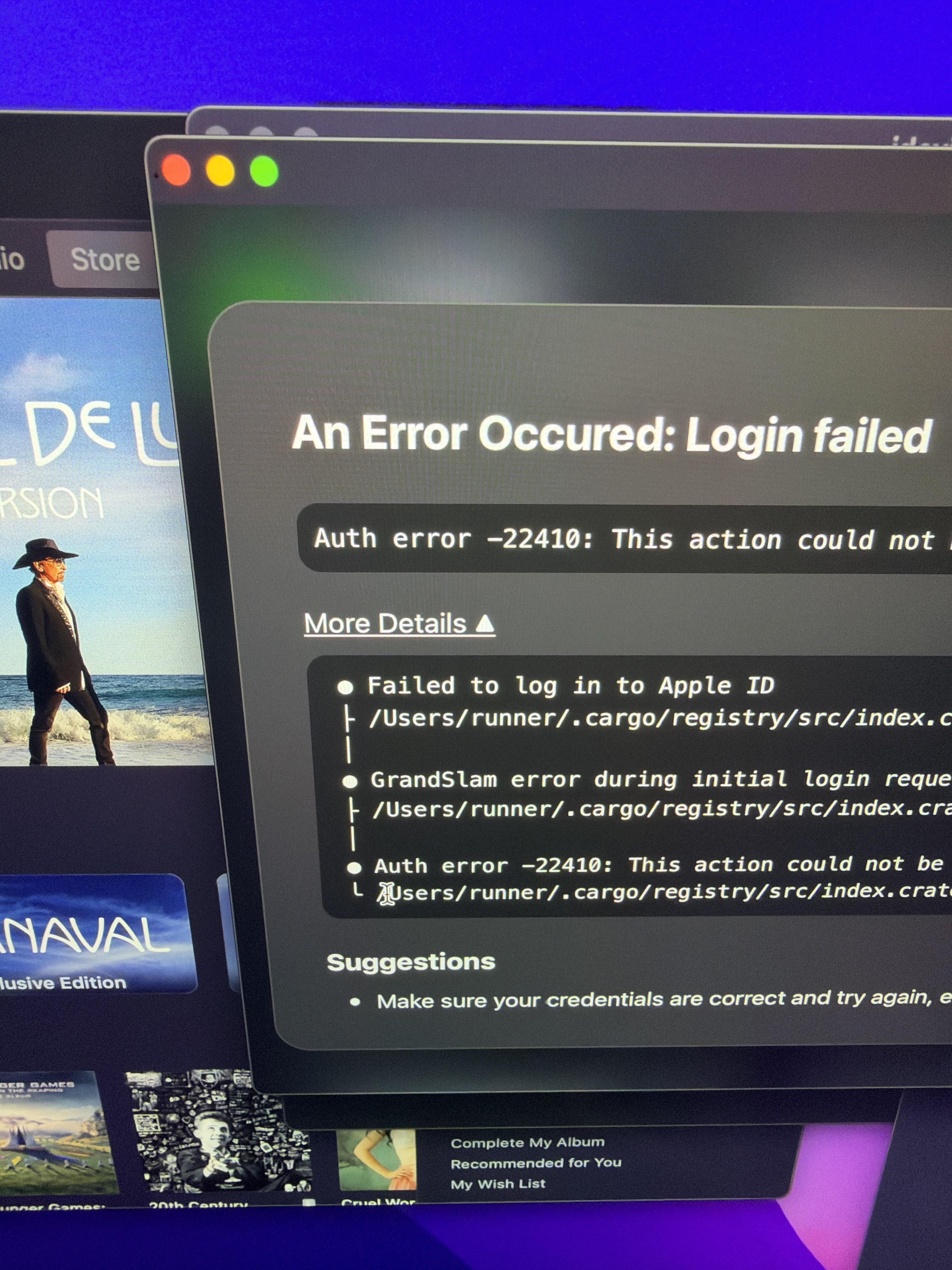
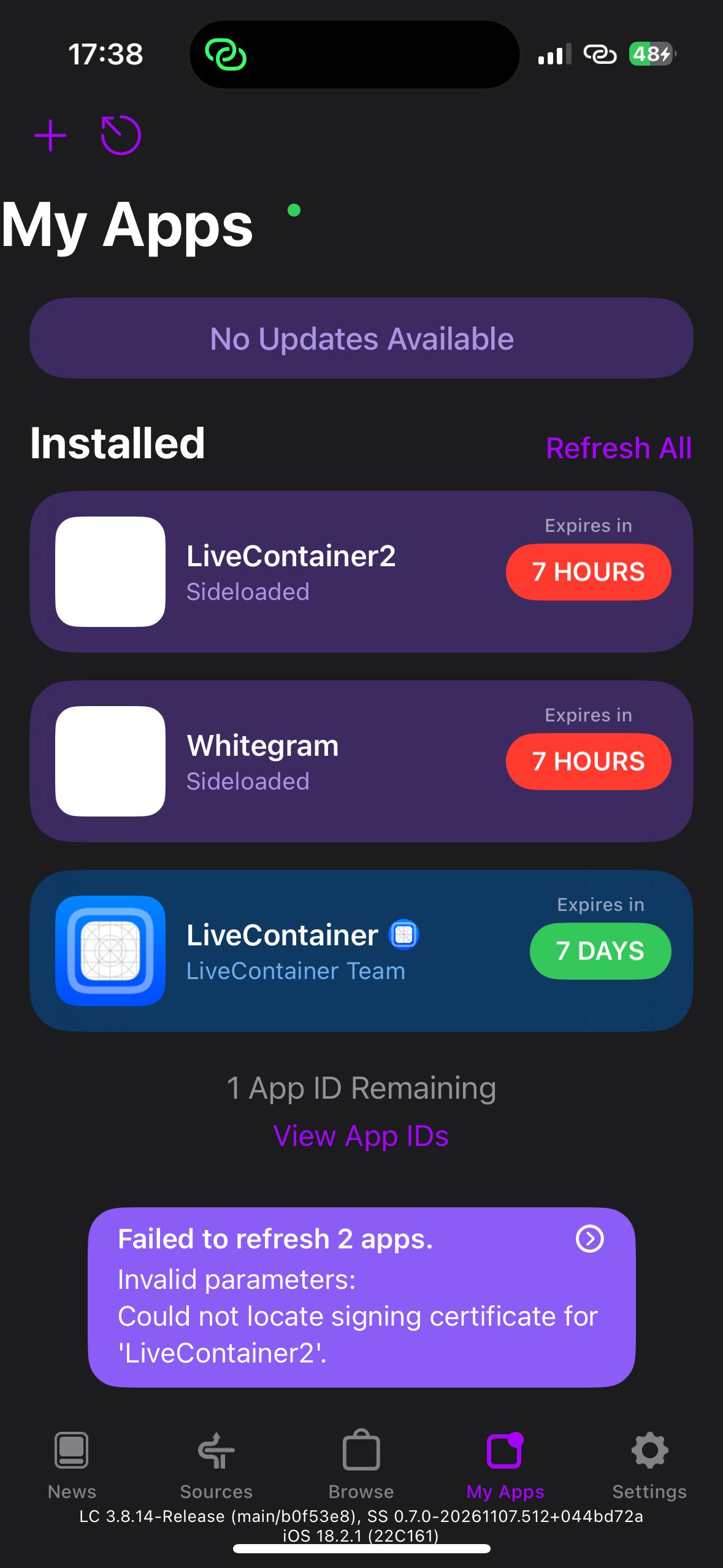
SideStore had been working, but eventually I started experiencing several authentication and refresh errors, including:
503 Service Temporarily Unavailable
HTTP 401 authentication errors
Error -22410 during Apple ID authentication
ADI native error -45063 (ADIProvisioningStart failed)
SideSign.ServerError 3 — Session expired, please log in
Pairing file errors involving .rppairing and missing UDID information
I could log into my Apple account normally through Apple services, but SideStore wouldn’t authenticate properly.
I tried changing Anisette servers, reinstalling SideStore, experimenting with Stable and Nightly builds, and following various suggestions I found online.
Nothing consistently resolved the issue.
Eventually, I decided to combine several of the suggestions into one procedure.
Here’s what finally worked
Step 1 — Install SideStore using iLoader
I downloaded and installed SideStore through iLoader.
Step 2 — Disable On-Device Anisette
In SideStore’s settings, I turned OFF On-Device Anisette.
Step 3 — Configure the Anisette Client
I opened the Anisette Client Configuration settings.
I did the following in BOTH configuration views:
Opened Interactive configuration.
Clicked the Remote Server link.
Saved the Remote Server configuration/overrides.
Saved the main configuration overrides.
Switched to Raw JSON configuration.
Repeated the Remote Server and override-saving process there as well.
The important part was making sure I saved the settings in both places rather than assuming one save covered everything.
Step 4 — Reset the ADI provisioning data
I reset the adi.pb file using the available reset option.
Step 5 — Change the Anisette server
In the Anisette server list, I selected:
SideStore (New)
Step 6 — Pair the device
After completing the configuration changes and reset, I was finally able to pair my device successfully.
The results
I repeated this procedure on both my iPhone and iPad, and it worked on BOTH devices.
I was also able to manually run my Shortcuts automation to refresh the apps successfully.
Previously, I was getting authentication failures and pairing errors. After making these changes, SideStore was functioning again.
One thing I’m still testing
I have a Shortcuts automation scheduled to refresh my apps automatically each morning.
The manual shortcut test works, but I’m waiting to confirm whether the scheduled automation will successfully refresh the apps while the devices are locked.
I’ll update this post once I’ve verified that part.
Final thoughts
I’m not claiming every single step is necessary or that this will work for everyone. I didn’t isolate each setting individually to determine exactly which change fixed the problem.
What I can say is that this particular combination and sequence worked on two separate devices after numerous other suggested fixes failed.
I suspect the issue involved the Anisette configuration and existing ADI provisioning information, but that’s only my theory.
If you’re stuck with SideStore authentication failures, particularly the 503, 401, -22410, or -45063 errors, this might be worth trying.
Hope it saves someone else the hours of troubleshooting I went through!