r/SideStore
•
u/No-Trick-7465
•
3d ago
•
 2
Solved with these steps
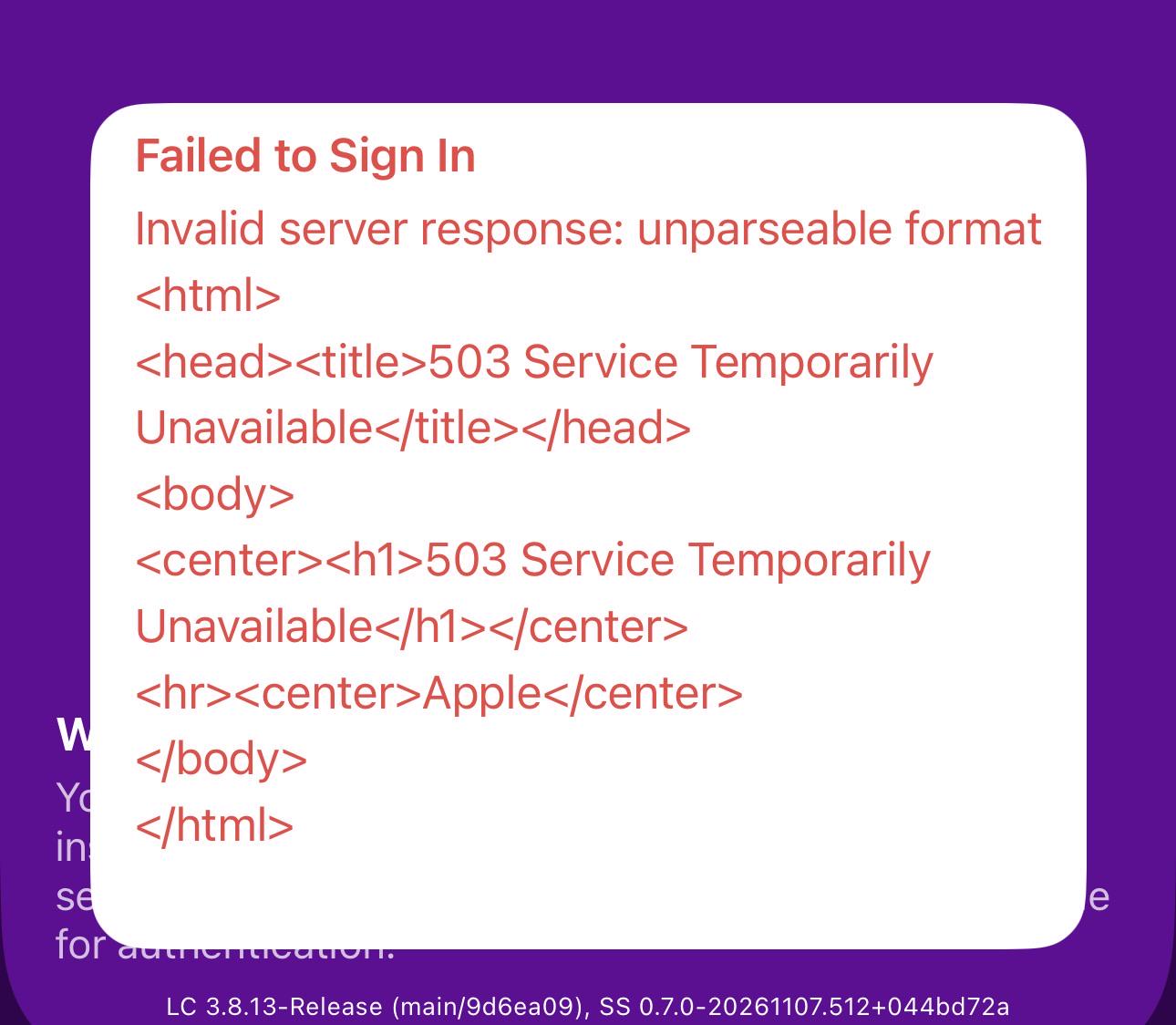
Step 1: Go to Settings > User Customizations, turn On-Device Anisette OFF (restart if prompted),
Step 2 : from Settings > Anisette Servers, select jkcoxson (Windows ADI) and turn Auto Rotation OFF.
Step 3: From Settings > User Customizations > Anisette Client Configuration, Remote Server Sync, tap Fetch, then tap Save as Overrides.
Step 4: Return to User Customizations, tap Reset adi.pb (keep Keep Headers checked), then force-close and reopen SideStore.
Step 5: Connect your VPN / LocalDevVPN tunnel and retry signing in with your Apple Account.
View all comments
10
u/ludviglongen 3d ago •
These steps didn't fix it for me, but this did (from GitHub issue #1745):
Settings > User Customizations > Anisette Client Configuration > in the Client Info field, replace "macOS;" with "Mac OS X;". For example:
<Mac15,7> <Mac OS X;27.0;26A5378j> <com.apple.AuthKit/1 (com.apple.akd/1.0)>
Tap Save Overrides, force-close SideStore, reopen it and sign in. Worked right away.
Apparently since Nov 20 Apple's login server returns 503 when the client info says "macOS", so changing anisette servers or resetting adi.pb doesn't help on its own.
iPhone 18 Pro, iOS 27, SideStore 0.7.0-20260911.
https://github.com/SideStore/SideStore/issues/1745