r/SolidEdge • • 5d ago

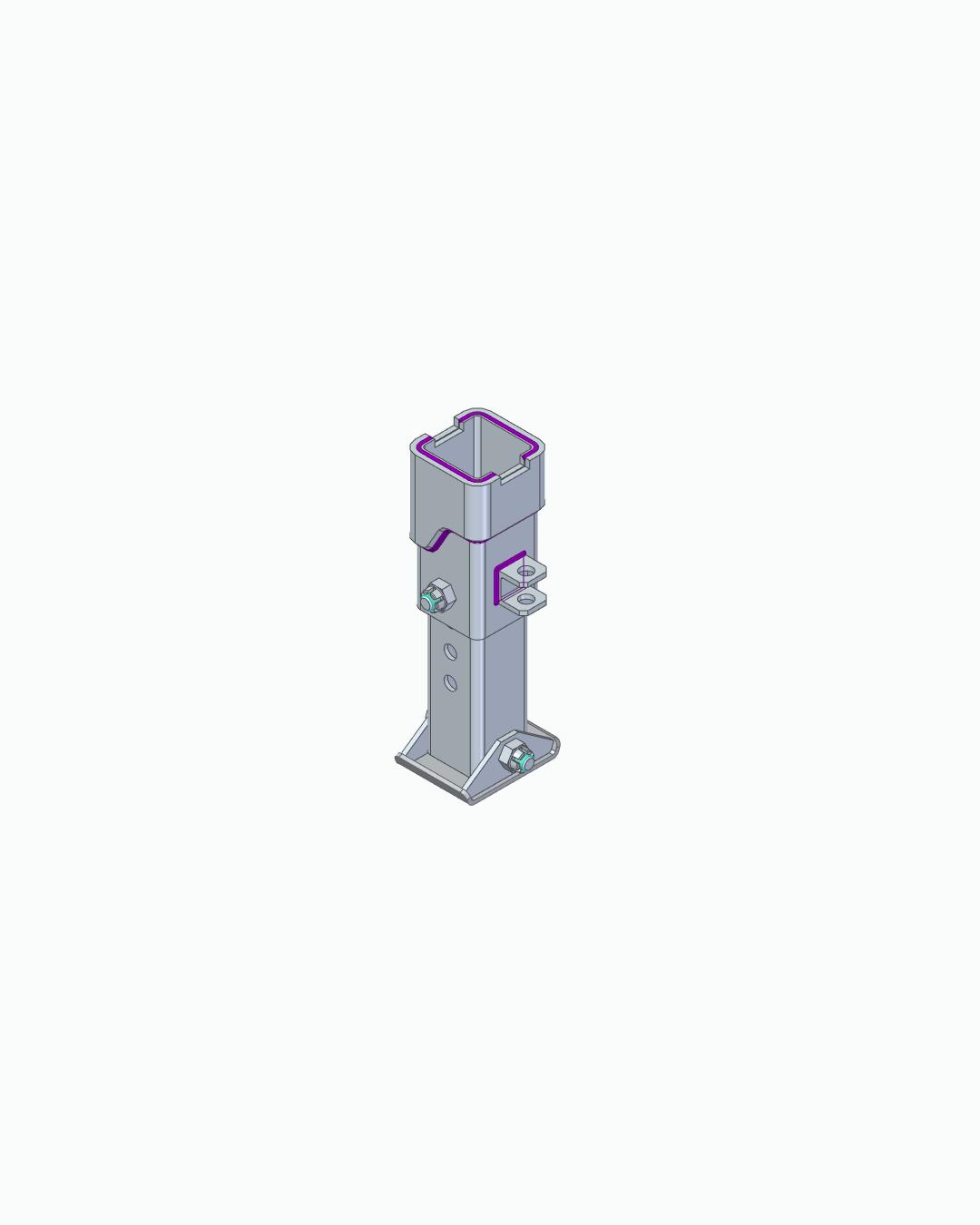
Constructing Weldment

Post image

I recently worked through the "Constructing a Weldment" tutorial in Solid Edge to get familiar with the weldment tools inside the Assembly environment, and wanted to share a few takeaways from the exercise.

The workflow covered four main steps:

Weldment designation: Converting a standard assembly document into a weldment assembly to unlock the dedicated weld features.

PathFinder management: Using PathFinder to show and hide components, which made isolating specific joints much easier than working around a cluttered assembly.

Weld types: Modeling fillet, stitch, and groove welds and seeing how each is represented in the assembly tree and geometry.

Prep and post-weld machining: Adding weld preparation cuts beforehand and machining features afterward, which helped show how the CAD sequence mirrors real shop fabrication.

The tutorial doesn't go deep into edge cases or complex structures, so next I'm planning to apply these commands to one of my own assemblies to see where the limits are. For those of you using Solid Edge for weldments regularly, are there specific features, settings, or workflow habits you recommend looking into once you move past the introductory tutorial?

5 Upvotes

4 comments sorted by

2

u/stur32t 5d ago

I am not able to help much with your points about steps beyond the tutorial but my experience we have with using SE weldments or issues that we have have are related to pulling the bill of materials from "weldment" assemblies. For example if you use a weldment subassembly but pull the parent assembly BOM, it doesn't explode the weldment bom by default. It includes it was a single component unless additional steps are taken.

Just sometime to keep an eye on; it's not impossible but it is a potential to cause an issue. I missed ordering some components on a project because they were not included on the parent BOM list.

We typically don't use weldment sub's for this reason where I work.

1

u/MoOnThePage-CT 4d ago

thank you so much for this, how can I know that? tbh I am learning it by myself even though my direction for now toward additive manufacturing but I am learning the tool and trying to be literate about the trade as a whole. For me the first I read the tutorial I said I don't need this but later on I said I should look into it more and learn it because the concept can be applied to plastic too may I want to follow the same technique joining two parts but I can apply the concept from working with metal. I will look further about the BOM thing and see if I can tinker with it, but sharing that experience helps so thank you.

2

u/stur32t 4d ago

There is a setting when you pull the BOM to click a check box to "explode weldments" or something IIRC but because most of our other assemblies are not weldments, it isn't in our process or muscle memory or click the explode button. So typical assemblies say "this is a welded assembly so a previous step had this BOM and it doesn't need to be shown here" I'm guessing. I understand the logic of why it wouldn't be exploded. But it doesn't work for our flow. So all of our assemblies are std assembly .asm files. Even if it is a welded assembly.

Not really sure what benefits using a .wldmt file type is. Potentially just because it shows the weld bead size for material interference? Not really a significant gain as long as it is considered into design and layout.

Good luck. I am certainly willing to learn more about weldments if others have better luck with them in the past.

1

u/MoOnThePage-CT 3d ago

Thank you so much for the insight, I was thinking in another way I was looking into as if I want make an account for the welding like how to make an account for glue the tolerance are tight but as I know good engineering account for everything in design to plane ahead. I am still learning and I have long path to cross but I really appreciate your comment on this and I'll for sure look more into to fully understand what you mean.