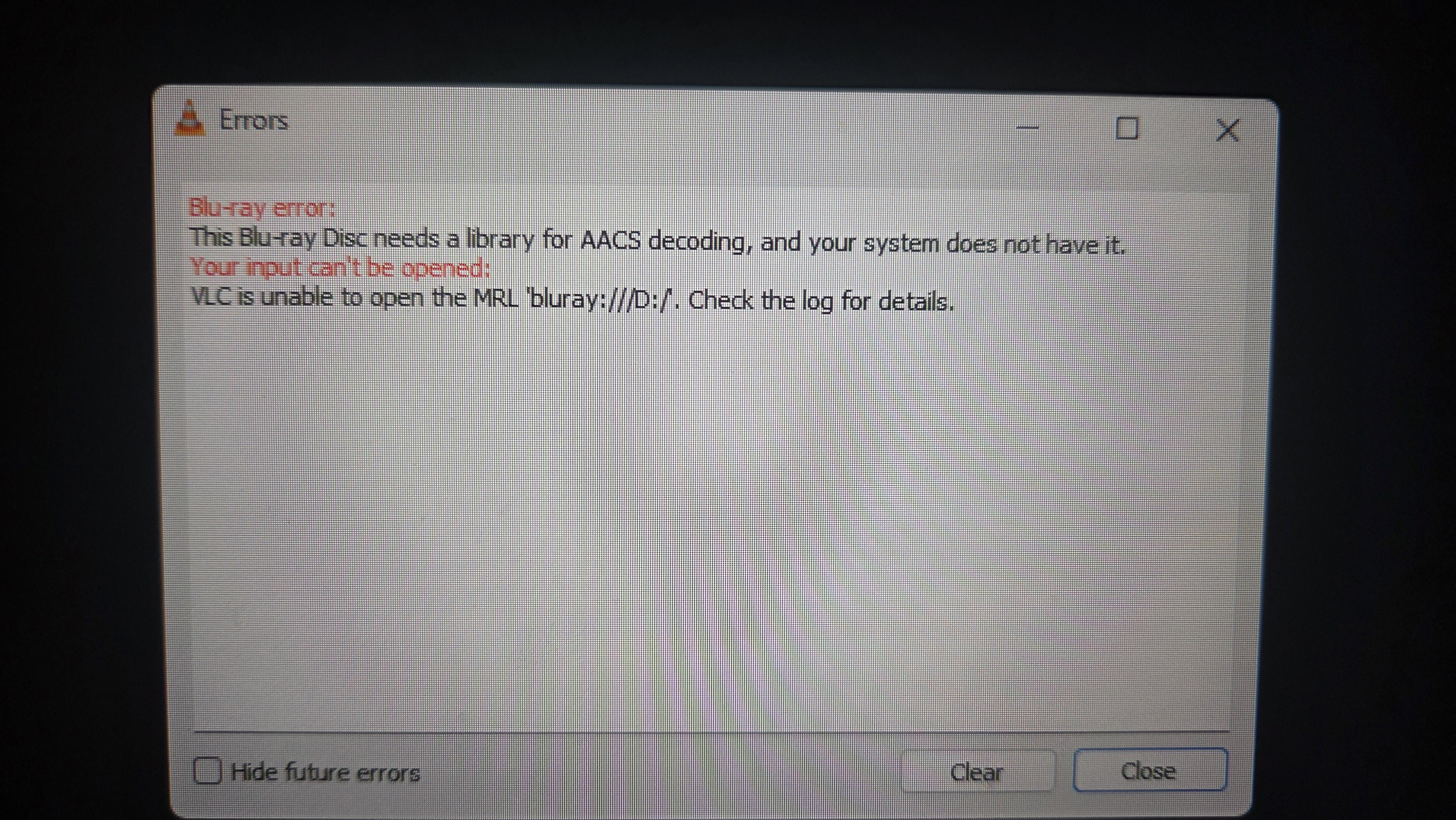
Video showing various attempts at opening it. If you didn't catch it, the first way I try opening has the title of the disc appear for a split second before disappearing again, but otherwise the disc just doesn't show up at all. Also having major troubles linking it with makemkv to watch blu-rays but idk if that's relevant, I'm just trying to get anything to work at this point lol.
Playing shows on my external hard drive with my computer using VLC causes no issue. But if I plug my hard drive into my Samsung tv, the subtitles are often wonky. Mainly when two sets of subs are showing. Sometimes one set will stay on screen and the other won’t show up, or the second shows up as a bunch of numbers. Obviously this is because the media player in the tv is different, but does anyone know if there is a way to fix this? Will getting an external media player help instead of just plugging the hard drive into my tv directly?
I want to convert multiple files, but the Mac version apparently doesn't allow this, while the Windows version can. This is obviously a bug since there should be feature parity especially for a major feature like this.
Where can I go to file a bug report to get this corrected?
VLC for android could be a lot better in dealing with m3u playlist files. For example, it takes forever to parse playlist with thousands of channels. The option to mark channel as favorite is useless, at least it should pin the channel at the top of the playlist. It doesn't parse the channels logos. Sometimes it just stream the audio of a channel and for picture just show black screen.
I’m using VLC on my iPhone, and I’ve noticed something strange. I have two folders, Haikyu!! S04 and Monster. Both contain video files and are organized in a similar folder structure. However, VLC seems to handle them differently. One folder is recognized and displayed as a folder, while the other doesn’t behave the same way in VLC’s Video section. I’ve attached screenshots showing what I mean. Does anyone know why this happens and how I can make VLC recognize both folders properly while keeping their folder structure?
This is on VLC for Android TV (on PC it's working/being displayed fine).
As you can see in the image, above the Japanese text is supposed to be the English translation/subtitle, but it's so transparent that it's borderline invisible.
I think the reason is because this subtitle has a fade-in effect which is not working properly. It's basically stuck on the first transparent value of the fade-in effect. Because other subtitles without a fade-in effect are being displayed fine. Subtitle format is .ass, in case that's of importance.
I've been trying to add subtitles to some videos using VLC's converter. Some work but some files lack any image but still play audio. I can't figure out what's different between the files. I'm converting .mp4 files, using .srt subtitle files, and exporting as .mp4
I downloaded a YouTube video because the audio is 8 seconds ahead of the video. So I downloaded it using ytdhortsdl.com and it downloaded it as a mp3 file. I went on Vlc to upload video and it only plays the audio .how do play the video and fix the audio so it matches with the video?
With some releases, when I take a screenshot with subtitles, it makes my screenshots really skinny horizontally. But when I SS it without subtitles, it's regular size. Does anyone know why this happens and how to fix it?
Currently I have to manually fix all my subtitled screenshots in a free editor by changing the dimensions which is really annoying. For reference I use a Macbook pro, and watch my stuff on VLC.
VLC was playing a movie perfectly fine then I go to pause it & when I restart it plays the movie is glitchy & choppy from that point onward, no matter how many times I reboot & reset it keeps playing the movie choppy from the point I paused forward, but when I rewind or start over it plays the first half of the movie perfectly fine
Just wanted to look for solutions to this. Everything I found was either for a Lenovo laptop (I have an hp one), or didn't work (increasing file caching to 1000ms and disabling hardware accelerated decoding). Just a bit frustrated so any help would be nice
At times when i upload videos from my iOS Photos library to iOS VLC, part of the video plays, then freezes, while audio continues to play normally, or video doesn't load at all, it's just a black screen. Could it be a issue with Wi-Fi connection not properly downloading the video, or something else? Any & all help is greatly appreciated.
I'm trying to watch a show, this is my first time doing this. I just downloaded the app and kept getting this error. I looked it up and none of the things I found helped.
As the title says, it used to work great before and I could seek back and forth easily but now if I am watching and I seek the video and its running at 1.5x it gets stuck and no audio or anything plays. It sometimes happens on a single seek sometimes on multiples.
I tried disabling the hardware decoding but that didnt help either.
I have 2 mkv files that I recorded on an external SSD, but for some reason they have become corrupt, I copy and pasted one my internal SSD and used the Convert/save method to try and fix it, but it isn't working at all. Every time I click start it doesn't first of all AND it also minimizes the window as well. I am not sure what to do here, any help would be grateful thank you.
I don't understand what's wrong, the video is choppy & just a jumble of pixels, I have the correct region set, my computer is not old, my disc drive is brand new, the disc is perfectly fine & not scratched
I'm struggling. Aside from the soundcard in my laptop dying, I'm now completely unable to have VLC run. I was using VLC configured to render to a Chromecast and watching videos on the TV.
I have uninstalled. Following uninstall I went through the Windows 100 Registry and deleted every reference to VLC or Videolan. I have reset preferences (but somehow a history list of previously viewed videos remains?)
And... reinstalled. Latest version, and an over night beta. (Separately.) I have run the installer as a user and as an administrator. The installation seems to work OK.
On installation completion I see the "Run VLC now" (or similar) option. I have tried with this ticked, and not ticked. VLC does not run. *Nothing.*
I go through the Windows start menu, find the VLC entry, and have tried running this both as a user and as an admin. *Sometimes* I will briefly see something VLC-looking appear but it almost instantly shuts down. I've done this with Task Manager running and can see the Background Process appear and start, and then disappear.
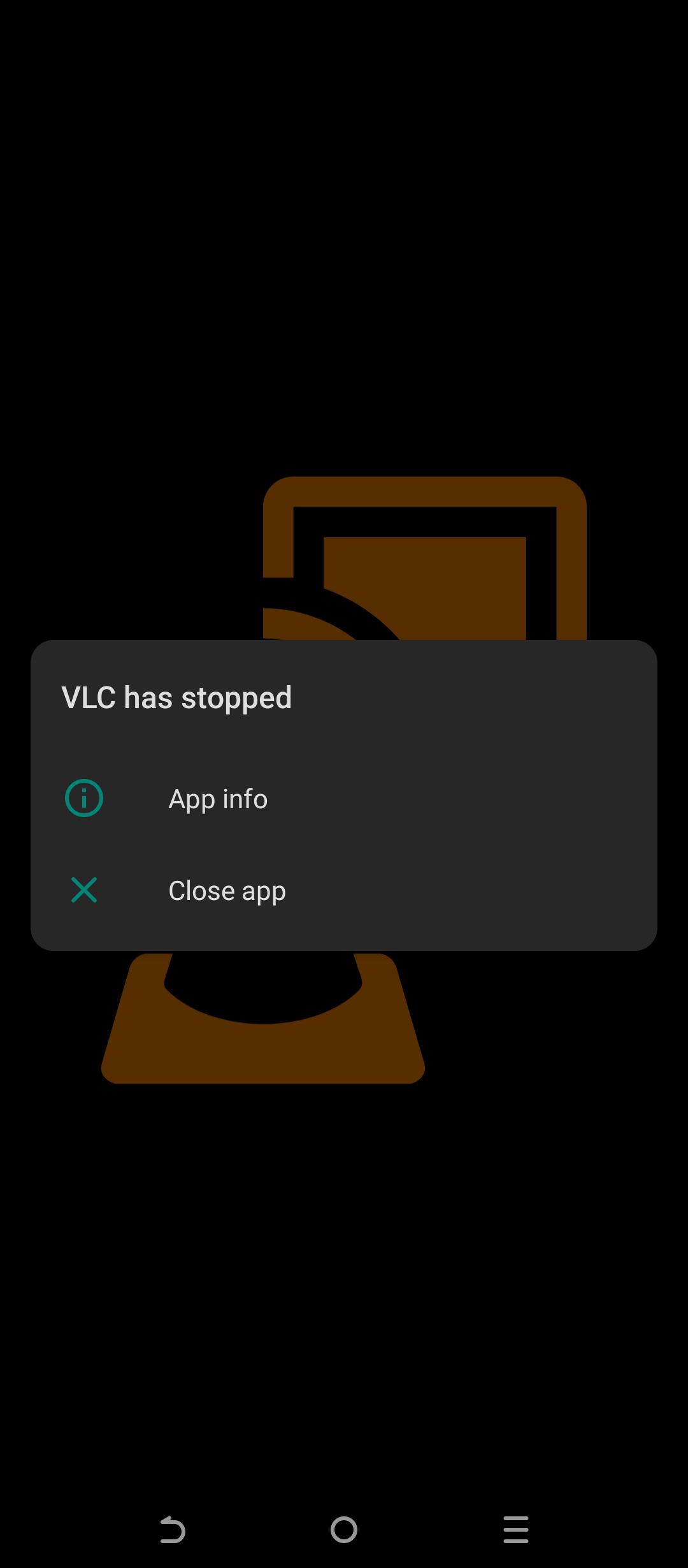
Sometimes when I try to run VLC (either from the Start menu or by double-clicking a vide file) I get this error box:
The option I choose makes no difference and I do not know if a bug report is submitted.
The only change in installation that I have noted is that I did not used to have a vlc directory in %Appdata%, but now I do. In this directory there is a vlcrc file, and a 'crashdump' directory. The directory contains a file with usual unintelligible filename:
ebff7bcc-3c71-4bd1-83a9-e1c834a719b3.dmp
Most of the contents of the .dmp file are equally unintelligible (when viewed in notepad, at least); there are parts which can be read, including a list of VLC files.
I'm using a laptop - Intel i7 9750H, 32Gb RAM, and Windows 10 Pro, Version 22H2, OS Build 19045.7846
I had a... well, I hesitate to call it a brainwave. An idea, perhaps. I connected a set of headphones to a USB port. And VLC runs! If a video is playing and VLC is running (rendering to the Chromecast), and I *remove* the headphones, everything continues to work. A video can end, and as long as I don't close VLC, I can start a new one, without issue. Stop VLC, headphones unplugged, and VLC will not restart. Until the headphones are plugged in.
I thought VLC would run without a sound card...?
Thoughts, ideas, suggestions? (Other than fix the sound card - financially not viable or worth the effort.)