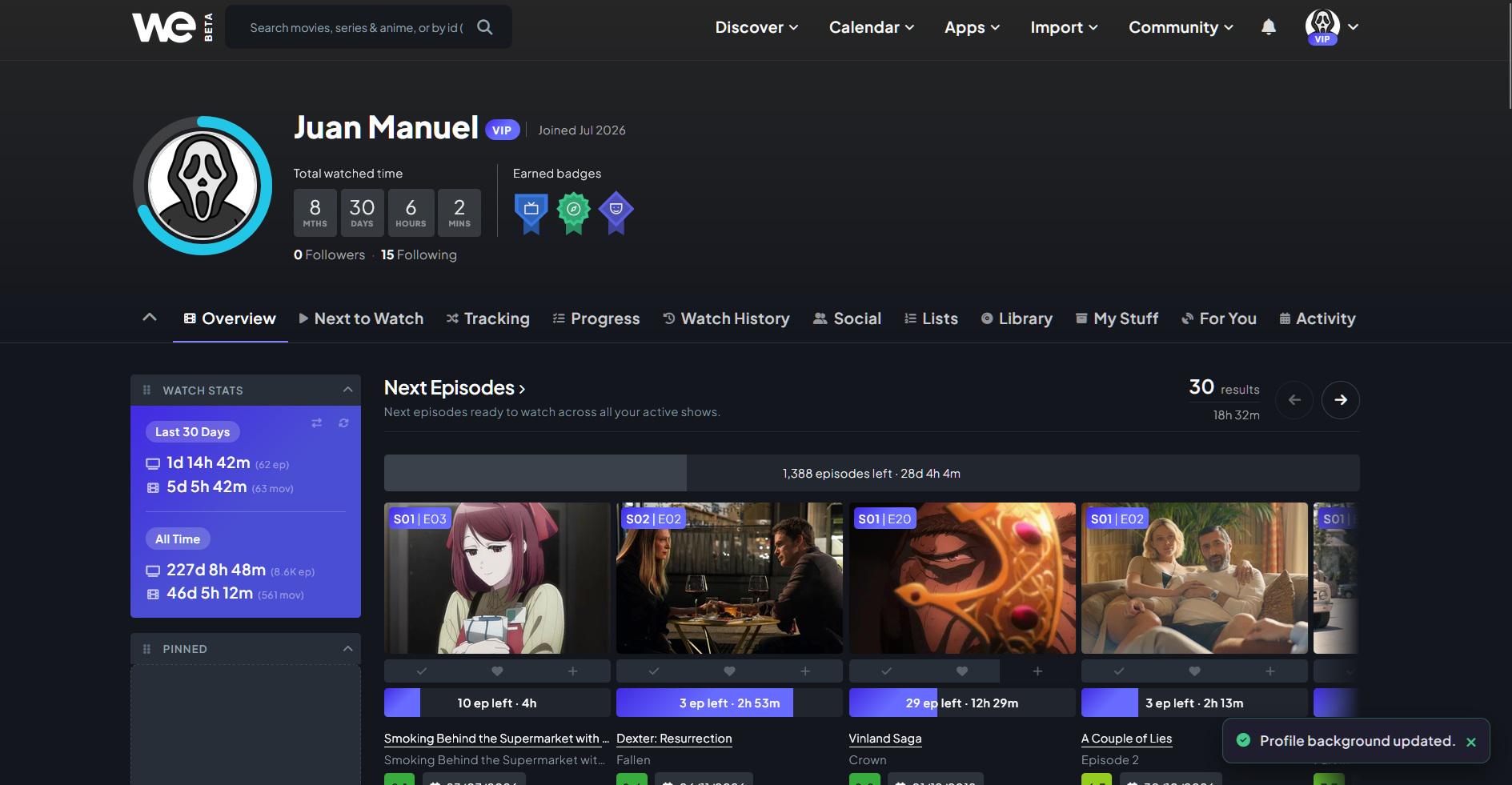
Has anyone else noticed that WeTrakr is running slowly compared to a few weeks ago?
I am finding this most apparent when switching between pages and I go back to my profile screens and it can take a second or two for everything to reload. I feel like this used to be instant. I have 1GBps internet at home so it's definitely not the connection.
Perhaps something changed with the site where it's not caching posters and artwork so it has to reload everything each time I navigate?
Some shows are numbered differently on TMDB and TheTVDB: anime like One Piece, long-running daily or weekly shows, series that TMDB groups into seasons differently... You can now pick the order you prefer.
How it works
On a show page, next to All Seasons, switch between TMDB and TVDB.
In TVDB order you get TheTVDB seasons with their own names and posters, and episodes show TVDB codes (e.g. S07E02 instead of S04E93).
Mark episodes, whole seasons, "watch up to here" and "ignore previous" just like before. You can rate TVDB seasons too.
Use Full view to see every episode of a season at a glance, in either order.
The episode carousel, Next to watch and Progress follow the order you picked.
Want TVDB everywhere? Settings → Tracking → Prefer TheTVDB episode order. You can still switch any single show back.
Where you'll see it The switch only appears on shows where TMDB and TheTVDB actually number episodes differently. Most shows (Silo, for example) use the same numbering on both, so there's nothing to switch. We're checking the whole catalog night by night, so more shows will get it over the next few weeks.
Nothing changes in your history Your watches are stored exactly as before. The order is just a different view: progress, stats, badges and syncs with other apps keep working, and you can switch back at any time.
Thanks to everyone who asked for this on the feedback board! :)
Movies and shows on WeTrakr now have an Anime genre. TMDB doesn't have one, so I built it myself.
What counts as Anime Animation from Japan, China and Korea, based on the original language or the country of origin. That's around 10,000 shows and 9,500 movies today. Titles keep their Animation genre too, so you'll see both.
Where you can use it
Pick Anime in the Genres filter (include or exclude) in Discover, Search, lists and the calendar.
New setting in Settings > Preferences > Content > Anime: show anime, hide it, or see only anime across Search, Discover, people pages, similar titles, For You and the home page. Your lists, other people's profiles and your own tracking always show everything.
Is this Anime? Some titles are hard to call: anime that TMDB lists in English, or western co-productions made with Asian studios. Those get an Is this Anime? box in the sidebar. Once a title has more than 2 votes, the majority decides, and voting closes when one side gets 20 votes ahead. This limits will change in the future.
What's next For now I've put Chinese donghua and Korean aeni under Anime because it's the closest genre. Later on I'd like to split them into their own genres, Donghua and Aeni.
Thank you I'm not an anime expert, and this wouldn't have turned out right without the anime fans in this community who explained to me what should and shouldn't count. Thank you so much for your patience and your help. If you spot a title in the wrong place, go vote on it! :)
Just like in the title — is there a possibility that we could have CommsUni.tv integrated into WeTrakr?
Let's be honest — the comment section on WeTrakr is basically dead. It would be cool to have a live comment section, so we could read comments gathered from other apps.
You can now choose the order of the tabs on any movie, show, season or episode page (Details, Parental Guide, Trivia, Community, Comments, Lists).
**How it works**
- Click the ⇄ button at the right end of the tabs
- Drag the tabs into the order you like (works with touch too, or use the ← → arrow keys)
- Click ✓ when you're done
The **first tab is the one that opens** every time you visit a title. So if you always go straight to Comments or Lists, put it first and you'll land there directly.
Your order is saved to your account, so it follows you on every device. Tabs that a title doesn't have (like Trivia) keep their place for the titles that do.
WeTrakr now comes in a light version. Pick Auto, Light or Dark in Settings › Preferences › Theme (Auto follows your device), or flip it anytime with the new switch at the bottom of every page.
A few details I polished along the way:
Movie, show and profile headers adapt to the theme, and the top bar switches between white and dark text depending on the image behind it
Your profile background style now has a full black-to-white range in gray mode, on profiles, titles and lists
Badges, stats, lists and settings got a light makeover too
Usava o Trakt para criar listas de séries com corssover. Há um tempo criei algumas listas especiais de crossover unindo na mesma lista os episódios de duas e até três séries. Mas na lista não ficavam as séries como nas listas normais, ficavam os episódios por ordem de lançamentos, assim era possível ir assistindo a séries diferentes e alternando entre os episódios para combinar com os crossover e as participações especiais.
Fiz isso com Eureka, Alphas e Armazém 13. Depois com Hawaii 5.0, MacGyver e Magnum. Depois criei outras, era algo fácil, em poucos cliques. Não era inserido individualmente, mas agora isso não é mais acessível.
Há uma forma de fazer listas com diferentes séries, mas que mostre na lista os episódios? Tentei fazer algo parecido aqui no WeTrakr, mas não consegui.
A imagem mostra um lista com três séries para assistir alternado os episódios. Inserir manualmente centenas de episódios é impraticável.
A próxima imagem é minha tentativa. Quero sugerir um botão para alternar entre filmes, séries, temporadas e episódios. Com isso, poderemos inserir na lista, séries completas ou temporadas, e com o botão poderemos EXPANDIR A EXIBIÇÃO PARA EPISÓDIOS. Logo depois é só ordenar por data de lançamento e salvar. Na hora de assistir e marcar as séries crossovers será muito mais fácil, já que os episódios estarão em de lançamento.
You can now make every title look the way you like:
Pick your own poster. Click the poster on any movie, show, season, person or collection and choose from every available poster (all languages from TMDB, plus fanart.tv). Your pick shows up everywhere on WeTrakr: lists, tracking, calendar, search...
Change the background. Hover the header and use the image button to choose any backdrop. Episodes use their season's background. For people, pick one of the movies or shows where they're the lead and browse all of its backdrops.
Style the header. The palette button opens the same controls as your profile header: position, tint (color or gray) and overlay.
Lists too. List owners can pick a background from any title in the list, plus its style. Everyone visiting the list sees it.
Your poster and header choices are only visible to you, list backgrounds are visible to everyone. This is a VIP feature. Thank you so much for being part of WeTrakr and for all the ideas you keep sharing. Many of the things I build start right here. I'd love to see how you make WeTrakr your own, so feel free to share your favorite setups! :)
I've been watching the American tv show Moonlight on my Plex server. WeTrakr shows I'm watching a Chinese show with the same title. What information does WeTrakr use to distinguish between shows with the same name and how can I fix this?
Why a new page if we already have Tracking > Watched? That list shows the current state of each movie, show or episode: what you've watched. It isn't built to show every single play, and while its calendar view helped with that, I wanted something more direct. So I made a page where your watches are laid out by date, one play at a time: Profile > Watch History
Yearly heatmap: see your whole year at a glance, jump to any month or day, and switch years with the arrows
Daily timeline: each day shows how many plays, how much time you spent, and a strip of the hours you watched at
Your tags on every play: both the tags on the watch and the ones on the title
Search and Advanced Filters: the same filters as your Watched list (genres, My rating, My Tags, networks, where to watch...)
Three views: cards, list and posters only
Fix things in place: tap the time to change the date, edit tags or remove a play
It's free for everyone.
Also new: the My Tags filter can now include the tags on your comments, in every list.
Right after Details you'll find a new Parental Guide tab to know what's inside before you press play:
What's inside: five categories (Sex & Nudity, Violence & Gore, Profanity, Alcohol & Drugs, Frightening), each rated None, Mild, Moderate or Severe.
Why?: tap a category to read a short, spoiler-free summary of what you'll actually see. These summaries are being added gradually, so more titles will get them over the coming days.
Vote: watched it? Give each category your own level and, if you want, tell other parents why. Your votes count towards the level everyone sees.
What the community says: read the latest explanations from other members under each category.
Age ratings: your country's rating, the original one, a recommended age, and how every country rated it.
Whether you're picking a movie for family night or just want to skip the surprises, we hope it helps. Give it a try, vote on what you've watched, and let me know what you think. Thanks for helping make WeTrakr better!
Never sit through the credits for nothing again. Movie and episode pages now have a Credit Scenes box in the sidebar that tells you whether you should stay:
Should you wait? A clear Yes or No at a glance
During or after? See if the extra scene plays during the credits, after them, or both
What happens? Read a short description of each scene, hidden behind a spoiler toggle so nothing gets ruined
Vote Once you've marked a movie or episode as watched, you can confirm or correct the answer. With enough votes, the community decides
Compact view Collapse the box to a single line with the verdict and the during/after chips, just like Where to watch
Descriptions are rolling out in all supported languages over the next few days.
This one came straight from your feedback. Thanks for the idea! :)
Is there any chance that we can get an option to filter by network when creating lists? I see we can do this around where to watch but this doesn't really work the same as it cannot be used for shows that have not premiered yet.