r/Wordpress • u/Medical-Task-1851 • 5d ago
‘Read more’ block query
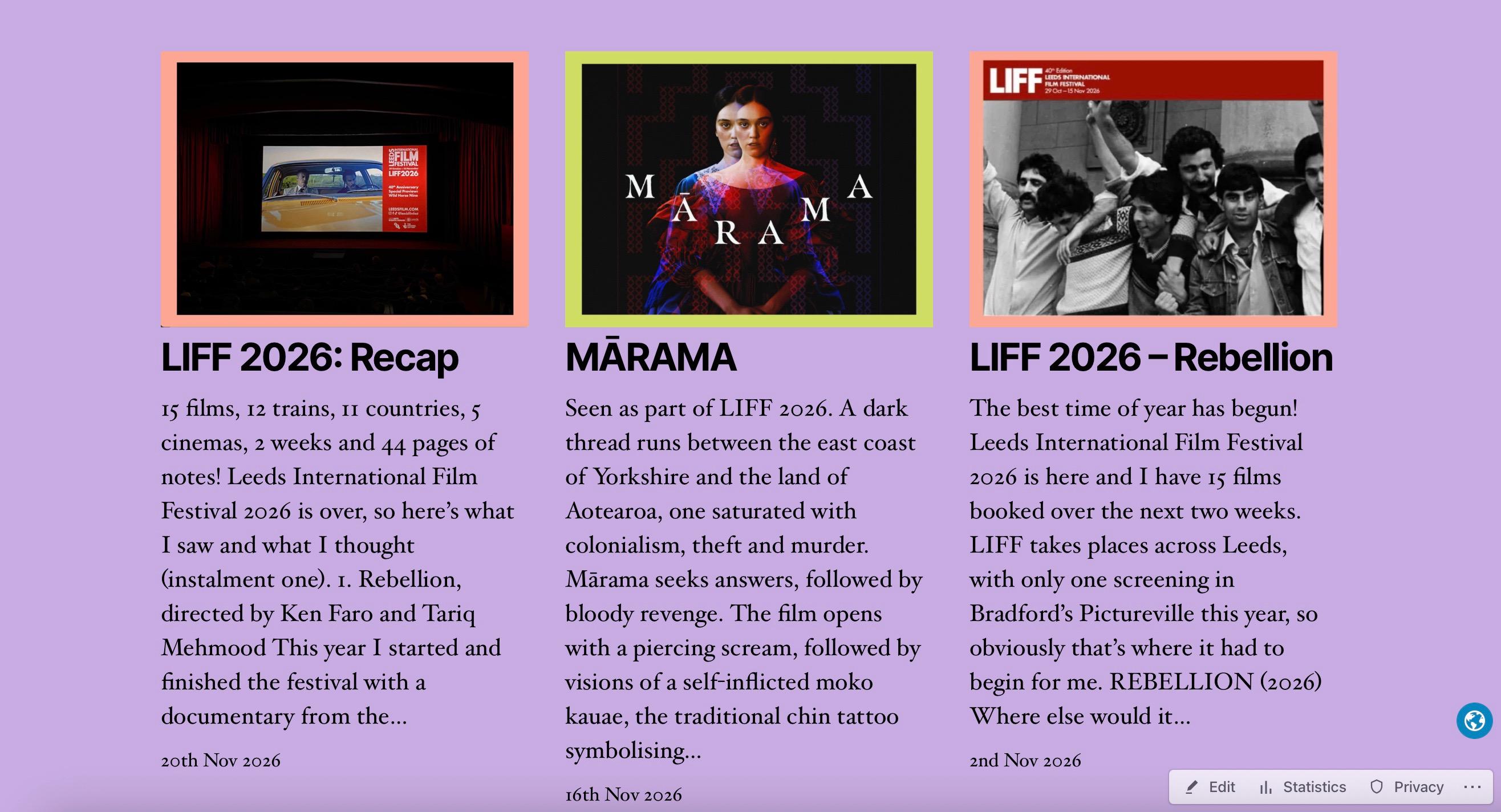
This blog used to only show a preview of text on the homepage and blog page, because I would put a ‘read more’ block before the main post. Now it ignores the ‘read more’ and shows all this text. Any idea why?
1
Upvotes
2
u/NakanoNoNeko 5d ago
If your theme has Appearance > Editor, check the blog template's Query Loop > Post Template. Replace Content with Excerpt and add its read-more link. That restores previews without relying on the More block inside each post. Keep Content in the Single Posts template, so individual articles still display fully.
1
u/ParsonsHosting 5d ago
This usually happens when a theme update or a switch to a block theme changes how the blog template shows posts. Here are a few things you can check, in order:
Hope I was helpful.
1
u/Frank_MakesIt 4d ago
open one of the posts and check which block it is. the one that cuts the preview is called More and shows as a dashed READ MORE line in the editor. there's also a Read More block, which is just a link for query loops and won't cut anything