XPPen reached out to ask if I wanted to test the new Magic Pro 13 (MP13) and, of course, I said yes.
Disclaimer: I did get the device for free in exchange for a video but that doesn't sway my opinions.
I am coming from years of iPad use and currently use the new iPad Mini 8 (256GB with Nano Texture which costs £899 - the same as the MP13).
Initial Impressions
The packaging was nice and shipping was secure.
The tablet is certainly as large as you could comfortably have in hand at 13" diagonal. It's not overly heavy at 657g (double the weight of the iPad Mini in its case but also double the screen area) but if you're drawing outside with no stand or tripod then it's going to get uncomfortable. First thing I did was stick a MagSafe ring to the back to use magnetic tripods / pop-sockets etc which make the feeling in hand much better as you're holding it by the centre of balance rather than the edge bezel.
The back and frame are plastic but it doesn't feel cheap in hand. Trying to twist and deform it didn't cause any real flex so I am confident in its build quality and I'd be happy taking it in and out of a bag. I did not do any scratch testing on the display but etched glass is always easier to damage than glossy so I would not be comfortable with this being in a bag with keys etc. Keep a laptop/tablet sleeve specifically for it.
Stylus is very standard and has two barrel buttons. The box also included a set of replacement nibs including 4 compressed felt nibs which feel great on the display. Stylus weighs in at 12g vs the Apple Pencil Pro at 20g.
Turning it on I was struck by how nice the screen looks. A very crisp 3k 3:2 display running at 120hz so animations are snappy. The battery lasts decently well but I also have it set to 60hz to try to improve that. At 10200mAh it is a big battery so even with 45W charging, it takes a while to fill up.
The internals are not anywhere near flagship class. We have a MediaTek Dimensity 8300, 8GB RAM, 256GB storage. This is adequate for drawing but large canvases with lots of layers will bog it down. Synthetic benchmarks have limited use but they are a handy way to estimate performance and this tablet benchmarks pretty poorly. It might not matter in the short-term but it effects the longevity of the device as the hardware slows down.
Geekbench rough scores (prices vary a lot with sales but these are MSRP for comparison):
| Device | CPU Single Core | CPU Multi Core | GPU (Vulkan / Metal) | Price (inc. pen) |
|---|
| Magic Pro 13 | 1400 | 4400 | 5200 | £899 |
| Wacom MovinkPad Pro 14 | 2000 | 5200 | 9200 | £950 |
| Samsung Galaxy Tab S10 FE+ | 1350 | 3900 | 6800 | £689 |
| Samsung Galaxy Tab S12+ | 3350 | 9800 | 25001 | £1199 |
| Apple iPad Mini 8 | 3950 | 10500 | 60000 | £828 |
| Apple iPad Air 13 (M4) | 3700 | 13000 | 52000 | £1078 |
| Apple iPad Pro 13 (M5) | 4000 | 15500 | 75000 | £1625 |
Android Tablet
The Android setup left a really bad taste in my mouth. I am not averse to Android but I feel that the way it's been treated on this device is less than ideal. Of course it needed a lot of custom firmware to get the stylus support etc. They also added an alternate navigation method that uses gestures to match the iPad paradigm (swipe up for home or app switcher, pull the dock up from the bottom, go back by pulling from the left edge, forward from the right etc). I appreciated this as it keeps the bottom edge of the screen clean from the Android system clutter.
The default launcher is just barely adequate and the app drawer is offensive. In gesture navigation mode the dock at the bottom is also pretty unpleasant.
I appreciate that you shouldn't be too upset about the desktop when you're going to be using apps all the time, but if you're someone with a lot of apps and you need to navigate between them and organise them then it's going to be quite a lot of friction. Fortunately you can install alternate launchers but the system dock didn't seem like it could be disabled.
I only use 1-2 apps on Android to facilitate painting so not a problem for me but might be for others.
Something that's more of an issue was the sound. I found the speaker quality to be very poor, especially at low volumes. I'm not sure if there's some audio gate or downward expansion etc in the firmware but with extensive debugging from my side with ADB I wasn't able to resolve this. I also had issues with connecting Bluetooth headphones (I found I could solve it by disabling the hardware offload option in developer mode) but once solved the audio across Bluetooth was completely fine. I escalated my findings to the XPPen rep and they forwarded it on to the development team so hopefully this can be solved in firmware updates in the future.
That brings me onto the next point, software support. XPPen has made no commitments to how long the device will be supported with updates (vs Samsung and Apple who make strong commitments). The line from the rep was:
XPPen plans to roll out Android OS updates for the Magic Pro 13. That said, we cannot confirm a fixed support period or specific Android version at this stage. We will share official update plans once they are finalised.
Always buy products, not promises. If you're happy with the current state of the device then go ahead but don't assume that it will be supported long-term. If you do purchase it as your primary tablet then keep an eye on security updates and if you haven't had one for a while, stop doing anything sensitive like banking or taxes on the device.
Display Tablet
The raison d'être for this device is the display tablet functionality. There are two USB-C ports on the right short edge with the upper of the two being Display Port In. This is a hardware pass-through that fully takes over the tablet as a native display for the computer.
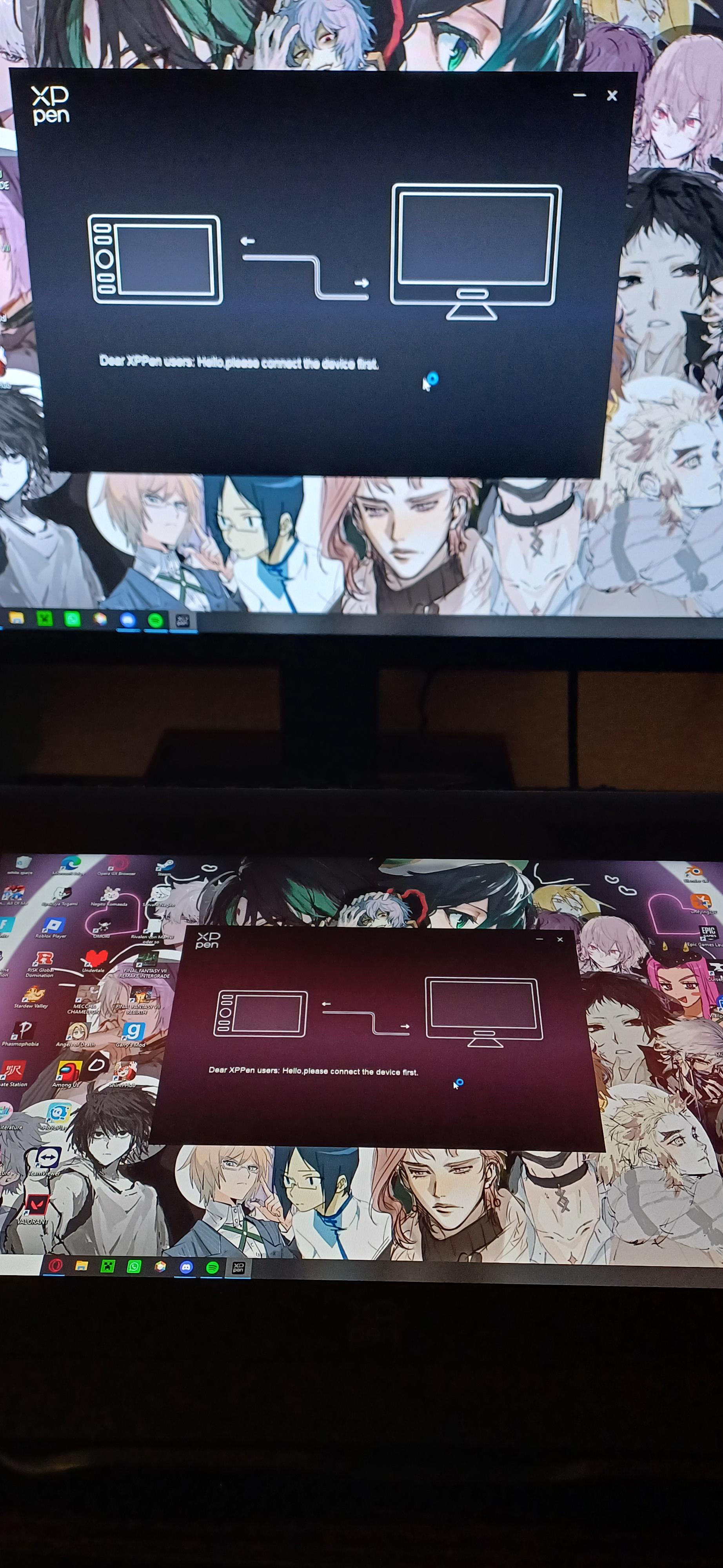
There is no software emulation, no compressed video over USB2.0, no beta drivers, no USB debug mode needed (I'm looking at you Wacom MovinkPad Pro 14). The XPPen driver is very slick, connects in 1-2 seconds, and lets you have full control over the mapping of pen to displays. It has some convenient buttons to set the aspect ratio of the pen area to the aspect ratio of the incoming feed (eg if you're mirroring a 16:9 display).
The pen is responsive and when XPPen said zero-latency in their marketing they were not kidding. This is the best display tablet experience that I have had, the fact it's on a hybrid device is pretty crazy to me. I am comparing this to entry level Cintiqs among others.
As it is a hybrid device, there's no built in stand and there are no wide bezels to rest your hands on. And the battery? Well that does not charge over the DP in connection so you'll want to add another cable to keep it topped up. In my testing, I think it'd get somewhere in the region of 6-9 hours depending on content and screen brightness as a display tablet.
If you are a Mac user, be aware that as a display tablet, this will NOT pass through finger touch, only stylus. I believe for Windows and Linux users it may pull through touch as well. I wonder if UPDD drivers on Mac might enable full touch but I haven't tested this and no one has told me they would.
As a display tablet, 9/10. Screen is beautiful, connection is easy, inputs are responsive. Losing a point just for the ergonomics and as a professional artist, those ergonomics do come back and bite you. Investing in a decent angled tablet holder with flanges to rest on is worthwhile if this becomes your primary tablet.
Stylus
This tablet uses XPPen's X4 chip stylus but, looking at the driver, appears to also support the X3 pens (untested).
The pen that comes with the tablet is the X4 Smart Chip Stylus in white. This has 16k pressure levels and supports tilt up to 60-degrees. It does NOT support barrel roll. This is a battery free stylus.
It magnetically attaches to the bottom edge of the tablet for convenience. If you are used to the Apple Pencil attaching to an iPad, this X4 stylus is far less secure and shaking the tablet will drop the pen. They could have improved this feature by giving the stylus a flat face but I think they expect people probably won't use magnets that often. It prevents the tablet being stood up and there's no need to charge the pen anyway so slightly superfluous.
With the felt tips you get very slightly more friction on the display which is edge-to-edge etched glass. To compare it to Apple's Nanotexture: The drawing resistance is slightly lower. Apple's option gives a slightly plasticy(?) feeling resistance, whereas the XPPen feels much more like glass still. I would say it's more comparable to a Cintiq or even a regular pen tablet. They call it paper-like but this is definitely a pen on etched glass. I don't think this is a bad thing (thinking back to RSI from my traditional illustration days).
Testing with a ruler and a fine brush I can conclude that diagonal lines do not step or wobble.
There are settings in Android that let you choose what the two barrel buttons do. I have left them set to "None" so that my painting apps are able to use their tools instead. In the XPPen drivers, you can set the buttons to any kind of button or shortcut you want when using as a display tablet.
I tried using Xencelabs styluses (same parent company) and the pointer was detected correctly but no presses registered so you will need to keep with the XPPen styluses.
Price
Current MSRP is £899.
Black Friday has it down to £809 for another 24-hours.
You can use my code ERIN20 to get it down to £720 (until 31st December 2026) from the XPPen site. I get no kickback, it's just a discount for purchasing.
With the internals how they are, it's extremely hard for me to recommend the MP13 to anyone who is looking for an android tablet for sketching. The performance is in the ballpark of the Samsung Galaxy Tab S10 FE+ which can be picked up for closer to £600 new or even less used.
If you have this much cash spare and you just want something portable to draw on, I'd consider the iPad Mini 8, iPad Air, or the Samsung Galaxy Tab S10 FE+, maybe also look at Oppo and Huawei.
If you are looking specifically for a display tablet to be permanently connected to your computer and be desk-bound, I would also recommend you go looking for a dedicated display tablet. You could get the 24" from XPPen for the same price and your back and arms would thank you for it.
If you are someone who wants a large, but still portable, device for drawing out and about and then wants to bring that back to a desk to continue working connected to a computer then this is a genuinely good option.
Wacom MovinkPad Pro 14
This is the real competition device. All other Android tablets or display tablets are specialised in their own ways but the MovinkPad Pro 14 and the XPPen Magic Pro 13 are really the only drawing-specific hybrid devices.
As an Android tablet, the MovinkPad Pro 14 has the OLED display, it has the faster chips, 12GB RAM. It supports the other Wacom pens including ones with barrel roll. But it also does not have any cameras so if you use the tablet for video calls then you'll be limited.
As a display tablet, the Wacom solution is vastly inferior. Software emulated, compressed video stream over USB to the tablet sent by beta drivers on the computer that require you to enable developer mode and USB Debugging in Android. There's a lot of friction there for something that ends up not working as well as a real display tablet. Compare that to the MP13's emphasis on supporting the display tablet feature as a first-class citizen and it really comes down to your priorities.
The Wacom is, while compromised, the better Android tablet. The XPPen is the better display tablet. Both can do both. The bias is what's important and how that fits your life.
Final Thoughts
Let me start by acknowledging that I did not have to pay the equivalent of four months of grocery bills to get this tablet. Spending that much money should not be done lightly.
Will this tablet make you a better artist? No. Will it make you make more art? Maybe. If you currently have a tablet that's too small for drawing, or too large to be portable, or is tethered and you want to draw at the park, or the cafe, or on the train, then this might give you the opportunities to hone your craft.
Could you get a cheaper android tablet and separate a display tablet for a combined cost less than the MP13? Yes absolutely. On Ebay right now you can grab a Cintiq 13HD for £90 and a Huawei MatePad Pro 10.8" for £180. Both used of course but at £270 instead of £720 after discounts, that's a pretty attractive offering.
This is my review rather me trying to get you to buy anything. You'll know if this is a product that adds value to your life. I would say that the drawing experience on this tablet is great. I wish the internals were faster so it would have a longer lifespan and could handle more 3D apps like Blender better, but it's okay.
Despite the marketing, this device is spiritually a display tablet that just happens to also work in standalone mode. And it's really damn good as a display tablet.