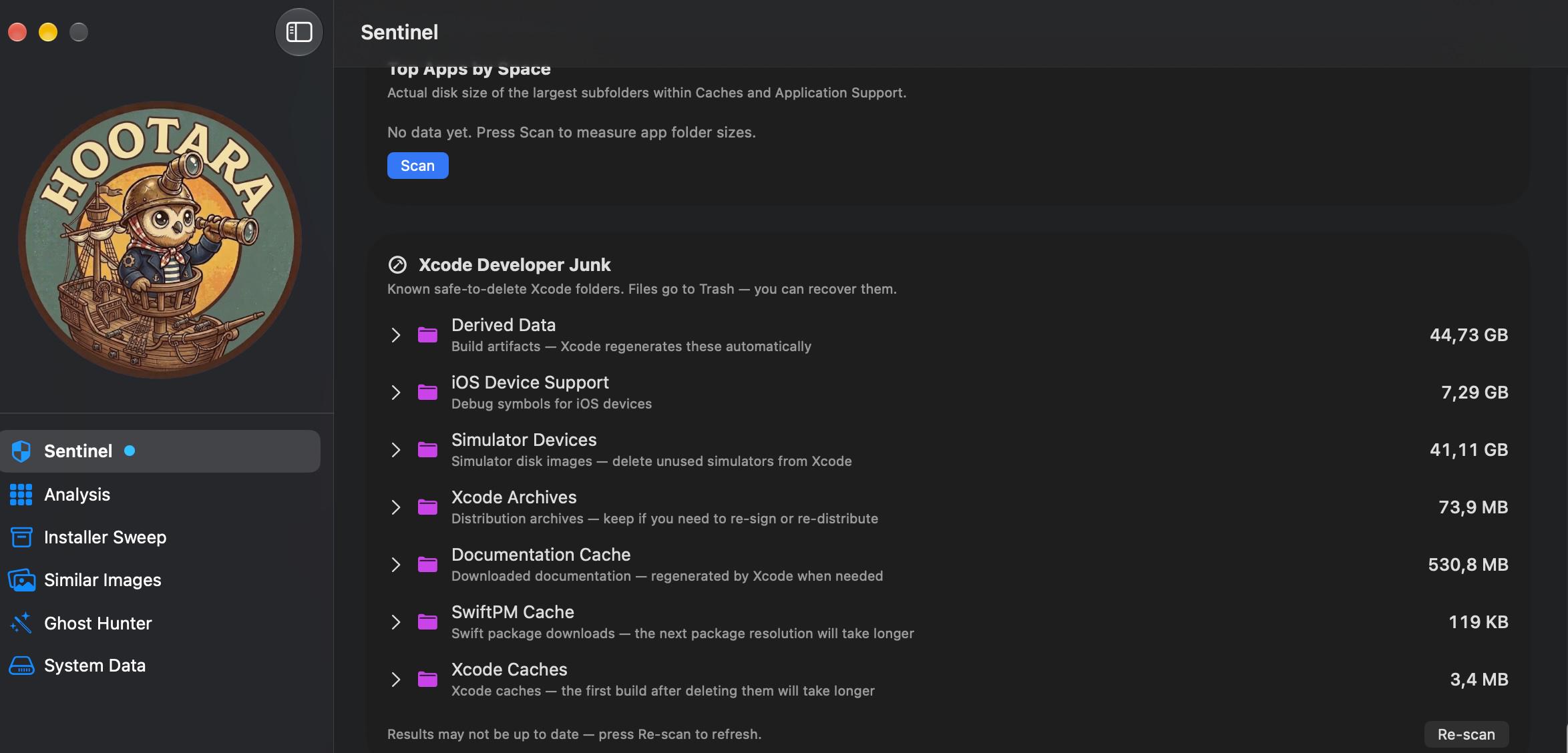
For anyone who wants the manual version: DerivedData (~/Library/Developer/Xcode/DerivedData) is always safe to delete, it only costs you a clean build. xcrun simctl delete unavailable removes simulators for runtimes you no longer have, and xcrun simctl runtime list plus xcrun simctl runtime delete handles the big runtime images. iOS DeviceSupport folders for iOS versions you no longer debug on can go too, Xcode copies the symbols again next time you plug in a device. Archives is the one to be careful with, since the dSYMs in there are what you need to symbolicate crash reports from shipped builds.
There’s so many apps that do this already. Xcodes isn’t comprehensive but it allows you to manage your Xcode installs and the device simulators you have downloaded and delete them conveniently.
CleanMyMac allows you easily to clear out Xcode junk and is very exact
Xcode does a poor job of notifying third party developers about the gigabytes of space it perpetually wastes or offering to clean up after itself. Approximately nobody at Apple is paid to care about this. Engineers are tasked with creating the data, not cleaning up the mess.
4
u/dawedev 2d ago
For anyone who wants the manual version: DerivedData (~/Library/Developer/Xcode/DerivedData) is always safe to delete, it only costs you a clean build.
xcrun simctl delete unavailableremoves simulators for runtimes you no longer have, andxcrun simctl runtime listplusxcrun simctl runtime deletehandles the big runtime images. iOS DeviceSupport folders for iOS versions you no longer debug on can go too, Xcode copies the symbols again next time you plug in a device. Archives is the one to be careful with, since the dSYMs in there are what you need to symbolicate crash reports from shipped builds.3
u/aykay55 2d ago
There’s so many apps that do this already. Xcodes isn’t comprehensive but it allows you to manage your Xcode installs and the device simulators you have downloaded and delete them conveniently.
CleanMyMac allows you easily to clear out Xcode junk and is very exact