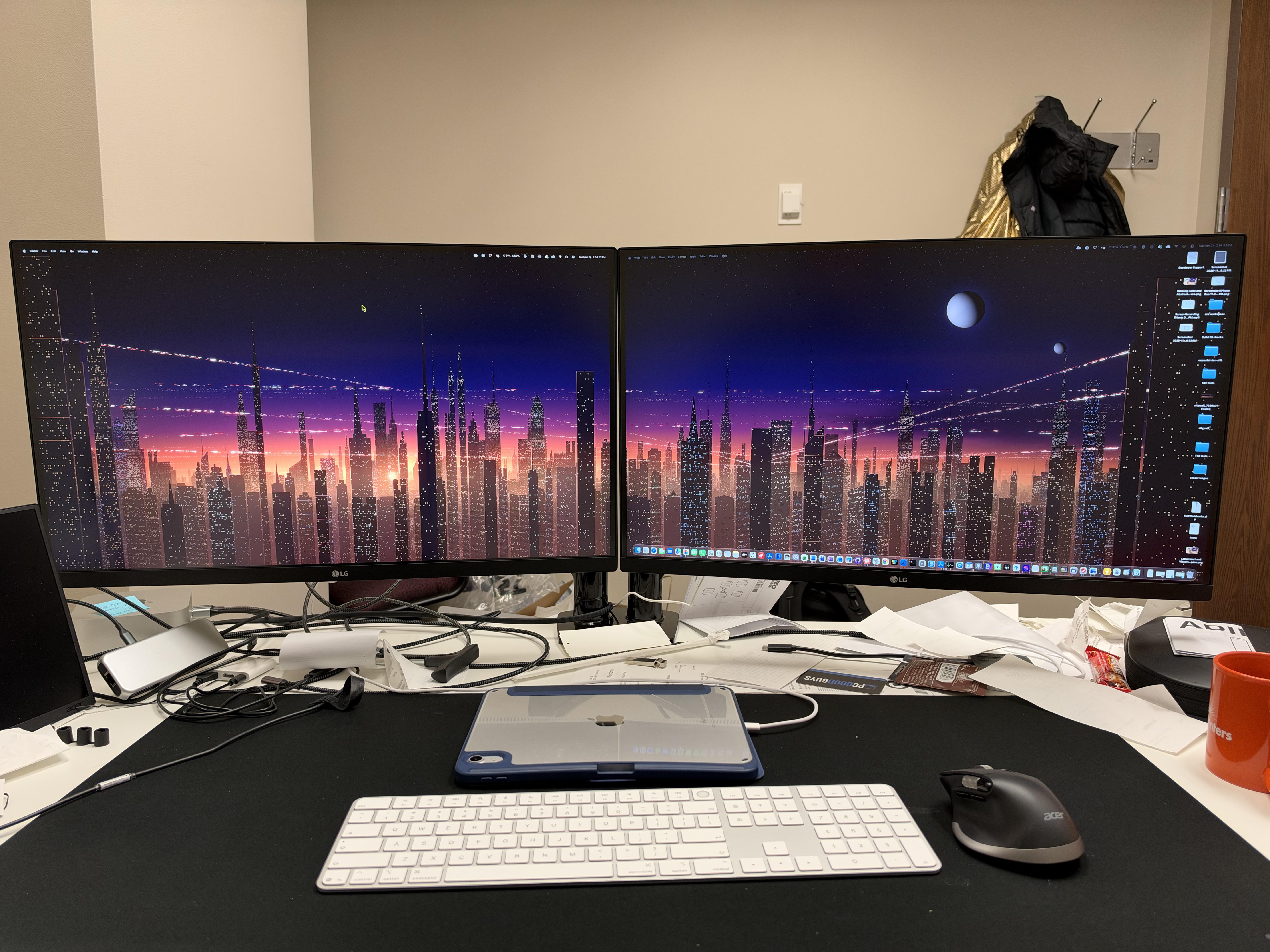
I also use a dual screen setup (and with a sit stand desk) and sometimes swap out which computer is in the doc. I have yet to find a good solution for all the cables that allows that flexibility. Please enlighten me (and OP and others) - what cable management are you using that works well for two screens, two computers, and enough cable slack for sit stand desk that moves?
I also have two monitors and computers and we do cable management under the table and run some cables on the legs of the desk, if that makes sense It’s annoying to do it but very worth it
An under-desk metal cable tray. A power strip mounted inside it. Velcro cable ties for the two monitors and peripherals. One articulated cable spine running down the desk leg.
One important detail: Mount the power strip underneath the desk so that most cables move with the desktop. Only the main power cable needs to travel down to the wall outlet. Leave enough slack for the desk at maximum height.
You can also use a retractable cable reel so you can have the flexibility while also keeping it hidden in your tray.
•
u/AutoModerator 7h ago
Giveaway Alert
We're in the final few days of our AULA Gaming AG75 Pro keyboard giveaway - Leave a comment reply here to enter for a chance to win! - https://www.new.reddit.com/r/battlestations/comments/1xucsc4/rbattlestations_aula_gaming_ag75_pro_keyboard/ Don't forget we have an active Discord server - https://discord.gg/battlestations
I am a bot, and this action was performed automatically. Please contact the moderators of this subreddit if you have any questions or concerns.
1
u/rpmnz 7h ago
so many cables