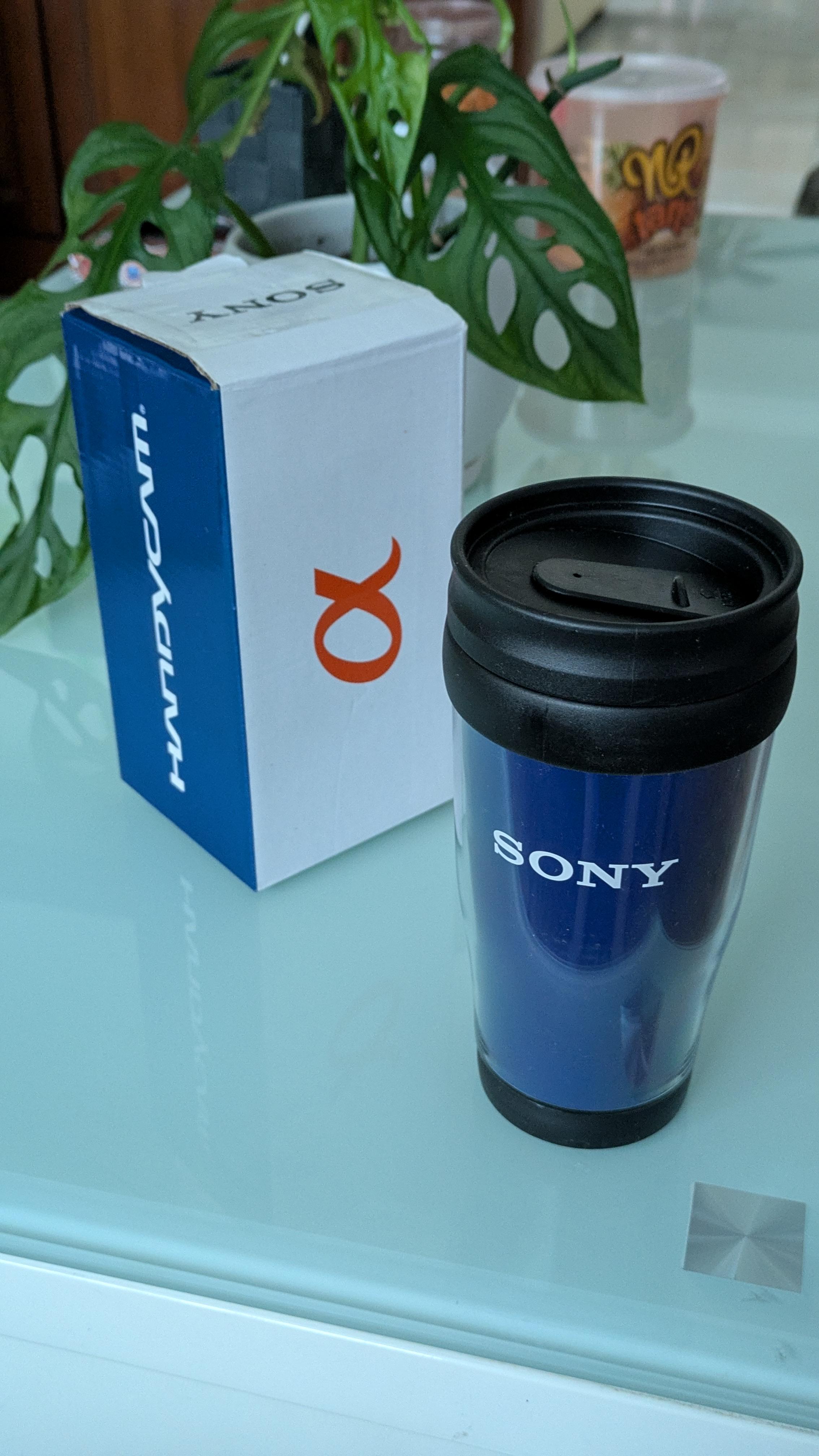
r/camcorders • u/RapidParakeet9647 • 42m ago
Meme PowerPlay/Dangycam vs MiniDV

25
Upvotes
r/camcorders • u/Kasuu372 • Feb 09 '26

I made a spreadsheet documenting all Sony Handycam models released in 2003-2020 (SD, HD, 4K, 3D and NEX-VG), let me know if I got anything wrong
r/camcorders • u/ConsumerDV • Jan 30 '25
There are different ways of getting footage off a camcorder to a computer depending on camcorder type, the connectors it has, the connectors your computer has and available software.
See also:
If you have a digital camcorder with either a built-in hard-disk drive (HDD), or with built-in flash memory then the standard way of transferring the footage on a computer is via USB link. Each take is recorded as a digital file. Different file types, directory structures and codecs have been used during the last 20 years or so since tapeless digital camcorders became available.
The best option is to either use bundled software, or to use the capture module in your favorite non-linear editor (NLE) to capture the footage. In the process, files belonging to one long take may be combined together to avoid video and/or audio dropouts at the joins.
See also:
If your camcorder does not have a USB output, it may require a matching dock, Sony camcorders are known for that. If the dock is not available, the only way to grab your footage save for removing the HDD is to play it in realtime while capturing it via analog output just like you would do for an analog tape-based camcorder, see "Digitizing Analog video" section below.
Removable storage includes optical discs, usually MiniDVDs, and flash memory cards, usually one of the variants of SD card.
Finalized MiniDVDs can be read in computer DVD drive. Data structure on a MiniDVD follows DVD-video specification. To convert VOB files into standard Program Stream (MPEG-2 PS) files, use free DVDVob2Mpg tool (Windows only).
SD cards can be read via a card reader. When purchasing an SD card make sure it is compatible with your camcorder.

Data structure on SD cards is similar as on non-removable media, see the above section for the links.
Consumer-grade digital tape based camcorders include:
All the above camcorders have a Firewire port (same as IEEE-1394, i.Link, or simply DV port). Firewire is the preferred interface to transfer digital videos to a computer.
USB is often used to transfer still images and low-resolution low-frame rate video from a memory card. In most cases it is useless for a quality video transfer, but some DV camcorders have USB 2.0 High Speed that implements UVC protocol, they can transfer full-resolution DV video over USB. In this case USB is equivalent to Firewire quality-wise.
Firewire-to-USB cables are a scam and do not work.
Some HDV camcorders have HDMI port. It can be used instead of Firewire if you computer has HDMI input but no Firewire port. Usually computers have only HDMI output.

Depending on Firewire hardware, operating system and camcorder model, no special device drivers may be required when connecting a digital camcorder to a computer via Firewire.

If a dedicated driver is needed, the operating system will search for it online and install it behind the scenes if the driver is found.

In some cases a fitting driver cannot be found. In this case you cannot use Firewire to transfer DV video from tape in its original form, you will have to use analog video connection.
Thunderbolt 2 and Thunderbolt 3
If your computer has no Firewire port, but has a Thunderbolt 2 or Thunderbolt 3 port, you can rig a cable, converting from 4-pin Firewire 400 into 9-pin Firewire 800, then into Thunderbolt 2, then for newer Macs and Windows machines into Thunderbolt 3.
See this post: Importing from MiniDV camera to MacBook - mid-2025 success story.

Even if you succeeded to connect your digital camcorder to a computer, and computer has recognized it, your trouble has not ended. Now you need to find software that can transfer DV video from tape into a computer file without mutilation.
Windows is better in this regard: you can still find and install Microsoft Movie Maker on Windows 10 or 11 and it will work just fine. Navigate to Capture menu, find your camcorder in the connected devices and capture away.
Mac wants you to jump through hoops to obtain DV video in its original quality.
QuickTime
Depending on version, QuickTime may or may not capture DV in its original form.
QuickTime 7.x Pro has a "Device Native" option which gives you the raw DV data coming off the tape.
Latest version converts DV it either into H.264 when "High" quality preset is used, or into ProRes422 when "Maximum" quality preset is used. In both cases it converts original interlaced video into progressive with the same frame rate: 30i → 30p, 25i → 25p by blending fields. This YT video by LonTV corroborates this assertion: at about 9-minute mark you can see file properties after QuickTime capture in "High" quality, and at about 10-minute mark in "Maximum" quality.

iMovie
iMovie '08 and several later versions deinterlace video by skipping every other field. Apple claimed this was to "reduce CPU load when editing video".
iMovie 10.x does capture raw DV video, but gives you no option to directly export it.
To obtain the raw DV footage you need to dig into the iMovie Library file (right/Ctrl-click on it and choose "Show package contents"), then navigate into the project folder, where you can find the original .dv file that iMovie captured from tape. Copy that to your Documents folder or wherever you want to put it. That is an exact transfer of what's on the tape, with no re-encoding. If you do want to re-encode it into a different format, use a program like Handbrake or r/ShutterEncoder.
Final Cut Pro
Final Cut Pro stores captured videos in MOV files, which are in fact QuickTime-DV files. Follows a full procedure of how to import DV or HDV video into FCP and how to locate the raw, non-transcoded footage. The bulk of this guide has been copied from u/DuckLooknPelican's post in r/MiniDV. It has been verified to work on MacOS Sequoia also known as MacOS 15, released in 2024.
Notes:
Lifeflix
Lifeflix is a commercial option for easy, seamless capture and export of DV video on a Mac. It gives you a choice of either direct DV export or compress/de-interlace it to H.264. See a review of an older version: LifeFlix Mac DV video capture program review by VWestlife.
DV Rescue is a project by MIPoPS, the Moving Image Preservation of Puget Sound. See how you can use it to capture DV video on Mac preserving the original quality. Video is stored in files with DV extension.
If your computer does not have a Firewire port and cannot be extended with a Firewire expansion card, and your camcorder does not support full speed UVC protocol, you have to fall back to capturing video using an analog link, see "Digitizing Analog video" section below.
See also:
Most camcorders, analog and digital alike, provide composite video output (CVBS, composite video baseband signal) usually in a form of a barrel-shaped connector known as RCA. On some camcorders it is grouped together with audio into an A/V connector, which often looks like a 3.5-mm TRS (composite video and single-channel audio) or TRRS (composite video and two-channel audio) connector.
To simplify dealing with a single audio channel on monophonic camcorders, a Y-cable can be used to split single audio channel into two.
Composite video is the lowest common denominator. If nothing else works, use composite video.
S-Video usually comes as a 4-PIN DIN connector. It is present on SVHS, SVHS-C, Hi8 and some Digital8, DV and MICROMV camcorders. SVideo provides higher quality than composite. If done right, capturing standard definition digital video through SVideo port is indistinguishable from capturing via Firewire port. SVideo cable does not carry audio, you need to use a separate cable for it.

If your camcorder has a TRRS port instead of RCA port, make sure the cable you use fits the pin-out on the camcorder. In some cases you may need a TRS cable carrying composite video and single-channel audio.

To digitize analog video with a computer you need an analog-to-digital converter (A/D converter). Several models are available. Presently, the best converter in the $50 price range is I-O Data GV-USB2. It accepts SVideo and composite video and two-channel audio from your VCR or camcorder and outputs digitized uncompressed video over USB.

OBS Studio is arguably the most popular software today to capture analog video.
OBS has never been intended as a capture tool for analog videos, it is a computer screen capture and screen casting program. Analog video capture was an afterthought. I guess some people started using it for this purpose, so devs had to adjust the software.
OBS is acceptable if you plan to go from your analog source directly to a deliverable, say to upload on YouTube, and you don't need to edit. It is multi-platform and omni-present, so you learn once and use it everywhere.
It is not optimal if you want to capture with the best quality or if you want to edit and then make a deliverable. Can it even capture interlaced video without deinterlacing it?
I would like to use a GV-USB2 analog video capture device in OBS to digitize Hi-8 video. However, I then want to take that video file into Davinci Resolve to deinterlace it there, but Resolve can't deinterlace it unless it's flagged as interlaced video...so is there a way to record in OBS without converting it to progressive video (keep it a true interlaced video)? - by NWS on OBS message board
Discussions on the OBS message board like this and this imply that given a proper A/D converter, OBS can save video as interlaced.
Most newer cards, and some older with their built in processing and encoding think they know it all and often times result in GARBAGE OUT. The Dazzle DVC 100 is one of the few cards that PROPERLY passes interlaced video. I think i paid like $18 USD on ebay for it. I capture at 720x480, YUYV 4:2:2 . The resulting files are somewhat large but well worth it. - by Markosjal on OBS message board
Still, you will need to use something like H.264 or H.265, I was not able to hitch Cineform to it.
A bug report related to frame conversion, which has never been resolved, shows reluctance of OBS devs to fix issues.
The unfortunate reality here is that interlaced content is less and less common, and probably not worth core OBS maintainers spending a ton of effort on fixing. - by Fenrirthviti on OBS message board
Whatever your opinion on OBS, you do not have much choice if you want to use free capturing software on Mac.
On the other hand, VirtualDub for Windows has originally been designed for capturing and simple editing of video. VirtualDub2 has added native support for Cineform and output containers like MP4 and MOV, not just AVI. You can use more codecs including lossless like Huffyuv and visually lossless like Cineform.Another great tool for Windows is AmarecTV. It is considered to provide better A/V synchronization and it keeps dropped frame statistics. It is just a capture tool, not an editor, but in this regard is very similar to VirtualDub: you choose frame size, frame rate, color subsampling. You can choose whether you want deinterlacing, or keep it interlaced. You have access to the same codecs that are available from VirtualDub through standard VfW API. So, in terms of functionality it is pretty much the same.
TLDR, OBS is a kludge for capturing analog videos. Its usage became widespread because it is used for screencasting and because there is few if any similar software for Mac.
See also:
There are several ways to digitize analog video without using a computer:
See also:
Between CVBS and S-Video, choose S-Video, because S-Video provides better luminance and chrominance separation, which results in reduction of of dot crawl and composite artifact colors, and in increased sharpness.
Between CVBS and Firewire, choose Firewire for the reasons similar to choosing S-Video. While Firewire may have reduced chroma resolution compared to what could be obtained from S-Video, it is still better than CVBS and is compatible with wide range of hardware and software.
Between S-Video and Firewire when capturing analog video, choose S-Video if you have a good A/D converter and you want to obtain the best possible quality; choose Firewire for simplicity of the workflow and compatibility.
Between S-Video and Firewire when capturing standard definition digital video, choose Firewire to avoid re-encoding, keeping the video intact. Choose S-Video if you do not have a Firewire port in your computer.
Between Firewire and HDMI when capturing HDV, choose Firewire to avoid re-encoding, keeping the video intact. Choose HDMI if your computer has no Firewire port, but has an HDMI input.
See also:
Many Digital8 camcorders can play analog 8-mm video, convert it to digital internally, and output as DV via Firewire. Thus, you have a choice whether you want to capture your analog 8-mm video via analog route and convert to digital on a computer using an encoder of your choice, or whether you want to let the camcorder do it. There are pros and cons to both methods (TO BE UPDATED).
Analog video is not very stable. At best, you can see slight shimmering with the picture not having clear and straight edges on the sides (line jitter). At worst, the video may look crooked or unstable. It is recommended to stabilize analog video using Time Base Corrector (TBC). Standalone TBCs are expensive, but many VCRs and camcorders have built-in TBCs, using them is recommended. In particular, some Digital8 camcorders that can play analog videos have built-in TBC and can act as analog-to-digital converters for external video, not only for analog 8-mm tapes. Such a camcorder can serve as a TBC and an analog-to-digital converter in one box.
r/camcorders • u/russtoday • 15h ago
It’s been slowly glitching and it’s getting worse. This was after 10 minutes of shooting on sunday. I tested it again later and it semi worked but not really. Is there any salvaging this / any info at all as to what’s going on? The camera is a Sony Handycam DCR-TRV130
r/camcorders • u/DOS_Six • 53m ago
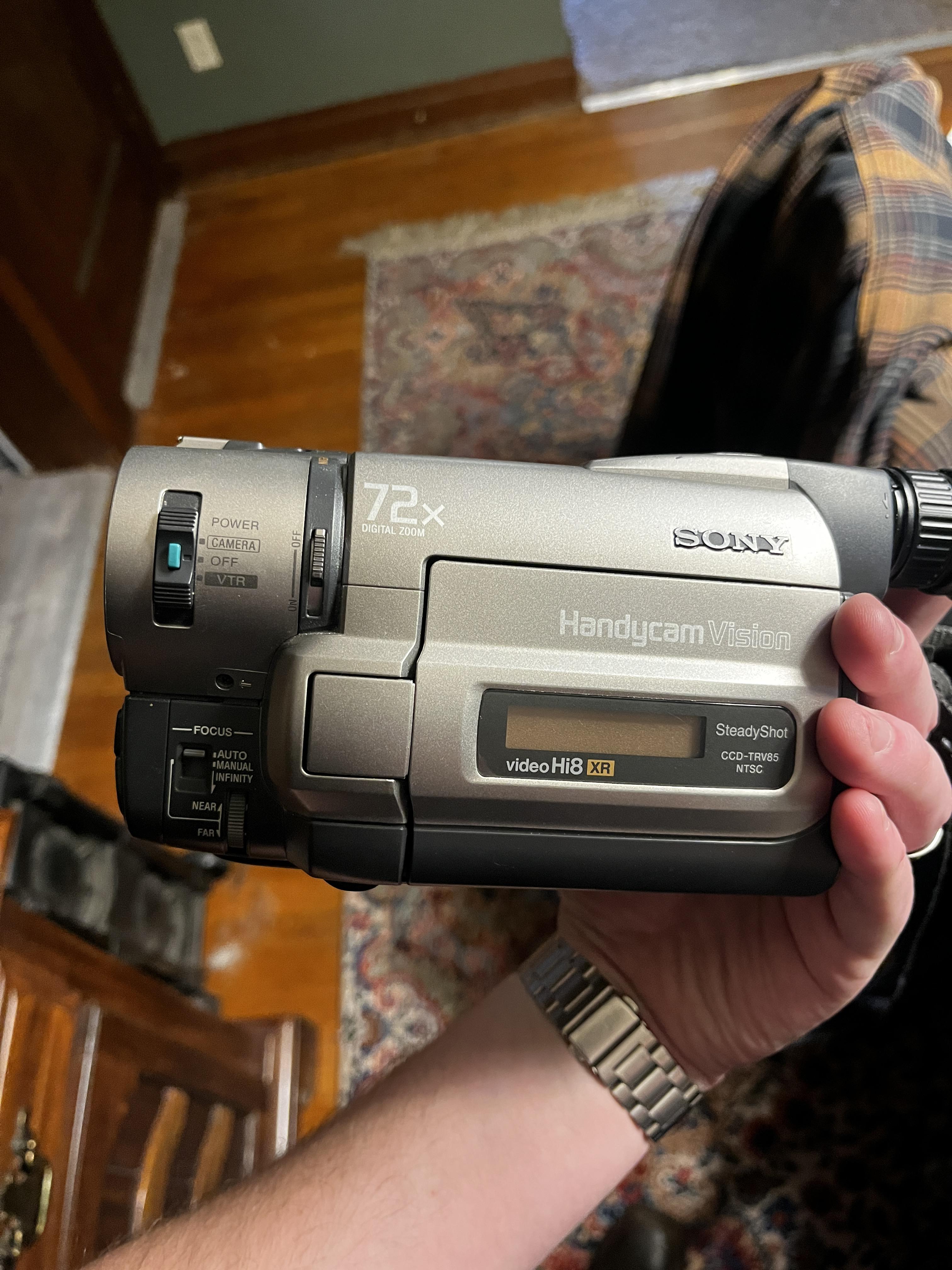
I recently picked up this Sony HandyCam and everything works perfectly other than an issue with the viewfinder. If the viewfinder is in the down position it works perfectly but as soon as I lift it up the viewfinder will turn off. I've tried every position other than fully down and get nothing i've also trued wiggling it to see if it's a loose connection and don't get any flickering or anything at all. There's a detent that holds the viewfinder in the down position and as soon as it leaves that detent is when it turns off so it seems like a switch that's being triggered. Is there something i'm just overlooking or is this an actual issue?
r/camcorders • u/chikurii • 3h ago
the shopping cart drove so far, i was on my phone before my friend was like get your cmaer up quick quick!!! thjen i saw it
recorded it and like you can see our reactions xD
it looked like a ghost was dragging it along given how long it dragged on for
r/camcorders • u/Mrpuffpuff196 • 22h ago

Found it on Facebook for $240, left my house immediately. He was a skater that bought it from a daycare then never ended up using it because he had others, and so it’s ridiculously nice. Everything we tested including the tape deck works. Super thankful
r/camcorders • u/kkumburat • 2h ago
Hello, does anybody experience this type of problem with their camcorder especially sony.
I have a sony HDR-sr7, The problem is i tried many battery with this camera but it seems that it doesn't open or even show signs of life. But with AC IN lc200 cable it works.
I tried buying many battery with this camera, i thought maybe it's a battery problem but i don't think it's the battery anymore. I bought so many types of battery with the designated H series.Tried so many shops but it still doesn't work.
Please help me with this one, holidays is coming and i want to use it for capturing many fond memories. 🙏🏻
r/camcorders • u/AdEvening7407 • 13h ago
Love it
r/camcorders • u/Waste_Fortune8802 • 1h ago
r/camcorders • u/steeltheprotogen • 3h ago

I’m looking into getting a shoulder rigs for my JVC GY-HM600U and was wondering if anybody here uses one with their camcorders. If so, are they worth it for making long, non-tripod filming sessions more comfortable?
r/camcorders • u/TatorTot2325 • 15h ago
Some moments in life become memories before we even realize it.
Shot on a 2005 JVC GR-SXM38U VHS-C camcorder, this three-minute short film documents two days separated by just 47 days: October 7, 2026, when our beloved Hamburger Lawrence Lara was still alive, and November 23, 2026, fifteen days after his passing on November 8, 2026.
Hamburger was born on March 13, 2021, and was only five years old when he passed away. He was 36 in human years.
Through the contrast of these two recordings, this film reflects on just how short life can be, how unexpectedly death can arrive, and how the ordinary moments we capture today can become some of our most precious memories tomorrow.
The film also incorporates audio from President John F. Kennedy's January 20, 1961, inaugural address. His words take on an additional historical significance when considered alongside the anniversary of his assassination on November 22, 1963.
Life is fleeting. History moves forward. Memories remain.
This film is dedicated to Hamburger Lawrence Lara, a beloved companion who deserved many more years with us.
March 13, 2021 – November 8, 2026.
Rest peacefully, Hamburger. You are loved, you are missed, and you will never be forgotten.
r/camcorders • u/Hound-dog6368 • 14h ago

So I recently found this JVC GR-AXM225 camcorder and have no clue how any of this works. I tried to charge the battery and it still doesn’t turn on, I don’t want to label this as a lost cause because I really enjoy cameras and camcorders. If anyone knows the works around this camcorder please help thank youu !!🥹🥹
r/camcorders • u/Appropriate_Hold2315 • 15h ago
Hey guys,
Long time lurker first time poster here!
I know theres a lot of talk on here about scamcorders and random Amazon brands form china that are putting out cheap camcorders but are there any new camcorders that are worth the money?
Also if a brand were to make a new camcorder, what would what would make it worth buying?
I have like $200-$300 to spend on a set up and hoping to get something new.
r/camcorders • u/dogfighter1780 • 22h ago

Hello , I recently bought a pd150 for cheap , looks amazing and work perfectly. I bought the Powerplay dvr too , problem is I don't really have a good mount for it
I am thinking about using the mount next to the mic , anyone have recommendations?
Also got a 0.4x lens which fits nice and looks good
I would really love to have some sort of rig for an led or something with extra light .
Sorry for bad english
r/camcorders • u/Great_Frame_8565 • 1d ago
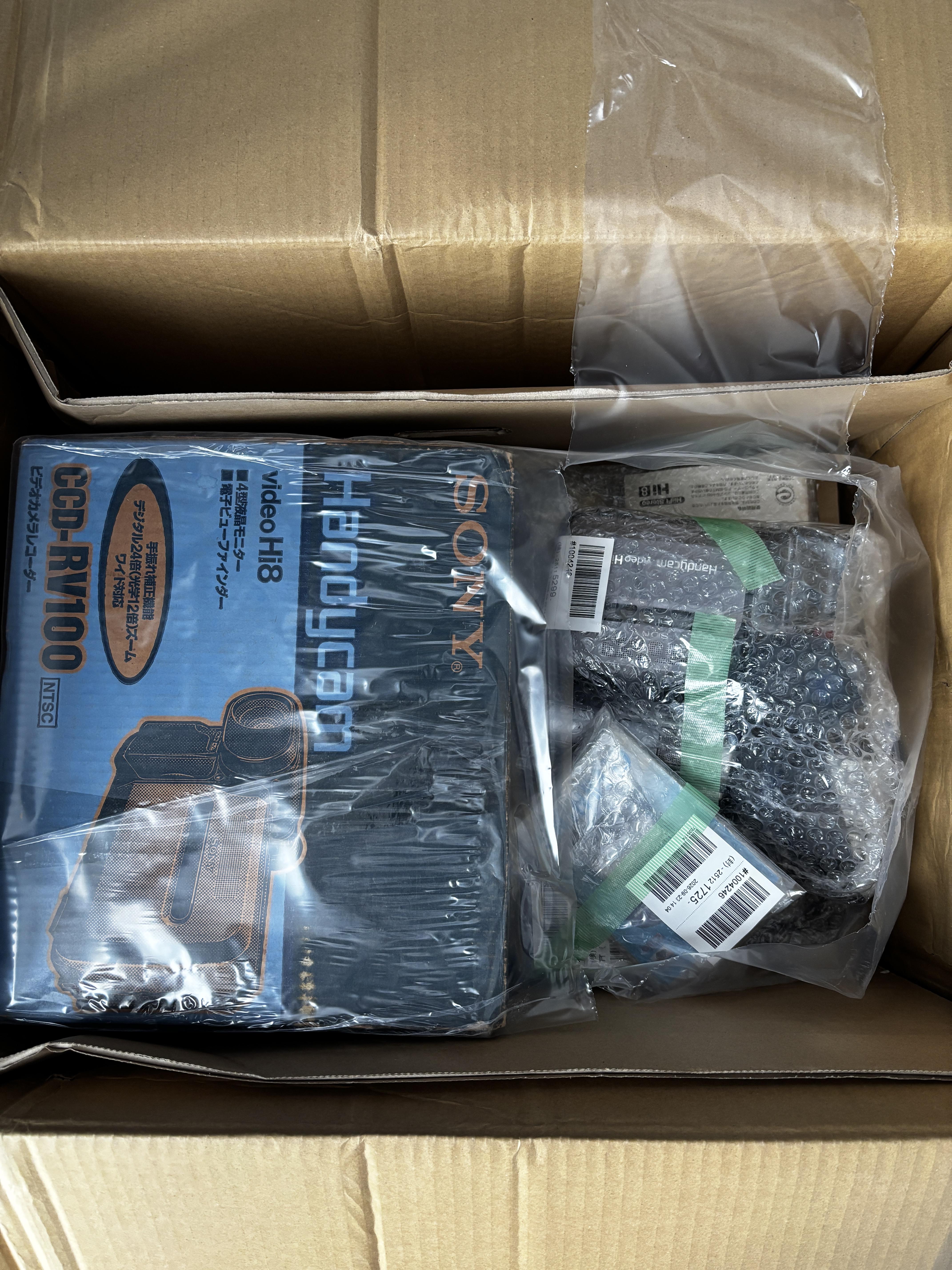
r/camcorders • u/Living-Ad3952 • 23h ago
I bought this VHS camcorder in mint condition. Inserted the first new tape and this is happening. Any idea what would be the problem?
r/camcorders • u/succo_ac3 • 20h ago

hi, I have this camcorder i haven't used in a few years but it started giving me problems when I try to play back my tapes.
The video camera is pretty old but i was hoping to save it
I already tried cleaning the head but it didn't do anything.
r/camcorders • u/AntekBC • 21h ago
Hello, so I Got this VP-U10 Samsung camera for free, but I first Got it to open the trap but now it just doesn’t wanna close.
How do I fix this🙏😉
Note: when I Press in with Power it just springs right back out and doesn’t wanna Lock and close?😔
r/camcorders • u/Hurrikaleb • 19h ago
I found my dads old canon zr10 camcorder from the 2000s yet for some reason the cassete door or whatever you call it wont open or go up. it makes a weird whirring sound and starts beeping. please help!
r/camcorders • u/Crt_lover_ • 20h ago
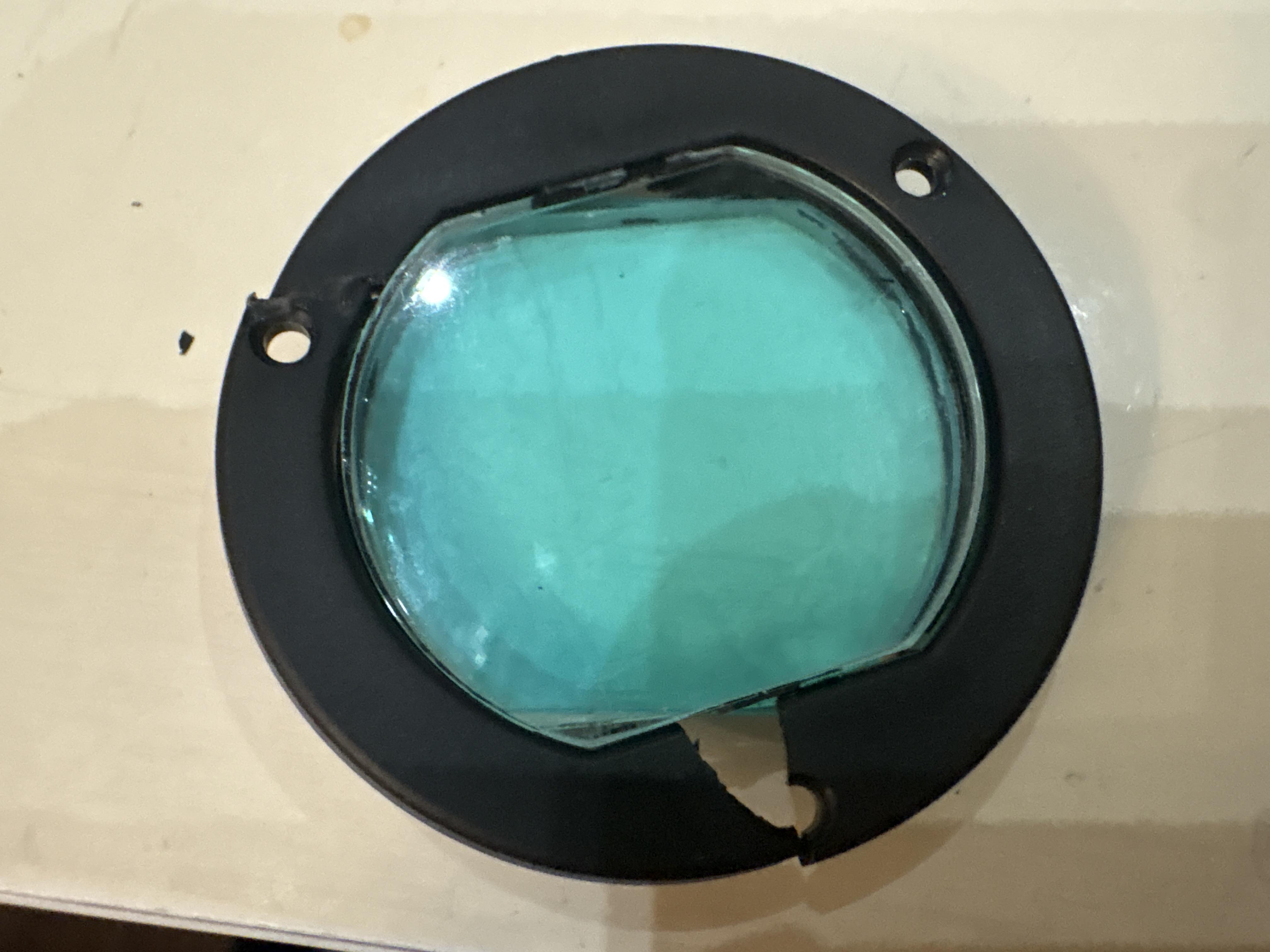
does anyone preferrably in the eu have one of these i could buy? mine is too far gone. i need it for a dsr-570ws