r/coolgithubprojects • u/Turbulent_Rooster_73 • 4d ago
wf: write a screen in YAML, get a clickable greyscale wireframe for web, iOS and Android (MIT)
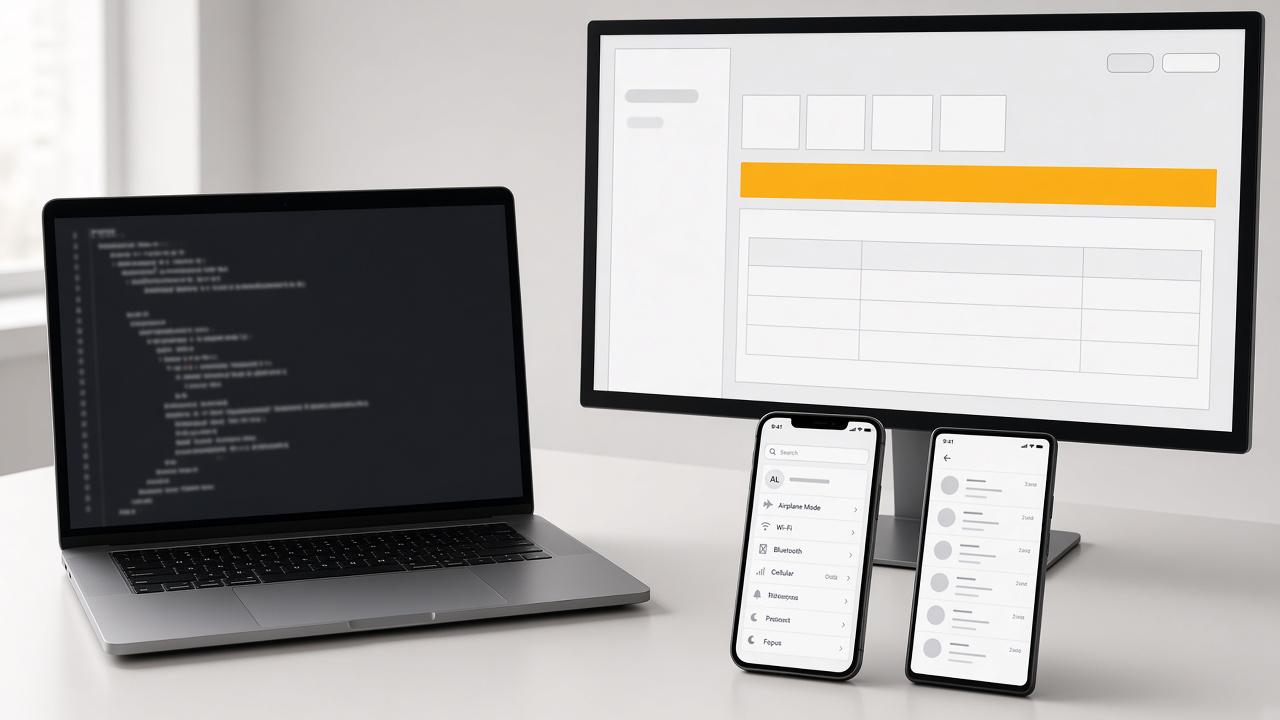


We made wf, a small CLI that turns YAML into clickable greyscale HTML wireframes. I'm one of the people building it at UnlikeOtherAI, and it's MIT-licensed.
Repo: https://github.com/UnlikeOtherAI/wireframes
The idea: wireframing tools assume someone dragging boxes with a mouse. We wanted something where a person (or a coding agent) writes intent, like "page header with Export and Upgrade buttons, three stats, a warning alert, an invoices table", and the engine decides what it looks like.
What it does today:
- 54 elements (table, list, chart, kanban, calendar, nav, stepper, forms, alerts and so on)
- The engine decides which containers get a box and which only lay things out. That's a fixed 10-step rule, and
wf why <node> --page <page>tells you which rule fired - Greyscale on purpose; hue is only used for severity (info/success/warning/error)
- Deterministic output, same input gives byte-identical HTML, so wireframes diff cleanly in PRs
- Pages link by route id, overlays (modal, menu, drawer, bottom sheet, toast...) open from interactions, so the built HTML is clickable
- Set
viewport.platformto ios or android and the same elements get native chrome (status bar, app bar, bottom tabs, FAB) wf packfolds a project into one .wf file, and the renderer can open that in a browser with no server
Run it (Node 18+, from a checkout):
pnpm install
node cli/bin/wf.js init my-app
cd my-app && node ../cli/bin/wf.js build --output ./build
Then open build/web/index.html. examples/quickstart is a 3-page project with a shared component and a modal.
Images: the first one is an illustration we generated for this post, not a screenshot. The rest are real renders from the repo's examples.
Feedback we'd like: is the YAML readable enough to write by hand, and does the automatic "box or no box" decision match what you'd expect? Where it doesn't, we'd like to hear the case.