r/ereader • • 3h ago

Discussion Would you give up USB-C for a thinner pocket e-reader? 6.8mm vs 6mm

Thumbnail
gallery
36 Upvotes

Hey everyone, I’m Michael. We’re working on a small e-reader, roughly the size of the Xteink X3, but with a front light and touchscreen. There are a few other things we’re working on too, but I’ll save those for another post.

One decision we’re facing right now is the charging port.

With our current design, keeping USB-C means the device would be around 6.8mm thick. If we use pogo pins like Xteink does, we think we could get it down to around 6mm, roughly the thickness of the X4 Pro.

On paper, 0.8mm doesn’t sound like much. But on something this small, every bit adds up. At the same time, being able to use the USB-C cable you already carry is pretty convenient.

For a pocket e-reader, which would you choose?

  • 6.8mm with USB-C
  • Around 6mm with pogo-pin charging

Would that extra 0.8mm matter to you in everyday use?


r/ereader • • 6h ago

Buying Advice Bezel Too Narrow on Pocketbook Era Lite

Thumbnail
gallery
17 Upvotes

I bought a Pocketbook Era Lite as my first e-reader 2 days ago. This is my first e-reader of any kind (I'm not counting an iPad, though I have read many books on that).

I don't know anybody who owns an e-reader, so I've literally never seen one in person before. The local Barnes & Noble doesn't have any Nooks on display since they said someone stole their display models. I bought this sight-unseen just based on good reviews.

I like everything about the device except for one big tactile issue: The bezel.

On the left side, it's too narrow for my thumb to hold without accidentally registering screen touches from time to time. You can see in the pic how big my thumb is compared to that narrow strip.

On the right side, it has a wider bezel, but they've placed buttons the entire length on the edge, so you can't hold it right along that edge; you have to place your thumb in that narrow strip between the screen and the buttons, and I've found myself accidentally touching those buttons. You can see in the 2nd pic how my thumb goes right onto those buttons.

Am I "holding it wrong," as Steve Jobs said about the iPhone?

It's very disappointing because I'm so happy with it otherwise, but the inability to find a comfortable way to hold it actually makes me not want to use it, which then makes me sad.


r/ereader • • 15h ago

Discussion My 8 year old loving it

Post image
83 Upvotes

r/ereader • • 19h ago

Discussion What's something others have been doing forever that took you longer than you should have to get on the bandwagon? for me: KOReader

Post image
131 Upvotes

I got my first ever ereader (pocketbook verse pro color) back in June 2026. I initially tried to use koreader per my friend's suggestion but it was too complicated for me so I ended up just sticking with stock firmware. I found myself enjoying reading more on the ereader and as with all hobbies, I fell down my own rabbit hole. I got myself a miniature bookshelf and while I enjoyed playing with it for a while to reflect my actual reading stats, it still wasn't exactly what I wanted. Until I discovered koreader BOOKSHELF PLUGIN. It can do sooooo much. I love that the spines also reflect actual thickness of each book. I mainly got into koreader again because of this plugin but ever since I got back into koreader, I feel like I've suddenly unlocked Pocketbook's potential! Took me several months to get here but hey, better late than never right? Now I understand what everyone means when they say koreader fixes pocketbook lag issue. Everything is so much faster now 😆

In an effort to discover other things, I'd like to ask everyone here: what's something others have been doing forever that took you longer than you should have to get on the bandwagon? Or what's something you discovered much later on after having used your ereader for a good amount of time?


r/ereader • • 16m ago

Buying Advice New to Kindle: Paperwhite (2024) at €155 vs Colorsoft (2024) at €165 — which one would you pick?

3 Upvotes

Hi everyone, I'm completely new to Kindle and could really use your advice!

Right now I can get either the Kindle Paperwhite (2024, ad-free) for €155 or the Kindle Colorsoft (2024) for €165. With only a €10 difference, I'm really torn between the two.

My reading habits:

  • Mainly novels
  • Occasionally manga and light novels

Given the small price gap, would you go for the Colorsof, or stick with the Paperwhite?

Thanks in advance!😊😊😊


r/ereader • • 14h ago

Buying Advice Kobo BW or color or Kindle basic 2024 or 2026 ? Haha

Thumbnail
gallery
42 Upvotes
  1. Outdoors (sunny) - brightness at 0
  2. Outdoors (sunny) - brightness at max
  3. Close-up: Clara Color vs. Clara BW (on the right) - brightness at max - outdoors
  4. Close-up: Kindle basic "Matcha" 2024 vs. "Ube" 2026 - brightness at max - outdoors
  5. Outdoors (sunny) - brightness at 50%
  6. Close-up: Kindle basic "Matcha" 2024 vs. "Ube" 2026 - brightness at 50% - outdoors
  7. Close-up: Clara Color vs. Clara BW (on the right) - brightness at 50% - outdoors
  8. Close-up: Clara BW vs. Kindle basic "Ube" 2026 - brightness at 50% - outdoors
  9. Indoors - brightness at max
  10. Indoors - brightness at max + warm light at max on the Kobo (the basic Kindle models don't have this)
  11. Indoors - brightness at max + warm light at 50% on the Kobo (the basic Kindle models don't have this)

(I ended up keeping only the Kobo BW; I find it the most well-balanced in terms of reading software. While I think the Kindle software is more advanced, the lack of waterproofing on these basic models—plus the absence of warm light—is a dealbreaker for me! Even though I thought the purple version was gorgeous!)

I hope this helps
Des bisous 🙂


r/ereader • • 3h ago

Buying Advice thinking about getting a new e-reader

3 Upvotes

hi! i currently have a 2021 kindle paperwhite. it's my first e-reader, and i've been thinking about getting a new one (mine's really laggy now, and the battery doesn't last more than a day). a must-have is warm light, since mine doesn't have that. additionally, ideally (but not necessarily) i'd like it to have:

  • buttons to switch pages
  • bluetooth remote to switch pages
  • be waterproof
  • a cute color (obviously the least important, but would be a plus)

i don't mind if it's black and white since i mostly read text. i thought about switching to the new kindle paperwhite since it fits most of what i'm looking for, but i've been meaning to escape the amazon ecosystem (plus it's VERY expensive, especially with all the add-ons). i mostly download epubs and send them over to my kindle currently, but i'd like it if it was easier to access my own books.

i would appreciate any recommendations!!!


r/ereader • • 6h ago

Buying Advice Small device I can make annotations with?

5 Upvotes

I’m looking to get an ereader but I am overwhelmed by all of the options. A lot of the ones that I’ve looked at, like Boox or Xteink, don’t seem to have the ability to highlight or annotate. I’ve seen people mention that you can install different firmware like CrossPoint, but I’m not sure if that allows annotating and if it does I’m not sure if it works on all devices.

TL;DR here’s what I’m looking for:
- Portable, ideally the same size as a phone or smaller
- Front light preferred
- Ability to highlight text
- Ability to import EPUB files
- I’m open to installing different firmware


r/ereader • • 3h ago

Discussion Does either of these types of ereaders exist yet

2 Upvotes

A ereader with front and back screens same size one side shows book cover and other the text.

A dual screen eink that folds from a one handed front cover and text two sided into a bigger book


r/ereader • • 7h ago

Buying Advice E-reader for manga/webtoons and note taking

3 Upvotes

Hello,

I want to buy an e-reader to take notes on work, and be able to read on leisure. I want color because half of what I read are mangas/webtoons.

I was between boox and bigme on 7inch screens, but I am now thinking of going for bigger ones for easiness of writing on meetings.

What are currently good suggestions and good cost-benefit options?

Thanks for the help in advance!


r/ereader • • 21h ago

Discussion Finished redesigning the UI on my Kindle ebook reader(NOT a Koreader plugin, a standalone reader). How does it look?

Thumbnail
gallery
38 Upvotes

r/ereader • • 1d ago Bravo

Accessories Been using 3DS as an ereader

Post image
1.9k Upvotes

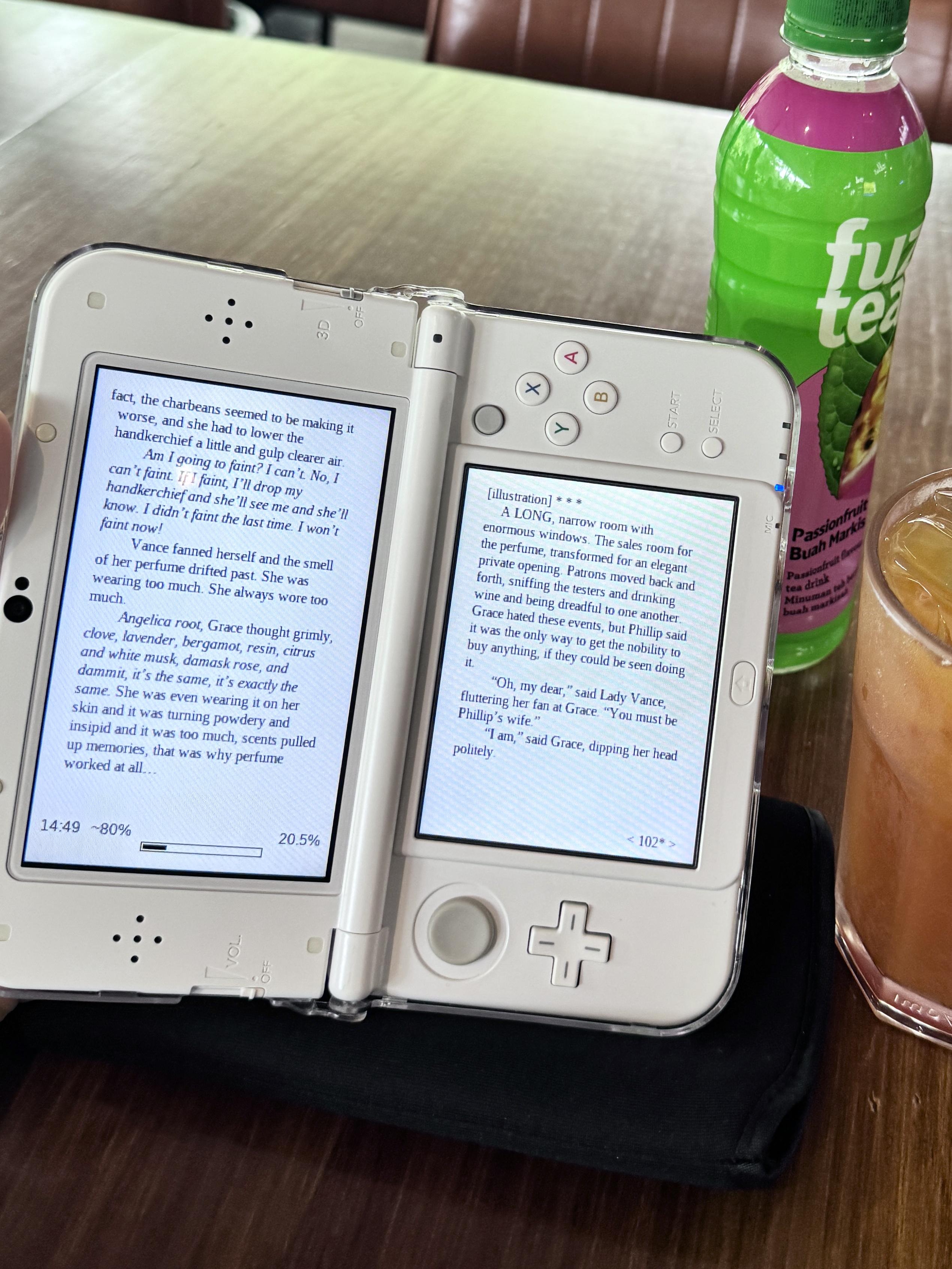
Can read on this thing for hours, and because I already carry it with me everywhere the portability is fantastic. It has several themes such as dark or sand, I usually choose what works best for current lighting. The only limitation is its challenging to read under direct sunlight, such as by the beach; doesn't stop me but it is very annoying


r/ereader • • 1h ago

User Review iFLYTEK AINOTE 2 vs. Viwoods AiPaper

1 Upvotes

The AINOTE 2 feels noticeably lighter in my hand, and I prefer its blue case. Its screen also looks a little whiter to me. Both devices have responsive fingerprint readers and pens that feel good to write with.

For PDF reading, I prefer the AiPaper. I like its automatic margin cropping and full screen reading options. The clipping tools are useful for saving parts of a document to look at later. It also has more storage than the AINOTE 2.

Writing on the AINOTE 2 feels more like writing on paper, with more texture and resistance under the pen. The AiPaper feels smoother, and the pen glides more easily across the screen. I also like the AINOTE 2 pen shortcuts. It can recognize shapes and use them for different note actions. The navigation takes some getting used to, though. AiPaper's Back and Home controls feel more familiar to me.

Neither device has a built in speaker, so I use headphones for audio playback on both.


r/ereader • • 10h ago

Buying Advice Kobo Clara advice

4 Upvotes

I currently have a Kindle Paperwhite 7th gen from 2016. It's great but getting a little old and slow. I'm hoping to find a new e-reader to replace it. I've been doing my research for a few months and I'm currently between the Kobo Clara v BW. For now, I mostly read ePubs, not comics or manga. I want to make sure it will last as long as my Kindle did. For the past 2 years, I've been reading on my phone using the Google Play Books app, and I love dark mode. I'm leaning towards the Clara because I heard it refreshes faster, but I also know there are downsides to using a colour e-reader for regular books. Outside of price, are there other things I should take into consideration when making this decision?


r/ereader • • 7h ago

Discussion Best settings for moon+ reader on a tablet?

2 Upvotes

r/ereader • • 11h ago

Discussion I own a Kobo Clara BW, Xteink X3, and Boox Picco, but none of them is perfect

3 Upvotes

I’ve somehow ended up with three e-readers, and I’m still searching for my ideal device.

Kobo Clara BW: Great screen and reading experience, especially with my page-turn remote. Unfortunately, I’ve been experiencing frequent freezes lately, and connecting the remote can sometimes be frustrating. Once everything works, though, I really enjoy using it.

Xteink X3: Probably my favorite of the three. I love its size, portability, and button placement. I rarely miss having a touchscreen, except for highlighting, which I currently handle with screenshots.
When I bought the X3, I didn’t think I’d need a frontlight. I planned to use it for occasional reading in well-lit environments. But the device turned out to be so convenient that I started reading in places and situations I’d never even considered before. That’s when I realized how limiting the lack of a frontlight actually was.
I even tried attaching a tiny external light using MagSafe. It works in bed, but carrying an extra light everywhere defeats the purpose of such a portable device.

Boox Picco: I recently bought this mainly for its size and frontlight. I chose it over the X4 Pro because of its physical light switch, which I absolutely love.
The screen is noticeably worse than my other devices but still acceptable. The buttons are slightly stiff and not as comfortable as the X3’s.
My biggest issue is the software. The stock firmware lacks basic features like showing pages remaining in a chapter. I’ve tried CrossPoint, CrossInk, and Ink Pro, but each had its own problems, particularly slower page turns.
Another frustrating issue is waking the device from sleep. Even with a transparent sleep screen, it displays an additional loading screen before returning to my book. It feels unnecessarily slow and interrupts the reading experience, especially when I just want to read a few pages quickly.
Eventually, I returned to the stock firmware. The small Picco community also concerns me, as there aren’t many users discussing issues or future updates.

So what now?
I’m still using all three devices. If the X3 had a frontlight, I honestly wouldn’t have bought anything else.

Should I consider buying a fourth e-reader? Is there a pocket-sized device that could offer the X3’s portability and ergonomics, a built-in frontlight, and a more polished software experience?
I’d love to hear your recommendations, especially from anyone who’s tried similar devices.


r/ereader • • 3h ago

Buying Advice Help me choose a Kindle: Regular Paperwhite, Signature Edition, or Colorsoft?

0 Upvotes

I am from India. My brother is in the US right now, and I've asked him to buy a Kindle for me. I'm leaning towards the new 7" Paperwhite, but I'm confused about whether to get the regular Paperwhite or the Signature Edition. Is the Signature Edition worth the extra cost, or is the regular version sufficient for someone who mainly reads novels and non-fiction?

I'm also trying to decide between the black-and-white Paperwhite and the Colorsoft. For those who have used both, is the Colorsoft worth the premium, or is the traditional black-and-white display still the better reading experience?

Lastly, would you recommend buying a page-turner remote as well? Is it genuinely useful, or does it end up being an accessory that rarely gets used?

Would love to hear your thoughts and recommendations. Thanks!


r/ereader • • 10h ago

Discussion B&N nook case vs Stickers

1 Upvotes

I want to be able to decorate the interior of my nook case, specifically the part that faces outward when I'm reading. The problem is, on specifically the barnes and noble cases for the glowlight 4, the material is not conducive for that. It rips up when you try and remove stickers meaning that any stickers put there have to be perma stickers, which sucks. Does anyone know of something like essentially a giant clear sticker sheet that could be put on the inside of the case like a sticker to make it to where I can put stickers and my popsocket and things without destroying the case if I ever want to change the stickers? Heck, it doesn't even have to be clear, I just want something that stickers can come on and off of without damage


r/ereader • • 16h ago

Buying Advice Are there any ereaders that are a complete upgrade from the Kindle Voyage?

3 Upvotes

I know there are newer models since this is a 10+ year old device, but from what I’ve read in here, there’s nothing that’s a straight upgrade because the Voyage has a better screen and physical buttons.

Am I wrong about that? I like how premium the Voyage feels, but it’s laggy and the battery life is suffering, even after a replacement. Plus, the new color models seem pretty cool. But I’ll stick with my Voyage if nothing is truly an upgrade.


r/ereader • • 16h ago

Buying Advice Choosing a device or app

3 Upvotes

Hi, I’m new to ereading but now that I have a baby reading on a device is so much easier than reading my physical books. So much so that I’m considering buying an ereader.

I’ve been using the kindle app solely for the reading ruler. I put the app on continuous scroll and place the ruler. I leave the ruler in place and just scroll the text. Sometimes I have my phone sitting down or propped up so I like that even thought the ruler is there I can see through it and continue down the page if my hands are full.

I liked reading on Apple’s book app because my vocabulary isn’t the best and the function for looking up works and phrases is better than the kindle app. But I ultimately end up using kindle app because apples reading ruler function blurs out everything that’s not in the small window of the ruler.

Based on these preferences is there a particular app that might give me the best of both worlds?

And regardless of whether or not there’s a better app, what ereader would you recommend and why? I’ve heard a lot about kobo and boox but I didn’t hear much comparing the two in ways the would actually help me make a decision

TLDR: looks for an app with good vocab/phrase lookup like Apple along with the Kindle style reading ruler. Also interested in an ereading device

Thanks in advance :)


r/ereader • • 10h ago

Technical Support Any way to sync a read between a Kindle Voyager and any of the contemporary mini readers? (Xteink X4, boox picco, Murphy m4, etc?)

1 Upvotes

Currently reading on a voyager and it's pretty much perfect other than being a little big, so thinking about getting a micro reader, so as title: is there a way? I'm guessing not since Kindles have their own ecosystem that's pretty much untouchable?


r/ereader • • 11h ago

Buying Advice Busco recomendación de marca de ebook

0 Upvotes

Me quiero comprar un libro electrónico con estas características: que tenga luz incorporada, táctil, compatible con ebiblio, con wifi, que admita varios formatos y que no supere los 130-140 euros. Kindle no me sirve porque es muy cerrado a otros formatos, y la marca que más acorde vi fue Pocketbook, pero he oído que el interfaz es muy lento. Alguna recomendación de marca?


r/ereader • • 1d ago

Discussion Yes, you’re reading faster and better on your mini e-reader!

254 Upvotes

Just an insight about the text format in a mini e-reader and how it feels, and it is, quicker to read:

Back in my journalism uni days, I took some classes about page layout and I learned that magazines and newspapers started to format their texts into narrow columns for multiple reasons but also because it makes reading more dynamic as you don’t need to move your eyes so much.

The research into column width found that when columns were wider than a certain width, people either didn't keep reading or didn't take in what they had read. Reading through narrow columns promotes significantly less eye strain compared with a single column in a B5 or even A4 pages like it’s in most books/ documents.

Short lines reduce the time it takes for our eyes to move from the end of a line and the beginning of the next, and also make it harder for us to get lost when jumping from the end of one line to the start of the next without skipping or repeating lines.

TV and video makers use all digital teleprompters today, but in the beginning they used to project the text to be read printed on a narrow column occupying only half of an A4 paper especially because it is easier to follow up and give the dynamism and naturalism expected from a TV show/news.

So yes, not only a mini e-reader makes we read more frequently because we can easily fit it in our pockets, bring it anywhere, and yada yada, but it also formats our books into a narrow column with short lines that makes us read faster, and also retain the information more effectively.

This is not something new. I went back to find studies about it. I found research in psychology and typography related to the topic, some almost 100 years old.
Tinker & Paterson (1929 & 1963)
Emil Ruder (1967)
Dyson & Haselgrove (2001)
Nanavati & Bias (2005)
I’m not here to promote e-readers. You do you boo! I earn nothing from it.
I just wanted to share that the feel people get of reading faster on a small gadgets is real and backed up by research and common practice from even before the advent of screens!