Has anyone been able to reset their Electrify America Home Charger without the phone app
being connected to the device? I'm fine with opening up the housing, but I don't know what to do once it is cracked open.
The iPhone app lost it's ability to connect to the charger, so I wrote Electrify America (EA) about it. That the time the charger was charging, but the app could not connect. No big deal in hind sight.
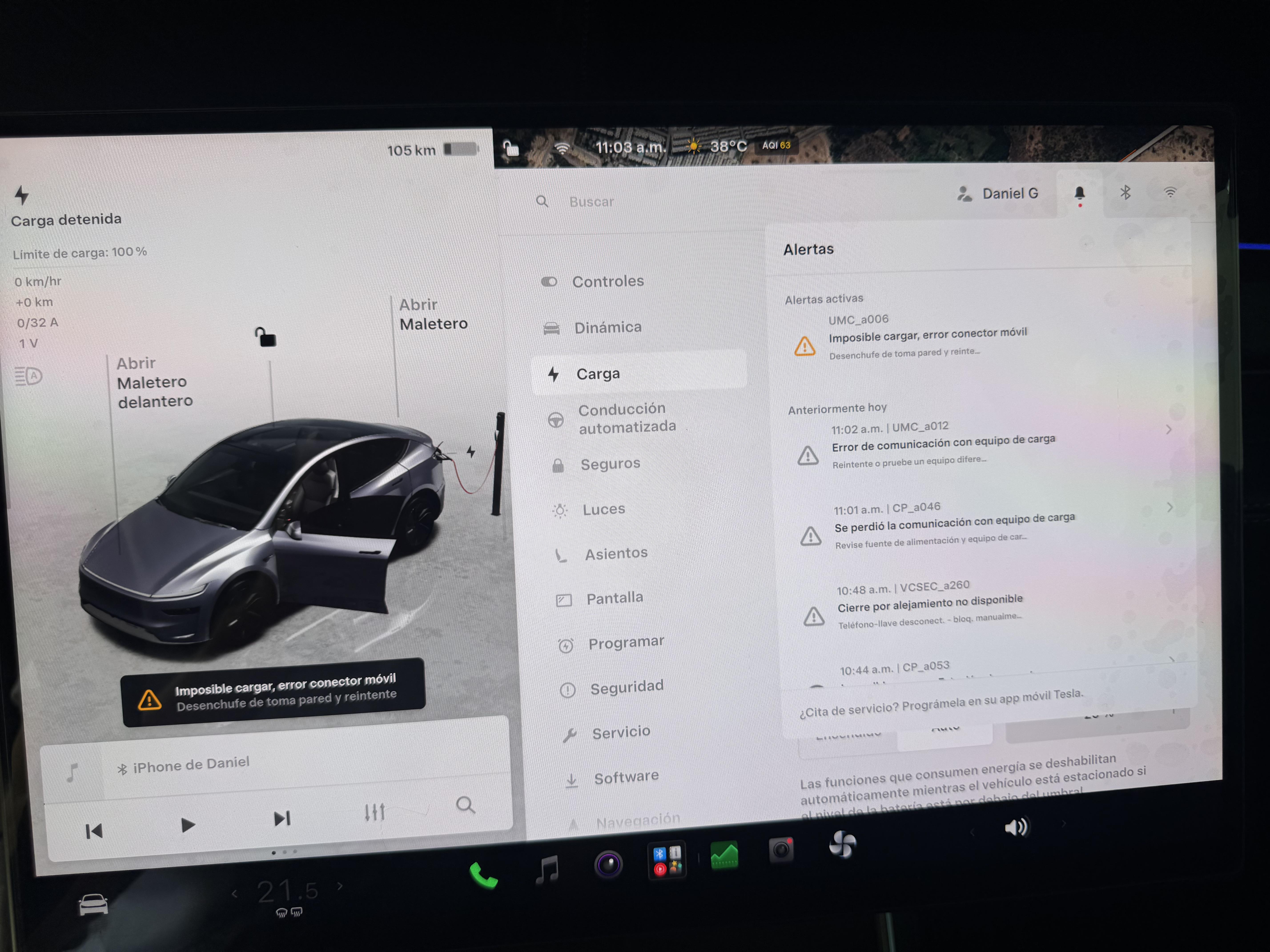
EA sent me instructions to "reset" the unit in order to set it up again with wifi and the app. In following their instructions the unit went into set up mode, but never finished. Now the Home Charger will not even charge. So I went from no app but charging to no app and no charging.
When contacting their customer support team, if you can call them that, they are no help because the product is not longer supported in any way. EA never contacted it's customers about their decisions to discontinue nor do they have anything in any shape or form that could be construed as support. They take about 2 weeks to reply to the previous 3 rounds of email I sent.
I once asked to speak to supervisor to help me out, and they immediately said a supervisor was not around, without even faking for a second to make it seem like they even looked. I did eventually get a call back from a supervisor, at 6 AM on a Sunday morning... I missed the call with no call back left.
------
I've not found any information online about how to do a factory without the phone. EA instructions require that the app be connected to the device in some way.
Their instructions that they sent to me which I followed to a T are below. Errors I have seen while trying to get this working have been "the charger belongs to another account" "cannot connect to the unit" "wifi not available". The reset does not work.
Step 1: Complete a factory reset
Before beginning, stand within 10 feet of the HomeStation™ and open the Wi-Fi settings on your phone. Confirm that you can see a network beginning with "EA-" followed by the charger's serial number.
If the "EA-" network does not appear:
- Temporarily disconnect nearby routers or Wi-Fi extenders from power.
- Allow up to seven minutes for the HomeStation™ network to appear.
- If it remains unavailable, power-cycle the HomeStation™ and check again.
Once the "EA-" network is visible:
- Open the Electrify America app and select Home.
- Open the menu and select Factory Reset.
- Scan the HomeStation™ serial number or enter it manually.
- When prompted to join the charger's network, select Join or Connect.
- Select Reset Charger.
- The HomeStation™ light should flash blue and green to confirm that the reset is complete.
You may reconnect any routers or Wi-Fi extenders after completing the reset.
Step 2: Reconnect the HomeStation™ to Wi-Fi
The HomeStation™ requires a 2.4 GHz Wi-Fi network using WPA2 security.
- Confirm that the HomeStation™ indicator light is green and the "EA-" network is visible in your phone's Wi-Fi settings.
- Open the Electrify America app and select Home.
- Select Add HomeStation™.
- Scan the serial number or enter it manually.
- Select Join or Connect when prompted.
- Confirm the amperage and charger settings.
- When you reach Let's Connect to Your Network, select your 2.4 GHz home Wi-Fi network.
- Enter the Wi-Fi password. Network names and passwords are case-sensitive. Android users may need to enter the network name manually.
- The HomeStation™ light should flash blue and green while connecting. Once the light returns to green, wait up to five minutes for a single yellow flash confirming that the connection was successful.
If the HomeStation™ does not connect, please confirm that the router is configured to allow:
- A dedicated 2.4 GHz network
- WPA2-Personal security
- A standard home network rather than a guest network