Hi everyone,
I'm looking for advice from experienced Samsung technicians, motherboard repair specialists, or anyone who has successfully dealt with a similar issue.
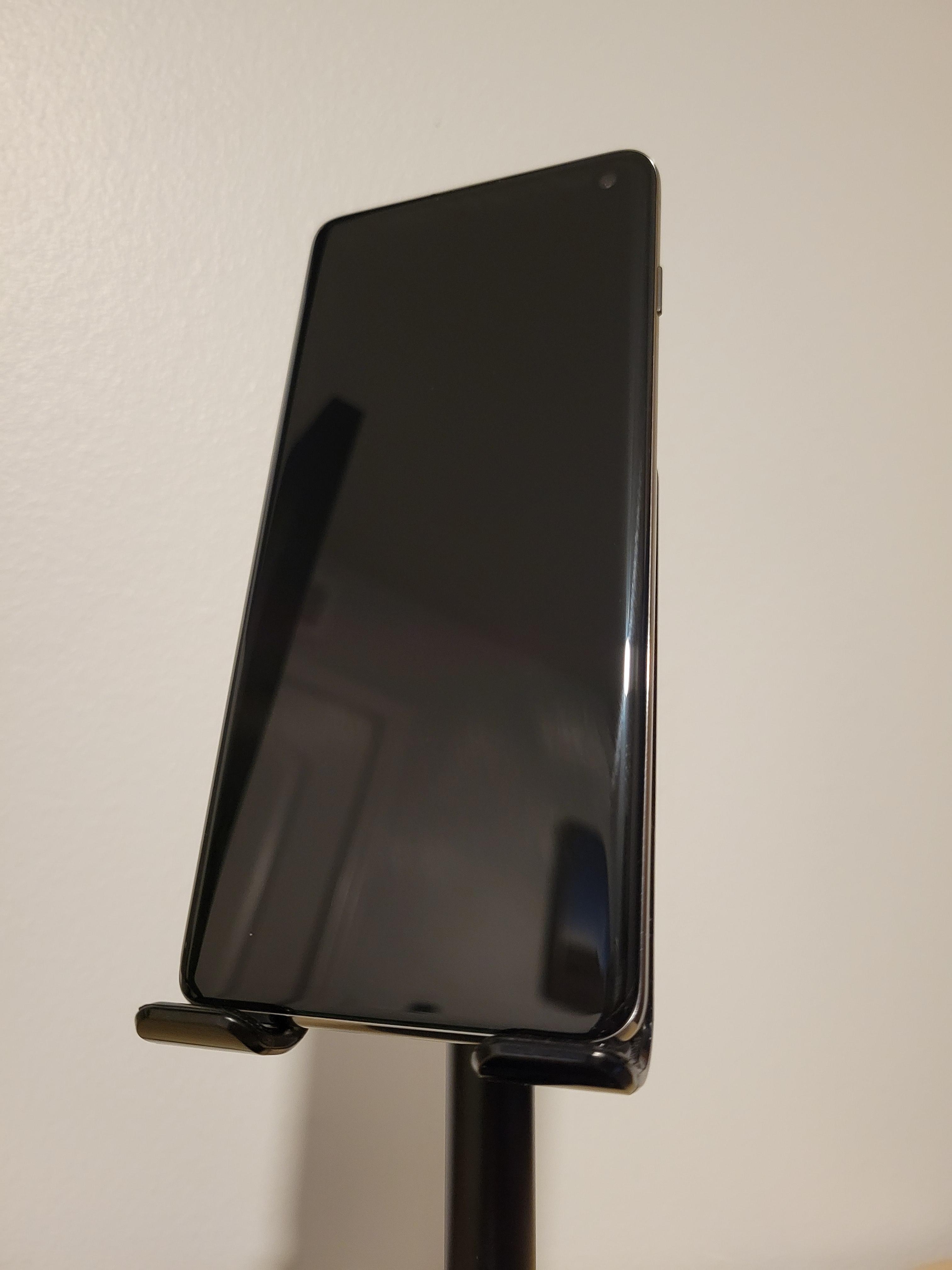
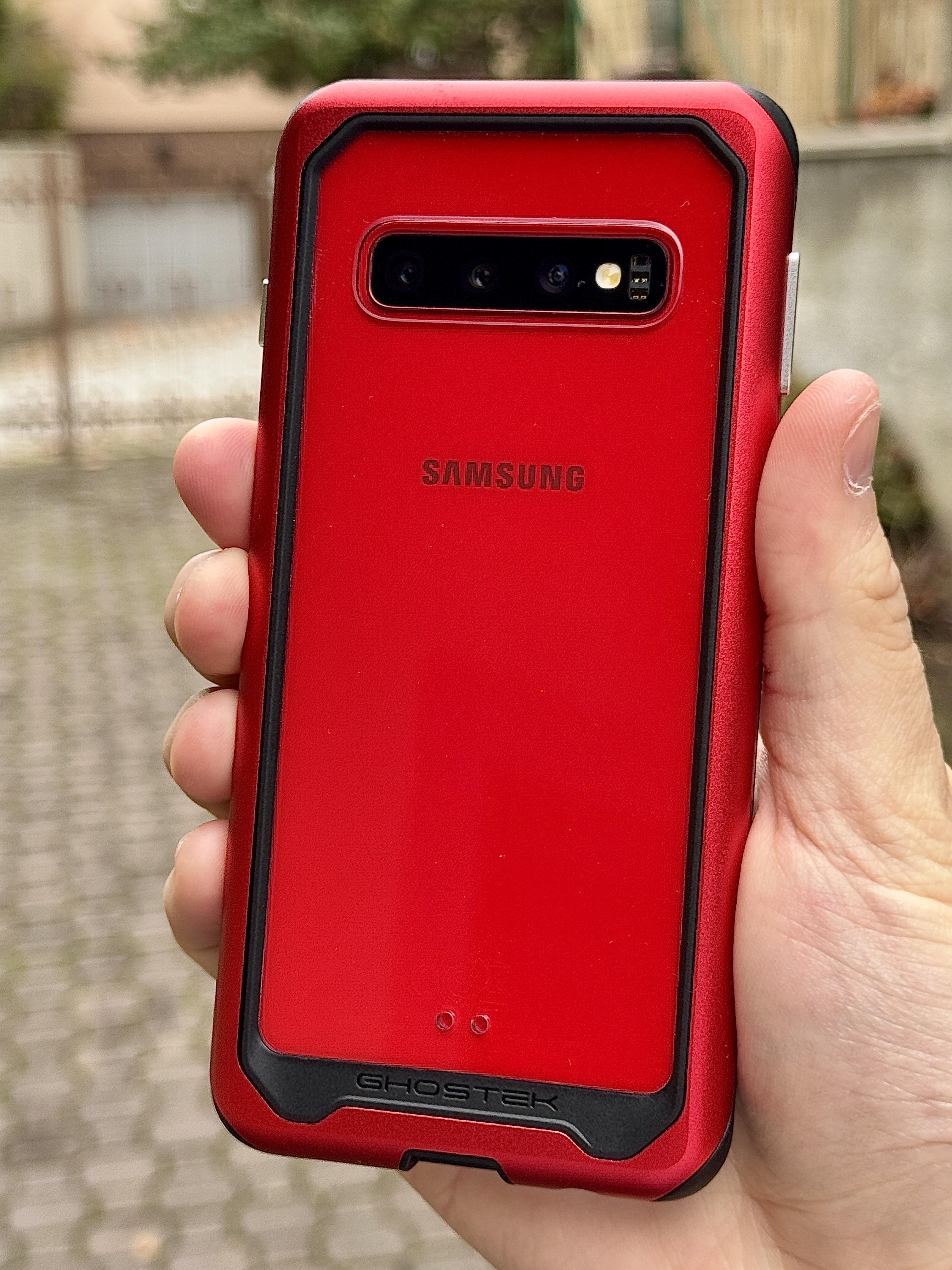
I have a Samsung Galaxy S10 5G that I'm trying to bring back to life. The phone contains extremely important personal data, including photos, videos, WhatsApp conversations, documents, and other files. Unfortunately, I don't have a backup.
I want to recover the phone without losing any of this data.
Complete repair history
Here's what happened:
- The original battery became swollen and eventually stopped working. The phone remained completely dead for approximately one month.
- I took it to a repair shop, where the battery was replaced.
- After the battery replacement, the phone started boot-looping. It would reach the second Samsung logo and get stuck there without booting into Android.
- I returned to the repair shop, and they performed CPU reballing.
- After CPU reballing, the phone's behaviour changed, and I was able to access Recovery Mode.
- The technician suggested that the phone might need a firmware flash, but I haven't proceeded with that because I'm concerned about losing my data.
- I also tried the Repair Apps option from Recovery Mode. The phone restarted, but I didn't see the usual app optimization process, and it still wouldn't boot normally.
Current situation
- The phone can enter Recovery Mode.
- Android doesn't boot.
- The device previously got stuck at the second Samsung logo.
- Battery replacement and CPU reballing have already been performed.
- I know the phone's screen lock PIN.
- I have access to a Windows PC.
- No firmware flashing or factory reset has been performed so far.
My main questions
- What could potentially cause this behaviour, considering that CPU reballing has already been performed?
- Could this be related to the CPU, UFS storage, motherboard, power management, or something else?
- Is there a way to diagnose the issue without modifying or wiping the existing data?
- Would attempting to flash the firmware through Odin with HOME_CSC preserve the existing data, or would that introduce a significant risk?
- What would be the safest approach to get the original phone working long enough to back up its data?
VERY IMPORTANT – Data preservation
I do NOT want to factory reset or wipe the device.
I also don't want to replace the motherboard or UFS storage without first exploring data recovery options.
I understand that Samsung devices use hardware-backed encryption, so simply removing the storage chip and reading it elsewhere may not be a viable solution.
My priority is to preserve the original motherboard, storage, and relevant security components and get the device working again without losing access to its existing encrypted data.
I'm particularly interested in hearing from technicians who have experience with Samsung motherboard-level repairs, CPU reballing, UFS diagnostics, and data recovery.
Location: Karachi, Pakistan, although I'm also open to technical guidance from anyone internationally.
Any suggestions, diagnostic steps, or recommendations for a genuinely experienced Samsung hardware repair specialist would be greatly appreciated.
Thank you!