r/geogebra • • 4d ago

FEATURE REQUEST Create clockwise arcs
Post image

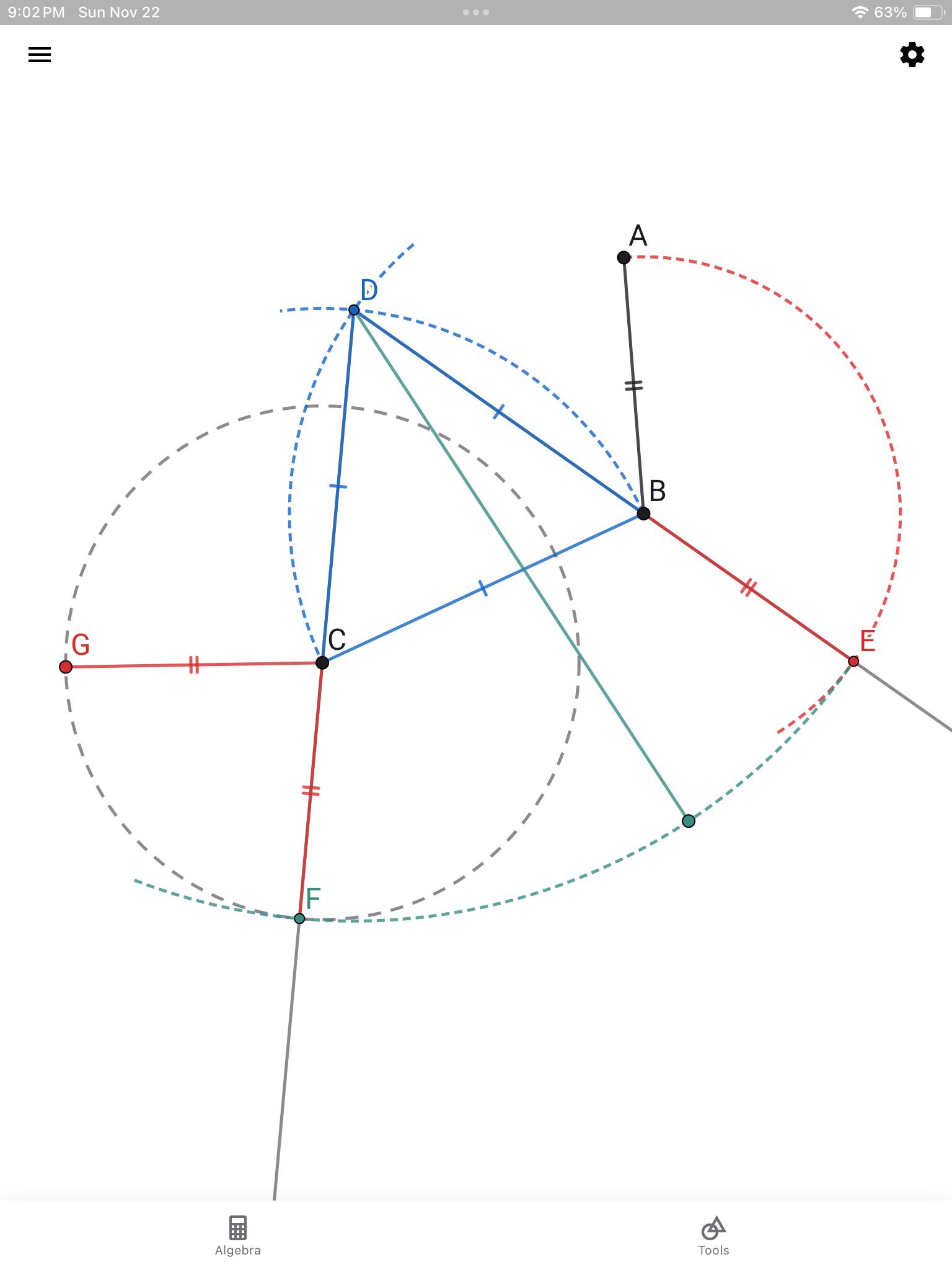
Currently, I am having to draw a circle from its circle to a (known) point in order to determine where it intersects a line at an (unknown) point. Then I have to draw arc starting passed or from the point of intersection back to the starting (known) point. Then I have to hide the circle.

It would be nice to draw an arc from a centre point and (known) starting point then rotate clockwise to determine the intersection point. Could there be a checkmark in the arc’s basic setting to indicate clockwise or maybe in its style setting?

1 Upvotes

9 comments sorted by

1

u/mike_geogebra 3d ago

Sorry, we won't be adding that.

You can redefine CircularArc(A, B, C) as CircularArc(A, C, B) to swap the direction or (as mathmagic suggests) make a custom tool

-1

u/OutlandishnessRude98 3d ago

If A is the centre point, B is a known point (and defines the radius AB of the arc), and C is an arbitrary endpoint that causes arc ABC to intersect a line at D, then changing the definition to ACB does NOT give the same arc just rotated in the opposite direction. The known point becomes C (the arbitrary point), AC becomes the (wrong) radius, and the “end” of the arc ends up somewhere other than B.

1

u/mathmagicGG 3d ago

0

u/OutlandishnessRude98 3d ago

There is no “Tools” menu im Geogebra geometry.
And this interface looks nothing like what I’m using.

1

u/mathmagicGG 2d ago edited 2d ago

You can use several apps.

Try now https://www.geogebra.org/m/eyw8tkvt

and see https://www.geogebra.org/m/shfwqcpr

I am afraid you must continue using your method with circle and "backward" arc

1

u/mike_geogebra 2d ago

Please post your file (File -> Save Online)

1

u/mathmagicGG 3d ago

In the meantime, you can create a custom tool