I've been working a lot with camera/photo translation for Japanese and Chinese, and most "bad translations" I see aren't really the translation engine's fault. They're caused by how the text gets recognized from the photo. A few things that make a big difference (in Google Translate's camera mode or any other app):
- Set the source language manually. Japanese and Chinese share a lot of characters, so a short line of kanji often gets auto-detected as the wrong language.
- Pick the right Chinese. Simplified (mainland China) vs Traditional (Taiwan, Hong Kong). The characters can look quite different (门 vs 門) and recognition improves when it matches.
- Crop vertical text to one column. Traditional menus and signs are often written top-to-bottom, right-to-left. Mixed columns = scrambled output.
- Get close and kill the glare. Characters have tiny strokes; a distant photo loses the details. Tilt slightly to avoid reflections on laminated menus.
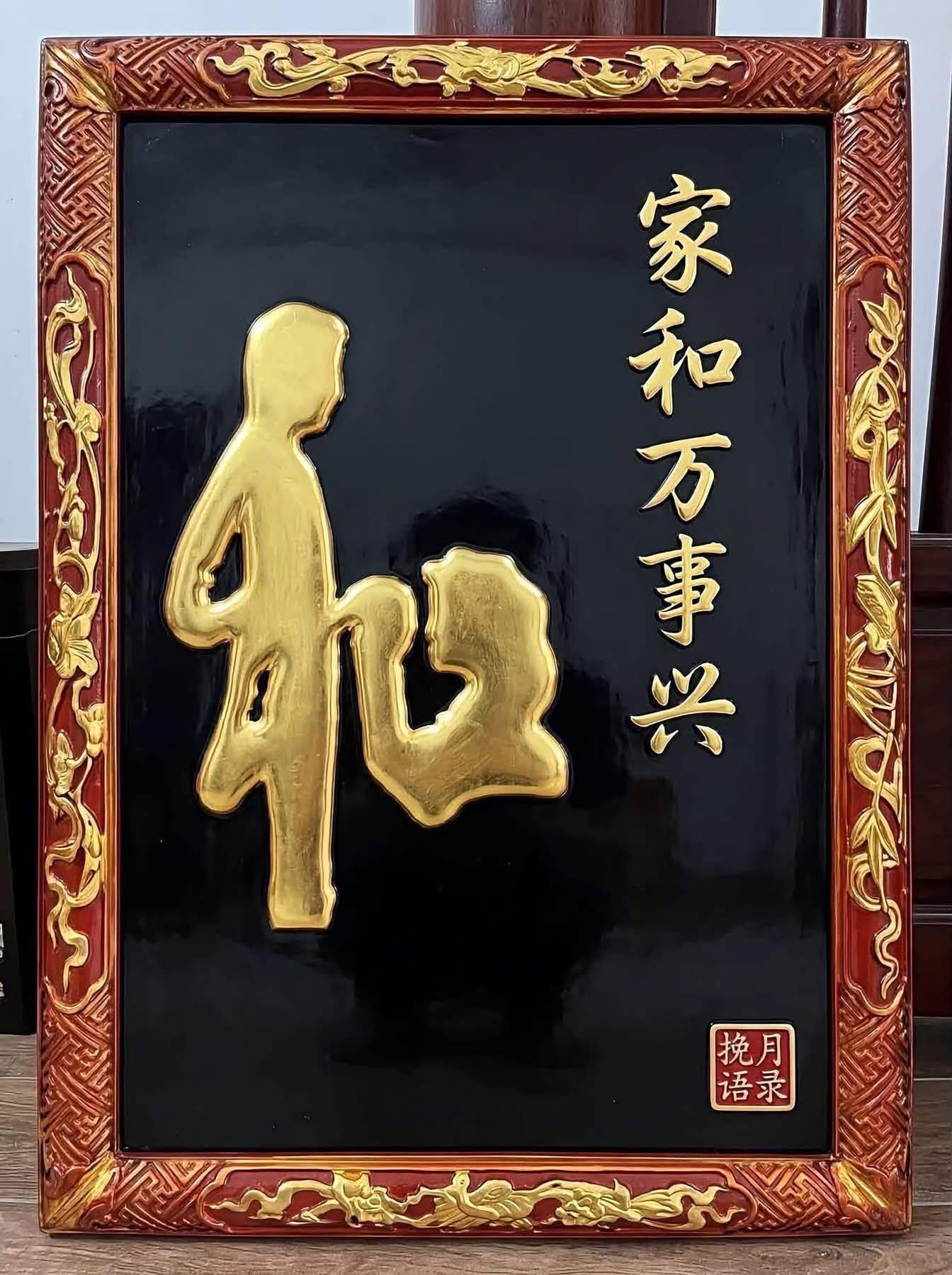
- Expect handwriting and brush fonts to fail. Dish names and prices usually still come through, the rest may not.
- Don't trust it blindly for allergens or medicine. Use it to spot words like 卵 (egg) or 小麦 (wheat), then confirm with staff.
Also worth knowing: dish names are often poetic, so literal translations sound weird. 親子丼 comes out as "parent-and-child bowl", which is chicken and egg on rice.
I wrote a longer guide with a table of common characters (exit, restroom, spicy, beef/pork/chicken, etc.) here if it's useful: https://translate360.ai/blog/how-to-translate-japanese-and-chinese-from-a-picture?utm_source=reddit&utm_medium=social
Disclosure: I work on Translate360, a translation app. The tips above apply to any camera translator, including Google Translate.
Anything I missed? Curious what trips up your photo translations the most.