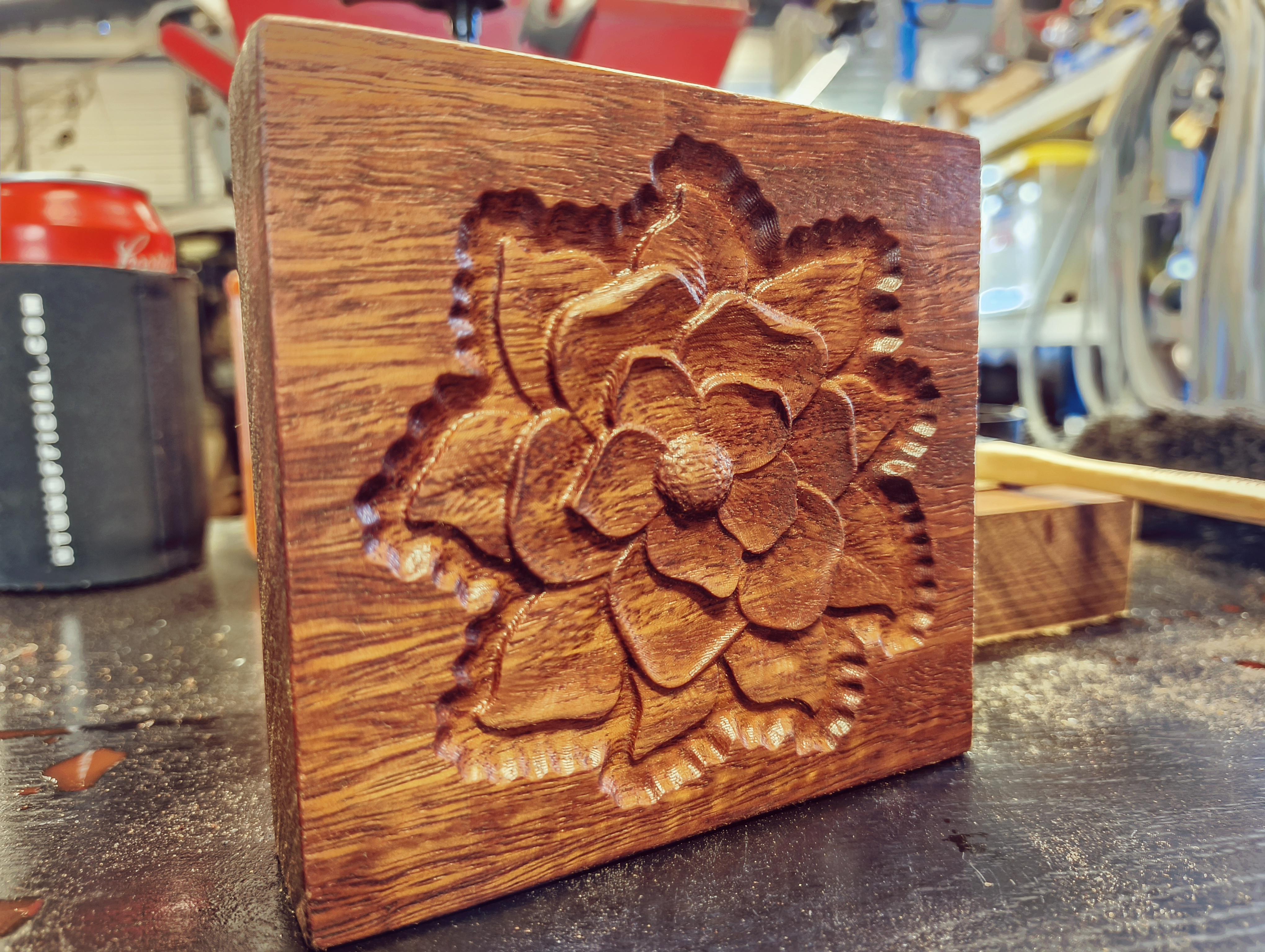
I mill with a Makera Z1, and Fusion 360 Personal only lets me post one tool per file. On top of that, every rapid comes out as a slow G1 feed move. On a bigger job that meant loading five files one after another and waiting a lot longer than necessary.
So I built **MultiPass**, a small desktop app that merges these files into a single program:
- Drag in the NC files, sort them, done. Each file gets its own tool number, and Makera Studio asks "Please change to Tool n" at every change.
- Same cutter in several files = same tool number. You can change it, and there is an inventory for your cutter set.
- **Optional:** turn air moves back into rapids. Only moves completely above a safe height (or pure retracts) are converted, nothing in the material. On my 5-file job (about 950,000 moves) this converted 2,487 moves and saved roughly 90 minutes. This option is **off by default**, and it does not know about clamps, so set the safe height accordingly.
- Optional: spindle fan off during tool changes, so it doesn't blow chips around while you swap the bit.
- Run time estimate, toolpath preview and a simple material-removal simulation to check the result before milling.
- Windows, macOS and Linux. Free, no account, no internet connection.
**Download:** https://github.com/Atrixo/MultiPass/releases
A few honest notes:
- Tested with files from the `Carvera.cps` post processor (Makera Carvera / Z1). Other posts might work but are not tested.
- The installer is not code-signed, so Windows SmartScreen will warn you ("More info" → "Run anyway"). The full source code is on GitHub if you want to check it first.
- As always: check the result in your control software before you hit start.
Feedback and bug reports are very welcome, either here or as a GitHub issue.