New 6
HOTD4 Windows v1.3.6 is out!
Fixes The World grenade crash, restores the original arcade Test Menu (T to open, S to navigate), and fixes HUD scaling and subtitle placement when supersampling or resizing the window.
All previous desktop features are included. No game assets supplied—rebuild with the same Rev A dump and select your existing install folder to keep settings, saves and trophies. Test Menu requires the operator ELF from your own dump.
Download v1.3.6
New 5
HOTD4 v1.3.5 is out!
Shake your mouse back and forth to escape zombie grabs instead of pressing Reload! Works with both standard and raw mouse input. Reload still works normally outside grabs.
Full Windows release, including all previous features. No game assets included.
Download v1.3.5
To update, extract the new builder and run Setup.cmd -InstallDir "C:\Path\To\HOTD4-PC" with your existing install path and the same arcade dump. Your settings, saves and trophies are preserved.
New 4
HOTD4 Recomp v1.3.2 is out for Windows! The SEGA startup logo now keeps its original proportions, the escape gauge stays aligned during zombie grabs, and Justice’s health and cancel gauges display correctly.
Download v1.3.2 on GitHub
New Major update!
HOTD4 Recomp v1.3.0 is out for Windows! This update adds Photo Mode with a free camera, a HUD toggle, four filters and full-resolution PNG captures. The animated Model Viewer now offers locally upscaled HD textures for James, Kate and Justice. Both new launchers open without a console window.
To update, run Setup.cmd with the same extracted Rev A arcade dump and choose your existing install folder to keep your settings, saves and trophies. No game assets are included.
Download v1.3.0 on GitHub
New 3!
HOTD4 Recomp v1.2.2 is out! The Windows installer now works with an original Rev A (DVP-0003A) arcade dump. Just extract your dump and run Setup.cmd. Setup prepares the HD executable locally, so there’s no need to track down the patched ELF. The previous HD variant still works, and the download contains no game assets.
Download v1.2.2 on GitHub
News 2!
The House of the Dead 4 PC Recomp v1.2.0 is out!
Thanks for the feedback! This Windows update fixes the reload prompt and widescreen route selection, and adds adjustable raw mouse controls.
- The reload voice plays once when your magazine runs dry, and the red RELOAD warning stays visible until you reload.
- Route choices are centered on widescreen displays, with previews and hit targets lined up.
- Mouse (Raw Relative) now has adjustable speed and optional smoothing under Settings → Input & Anti-Aliasing. You can tune both live from the pause menu.
The v1.1.0 performance improvements and CSV logging launcher are included. To update, extract the new ZIP, run Setup.cmd, and select the same arcade dump and installation folder. Setup rebuilds locally and keeps your settings and trophies. No game assets are included.
Download v1.2.0 on GitHub
News!
HOTD4 PC Recomp v1.1.0 is out for Windows!
This update reduces CPU load in gameplay and speeds up cutscene decoding. In one 4K cutscene test, game-thread CPU time dropped by about 20%. There’s also a new 960 × 540 windowed option for lower-end GPUs.
If you hit an FPS dip, launch Play HOTD4 (Performance Log).cmd and play through the affected section. Exit normally, then share the newest CSV from the Performance Logs folder along with the scene and your graphics settings.
To update, extract the new ZIP and run Setup.cmd with the same arcade dump you used before. Setup rebuilds the updated game locally. The download contains no game assets.
Download v1.1.0 on GitHub
-----------
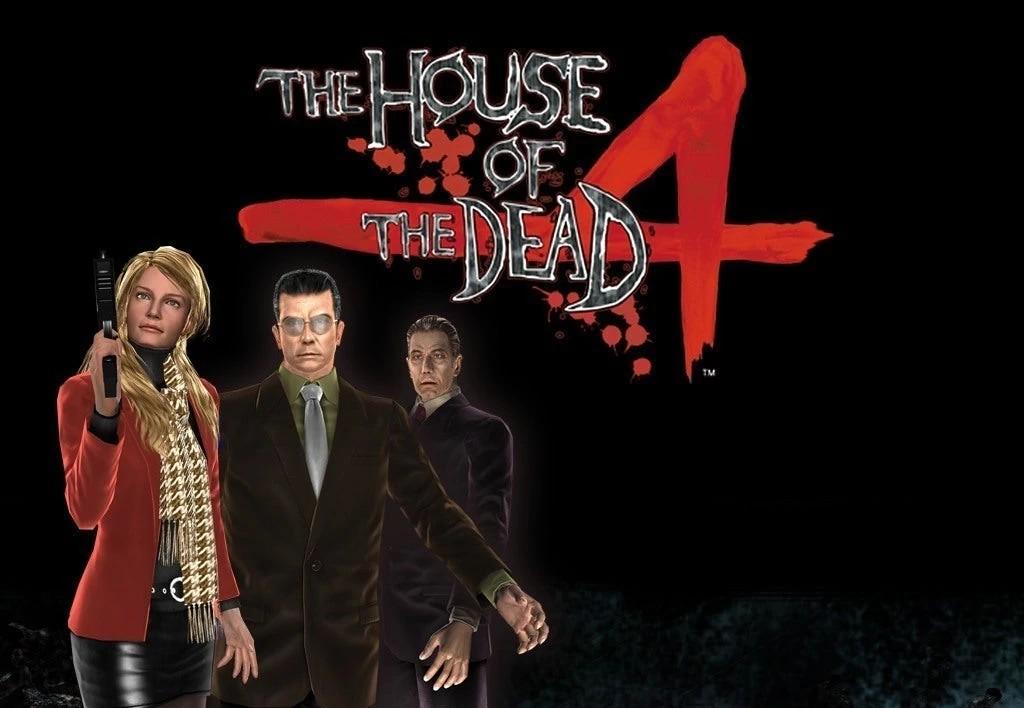
Hey everyone! I’ve released a Windows recompilation of the original The House of the Dead 4 arcade game.
The aim is to preserve the original look while adding some useful PC features:
- Up to 4K resolution, selectable MSAA and 16× anisotropic filtering.
- Improved cutscene pacing and aspect-ratio handling.
- English start menu with resolution settings, chapter selection and a clear overview of your controls.
- Native in-game pause menu with settings, restart and a trophies gallery.
- 12 local trophies based on the PS3 base-game objectives, with metallic star icons, unlock notifications and descriptions.
- Adjustable HUD scale and three crosshair styles, including the original design, with size, colour and live previews.
- Sinden support with a toggleable white border, four border widths, Raw Input and lightgun device selection.
- Custom keyboard and mouse bindings, saved profiles, duplicate-binding protection and reset-to-default options.
- Chapter practice for all six chapters.
- Menu background generated locally from your own dump.
You need your own supported, extracted arcade dump. Run Setup.cmd and the installer downloads the build tools and builds the game on your PC. No game assets, arcade executable or prebuilt game executable are included.
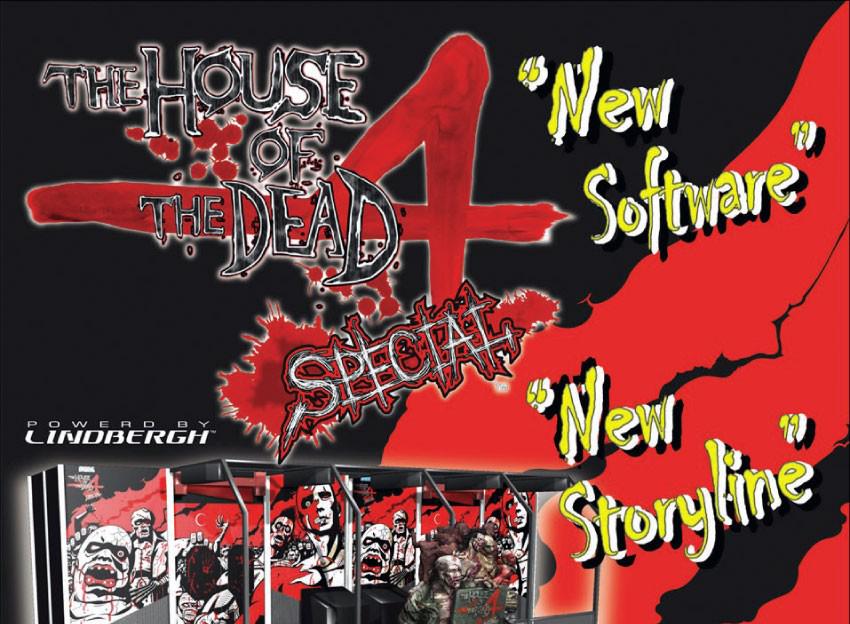
This release covers the normal HOTD4 arcade game, rather than HOTD4 Special. Trophies are local and don’t connect to PSN.
Download and instructions:
https://github.com/davidptrssvea/HOTD4-recomp/releases/tag/v1.0.0
Feedback and bug reports are welcome—especially from fellow lightgun players! 🧟🔫