r/iOSthemes • u/stubetcha Designer • Feb 25 '13
New LS theme: Pebbly
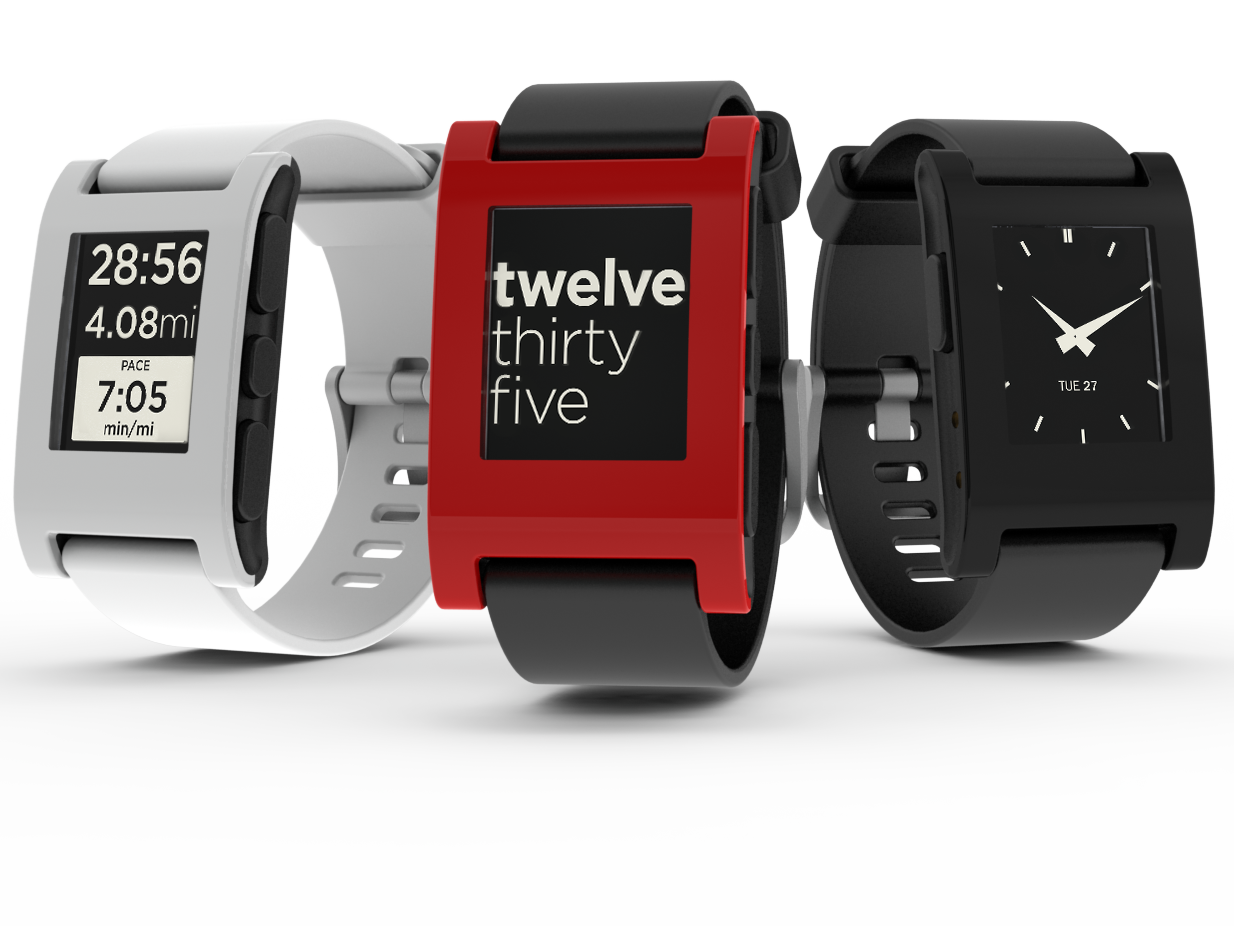
Hey everyone, here is my first LS theme. It's called 'Pebbly' and inspired by the Pebble watch.

It's pertty basic. Time is displayed as a string, today's weather as an icon, 5 day forecast. Rain, Snow, Sun all have specific icons for the forecast.
There are 4 versions included: Dark, Light, Blue and Pink.
Download from here. Unzip and copy the folders into /Library/Themes. Activate with Winterboard.
Instructions for getting your local weather:
- Go to http://www.weather.com/ and put your city into the search bar, hit enter.
- Copy the code from the end of the url. Example for Toronto, Canada: http://www.weather.com/weather/right-now/Toronto+Canada+CAXX0504
- Copy "CAXX0504".
- Open LockBackground.html from the chosen theme folder, and copy it into the 'locale' variable as directed.
I'll be tinkering with it, so if you have any comments/suggestions let me know.
Enjoy. S
Edit (25 Feb.)
v0.2 is out.
- Cleaned up some code (thanks /u/balkonkind!)
- Fixed fahrenheit bug (and made it easier to change between the two. There is a variable at the top of the LockBackground.html now with instructions on how to change from celsius (default) to fahrenheit.
- Added one more version, Pebbly BG that has a graphic background. To change the background, in the root folder replace bg.png with your image. You can add a bg.png to any of the other versions now as well to change from a solid colour.
You can download v0.2 here.
Thanks, S
View all comments
Show parent comment
1
u/IHopeTheresCookies Feb 25 '13
You have to edit the file here: /Library/Themes/Pebbly Dark/LockBackground.html
Follow his instructions above. You really can't miss it once you open that file. The instructions are repeated at the top and the place you put the info is right below that.