r/koreader • • 20h ago

My Setup I finally got my kobo!

Thumbnail
gallery
40 Upvotes

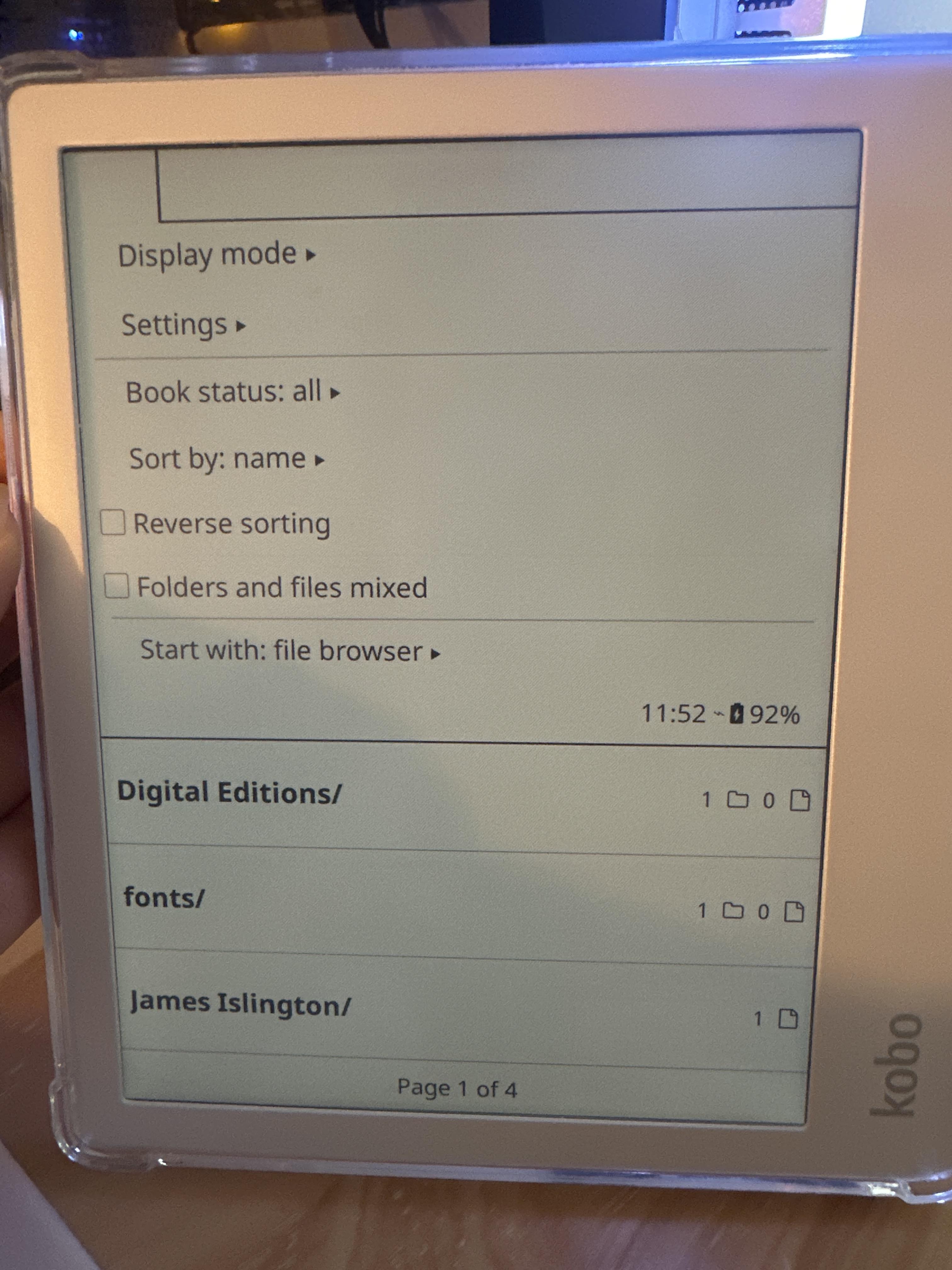
I had to decide which kobo i wanted as i already have an xteink x4 pro. I wanted something a little bit bigger for pdfs and manga. Ive settled on buying a used (store display) kobo clara hd and upgraded it to 128gb sd card and immediately installed koreader and all the plugins and i love the cyber ui theme so much it’s so beautiful!!!! Thought I’d show both side by side with the theme on xteink being the crossnext fork 2.0.6

Second photo shows lock screen without light. Ive spent the whole morning transferring my cbz and pdfs into my kobo and tadaaaaaa! I can finally relax and read after tinkering with all the settings and familiarising myself with koreader 🥰

r/koreader • • 15h ago

Crosspoint based new UI for Kobo Libra Colour

16 Upvotes

Hey, so I was looking for a good UI and I wasn't able to find one, so I decided to make one. If you wanna use it, here it is :) I hope you like it. https://github.com/adrojodev/tinta-koreader

Is based on Crosspoint but taking the advantage of KoReader huge personalization and Kobo Libra Colour screen size and capabilities.


r/koreader • • 5h ago

Help! Manga Purposes

Post image
15 Upvotes

Hey everyone!

So, I have a 7th Gen Kindle Basic, and I'm thinking about jailbreaking it and installing KOReader, mainly because I use my Kindle to read manga.

Before I actually do it, I have a few questions:

  1. What's the actual difference between using the stock Kindle reader and KOReader? Is the overall reading experience noticeably different?
  2. For manga specifically, what are the main benefits of using KOReader compared to the original Kindle reader?
  3. Does KOReader offer better image quality, page handling, or customization when reading manga?
  4. Is KOReader worth installing on an older device like the 7th Gen Kindle Basic? How's the performance?

I'm still pretty new to the e-reader world, so please be kind! I'm just trying to learn more before making any changes to my Kindle. No judgment, please haha.

I'd love to hear from people who have experience using KOReader, especially on older Kindle models.

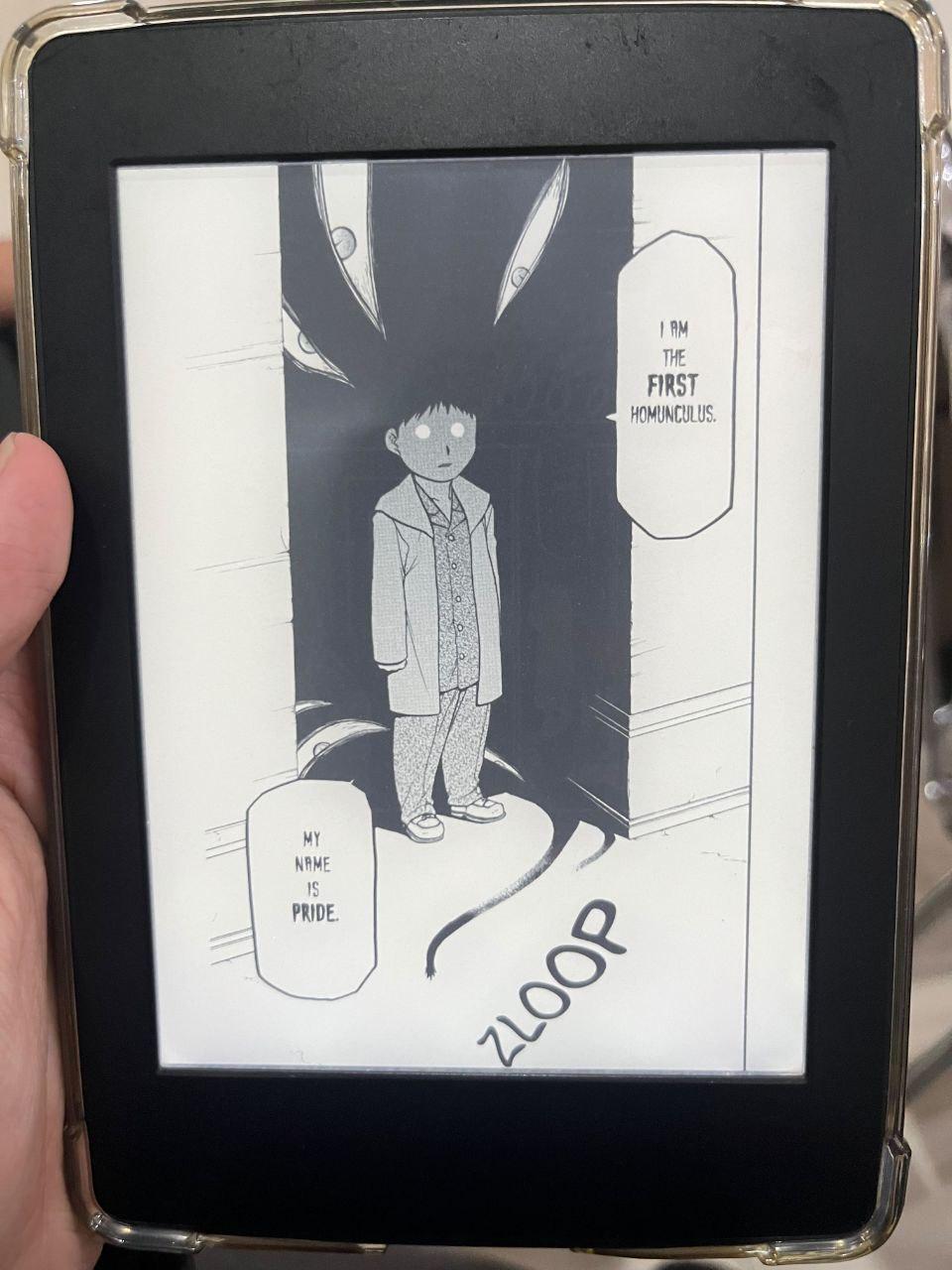
(Here's a picture of my Kindle currently displaying Fullmetal Alchemist, in case anyone's wondering what manga I'm reading)

Thanks in advance!


r/koreader • • 1h ago

My Setup Proud 🥹

Post image
14 Upvotes

I’m not the most tech savvy person so this was pretty cool to me but I now have all my e readers on the same server and in sync. I was able to do this using a few different threads on here 🥲. Thanks yall!


r/koreader • • 15h ago

PSA: it appears that Amazon DRM has new hardening in 5.20.2+

Thumbnail reddit.com
13 Upvotes

r/koreader • • 6h ago

i cant seem to properly install Koreader.

Post image
10 Upvotes

i have installed nickelmenu and koreader. but i cant see the top menu. i know there is buttons because when i clicked them, it will show me pull down. but i dont any icons.
how can i fix this?


r/koreader • • 5h ago

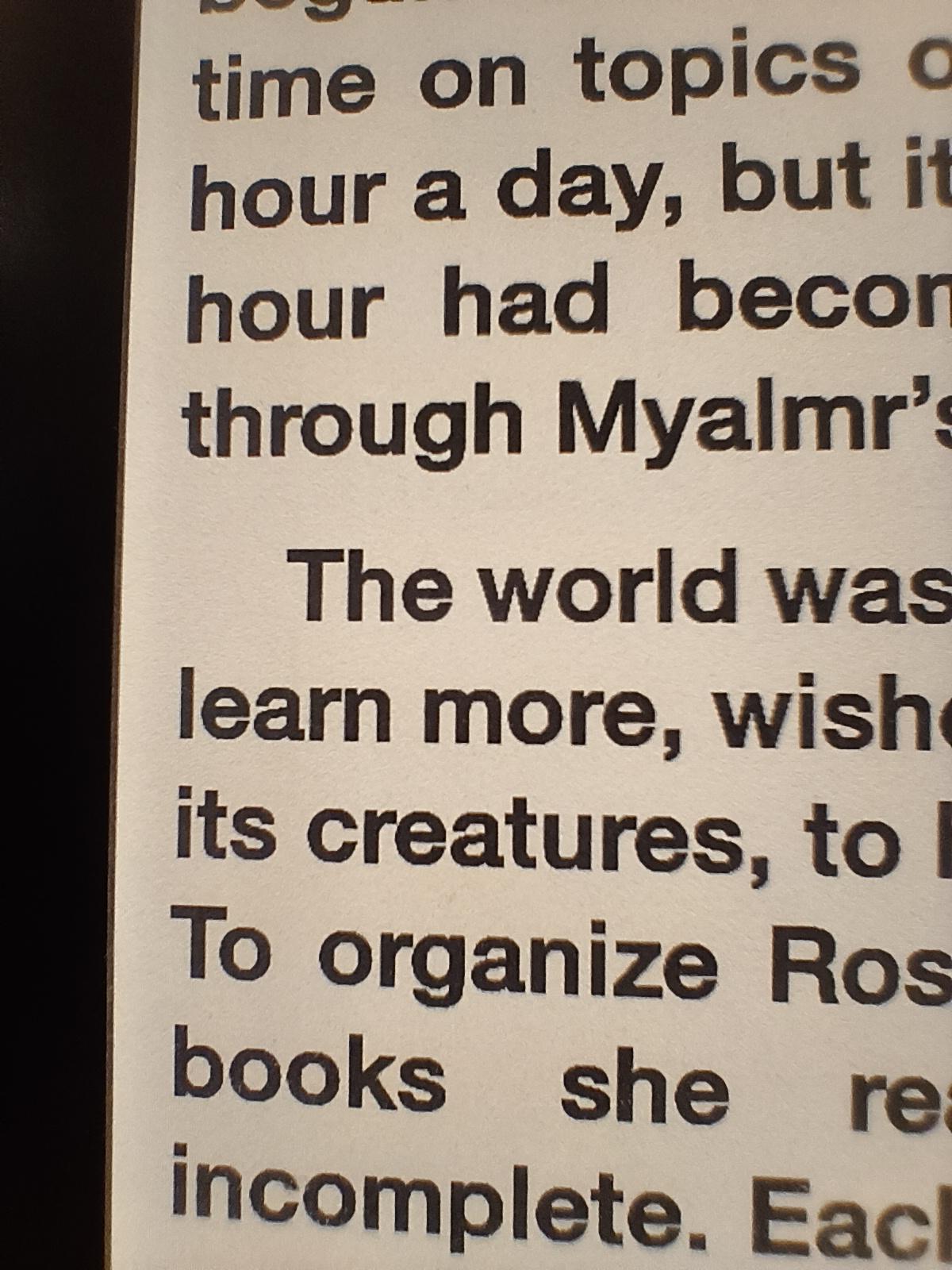
Getting low resolution text on Koreader on Paperwhite 12th gen, any solutions?

Post image
4 Upvotes

The edges on the text are pretty rough, and it looks noticeably sharper on the default reader. I've already messed around with DPI settings and it doesn't make a difference.


r/koreader • • 20h ago

Plugins Plugin list

4 Upvotes

Hi there. I am really happy with my SimpleUI and i was wondering if there was a list somewhere of plugin that were compatible. not looking for anything specific but i am simply curious and want to see whats out there


r/koreader • • 11h ago

Plugins I made a KOReader plugin + web editor for sleep-screen dashboards (current book, stats, weather…). Looking for testers

3 Upvotes

Site : https://eink.papetche.ch

Hi all! I've been building E-ink Dashboard, a KOReader plugin that shows a dashboard of your choice when your e-reader goes to sleep. It can show the book you're reading, the chapter and time left, a wall of your covers, your reading goal and streak, your books finished this year, the weather, departures, a poem or the chess puzzle of the day…

You design it in a web editor: drag blocks onto the grid, change fonts and greys, add your own pictures (the web editor have a special image importer and editor).

Then click "Send to my e-reader". KOReader picks it up the next time it wakes on Wi-Fi (or right away from the plugin's menu). Installing the plugin is one click from the site in Chrome/Edge with the e-reader plugged in by USB, or a zip to copy by hand.

If you already have a tuned setup, it doesn't touch it:

- it's a normal plugin in its own folder, not a patch, and it modifies no KOReader file;

- Project: Title, Cover Browser, your other plugins and patches all stay;

- it only steps in at sleep, for the dashboards you tick. Otherwise (or if anything fails) you get your usual sleep screen;

- reading stats and covers are drawn on the device. They're only read, never changed, and never leave it.

It's a beta and I'm improving it every day. I'd love feedback from people who know KOReader well: what breaks, what widget you'd want, which plugins or patches it should play nicely with. There's a suggestion page on the site, and I read every comment here.


r/koreader • • 5h ago

Patches TapApply Patch (Tap outside the numeric selector to apply changes)

Post image
2 Upvotes

Hey.

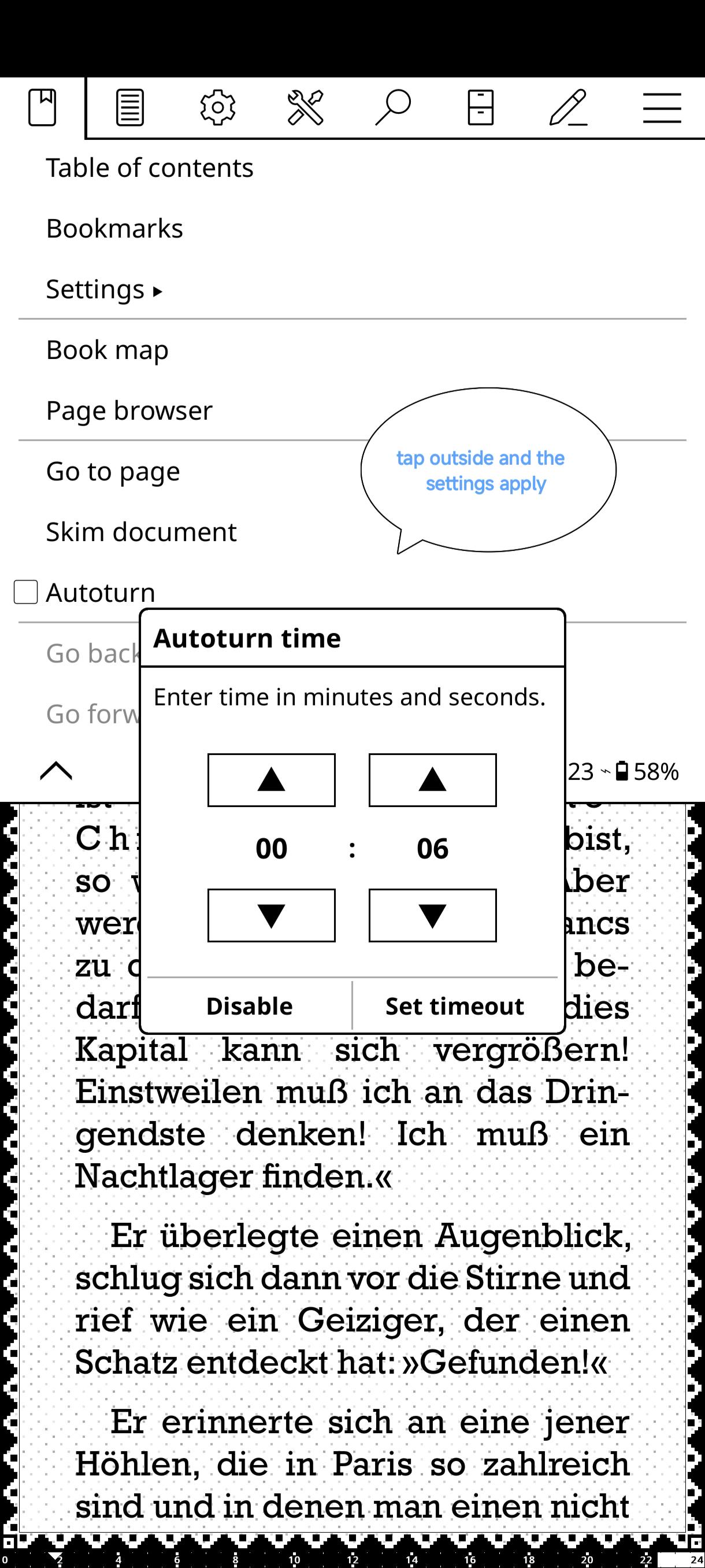
There are some settings I need to adjust daily using arrow-based number selectors (for example, autoturn). I often change the values quickly and end up accidentally tapping outside the dialog, closing it without applying my changes.

That's why I made this little patch, useful if you use those kinds of menus and the same thing happens to you

Download.


r/koreader • • 5h ago

Help! Boox Note Mini C + Kobo + BookOrbit

2 Upvotes

OK this one has me stumped.

I have BookOrbit setup on my server and working.
I setup KOReader on my Boox Note Mini C & added Bookshelf, BookOrbit, and Orbitshelf. Perfection! My library is available and looks lovely.

NOW. For light reading I'd like to have the same library available on my Kobo Libra Colour. So I installed KOReader using the KoboPatch Web UI. KOReader works.

So I downloaded the prebuilt BookOrbit plugin from my server (so it SHOULD have the authentication built right in (key word here). And installed it in the Plugins directory of KOReader. However, every time I launch BookOrbit it wants me to login. I can't the username/password are built (by BookOrbit) into the plugin I don't HAVE a username or password (you can't use your admin username/password that doesn't work).

I'm stuck. Is it not possible to use the same KOReader setup on multiple devices? The interface seems to ASSUME there will be multiple devices using it.

What the heck am I doing wrong? It worked like a charm on the Boox device, I realize it is more of a kludge on the Kobo because the OS isn't just straight Android but this is silly!


r/koreader • • 16h ago

Help! Book statistics split mid read

Thumbnail
gallery
2 Upvotes

Not sure exactly what's gone wrong, I was messing around with font sizes and styles/margins and ended up not liking what id done so I hit reset document settings to default and now the stats have all gone wrong and it seems to think im reading an entirely new book? Ive done this reset in the past with no issues 😭

I did try restarting koreader and then the kobo device itself with no change


r/koreader • • 17h ago

Help! Kindle Keyboard - Simple UI

2 Upvotes

UPDATE: solution given by u/SpartanHeavy. Thank you so much :)

**Hold down the shift button when you click on a book.**

-----------------------------------------------------------

Hi,

How can I open the context menu (see picture) on kindle keyboard when in history view?

Thank you


r/koreader • • 14h ago

Cant find plugins folder! pls help

Post image
1 Upvotes

hidden folders are visible, i have no idea where its supposed to be. if i search ''plugin'' i can find a folder in frontend but that doesn’t seem like the right place to drop my plugins..

using a kobo libra colour


r/koreader • • 14h ago

Switching to KOReader on the Viwoods AiPaper Reader

Thumbnail reddit.com
1 Upvotes

r/koreader • • 20h ago

Help! Image size too small on book

Thumbnail gallery
1 Upvotes

Hi guys yesterday I bought this Alice in wonderland collection ebook I bought on Kobo striped the DRM in calibre and sent to my kindle pw12 but there's two things strange one them I already fixed which is about the cover. First after stripping the DRM the image cover that came was this one in the last photo, fortunately I fixed by downloading the cover from Kobo store and upscaling the resolution, a bit annoying and strange but it's fixed.

The second one is the images of the book coming in very small size, I wanted to know it's normal to be like this and if there's a way to fix it, also sorry if this is not the best place to post it I will also repost in koreader community 👍.


r/koreader • • 23h ago

Kindle library plugin error

0 Upvotes

Hi there! I factory reset my kindle and now, after installing KoReader with the ZenOS interface, the kindle library plugin no longer works. I get the error “Could not extract this book's access key. Check the KOReader debug log for details”. The books is properly downloaded on my kindle stock interface, and I’ve tried with several books. Do you guys know what may be going on? Thanks a lot!