r/laptops • u/HawkManBear • 3d ago
Hardware Need help transferring files from old HP laptop to new
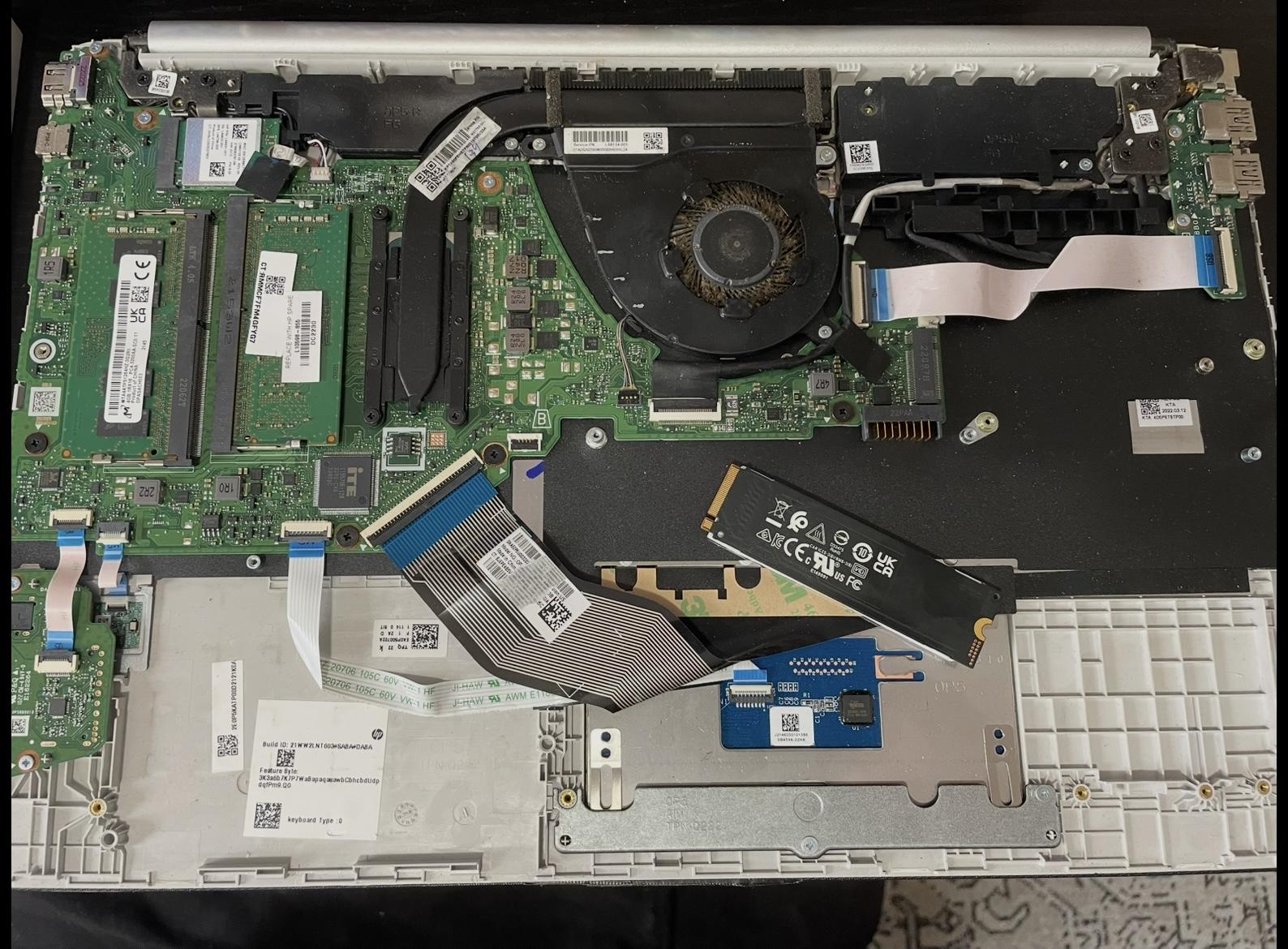
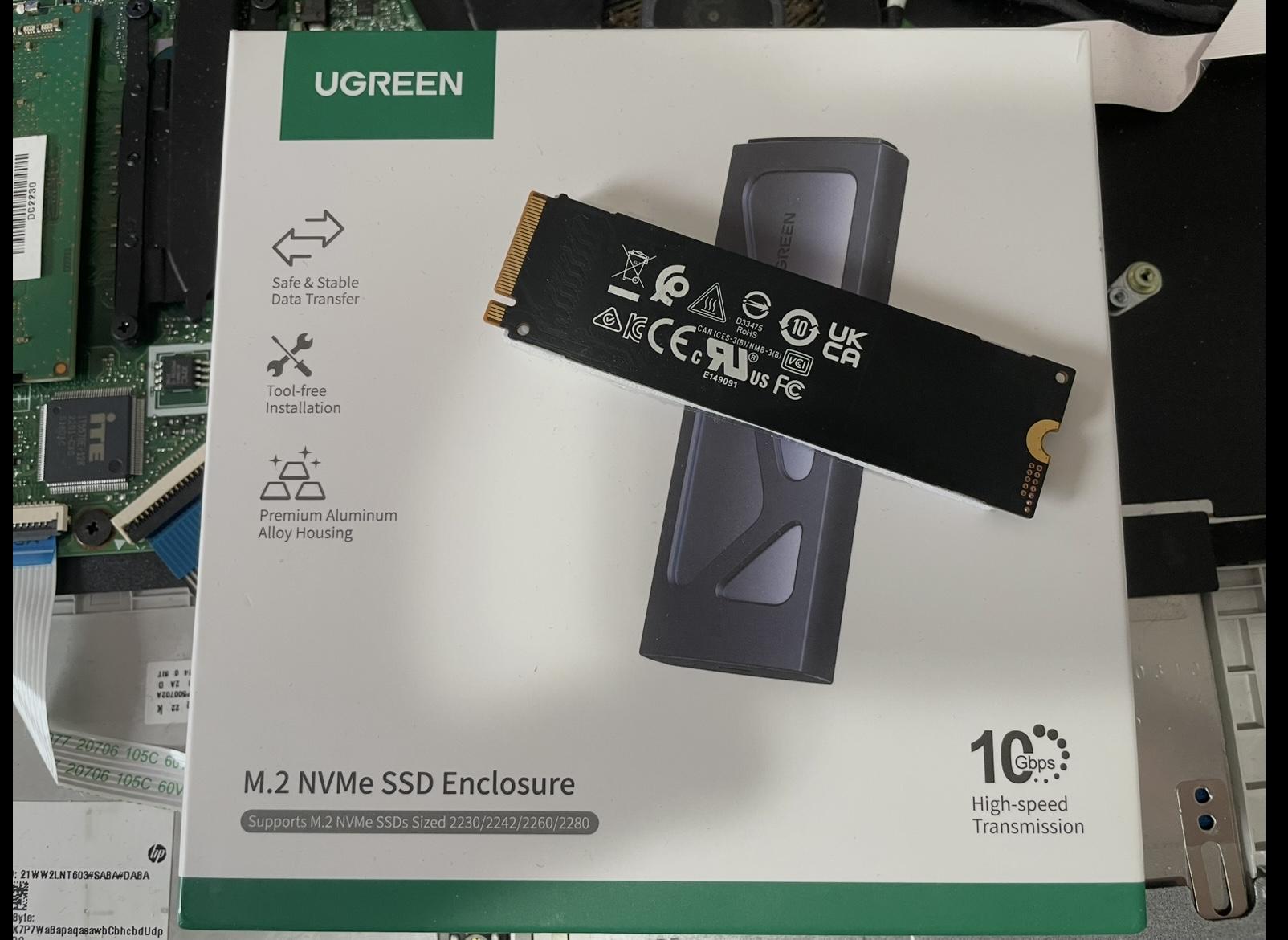
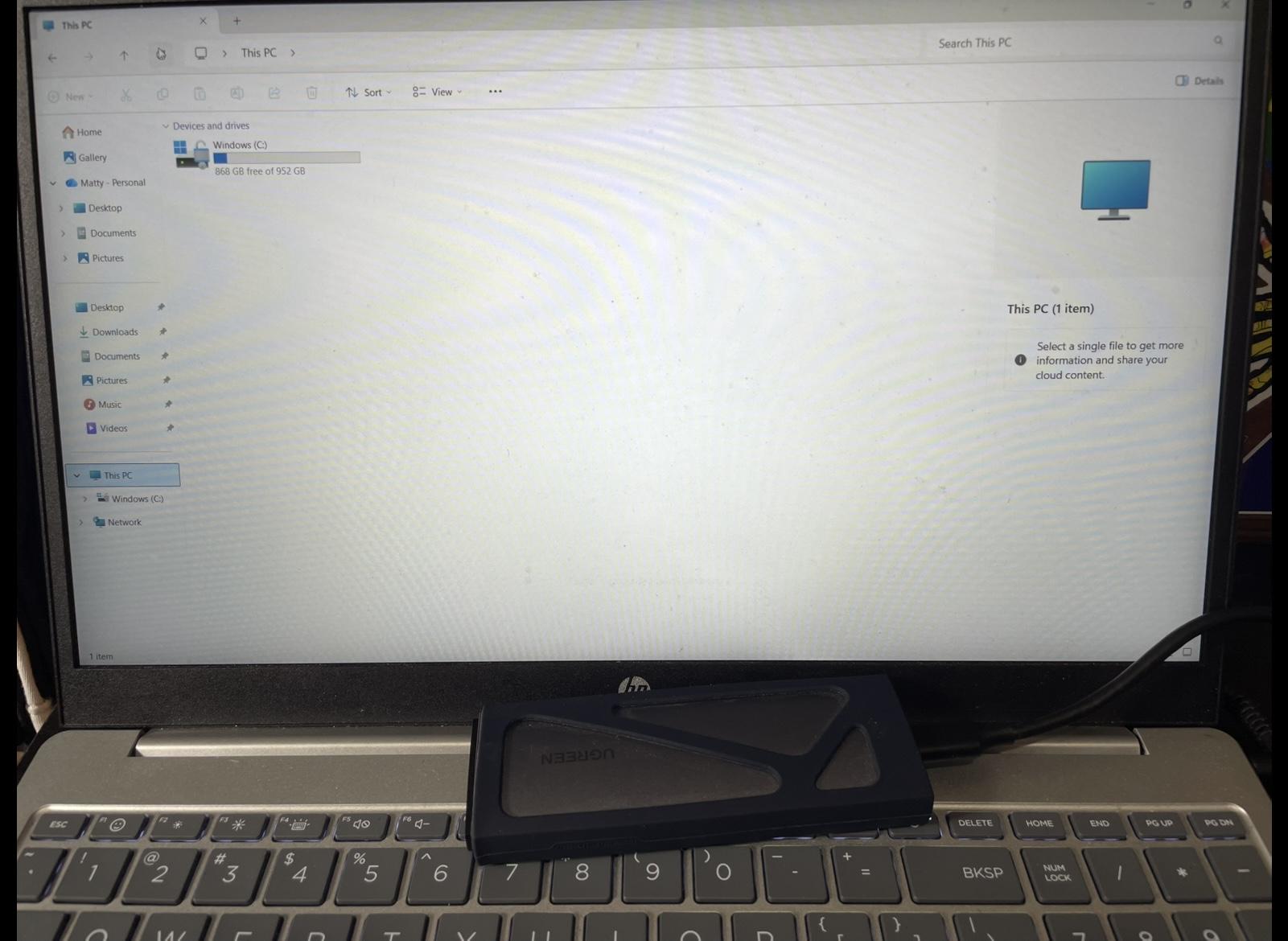
So my previous HP laptop crapped the bed because I essentially filled it to capacity with a large music collection, and when I started learning video editing it basically turned off one day and never turned back on. It would turn on, but only to a black screen and not anything else. So I purchased a new HP laptop with a lot more storage and now I want to transfer all the data from the old one to the new one. I've been through this process before, it doesn't seem that hard. You take apart your old 'puter, pull out some guts, plug them into a doo-hickey that you plug into your new 'puter, and Bob's your uncle. But for some reason it doesn't seem to be working this time.
Picture 1 is the guts I pulled out
Picture 2 is the doo-hickey I plugged it into
Picture 3 is my 'puter not recognizing the doo-hickey
Do I need to pull out different guts? Do I need a different doo-hickey? Or is my old 'puter just fucked up beyond all repair?
1
u/randynorthrup 3d ago
Explorer only lists drives that have a letter, so open Disk Management (right-click Start): if the old SSD is there without one, right-click its largest partition > Change Drive Letter and Paths > Add, and if it shows as BitLocker Encrypted, the recovery key is at account.microsoft.com/devices/recoverykey. If Disk Management doesn't list it at all, try the enclosure's other cable and a different USB port before giving up on the drive. Once it mounts, WinAppMigrator can also rebuild programs installed on that old drive into installers for the new laptop, so you aren't hunting down setup files (free and open source; I'm the developer): https://github.com/RandyNorthrup/WinAppMigrator
2
u/DoranSteelwing 3d ago
Looks like you might have a SATA SSD and an NVMe enclosure - but the pic is confusing me
Flip your SSD around please and give us a part number
1
u/aizunomnom 3d ago
Sometimes it's just because the cable. Is it C to C? If yes then try to flip it up or down or swap each ends