r/linuxmint • u/CrashaBasha • 21d ago
Not booting after update
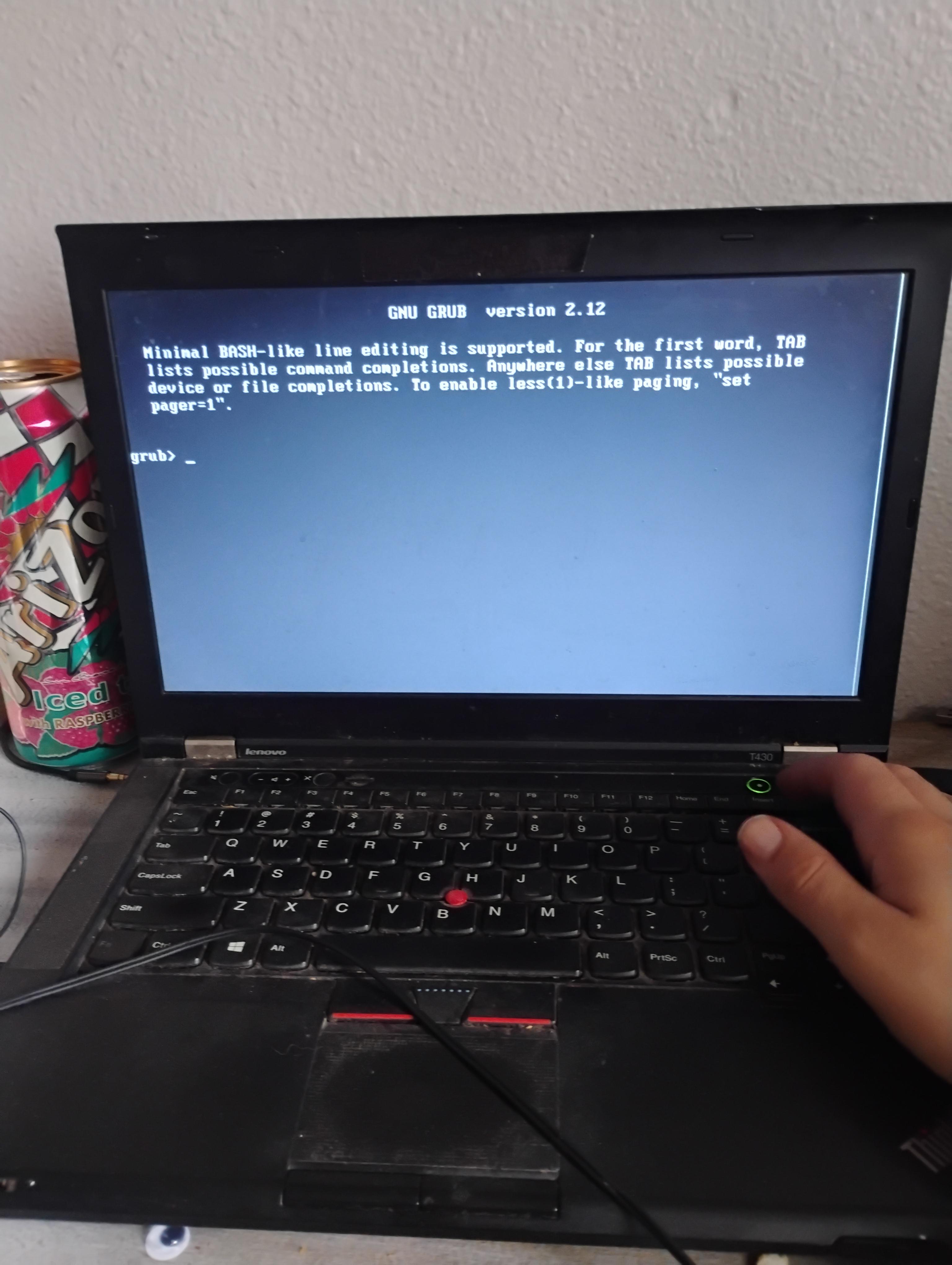
So I installed some updates and restarted the system because this hardware is old and laggy, and now I am greeted with this command line instead of the prompt to pick which of the OSs to boot (dual booting LinuxMint and PopOS). Tested the drive in the bios and it passed all tests, so can anyone give me a hint as to why this is happening and whether I'll be able to get my system working normally again? Any assistance would be appreciated, thanks. Laptop is a Thinkpad t430.
6
Upvotes
•
u/AutoModerator 21d ago
Please Re-Flair your post if a solution is found. How to Flair a post? This allows other users to search for common issues with the SOLVED flair as a filter, leading to those issues being resolved very fast.
I am a bot, and this action was performed automatically. Please contact the moderators of this subreddit if you have any questions or concerns.
4
u/Due-Result7928 20d ago
You get the mini bash script to fix your system.
Boot you mint usb (test not install). There is a utility to use boot repair. Use it.
open a terminal as well and type 2 commands
efibootmgr
and
lsblk -f
what do you get ?
2
u/0hFruit 21d ago
I'm pretty sure there's a command to get you back in the grub menu but it's escaping me right now
-2
u/[deleted] 20d ago
[removed] — view removed comment