r/linuxmint • u/NeitherBed8855 • 2d ago
Google Chrome on Linux Mint
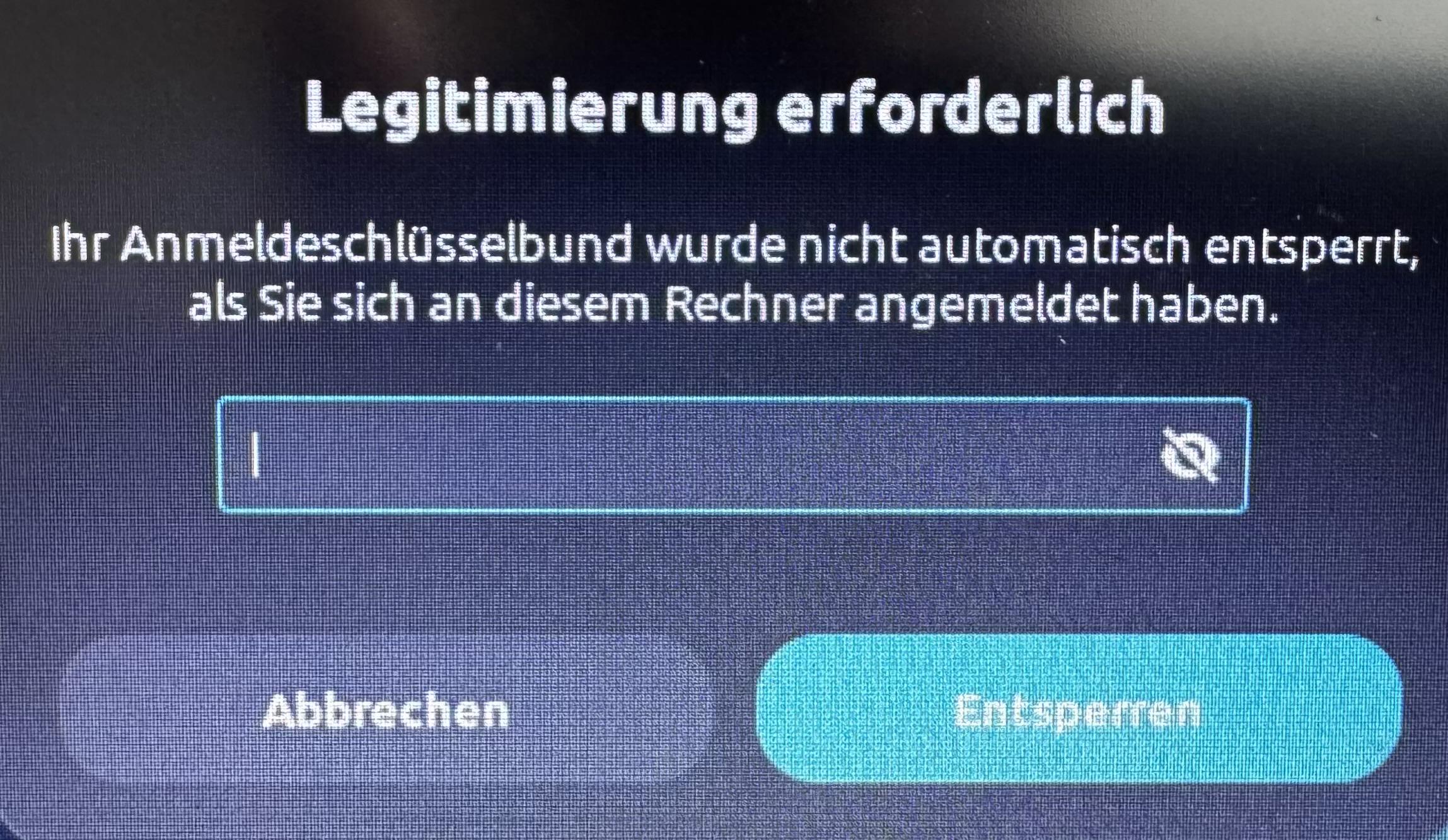
Hello Guys,
How can i remove the passwort for chrome?
I have autologin for PC startup.
With Firefox it works without passwort..
But I need chrome cause its better for autodarts.
Edit:
I simply deinstalled keyring now…
I dont safe passworts, so why should i need it?
sudo apt remove gnome-keyring
Now it works without passwort
8
Upvotes
18
u/SourSovereign 2d ago
It's exactly because you haven't set a login password. And that's the only way to solve it (or removing the autostarts for chrome)
Chrome needs it for it's credential saving. It's encrypting it into the users keyring (Linux password manager)and it has to be unencrypted via password.
Chrome autostarts, that's why it's asking directly after login.
1
u/Stevearino42 2d ago
You can add
--password-store=basicto the command line (in the panel menu, right-click Chrome and go to Properties) to have Chrome use a local file instead of the system keyring.How did you install Chrome?
I haven't had that issue anymore since I started installing Chrome from the .deb package on Google's website. You might have to delete ~/.config/google-chrome to reset the config if you've already installed it a different way.
0
u/Curcu_is_Life5 2d ago
Even if it does eventually work, use a different browser than Chrome anyway. It's spyware. Another browser like Helium or Brave Origin if you want to stay in that Blink browser framework.