r/llamacpp • • 8h ago

Inkling 2 Mini at 256k context on a single 16 GB RX 9070 XT: 55–85 tok/s with a patched llama.cpp (ROCm), ~3× upstream on chat and ~10× on long prompts

3 Upvotes

I spent the last few days getting Thinking Machines' Inkling 2 Mini (26B total / ~5B active looped MoE, 1M context) running as fast as possible on one 16 GB AMD card. Sharing the numbers and what actually mattered, because this model behaves very differently from the usual MoEs.

Hardware: RX 9070 XT 16 GB (RDNA4, gfx1201), i9-14900K, 32 GB DDR5, PCIe 5.0, Arch + ROCm. Everything stays under ~15.2 GB of VRAM including the desktop (a full card froze my session, so every test ran under a VRAM watchdog).

Software: Unsloth's llama.cpp fork plus 26 patches (24 of my own: custom HIP kernels, scheduler and launcher changes; plus two open upstream PRs, #32215 DPP warp reductions and #30685 async input copies), DSpark speculative decoding + n-gram lookup drafting, q4_0 KV cache for both the model and the drafter.

Results (greedy, 768-token coding answer; "edit" = rewrite a file; prompt = 54k tokens)

QuantContextChatCode edit54k promptPeak VRAM
Unsloth UD-Q4_K_M256k55–57 tok/s120~1,020 tok/s15.2 GB
Unsloth UD-Q4_K_M128k621361,09415.2 GB
GSQ-RCO IQ4_XS (abenzerps)256k67136–162~1,35015.1 GB
GSQ-RCO IQ4_XS128k851711,45915.0 GB
AtomicChat IQ3_XXS256k79–83180–200~1,35515.1 GB
AtomicChat IQ3_XXS64k (all in VRAM)~90—1,68914.8 GB

Where I started: Unsloth's prebuilt at 16k context did 23 tok/s, and 10.8 tok/s with DSpark (the drafter overcommitted VRAM).

Same weights against upstream llama.cpp (built today, same flags and toolchain)

GSQ IQ4_XSupstream masterupstream + DSpark PR #32218patched
128k chat29.135.684.9
128k code edit89.688.8171
128k, 54k prompt210 tok/s2121,459
256k chat19.4—67
256k, 54k prompt125 tok/s—~1,350

Kernel-only (llama-bench, no drafting): decode +17%, prompt at 32k depth 3.8×. Upstream has to drop to ubatch 64 (128k) / 32 (256k) because its Inkling attention wants a 12.9 GB buffer at ub 512.

Quant quality (wikitext-2 KLD against UD-Q4_K_M logits)

  • GSQ-RCO IQ4_XS: KLD 0.015, same top token 95.1%. That's the best of the small quants: close to Q4_K_M and about 20% faster than it, so it's what I'd recommend for 16 GB.
  • AtomicChat IQ3_XXS: 0.024 / 93.9%
  • GSQ-RCO IQ3_XS: 0.051 / 91.0%. It hit ~100 tok/s with 256k fully in VRAM, but the quality loss was too much for me.

Things that didn't help

Vulkan (no banded attention kernels, 11–17 tok/s), F16 KV, an acceptance-driven adaptive draft length (its depth flips cost more than they save), overlapping the RAM-expert uploads with compute (needs ~0.8 GB of staging VRAM, which is worth more as expert cache), and a few upstream PRs that don't touch these quants.

Caveats

  • One machine.
  • Greedy benchmarks, with ±5–10% noise because the desktop shares the GPU.
  • Generation at temperature 1.0 is a few tok/s lower (DSpark acceptance drops).
  • DSpark for Inkling isn't in upstream master yet: PR #32218 works with Unsloth's new mainline-format drafter. Unsloth's old-format drafter only works with their fork.

I'm thinking about upstreaming the attention kernels if there's interest.

r/llamacpp • • 12h ago

VMAT Free: share one NVIDIA GPU between 4 VMs for CUDA, no passthrough or vGPU license

2 Upvotes

I've been building VMAT so that I could get several VMs to share one GPU at the same time, and today the the free tier is out today for Proxmox VE 9 and Linux desktops. I'd love if a people with consumer cards I don't own to try it and dish out some honest feedback.

Up to 4 VMs share one NVIDIA card and each one runs CUDA programs as if it had the card to itself. llama.cpp and PyTorch run inside the VMs. There's no passthrough, no SR-IOV and no vGPU license, and it works on stock QEMU. When a VM is idle its GPU time goes to the busy ones, or you can give each VM a fixed share.

I've debugged & tested it on Proxmox VE 9 with a rented H100 using 4 Debian VMs at once with llama.cpp ran in all four, and PyTorch 2.11 in the VMs on the host. On earlier builds with an RTX 6000 Ada, llama.cpp in a VM ran at 90 to 98% of native speed. I also ran an RTX 5090, where CUDA and PyTorch gave the same results through VMAT as native, but that was in a container with no VM.

So nobody wastes an evening: it's Linux VMs only, with Debian and Ubuntu guests on Proxmox. Free allows 4 VMs and 16 GB of GPU memory per VM. CUDA needs an NVIDIA card, and I haven't tested GeForce cards with VMs yet, or AMD. It's one GPU per host, and there's no graphics or games in this build. It's early software and it can crash.

The host side is closed. The guest side, which is the library and tools that run in our VMs is open source (BSD)@ https://github.com/b1nc0d3x/gVMAT.git

Downloads, checksums and install steps are at vmat.dev/getting-started.html. If it breaks, please get at me and let me know what card you tried as well as what happened.


r/llamacpp • • 1h ago

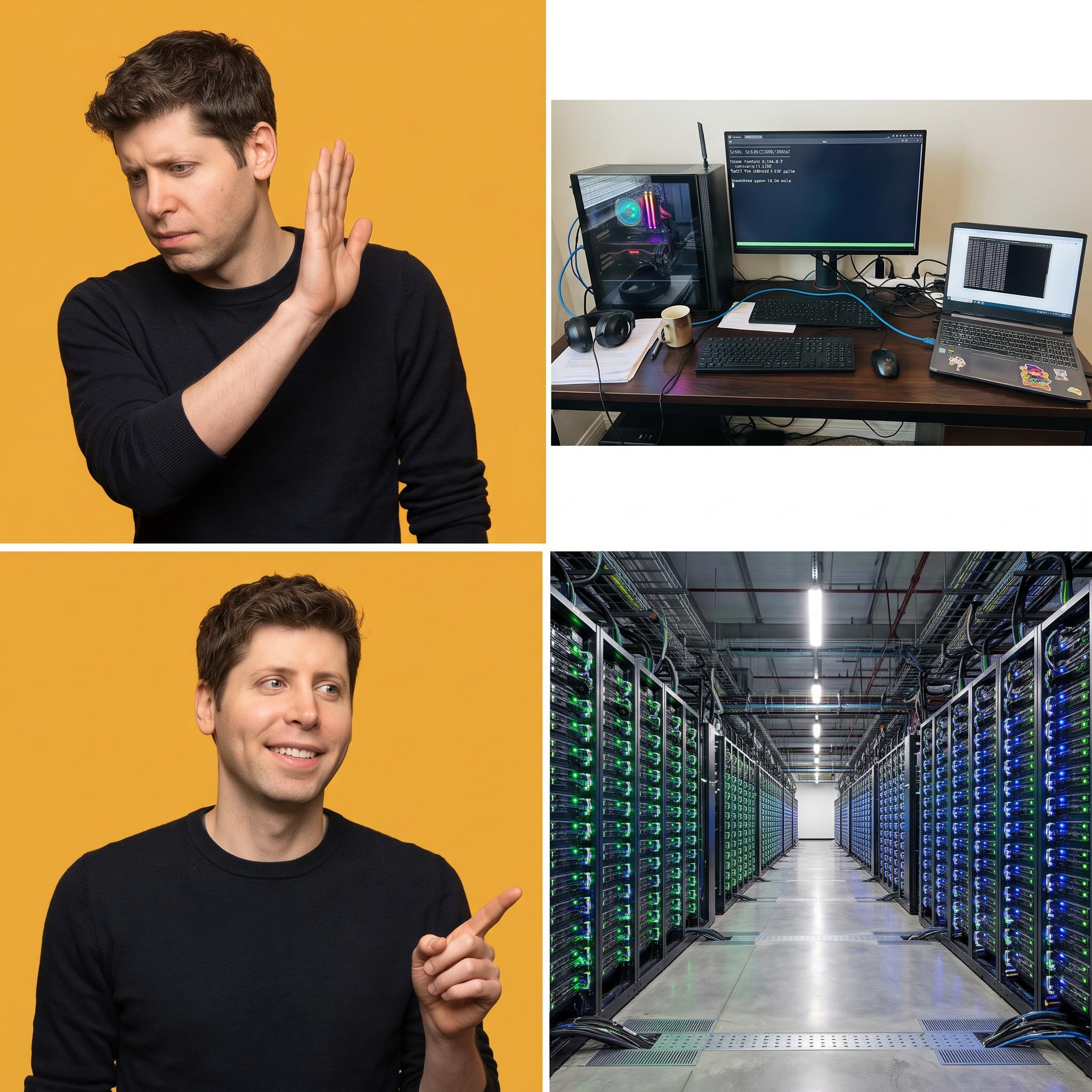
I almost sold my daughter's Roblox laptop for a used 3090. Instead, I linked it to my AMD desktop over Ethernet and hit 42.99 tok/s on Qwen3.8-27B (Q4_K_M, 64k)

Post image
1 Upvotes

r/llamacpp • • 16h ago

How to Install PyTorch with CUDA Support Step-by-Step Guide

Thumbnail interconnectd.com
1 Upvotes

r/llamacpp • • 14h ago

LexiSuite T21: Inkling-2-Mini at 135 tok/s with its draft head on one RX 7900 XTX (llama.cpp's newest build: 39), 524k context on 24 GB, and now a single USB image with the model already inside

Thumbnail
github.com
0 Upvotes

Follow up to my earlier Inkling-2-Mini posts. Testing image 21 of LexiSuite (my own Rust stack: inference engine, control panel, bootable OS image, not a wrapper around llama.cpp or Ollama) is out, and this time there is an all-in-one download: one USB image with the OS, the engine, the panel and the Inkling-2-Mini file already in the model folder. Write it to a stick, boot, open the address on the screen, load the model.

All in one image, the plain image and the model file by itself:

https://huggingface.co/Wa1k3r/Inkling-2-Mini-NVFP4exp-Q8-draft-LexiSuite-AIO-for-AMD-RDNA

Hardware for everything below: RX 7900 XTX 24 GB, i7-9700, 32 GB RAM, Vulkan. One card, whole model on the card, nothing in system RAM. 4-bit KV cache. Single runs, greedy decoding, nothing else running on the box. All measured November 23 on the published build.

The model file is 18.3 GB. It keeps the experts exactly as Thinking Machines shipped them (their own 4-bit format), the rest is 8-bit, and the model's own draft head is packed into the same file.

BENCHMARKS, LexiEngine

4,096 token prompt

2,430 tok/s prompt, 136.4 tok/s generation with the draft head (66.5 without it)

16,384 token prompt

2,332 tok/s prompt, 134.8 tok/s generation with the draft head (65.8 without it)

261,632 token prompt (262k context)

1,193 tok/s prompt, 65.5 tok/s generation with the draft head (50.3 without it)

523,264 token prompt (524k context)

764 tok/s prompt, 48.9 tok/s generation with the draft head (40.4 without it)

By kind of text, with the draft head after a 16,384 token prompt:

JSON records 159.0 tok/s

Rust code 121.3 tok/s

English prose 94.7 tok/s

Output with the draft head was identical to plain greedy decoding in every run. It only changes speed.

LLAMA.CPP GOT A LOT FASTER, SO I MEASURED IT AGAIN

In my last post llama.cpp was at 425 tok/s prompt and 25 tok/s generation on this model (build 12600, November 20). Its newest build (commit 1f8baae), same day, same card, same weights:

4,096 token prompt: 1,233 tok/s prompt, 40.4 tok/s generation

16,384 token prompt: 1,049 tok/s prompt, 39.2 tok/s generation

That is a big jump on their side in three days and the old 4x to 5x gap is gone. At 16k LexiEngine is now 2.2x on the prompt, 1.7x in plain generation and 3.4x with the draft head. I did not run llama.cpp at 262k or 524k this time.

DOES IT ACTUALLY READ THE CONTEXT

Ten facts planted through the prompt from 1% to 99% of its length, each asked back:

at 260,864 tokens: 10 of 10

at 523,264 tokens: 10 of 10

Against a reference run of the published weights the engine scores a mean KL of 0.0037 with the same top token on 98.6% of 510 positions (4-bit KV cache).

WHAT CHANGED SINCE THE LAST IMAGE

generation with the draft head at 4k: 110.7 -> 136.4 tok/s

generation with the draft head at 16k: 109.5 -> 134.8 tok/s

the draft head now helps at 524k too (48.9 vs 40.4 plain); two images ago it was a small loss there

Also in this build: the Linux entry is 7.4-rc4 (unmodified upstream tag) beside my own kernel, the experts of the last four layers can be stored in 4 bits (2.0 GB smaller, same speed, slightly lower accuracy), and repairs to the quantization tool in the panel.

THINGS YOU SHOULD KNOW BEFORE TRUSTING ANY OF THIS

Everything is single runs on one machine, with the card capped at 291 W. If you have a 7900 XTX I would genuinely like to know if you get the same numbers.

The model file is for my engine. Stock llama.cpp, Ollama and LM Studio do not load it: their converters decode the 4-bit experts and quantize them again (27.8 GB at 8 bits, which does not fit a 24 GB card), and they do not know the draft head's tensors.

It is tuned and measured on Radeon RDNA 3. I have not measured other cards on this build.

I trained a recovery adapter for the 4-bit expert file and it did not improve held out text measurably, so no adapter is published.

Not in this build: image input for Inkling, formats below 8 bits for its attention matrices, and a 1M context on 24 GB (the cache alone would be 9.85 GB).

This is a development image, not a production release. The all-in-one image is 17.6 GB to download and 23 GB when written, so it needs a 32 GB stick. The plain image is 353 MB and fits an 8 GB stick. Writing either one erases the stick.

LINKS

All-in-one image and model file: https://huggingface.co/Wa1k3r/Inkling-2-Mini-NVFP4exp-Q8-draft-LexiSuite-AIO-for-AMD-RDNA

Base model: https://huggingface.co/thinkingmachines/Inkling-2-Mini

Download and USB instructions: https://lexipanel.com/download/

Benchmarks and method: https://github.com/W61k3r/LexiSuite-Releases/wiki/Benchmarks

How the Inkling runtime works: https://github.com/W61k3r/LexiSuite-Releases/wiki/LexiEngine-Inkling-2

Release notes: https://github.com/W61k3r/LexiSuite-Releases/wiki/Release-Notes