r/macbook • u/nitecapt • 5d ago
MacBook backup drive..write speed?
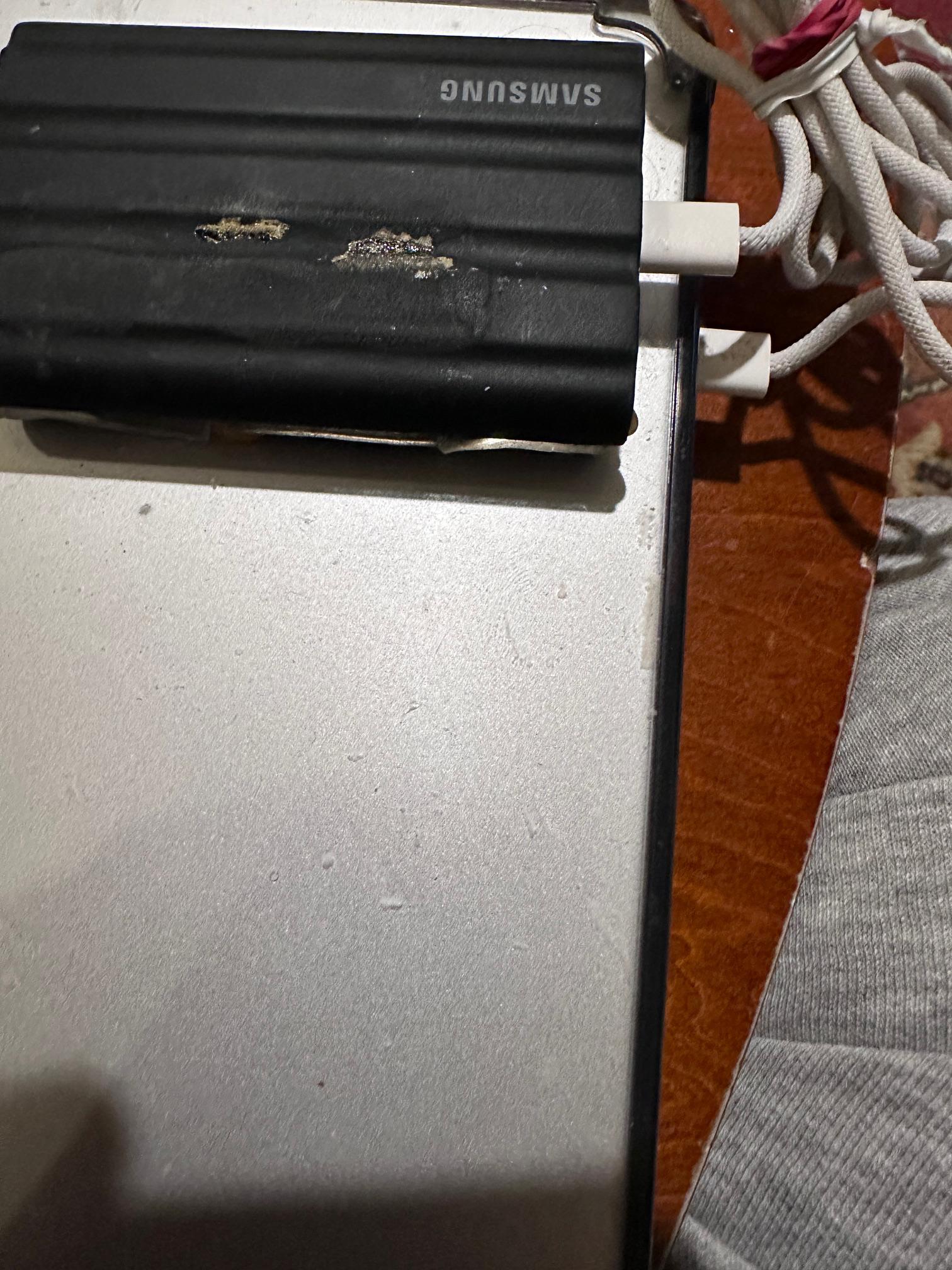
I have been using my own little system for backing uo my MacBooks over the years. First, I carefully choose a hard clear case that will not interfere with ventilation (after significant research) then I attach a backup drive with glue or double face tale to the top and connect it to the computer with the USB C port. I was wondering whether write speed is essential in setting up this configuration. I can use an ssd flash drive that plugs in to the usb port OR what I have now which is a Samsung 1TB T7 Shield Portable SSD with write speeds of up to 1000 MB/s (see photo) The USB flash drive reads at about 400 megabytes per second. So my question is for these purposes, how important is read speed for each scheduled backup? I will likely still stay with the bigger drive that I can attach to the lid of the laptop because it is less likely to be knocked off or damage the port as the laptop is stored. When I am done with the laptop and it is replaced with another I simply move the usb connection from the backup drive to a new computer and migrate. Then I can safely compare the two computers before I wash the older one. What do you all know about the importance of write speeds in this case? I know there will be opinions that I should not use the hard plastic case because it will cause an overheat or cause scratching of the laptop lid but rest assured I have researched this all and have used this method for years with no issues, no overheat and no scratching.
Thanks for your patience and understanding......be nice!
1
u/poopmagic 5d ago
You don’t need blazing fast read/write speeds for incremental backups. Plenty of people here have their Time Machine on network drives via gigabit Ethernet (which is ~120 MB/s) or WiFi.
Also, what cable is that? Because it looks like a charging cable which can only do USB 2.0 speeds… if so, you might already be dealing with super slow backups.