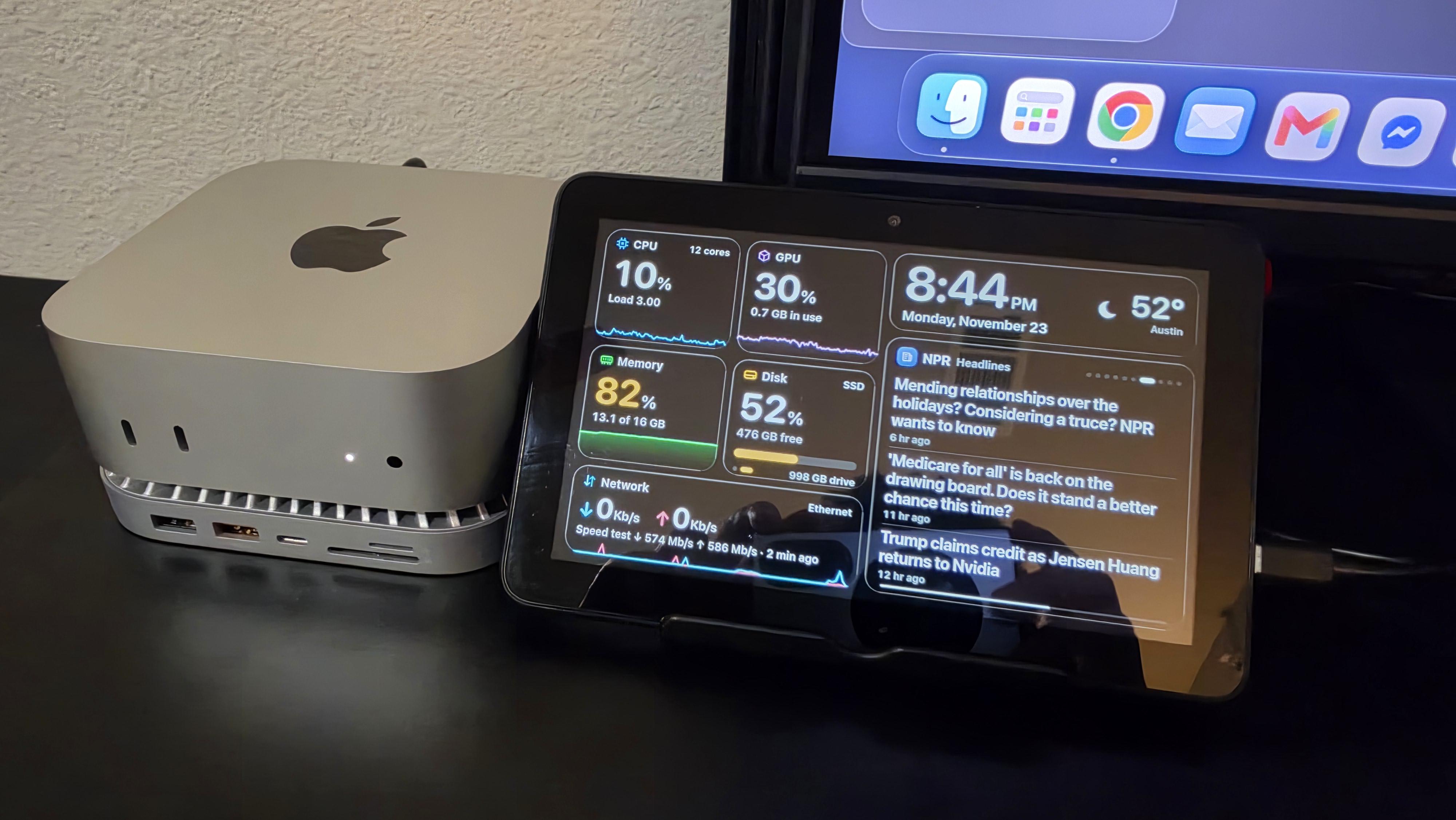
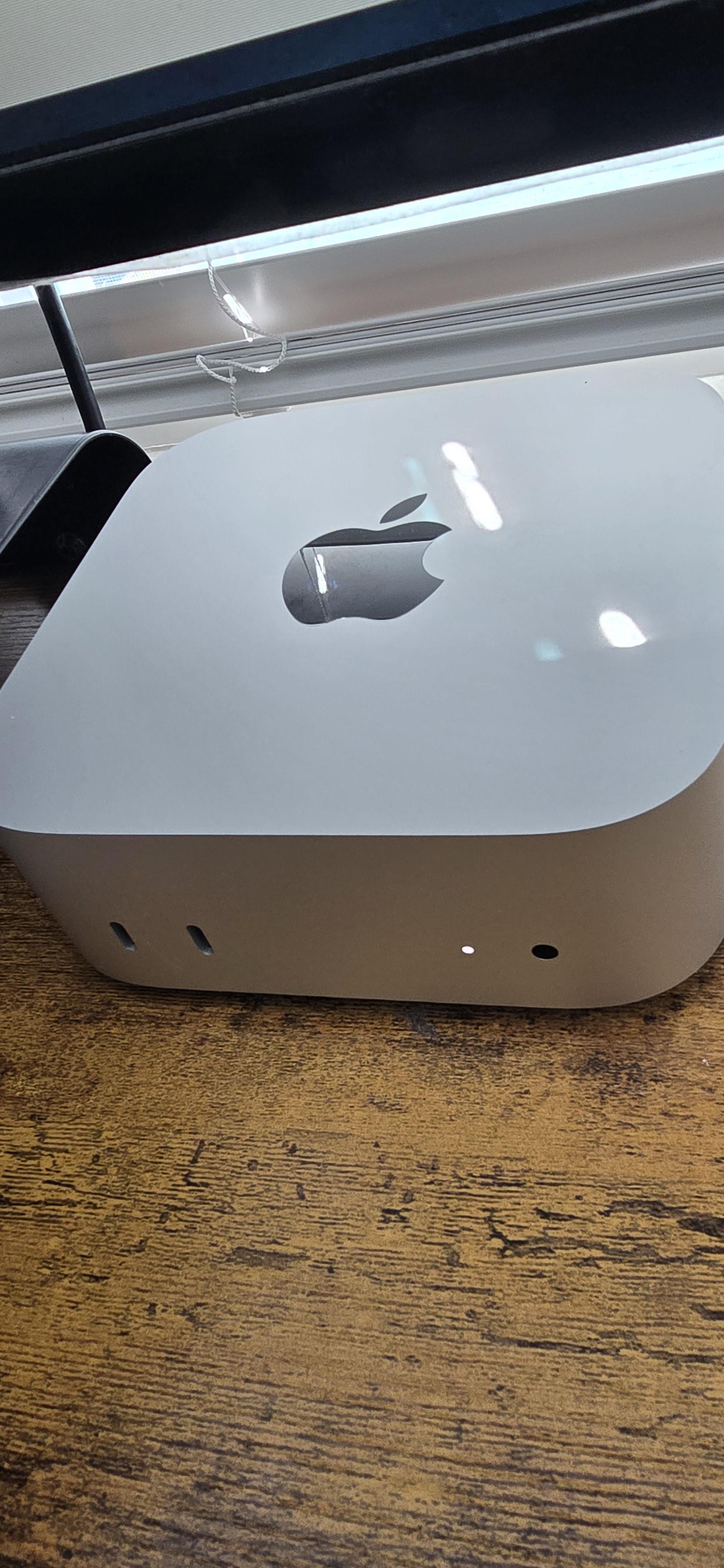
My main machine is an M4 Pro Mac mini with 64 GB, 1 TB and the 10G NIC. I bought the extra memory thinking I'd run local LLMs, which I don't :D Instead it runs the VMs I develop and test software in.
Some context: six months ago I asked here who else runs a Mac mini as infrastructure (https://www.reddit.com/r/macmini/comments/1txw9z8/are_you_using_mac_mini_as_infrastructure_too_like/), and the replies are what got me building a VM app for headless Macs, so I'm biased toward VMs.
Now I want a second Mac mini as an always-on homelab box to replace my Raspberry Pi 5. My current one is my daily dev machine, so it gets rebooted and experimented on, so I cannot use it as a homelab.
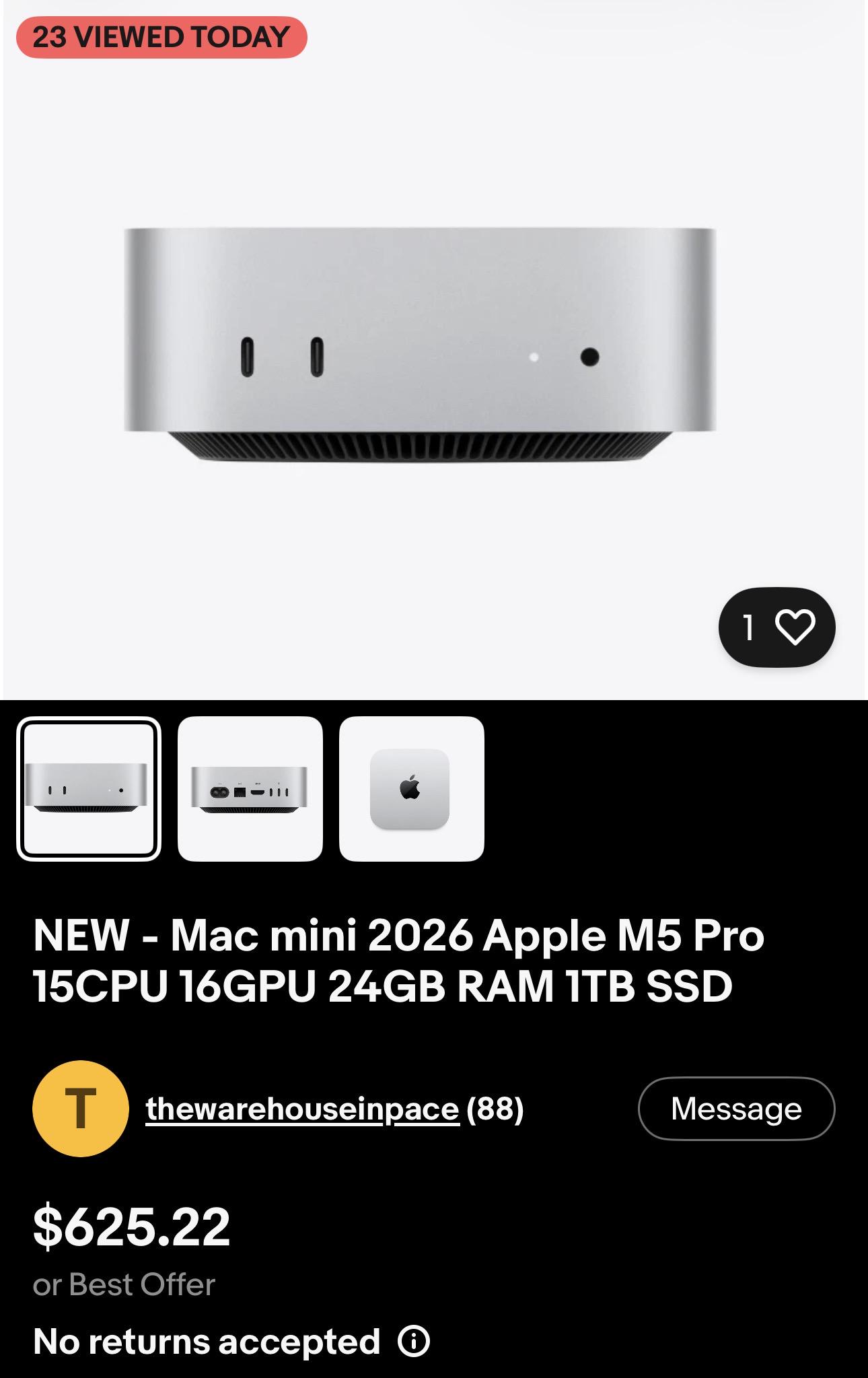
With the M6 and M5 Pro out and M4s on sale (black friday this week), I'm not sure what to get, and I'd rather go by what people here actually run:
- Which Mac mini and how much memory, and would you buy the same today?
- What runs on it? Home Assistant, Pi-hole, Immich, Plex, Docker, VMs, local LLMs?
- Buying today: an M6 with 24 or 32 GB, an M5 Pro, or a discounted M4? If you can, please share with your Mac mini and memory, e.g. "M4, 16 GB" or suggestions.
- Headless gotchas: power cuts, FileVault, macOS updates, remote access. What bit you?
- Why a Mac mini over an x86 mini PC or a NAS, or the reverse?
(I'll edit a summary of the answers into this post)
Edit (25 Nov): summary of the replies so far, thanks everyone
What people run:
- M4, 16 GB, 10GbE: a file server for a LaCie RAID 5 over SMB, a Tailscale exit node and remote editing. UPS and 3-2-1 backups.
- M1, 16 GB, 1 TB: Plex, a file server and Transmission, with the media on a NAS over SMB (mounted at login). Raspberry Pi 4s still run Pi-hole, Home Assistant and Homebridge. "Wouldn't change anything."
- M1, 16 GB, 10GbE (bought used for the 10GbE), plus an M4 Pro, 64 GB: the M4 Pro is a dev machine that also runs local LLMs and Immich's machine learning.
- 2018 Intel i5, 32 GB: Ubuntu Server installed directly, lots of Docker containers and an Obsidian vault, next to an M4 Pro for local LLMs.
What I learned:
- 16 GB is what most people here run, and it's plenty for native services like Plex and file sharing.
- Docker on macOS has limits for a homelab. One person found that Home Assistant in a container lost Matter and HomeKit discovery, and Jellyfin couldn't use hardware transcoding. Home Assistant stayed on a Pi 5 and Jellyfin went to a Synology.
- Plex and file serving work well as native Mac apps.
- 10GbE only pays off if the NAS and switch are 10G too, or you'll end up buying a switch and recabling.
Headless gotchas:
- A UPS for the Mac mini and the switch is the cheapest upgrade, along with "restart after power failure".
- FileVault off and automatic login let it come back on its own after a reboot. With FileVault on, it waits at the unlock screen. Decide based on who can physically reach it.
- Turn off sleep: sudo pmset -a sleep 0 disksleep 0 womp 1. Don't count on Wake on LAN with Apple Silicon.
- Screen Sharing plus Tailscale is the free way back in, and it survives reboots.
- Keep backups off the Mac, plus an external SSD for anything you'd hate to rebuild.
Where I'm leaning: a 24 GB M6 plus a UPS and an external SSD. Still open to being talked out of it.