r/oculus • u/Additional_Impact572 • 6d ago
Discussion Helppppppp
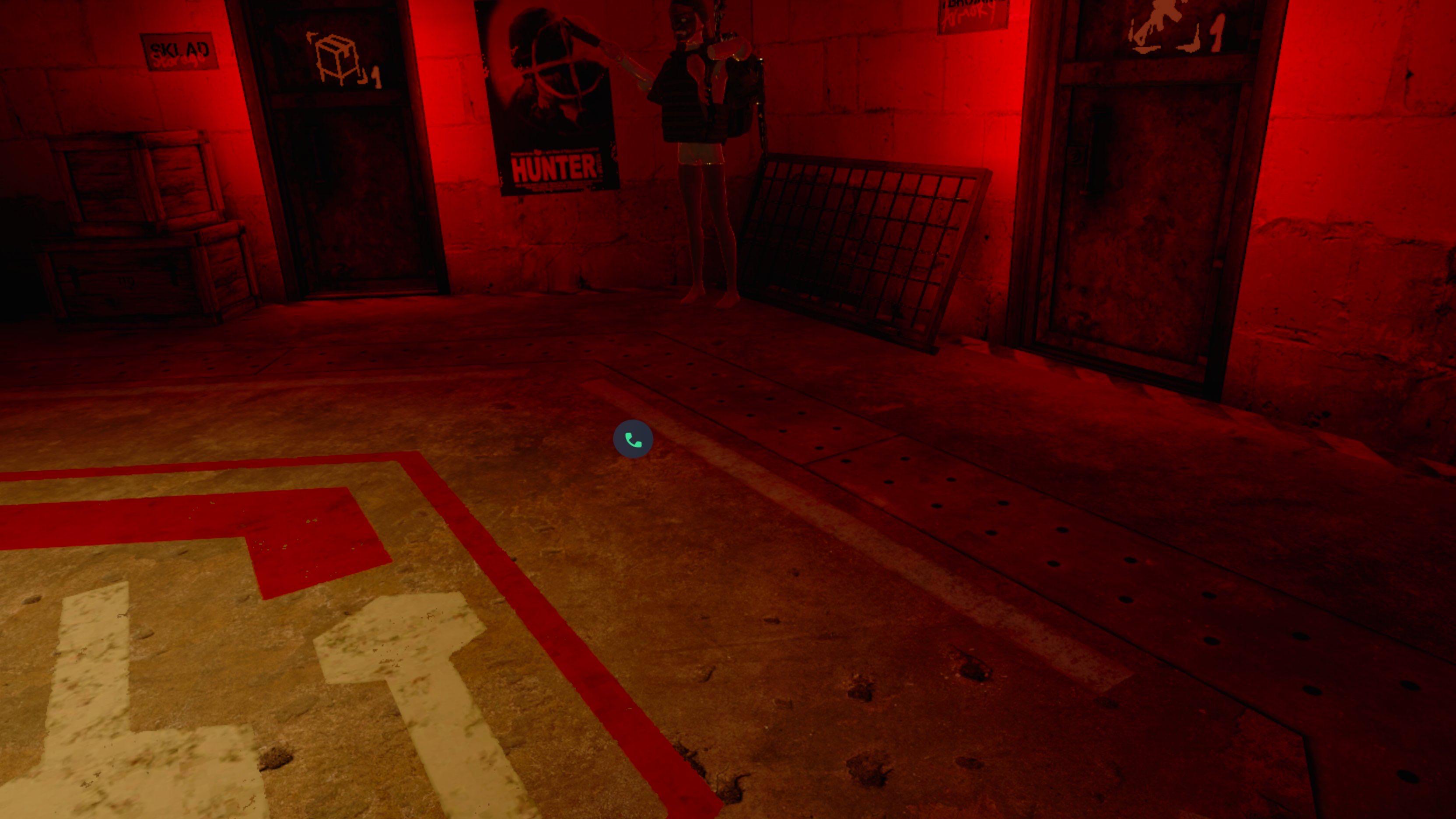
This call icon stays on my screen even while in a game and prevents me from turning or forces me to constantly keep turning depending on when I look at it and it prevents me from being able to play normally, how do I get rid of it? It’s been annoying me all day and I’ve looked through settings and couldn’t find anything. I’ve also tried resetting my headset multiple times
3
Upvotes
1
u/TheWrightStripes 5d ago
Can you point and click it? Can you got to people and start a call? That's should make it pop up. If that doesn't work can you go to app permissions and look for the calling app? Check the or control bar for purple dots and see if it's using your mic. If it is you should be able to click in there and disable the permission and it will force close the calling app
2
u/Choleni 3d ago
Someone found a workaround for the record button, which also stays on the screen in games.
I'm not sure, if it works for the call button as well.
https://www.reddit.com/r/Quest3/s/Q7dSWsMT5p
2
u/Numerous-Shoe-3082 1d ago
On some headsets now, go to experimental in ur settings, find a setting called "hide call button in experiences" and it should work