r/photopea • • 18h ago

Issue with GIFs

1 Upvotes

It doesn't let me merge GIFs. I tried to load the folder with my images but it just kept loading for ever. What should I do?

- Windows 11, PC, Microsoft Edge Browser. (I tried the downloaded app too).


r/photopea • • 21h ago

Unable to save PSD files on Photopea – Anyone else experiencing this issue?

1 Upvotes

Hello everyone,

I'm currently having trouble saving my work as a PSD file on Photopea. The saving process doesn't seem to work properly.

Is anyone else experiencing the same issue lately? And if so, have you found a workaround to save your projects as PSD files?

Any help or suggestions would be greatly appreciated!

Thanks in advance!


r/photopea • • 21h ago

clipboard - can't paste anything out of nowhere!

1 Upvotes

Hello everyone - out of the blue, when I ctrl+v an image, I get the clipboard permission prompt. I've gone in and changed the setting, reset to default, cleared cookies, etc. No luck. Anyone have any other ideas?? Thanks so much in advance!


r/photopea • • 2d ago

photopea lags😭😭😭

0 Upvotes

like fr ..can't use some features like quick selection , so laggy


r/photopea • • 2d ago

any tips?

Post image
2 Upvotes

I finished this a while ago but I wanna change the color to a specific hex code instead of going to hue/saturation since a friend liked it and wants to use it as a cute profile with a manga character. Any idea how to change the colors??


r/photopea • • 4d ago

I need help with this

Post image
1 Upvotes

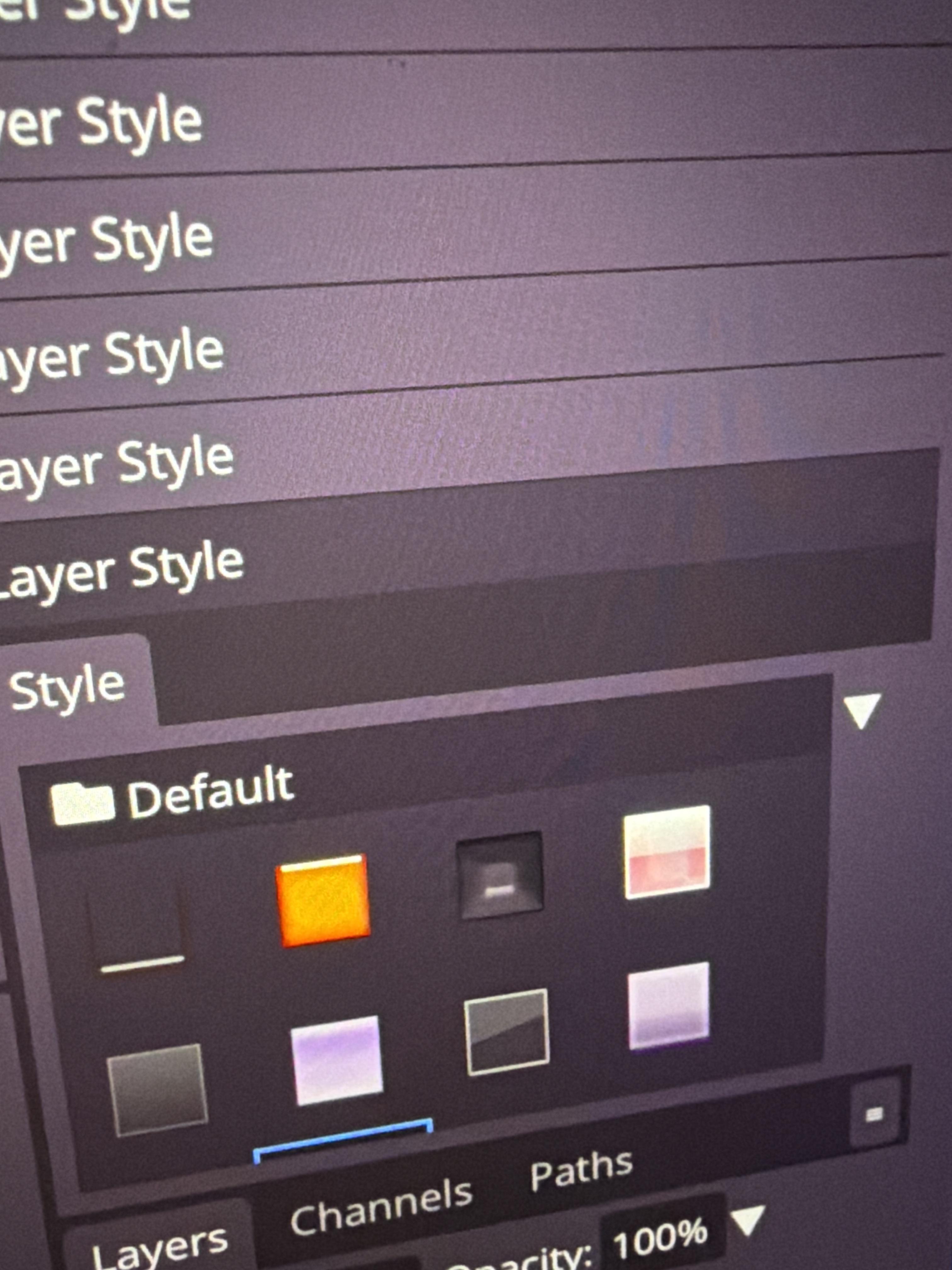
I want to save all this styles for a project I’m planning to do but every time I save it as asl it only saves 1 style not all… can someone help me ? I’m still new

And also a friend gave me some stuff to save but this message appears and basically deletes everything… I can only send 1 image so I’ll just type the error message

“Storing Failed. Browser says: Ab internal error was encountered in the indexed Database server “


r/photopea • • 4d ago

need help

1 Upvotes

how do i flip a selected image??


r/photopea • • 4d ago

Photopea website not reachable?

2 Upvotes

r/photopea • • 5d ago

What’s the deal with Photopea not being more popular?

0 Upvotes

Honestly, Photopea is an incredible tool that really brings out the power of photo editing. I’m surprised it hasn’t taken the internet by storm. How come more people aren't talking about it?


r/photopea • • 6d ago

How do i edit and warp text i already placed down?

1 Upvotes

i try editing it using the type tool but it only places down more text. i also try to select the layer of the text i want to re-edit while in the type tool mode and it still doesn’t work. what do i do?

I’m a beginner, and i looked online before coming here, but i just can’t find out how to. i will say i did rastersize the text layer, idk if that has anything to do with it.


r/photopea • • 8d ago

Converting imgs into MP4 video. I use an installed app on my desktop. I cannot figure out why my video is blank when I try to save it, and says 0 bytes when I do save. The img size is 1080x1920px a Pinterest recommended video size. The MP4 size overall 2.6 MB, which isn't too large or is it?

1 Upvotes

r/photopea • • 9d ago

Photopea

1 Upvotes

Tring to use Photopea for projetor sewing patterns but it won't let me or I don't know how to use the layers menu I need it to get rid of sizes TIA Lynda


r/photopea • • 9d ago

Photopea

1 Upvotes

Tring to use Photopea for projetor sewing patterns but it won't let me or I don't know how to use the layers menu I need it to get rid of sizes TIA Lynda


r/photopea • • 9d ago

Photopea won't load my files

5 Upvotes

I use photopea on opera gx without adblocker or any other extensions but since yesterday i cannot load any of my device's files (psd,png,jpg) I've tried using incognito ,resetting data,restarting my laptop and browser. But whenever i try to open a file it says 'if the file won't open use MS Edge' , which does work but it is very frustrating since i have all of my resource sites saved in opera and its annoying to switch around between two browesers so i wanted to ask if there would be any way to fix this


r/photopea • • 10d ago

Suggestion: Keyboard shortcuts for actions

3 Upvotes

It would be awesome if users could add keyboard shortcuts to the custom actions created in the Actions window, something like Alt+[Action Number]. It would help a lot


r/photopea • • 10d ago

Has anyone experienced this?

Post image
7 Upvotes

I normally use Google Chrome, however, this message started popping up today? I have tried Edge, but it’s still just displaying this message after clicking “open from computer” and selecting a file


r/photopea • • 10d ago

Trying to get into this app but it's way too laggy, any fix?

2 Upvotes

It's so slow it's unusable. Every time I click something the whole tab freezes for a solid 6 seconds.


r/photopea • • 11d ago

Does this ******* app have the option to save a file without downloading it again…?

0 Upvotes

When I pressed Ctrl + S to save my work I was prompted to select the location I wanted to download the file at. I closed the prompt, but the tab at the top where the file name is at stopped showing the asterisk (*) making me think that the file was up to date. Spoiler update: It wasn’t. Not even my browser warned me of that when closing…

Wasted like 20 minutes of work thinking the file was saved in place.


r/photopea • • 11d ago

Can't resize PDF and PNG without Photopea freezing or blacking out the image

1 Upvotes

Originally it just froze and broke when I tried to open and place a PDF. I converted it to PNG and now it just goes all black instead of using the design. I have used several browsers. I am trying to make a t-shirt design so it needs to be high quality. I have 64GB of RAM and a pretty hefty PC that can handle this no problem. About to give up and just buy Photoshop


r/photopea • • 11d ago

House

0 Upvotes

Um dia SEM LEIS

q9


r/photopea • • 11d ago

Download me

0 Upvotes

r/photopea • • 12d ago

How can I create an editable master template for a DIY book cover that I can reuse with KDP and IngramSpark custom templates over two hundred times?

1 Upvotes

I am a self-publishing author am trying to produce DIY book covers on Photopea.  I have been using a professional cover designer for over a year but will have to design and produce my own cover now because of the expense. 

I have been working on Photopea over the past month and was able to reproduce my current cover with some modifications, but cannot find a way to satisfactorily import it as a whole, or elements of it, into project files containing a KDP or IngramSpark template. I tried many solutions but nothing works, as Photopea changes my design elements into smart objects and the resolution deteriorates.

I am publishing a seven-book series and translating it into five languages, and am publishing the series in hardcovers and paperbacks on KDP and IngramSpark (4 covers).  Plus ebooks (4 + 1 = 5 covers).  The math works out to 7 books x 6 languages = 42 books x 5 = 210 covers in total.  My fundamental problem is that I must be able to easily reproduce (essentially) the same cover over and over again with different words.  I hope to be able to create a master file -- like a Word document -- that I can edit and reuse, but I cannot find a way to do this on Photopea. I also tried importing a KDP custom template onto my cover file, but Photopea only imports a two-dimensional PDF and not the folder with all of the math.

The key feature I need is "replicability".  Can you give me a recommendation on how I can obtain this, please?

r/photopea • • 13d ago

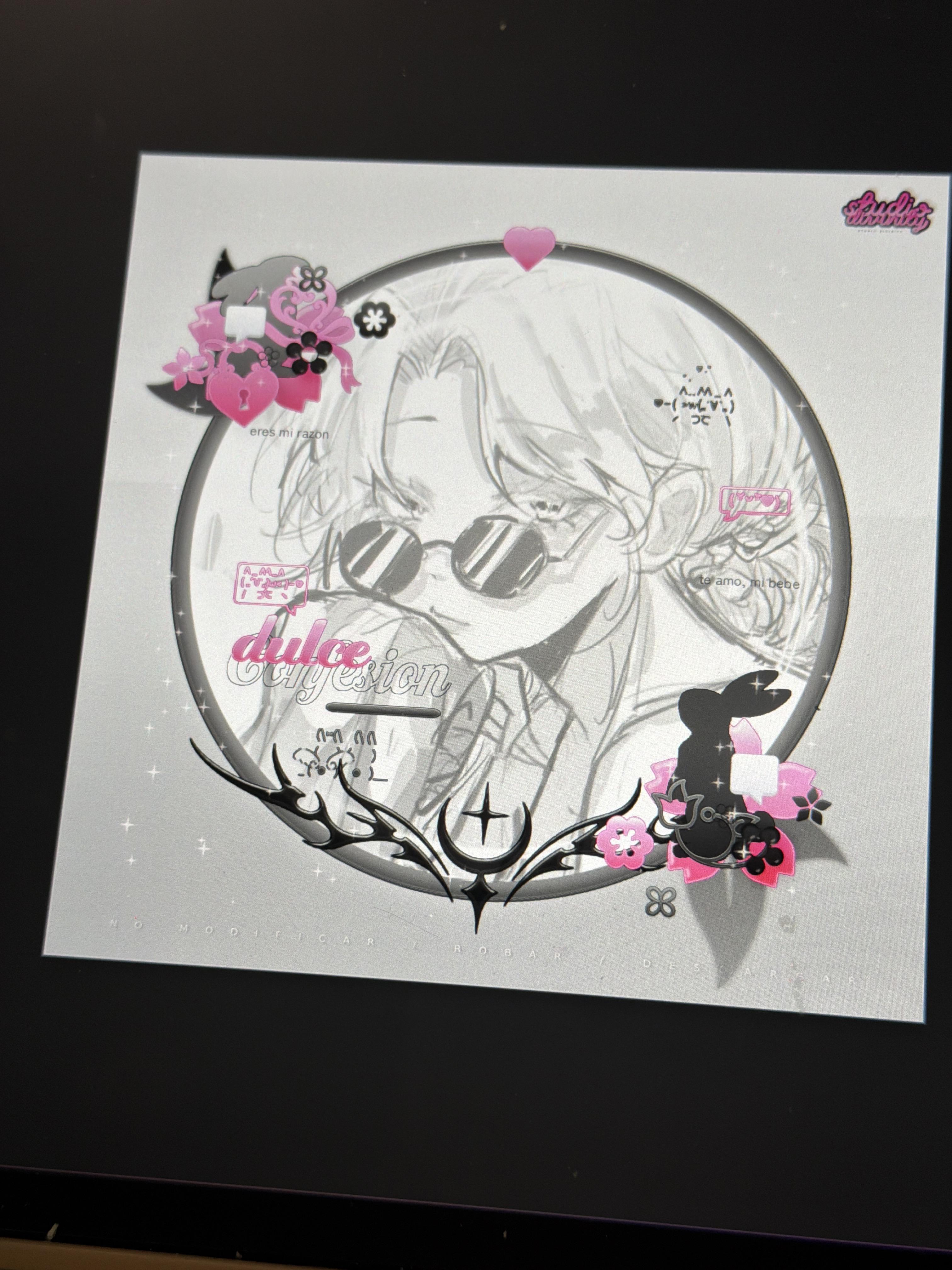
how do i get a text effect similar to this?

Post image
3 Upvotes

the photo attached is from a tiktok i saw and the picture in it was made using photoshop, but does anybody know how i’d get a text effect like this using photopea? as in, it’s clear but still legible and looks textured. any help is appreciated!!


r/photopea • • 13d ago

Content not viewable...

2 Upvotes

I'm in the UK. On 'Learning Photpea' it says 'Content not viewable in your region'.
Any way to get round this besides moving to the US?