r/photoshop • • 4h ago

Help! Advice on building actions for a time lapse project

Thumbnail
gallery
2 Upvotes

I shot a year-long time lapse (24 shots a day, 8,760 total) and I want to create a sliced up image like this for each day. I have a good action to slice everything up once I have 24 layered images but I'd rather not have to select 365 rows, wait for them to load, then run the action.

I'm using Bridge and the batch function works well for running actions on a group of individual images but I don't know how to incorporate "Load files into Photoshop layers" as the first step of an action or select another group of 24 for that matter.

It may not be possible but I'd appreciate any advice on how to automate this process.

The end goal, as you might imagine, is to take the 365 day-long images and run those as an animated time lapse showing the progression and regression of daylight throughout the year.


r/photoshop • • 1h ago

Artwork / Design Painting background for the game ^^

Post image
1 Upvotes

r/photoshop • • 1d ago

Artwork / Design Art I have done this year

Thumbnail
gallery
76 Upvotes

This is a visual style I've been building which I call Synthrealism, where I create the base subject on Adobe Illustrator and paint the rest on Adobe Photoshop.

The panther piece also got its permanent feature by Photoshop in all of its socials which was a big win for me.

Dimensions: 4000x5000 pixels


r/photoshop • • 12h ago

Help! How do I remove smoothly photoshop out the whiskers of my cat

Post image
0 Upvotes

I want to photoshop the whiskers out, but I don’t want to remove her fur around the whiskers. How do I avoid this?


r/photoshop • • 14h ago

Help! How can I turn wall graffiti into a decal so I can use it in Unreal Engine?

Post image
0 Upvotes

Here is an example wall graffiti. I want to make sure I can preserve the original texture as much as I can so I can stamp them onto walls in my game in Unreal Engine. What are the options I can use?


r/photoshop • • 1d ago

Artwork / Design Designs I have done over the past year 🥹

Thumbnail
gallery
195 Upvotes

I'm happy with how my design skills are turning out. These are not perfect, but I'm enjoying what I'm doing.


r/photoshop • • 19h ago

Help! Need help regarding ACR 18 VRAM usage

0 Upvotes

Is somebody here using ACR on M5 Max? Are you facing memory issue. I am using ACR 18 AMD RX 7900 XTX. I have Sony A7R5. Whenever I am opening RAW with 2-3 AI mask, immediately its flooding 24GB VRAM. I am thinking to switch to M5 Max with 64GB.


r/photoshop • • 20h ago

Discussion Looking for Photoshop Users for an HCI Research Study

0 Upvotes

Hi everyone!

We are a team of MS Human-Computer Interaction students conducting research for our capstone project.

We are studying how people learn and use Adobe Photoshop, what challenges they encounter, and how they find help when they get stuck.

We are looking for Photoshop users with different levels of experience to complete a short survey. The survey takes about 3-5 minutes.

Survey: https://docs.google.com/forms/d/e/1FAIpQLSdmBpgOgGWZUJsa3xAleQmOu4p8Cl440RzO5Y00gvdV5VOwXQ/viewform

Your responses would be valuable for our academic research.

Thank you!


r/photoshop • • 1d ago

Discussion I'm a Photo Retoucher and I want to switch to a newer computer. Would the Base Model M4 Mac Mini (2024) with 16gb RAM be sufficient?

3 Upvotes

I currently use an upgraded 2017 iMac for photo editing and hobbyist level video editing in Davinci Resolve. It's starting to show its age, so I'm looking into buying a replacement. I found a used Mac Mini from 2024 on a local group, but its a base level model with only 16gb of RAM. Prior to upgrading my ram, I was operating on 16gb of ram just fine. But things have gotten more complicated over the past few years and I don't completely understand Apple's new chip architecture in comparison to older intel-based models. Can anyone help me figure out if this would work as a replacement?

Old iMac (2017)

3.8ghz quad-core intel i5

Radio Pro 580 8gb vram

24gb ram (originally 16gb)

New Mac Mini (2024)

M4 chip with a 10-core CPU (4 performance cores and 6 efficiency cores)

10-core proprietary GPU

16gb ram


r/photoshop • • 22h ago

Artwork / Design Practicing Shadows

Thumbnail
gallery
0 Upvotes

Practicing simple shadows in PS.


r/photoshop • • 1d ago

Solved How the world do I make these images transparent?

Thumbnail
gallery
0 Upvotes

I have found images I absolutely adore and want to use for my carrd.co but the thing is that I have no clue what to do, I don't know how to make them transparent and I've tried everything,nothing works, even my background remover tried to get rid the important stuff :c do I have to download them separately and transparent them?


r/photoshop • • 1d ago

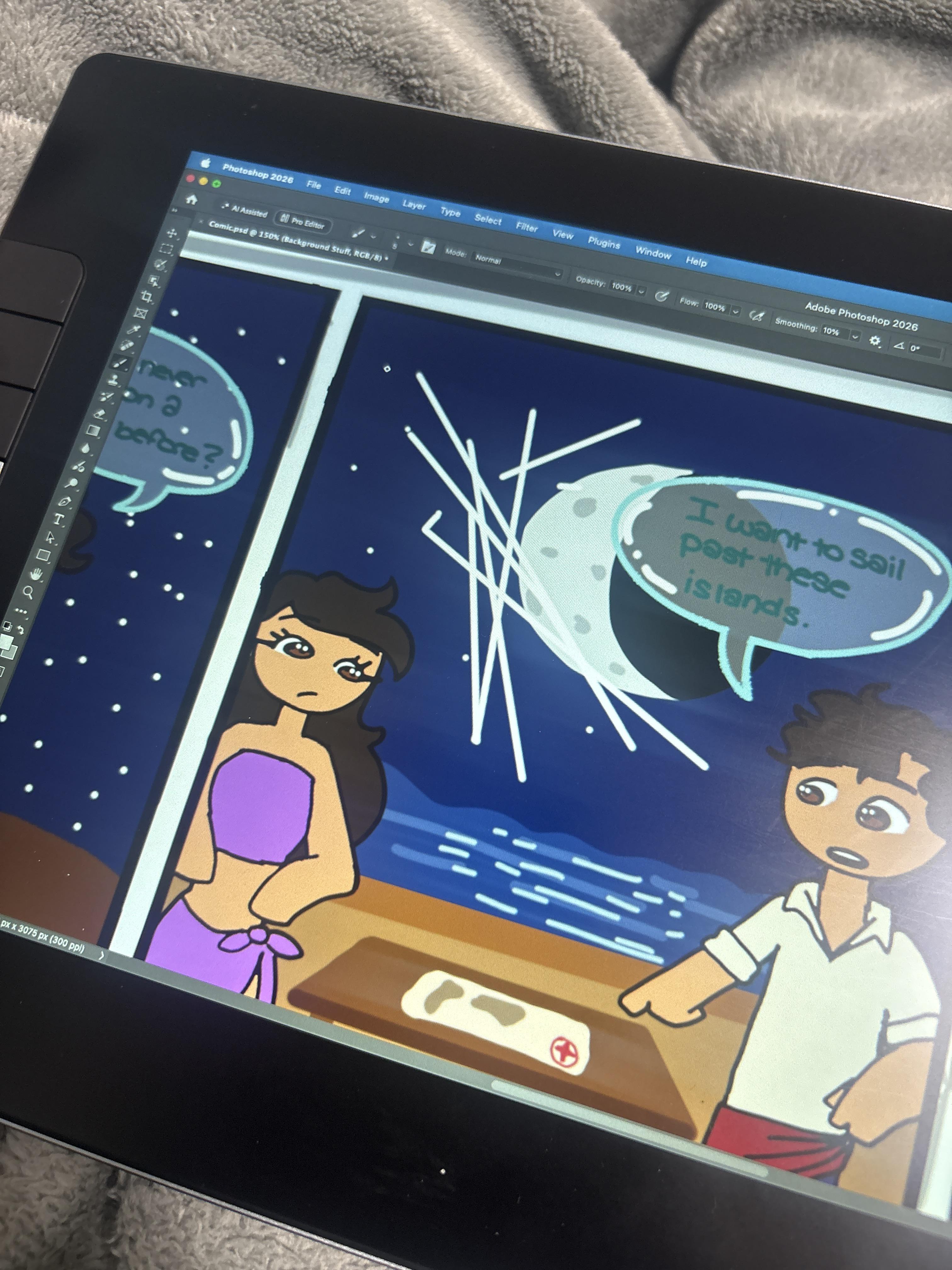
Help! Why is this happening???

Post image
2 Upvotes

Everytime I do a dot it does these lines??? Pls help 😭 (attached below is a video showing more of the issue)


r/photoshop • • 1d ago

Help! Strange gray box artifact when moving a group

2 Upvotes

Hi all,

This has been going on for a while, and I've decided to look for answers. Whenever I group layers (doesn't matter how many layers), and move that group around, a dark gray box appears. Quite annoying. All my drivers, both graphics, and the motherboard, as well Windows 11 and Photoshop (official copy, not pirated) are fully up-to-date. Resetting Photoshop preferences did not fix the issue. Any other thoughts? Here is what it looks like.


r/photoshop • • 1d ago

Help! im sure there’s alot of reliance on gradient maps and brushes here, but how was this bg done? specifically the blending of the black grunge and colors

Post image
0 Upvotes

r/photoshop • • 1d ago

Help! Batch Rendering when Action can't be captured?

1 Upvotes

I have a cool Plugin from DoronSupply I want to batch apply to sequence frames for an animation. Their recommendation is to batch render, but unfortunately I can't get the action recording to capture the application of the plugin, is there other ways to batch render the application of a plugin? I'm not seeing much


r/photoshop • • 1d ago

Help! Is there a good way to deform a text into this shape? I tried but the text doesn't end up to be symetrical becaus eI do it by hand and I can't find an "automatic" way to do it, thanks!

Post image
0 Upvotes

r/photoshop • • 2d ago

Discussion Generative Fill results lately are completely unusable

33 Upvotes

For context, I have been working in Photoshop professionally for decades, and have been at my current job for 7+ years.

We frequently have to extend images and remove things for marketing images, and it has become an increasingly awful experience using Generative Fill for this.

At one point about a year ago it was nailing everything I threw at it, and since the middle/end of the summer it has gone from worse to feeling like I’m using early Gen 1 tech again.

Around the same time the degradation happened, my team also started getting hit with usage limitations we never had before. So I suspect Adobe, in an effort to reduce expenses on their end, have reduced the output quality overall?

When Fill and Expand was released it was touted as being able to generate up to 2k pixels, and now it can’t even make usable quality outputs at 1k pixels. Just absolutely constant gibberish no matter how many times I try. (I’m not looking for tips here, I know what I am doing, and I know what I do is no longer working how it was.)

It’s super frustrating because I use this for my job, and the expectations at my job increased because of the capabilities Gen Fill displayed a year ago and the results we were putting out. But now it seems that rug has been pulled from under us, with no control over quality on our end.

They forcibly removed Firefly 3 which was much better most of the time, and now Fill and Expand quality has degraded drastically.

I’m now trying to look into alternative methods I can build in ComfyUI somehow or something because Adobe set a quality expectation they’re no longer providing. But I’m posting here for any additional insight for my team and if there are any indications Adobe is gonna quit f**king around?


r/photoshop • • 2d ago

Discussion Was bored, so made this. Give me your opinions and feedback. Thnx

Post image
0 Upvotes

r/photoshop • • 2d ago

Discussion IMHO Unused credits should carry over

9 Upvotes

I am usually someone who defends Adobe for their pricing, features and whatnot but recently the thing that has annoyed me is that my unused AI credits get lost when the month changes.

Where I live the unused data allowance on my mobile contract gets carried over to the next month. Then, the unused allowed expires after 12 months. In other words, it can only live in the data bank for 12 months but it allows you to build up a bank for if you go on holiday or similar.

The reasoning is I paid for that data so I get to keep it for, in effect, 13 months. Why isn't that the same with the AI credits? I've paid for, in my case, 100 credits this month. If I don't use them I should get to keep them in case I have a big project in three months time.

Adobe needs to change this! Does anyone else agree?


r/photoshop • • 2d ago

Help! Filters to make this more 2D

Post image
0 Upvotes

Hi I am a solo game developer and I am working on the 3d assests for my game, this is one of the prototype characters for my game and I want to make some 2d assets for the characters like wanted posters or in game character protraits.

I know I can use photoshop and trace the image but I have found a few videos on youtube where they turn a regular photo of someone into a 2d portrait https://youtu.be/Qi6-H5KgKEE?si=8-t1ol_2zXqrnlx7 so it got me wonder if there is something similar for cgi characters. I've tried following the video with the images of my character models and it hasn't turned out so great, can anyone help me out here, please.


r/photoshop • • 1d ago

Artwork / Design Who goes there? (Haunted House)

Thumbnail
gallery
0 Upvotes

r/photoshop • • 2d ago

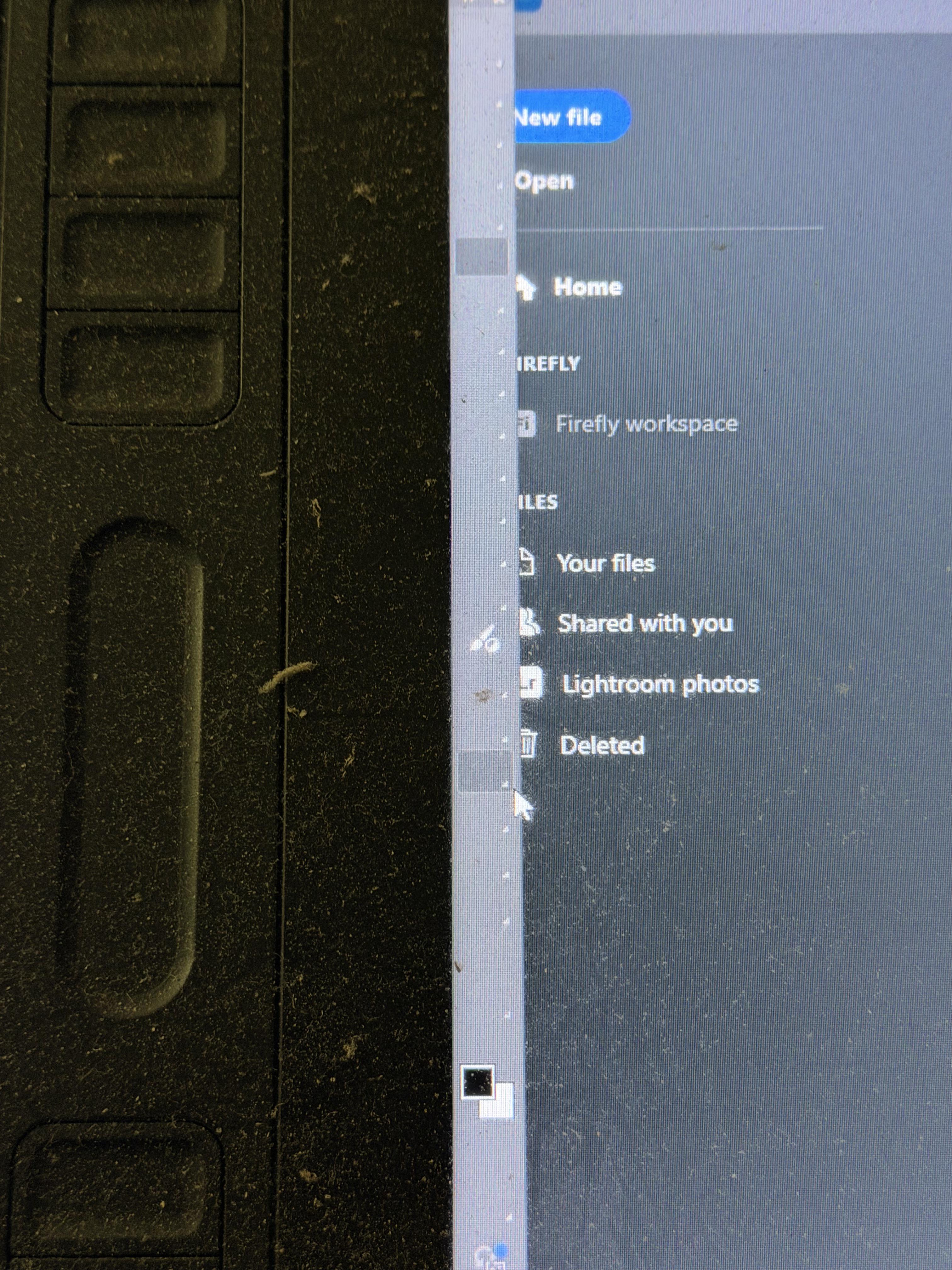
Help! Still missing tool icons on tool bar. I closed the program and even reset the graphics card. It is still happening. Also it’s not a cracked version. It’s a subscription from adobe.

Post image
0 Upvotes

r/photoshop • • 2d ago

Discussion Cello Clouds in the Sky

0 Upvotes

Against my better judgment, I am going to post in this sub again.

One day as we were driving downtown we came across the City of Houston Wortham Theater. Outside the front are 3 concrete statues of musicians. A piano player, a violinist and a guy playing the cello. They just screamed to have their photos taken. We obliged.

On another occasion I traveled alone, fifty miles south to the city of Galveston. If memory serves me correctly, there was a story of a pickup truck straddling a pier after an unusually tough hurricane. And I went to take a look. Afterall, it isnt just everyday you get to see a truck straddling a pier, out near it's end, over the water. That would surely be a story for another day. I guess this day.

Anyway, it was kinda overcast that day with some strange looking skies. Odd clouds covered the sky. I thought that maybe I had better take a picture of this sky. You just never know it it will come in handy for a background some day.

And boy did it come in handy.

One day it occured to me to use Photoshop and marry these 2 photos together. The cello player and these odd looking skies.

And now we have it. It is named Cello Clouds.


r/photoshop • • 3d ago

Discussion help me blow up this basic necessary feature request...

Post image
17 Upvotes

go vote on this feature at this link

https://community.adobe.com/feature-requests-713/rotate-the-axis-of-transform-control-box-1615119

been wanting this since i started using photoshop back in 2010...

when using object transform to stretch, sheet, or skew a layer, the axis of reference for the transform control box is locked in on the X/Y axis. now if you rotate the object, the axis of the transform control box will rotate with the object, but only until you confirm the transform at which point it resets. This means that if you rotate a perfect square to be sitting at 45 degree angle, you can stretch it on a 45 degree axis into a perfect rectangle on a 45 degrees if its done in only one transform. The issue is that after you confirm the transform, or if you have an object already at an angle you want to stretch on an angle, there is no simple built in way to rotate the angle of the transform box to match the angle of the layer/selection being transformed.


This functionality is a basic necessity in all 3D modeling apps so I'm pretty surprised it hasnt been added to photoshop in the 15 years ive been using it. Before people start suggesting to just use smart shapes or some smart object mulsti step work around, or some combination of warp, sheer, and skew, thats not the point. The point is that for example, we should be able to even lasso select a group of pixels, and then quick and cleanly perform a single axis stretch at angles other than just 0 and 90 degrees. Even warp, sheer, and skew controls are effected by this as you cant perform a clean sheer on a box shaped object if the box is already sitting at an angle.


What I propose is adding an extra control to the reference point/rotation point crosshair that's in the middle of the transform control box. you could then rotate the crosshair in order to rotate the whole transform control box without rotating the actual selection. Another option could be holding a modifier key when clicking to rotate the transform box, allowing you to rotate just the control box.