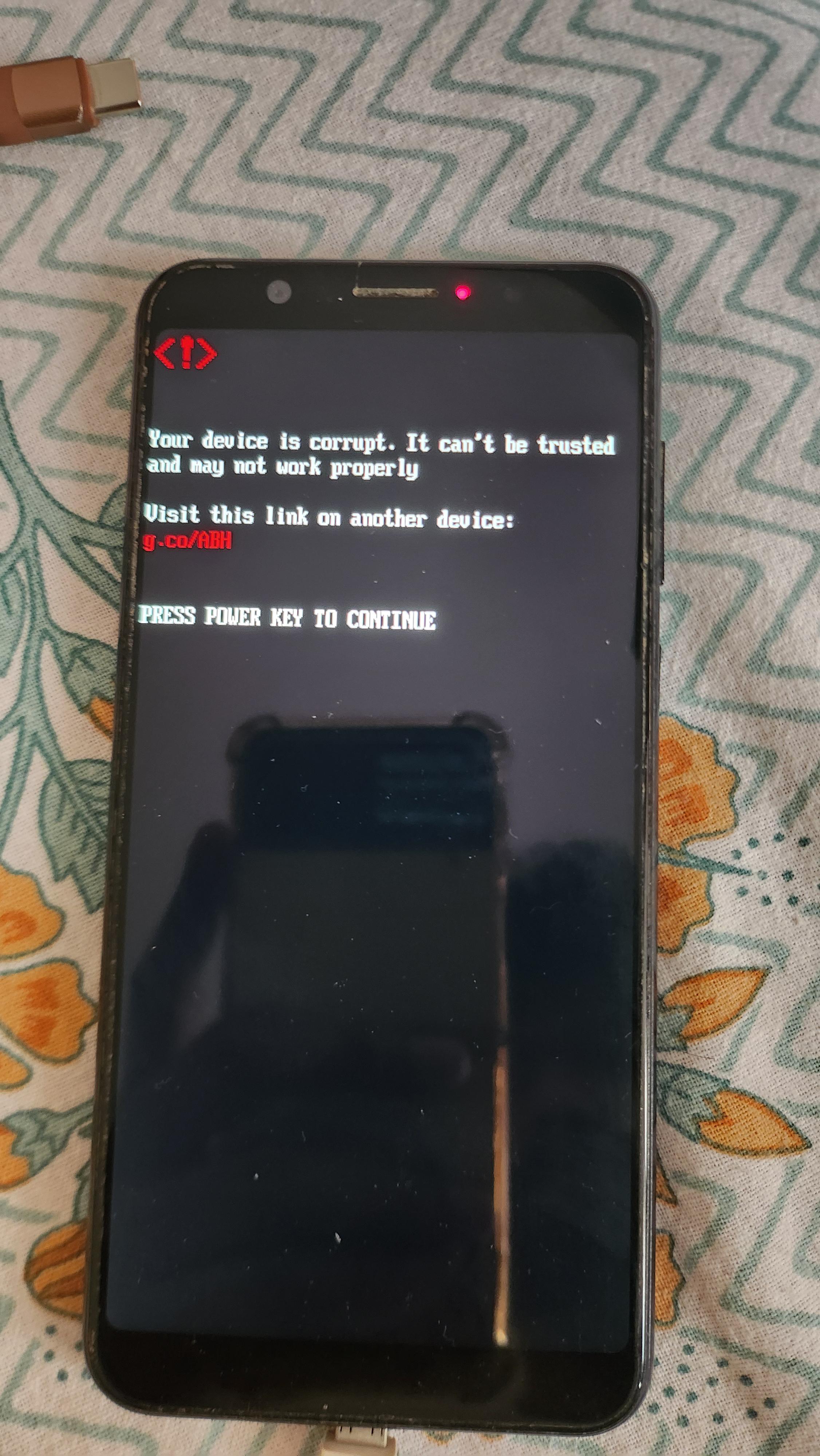
Hey,
I need some help restoring ADB access on my Jio STB (JMSB200A).
The strange part is that I successfully got ADB access to this exact box on November 21. I received the RSA/USB debugging authorization prompt, connected through ADB, debloated the STB, and installed several third-party apps. After restarting the STB, however, ADB disappeared and the changes/apps also appear to be gone.
I'm trying to understand what I need to repeat or fix to regain ADB access.
Hardware & Firmware
- Model: JMSB200A (Skyworth)
- OS: JioOS 2.0
- Firmware:
JioSTB-JMSB200A-25.1.9 (Security patch: 2024-02-05) - Developer Options / USB Debugging: Not accessible through the UI
- Host: Windows (Lenovo laptop)
- Network: STB connected directly to Lenovo Mobile Hotspot
- Laptop / Gateway IP:
192.168.137.1 - Current STB IP:
192.168.137.199
Method That Worked on November 21
I used the setup based on ilikechocopies/sideload-jiostb, involving:
- Technitium DNS Server
- Docker
- GenieACS
1.2.13.2 - MongoDB
- Python
- Local TLS/proxy setup
- Android Platform Tools / ADB
I still have the entire original November 21 workspace, logs, TLS files, scripts, and original ADB authorization keys.
Evidence That Debugging Worked
In the old GenieACS database, this exact STB has:
Device.JioSTB.USB.USBDebugging
_value: true
_writable: true
_type: xsd:boolean
Timestamp: 2026-11-21T11:10:08.529Z
The old proxy logs are even clearer. The STB connected to GenieACS and was sent:
Device.JioSTB.USB.DebugValidityDate
2037-01-01T00:00:00+00:00

Response: SetParameterValuesResponse (Status: 0)
It was then sent:
Device.JioSTB.USB.USBDebugging
true

Response: SetParameterValuesResponse (Status: 0)
The box definitely accepted the debugging configuration. I subsequently got the Android RSA/USB debugging authorization prompt, authorized my Lenovo laptop, connected via ADB, debloated the box, and installed multiple apps.
Current Problem
After restarting the STB, ADB stopped working.
Running adb connect 192.168.137.199:5555 returns:
cannot connect to 192.168.137.199:5555:
No connection could be made because the target machine actively refused it. (10061)
adb devices -l returns an empty device list.adb mdns services finds nothing.
Network connectivity itself is fine:
PingSucceeded     : True
PingReplyDetails  : 3 ms
TcpTestSucceeded  : False
So the STB is reachable, but port 5555 is closed.
What Is Working Right Now
- Technitium DNS, GenieACS (no faults, no pending tasks), MongoDB, Docker, and ADB on Windows are all running/working.
- Original Nov 21 GenieACS device record, ADB authorization keys, scripts, and TLS/proxy files are intact.
- STB responds normally over the network.
The historical USBDebugging = true value is still in GenieACS, but obviously it doesn't reflect the STB's effective state now since port 5555 is closed.
Interesting Detail From Another Report
I saw the recent JHSB200v5 jailbreak post where the user mentioned that after jhs_stage1.sh --post-setup, ADB wasn't immediately accessible and they had to soft reboot through Android Settings rather than cold power-cycle the box. That made me wonder whether the JMSB200A behaves similarly.
Questions
Has anyone here successfully worked with JMSB200A + firmware 25.1.9? I'm specifically interested in experiences with the JMS series, since most recent posts cover JHS boxes.
- Why would
USBDebugging=true work initially but disappear after a reboot? - Does a cold boot reset the debugging configuration on
JMSB200A? - Should I repeat the GenieACS/provisioning process and then perform a soft reboot instead of unplugging the box?
- Is there another parameter besides
Device.JioSTB.USB.USBDebugging and DebugValidityDate that needs to be made persistent? - Has anyone managed to make ADB on port
5555 persistent across reboots on firmware 25.1.9? - Is there a JMS-specific equivalent to the JHS
--post-setup procedure? - Since I still have the original authorized ADB keys, can those be reused once
adbd is listening again? - Most importantly, what should I do next to get port
5555 listening again without factory-resetting or flashing the box?
TL;DR: JMSB200A / JioOS 2.0 / firmware 25.1.9. Got ADB working on Nov 21, received the RSA prompt, debloated, and installed apps. After a reboot, port 5555 is closed and changes/apps are gone. Original GenieACS/proxy setup and ADB keys are intact. Looking for how to re-enable and persist ADB on the JMS series without factory-resetting or flashing.