When I run an internet speed test on my browser I get around 90 mbps for download and upload. When I’m actually downloading something though I get like 8-20 mbps for my download and 15-24 for my write which is abysmal.
I have a 2.5 gbe ethernet. It plugs from my computer to a TP-Link 5 port gigabit desktop switch (Model: tl-sg105, Power: 5v, 0.6 amps)
It goes downstairs to a TP-Link 8 port gigabit desktop switch (Model: tl-sg108(UN) Power: 9v, 0.6 amps)
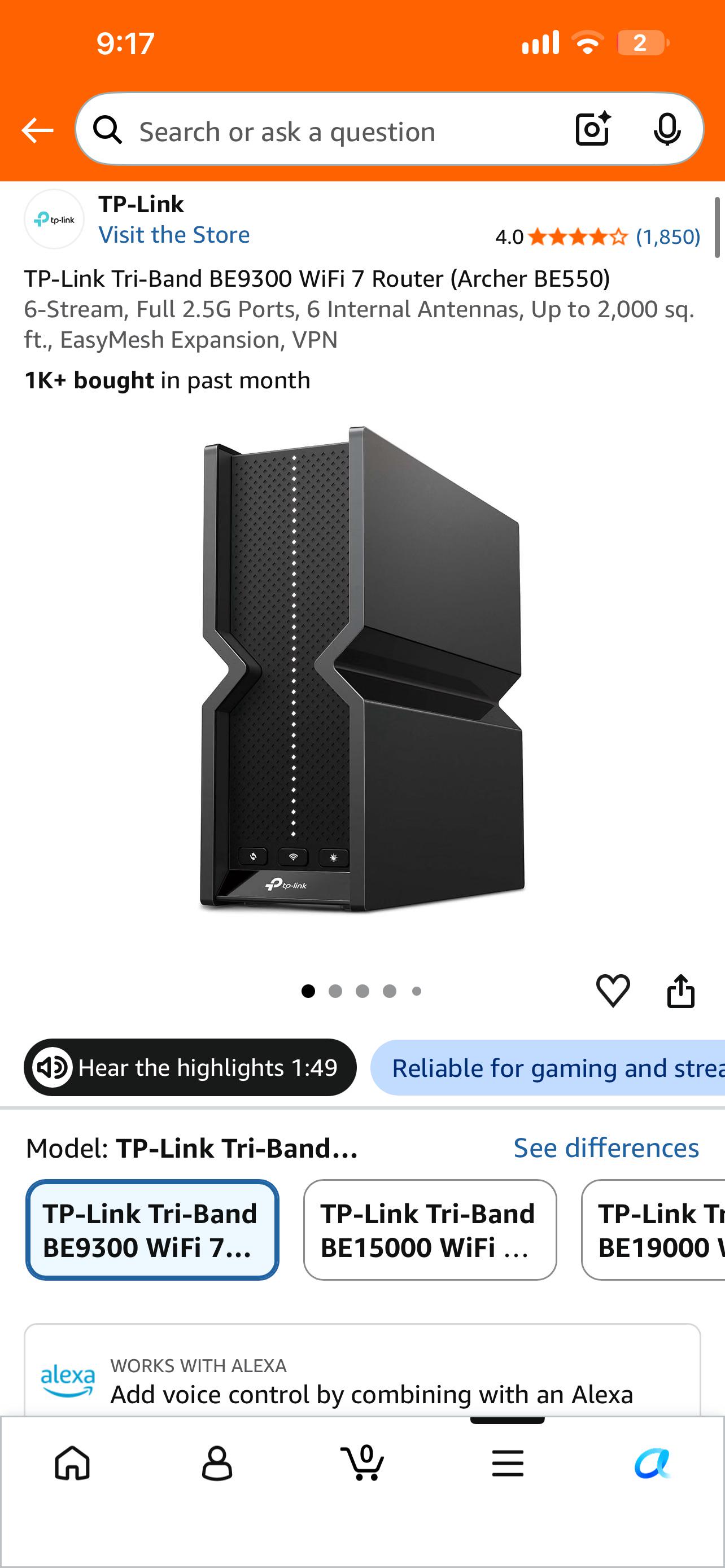
That plugs into my router, which is a Verizon. I’ve linked the exact model in this post.
My pc is more than capable Id imagine.
CPU: AMD Ryzen 7 7700x 8-core
GPU: NVIDIA GeForce RTX 4070 Ti Super
Ram: 32 gb DDR5 5200 mt/s
Motherboard: Micro-star PRO B660-VC WIFI (MS-7D78) version 1
Operating System: Windows 11
Our plan is a 100 mbps plan.
Why am I getting such bad speeds?
SOLVED! It was a very strange fix but here’s what i did to solve it:
1. Open start menu and search internet options
2. Click the connections tab, and then click LAN Settings
3. Uncheck Automatically detect settings
I also cleared my cache for both steam, epic games, and any other temp files i could find on my pc. Those helped a little bit, but the biggest help was the LAN Settings. Very strange. But thank you everyone for your help, and hopefully this helps someone else out in the future 🙏