r/seerr • u/Top-Ad-3869 • 21d ago
Issue user requests not working
Hey everyone,
So my users have been having a hard time submitting requests lately and I’m not sure what it’s down to. I’m unsure where the problem is myself actually. I have Jellyfin set up alongside sonarr, radarr, prowlarr, and nzb.
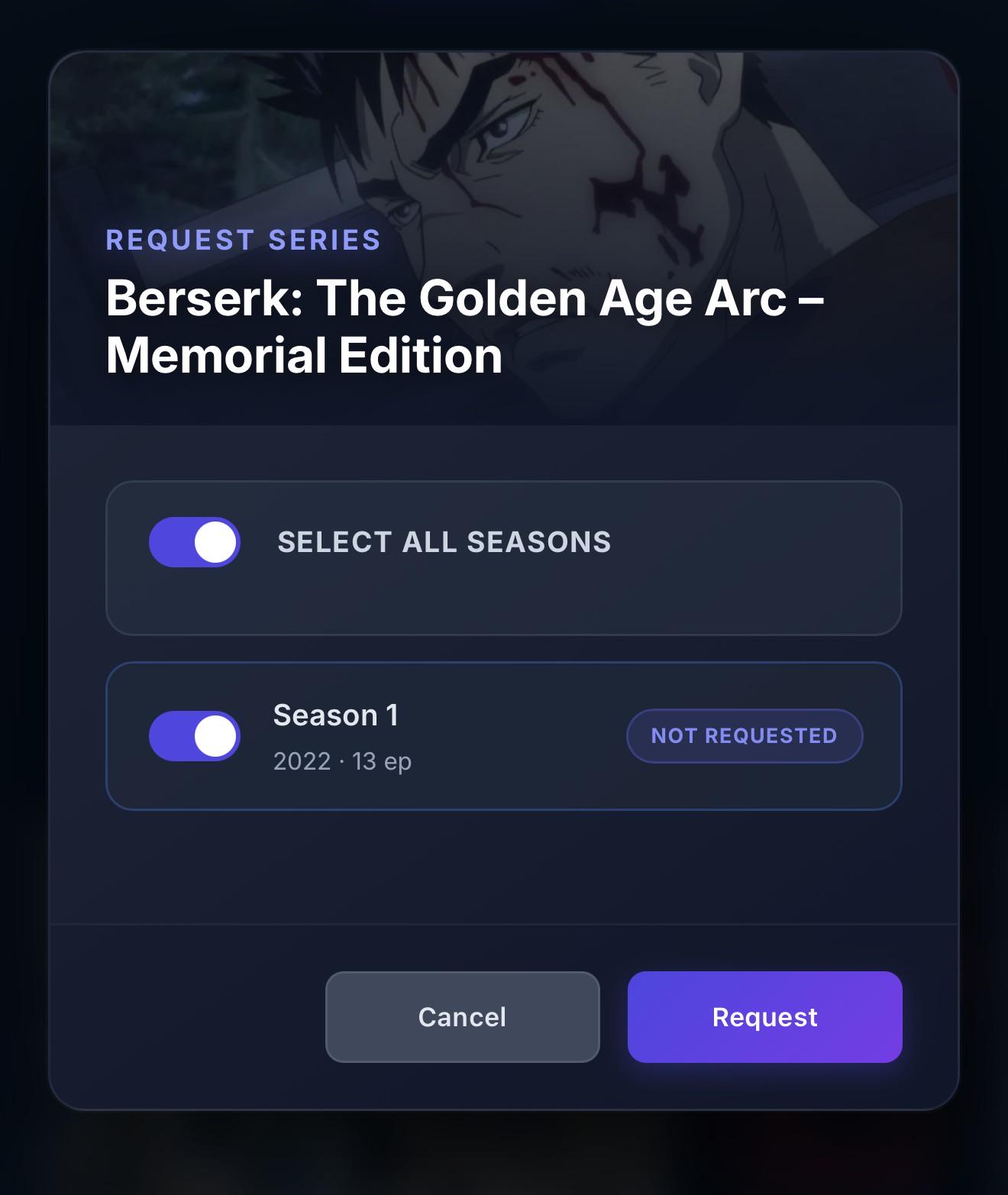
The first image is a request panel from a remote user’s account. After clicking ‘request’, absolutely nothing happens. It does go to the request tab but it just sits there for a few hours, before automatically declining… or showing as ‘orphaned’.
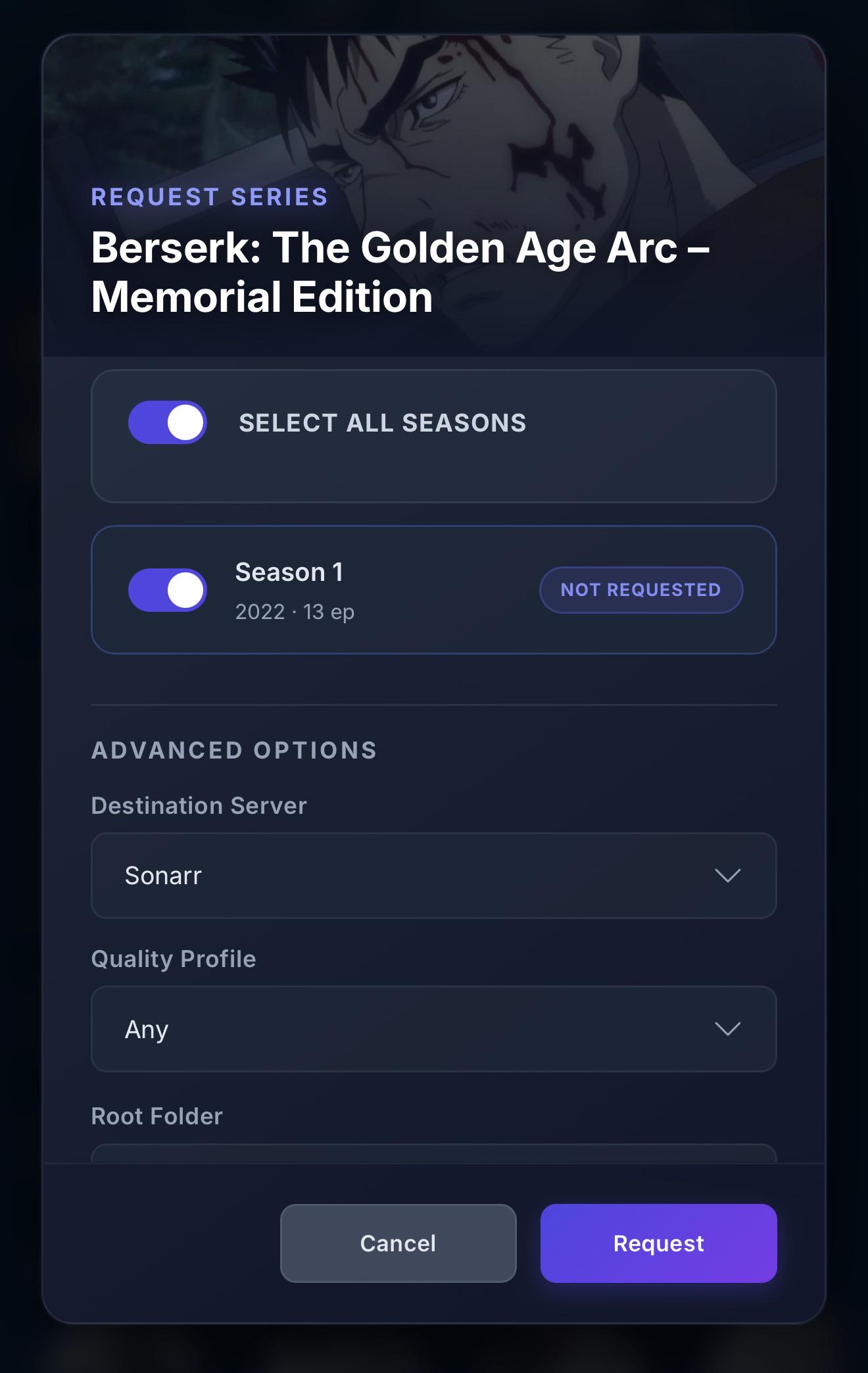
The next image is from my admin account, and what it should look like.
I’m not sure what’s happened here but the sever has been working perfectly for months up until this began maybe two weeks ago.
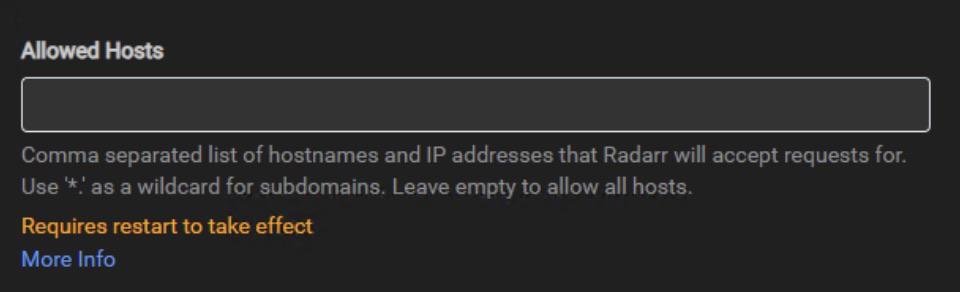
I’ve looked into sonarr, radarr, prowlarr, and seerr settings but nothing seems out of the ordinary. I did mess about with allowed hosts under the general section for the arr programs but this was only after the issue popped up. As of right now, allowed hosts settings have been set back to default. (3rd image).
Here’s a few other things I’ve briefly tested:
-using remote user’s account on my local network (no change)
-deleting users from seerr and importing again (no change)
-user permissions toggled on seerr
-allowed hosts in arr program settings (no change)
-restart pc ofc (no change)
As of right now, I’m still able to make requests from my own account for others and they’ll be auto-approved.
Jellyfin setup is running from this mini pc:
Intel NUC11TNKi5/i5-1135G7/16GB DDR4/256GB SSD/W11/
Any help would be very much appreciated:)
1
u/DismalPost2 21d ago
Is your goal to have them auto-approved?
Then go into Seerr dashboard -> Users -> click "edit" on the specific user -> permissions -> check if auto-approve is toggled on.
Under Settings -> Users -> Default Permissions you can also check, that auto-approve is turned on. That way, requests by new users will also be automatically approved
1
u/FinancialSurvey5794 21d ago
Disable
Allow Partial Series Requests. If this fixes your problem go to the discord server and let them know because that's a regression in the database table after an upgrade.