r/setups • • 35m ago

Desktop Which Gravastar keyboard?

Thumbnail
gallery
1 Upvotes

I really love the crystal rose style, and I couldn’t choose between the k1 Lite or the v60.
My laptop I’ve been using has been 75, but I’ve never tried a 60 before.

Wondering if no FN keys but the Hall effect gameplay advantage + easier pressure on the v60 is worth compared to the regular mechanical K1 Lite 75 layout.


r/setups • • 44m ago

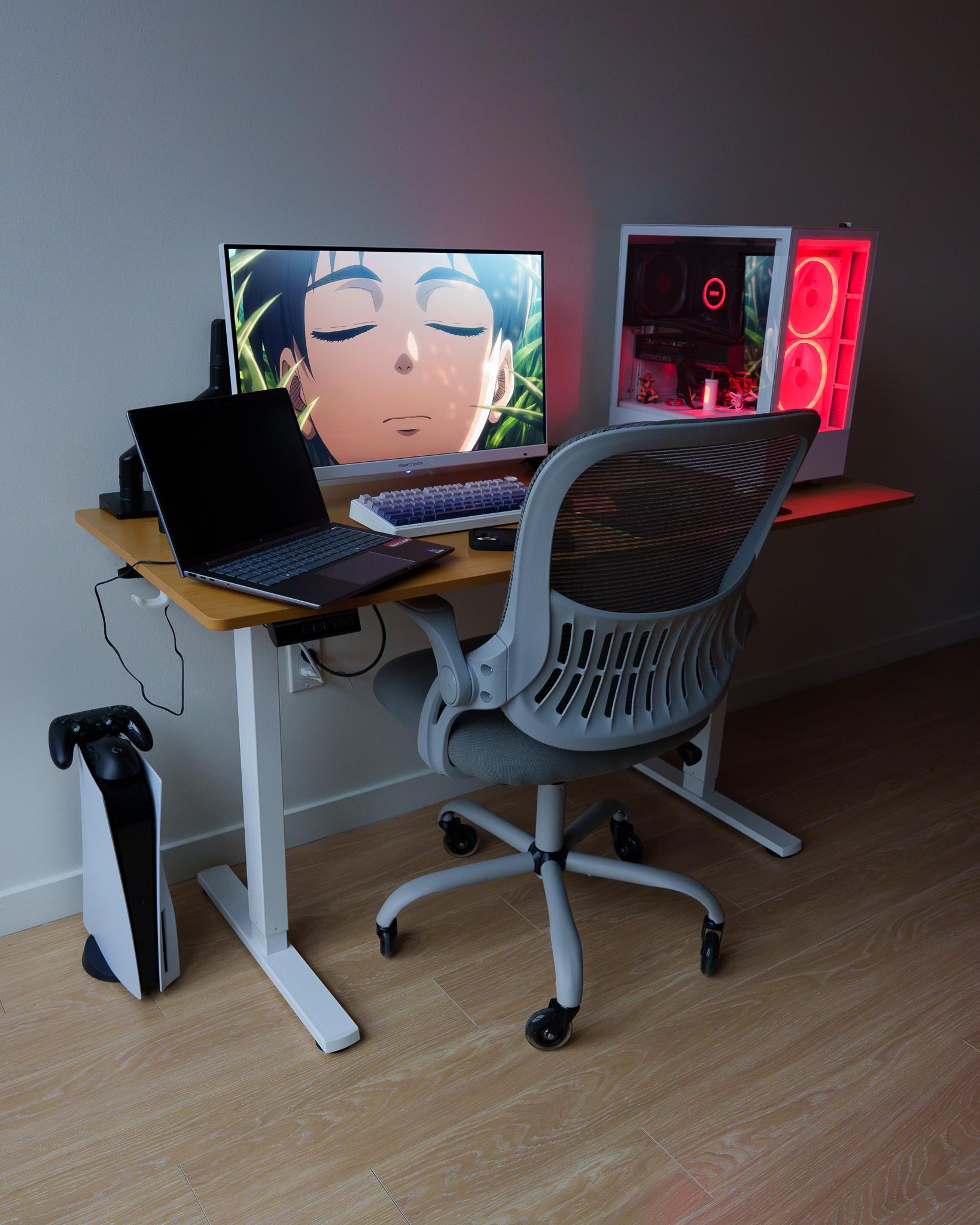
Desktop Simple but neat, so it’s pleasing to the eye.

Post image
2 Upvotes

r/setups • • 1h ago

Desktop Gta VI Setup Build

Thumbnail
gallery
7 Upvotes

r/setups • • 6h ago

Question UW + Portable Monitor

2 Upvotes

Does anyone have a UW with a portable monitor? Please share your setup if you do. I’m looking for ideas.


r/setups • • 10h ago

Question How can I make this setup better?

Thumbnail gallery
2 Upvotes

r/setups • • 12h ago

Laptop Improve setup productivity gaming

Thumbnail gallery
0 Upvotes

r/setups • • 12h ago

Desktop my dreams set up

Post image
5 Upvotes

took me over 10 years but I got it


r/setups • • 13h ago

Desktop Lil simple setup, looking to expand to 3 monitors.

Post image
14 Upvotes

r/setups • • 15h ago

Desktop I think this is something

Post image
13 Upvotes

i got a Koorui G2411P, MSI Pro, an old ipad, huntsman v3 pro, razer blackshark v2 x, and a scyrox v8. Also I like cars.


r/setups • • 17h ago

Desktop My home setup

Thumbnail
gallery
8 Upvotes

r/setups • • 19h ago

Laptop Rate my budget friendly setup

Thumbnail
gallery
2 Upvotes

This is my small setup with limited budget but still works great

Main gear:

Lenovo LOQ laptop ( intel i5, intel ARC GPU, 16GB DDR5 )

24" ASUS VY249HGR monitor

Dark Project 87 Fuji keyboard

Trust GXT 109 Felox Gaming Mouse 25036

YHP 3040 Vector Headphones

Xbox One S


r/setups • • 20h ago

Question Different modes for desk and TV

1 Upvotes

How can I set up two different modes? One for my bed and playing on a TV (probably big picture mode) with my main monitors turned off to preserve resources and the other mode with the TV off so I can use my two monitors without trying to do the 4k. I’d like to stay away from manually turning the monitors on and off.


r/setups • • 1d ago

Question What should i add?(seriously, with products)

Post image
5 Upvotes

r/setups • • 1d ago

Desktop whats next

Post image
33 Upvotes

apart from fixing the cables what can I do to improve the setup?
Im thinking of getting a 34inch ultrawide and putting my current 27inch 1440p on top stacked.

maybe a wooden acoustic panel on the left wall?


r/setups • • 1d ago

Console New place, TV wall first

Post image
1 Upvotes

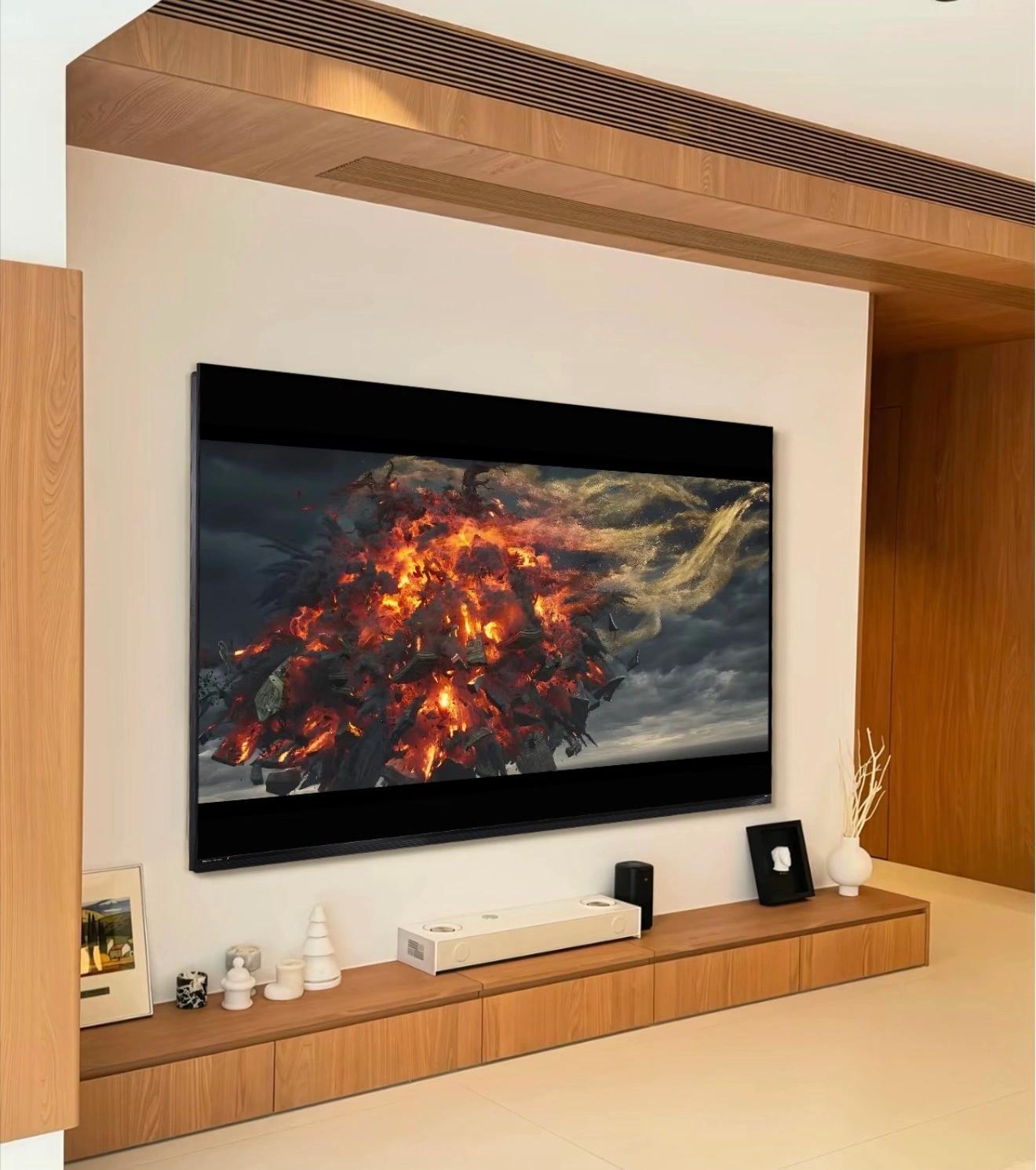
New place, and somehow the TV wall got done before the rest of the room. I went with a 85-inch Hisense U7, mounted above a floating oak console.

I originally wanted to go with a 100-inch TV, but after measuring the wall and checking the viewing distance, I realized it just wouldn't fit well in this space. So I went with the 85-inch instead. The room is about 3.6m wide, and I think this size works much better with the wood paneling on the right.

For audio, I'm using a white soundbar and a small sub on the console for now. The window on the left gets direct sun from around 3pm, so reflections were something I had in mind when choosing a TV. The anti-glare screen has been helpful so far.

The rest of the room is still a work in progress. The rug hasn't arrived yet, and the framed print is still leaning against the wall because I haven't decided where to hang it. But at least the TV wall is ready.


r/setups • • 1d ago

Question Whats the best all round second monitor right now?

1 Upvotes

Title basically says it all, i dont want a vertical monitor tho. It would be great if its on amazon sale right now. Shouldnt be more than 150 euros or so maximum


r/setups • • 1d ago

Laptop y'all like my setup

Post image
13 Upvotes

idk I'm bored


r/setups • • 1d ago

Desktop What are your thoughts on my setup? :)

Thumbnail
gallery
187 Upvotes

r/setups • • 1d ago

Question Help Improve my Setup

Thumbnail gallery
5 Upvotes

r/setups • • 1d ago

Desktop WFH setup in the new place

Post image
96 Upvotes

r/setups • • 1d ago

Desktop Recently updated setup

Thumbnail
gallery
29 Upvotes

r/setups • • 1d ago

Question Should larger monitor be in the centre?

1 Upvotes

I have a 14" laptop with 1440p 165hz display and a 20" monitor which is 1080p 75hz.

i use them both but i cannot conclude if i should put the laptop in the centre and the monitor on the side or should i do vice versa?

i watch movies at my desk a lot, layed back, so i have the monitor on the side angled towards me and the laptop is in front and thus closer.

i game on the laptop display but 14" feels too small and i am thinking about switching places between the two.

i am a bit confused here. i am not a fast paced player i mostly play story games which. i don't care that much about fps as my laptop can only deliver about 70-80 frames in all games, but then i like the smoothness in ui and while im editing power points and stuff on the sharper screen..

the completely correct answer here is to buy a 1440p of 4k monitor and get happy but i don't have any money.. so what is the best option for me? also are there any solutions where i can move both together so i can change which one i am directly looking at?

im confused


r/setups • • 1d ago

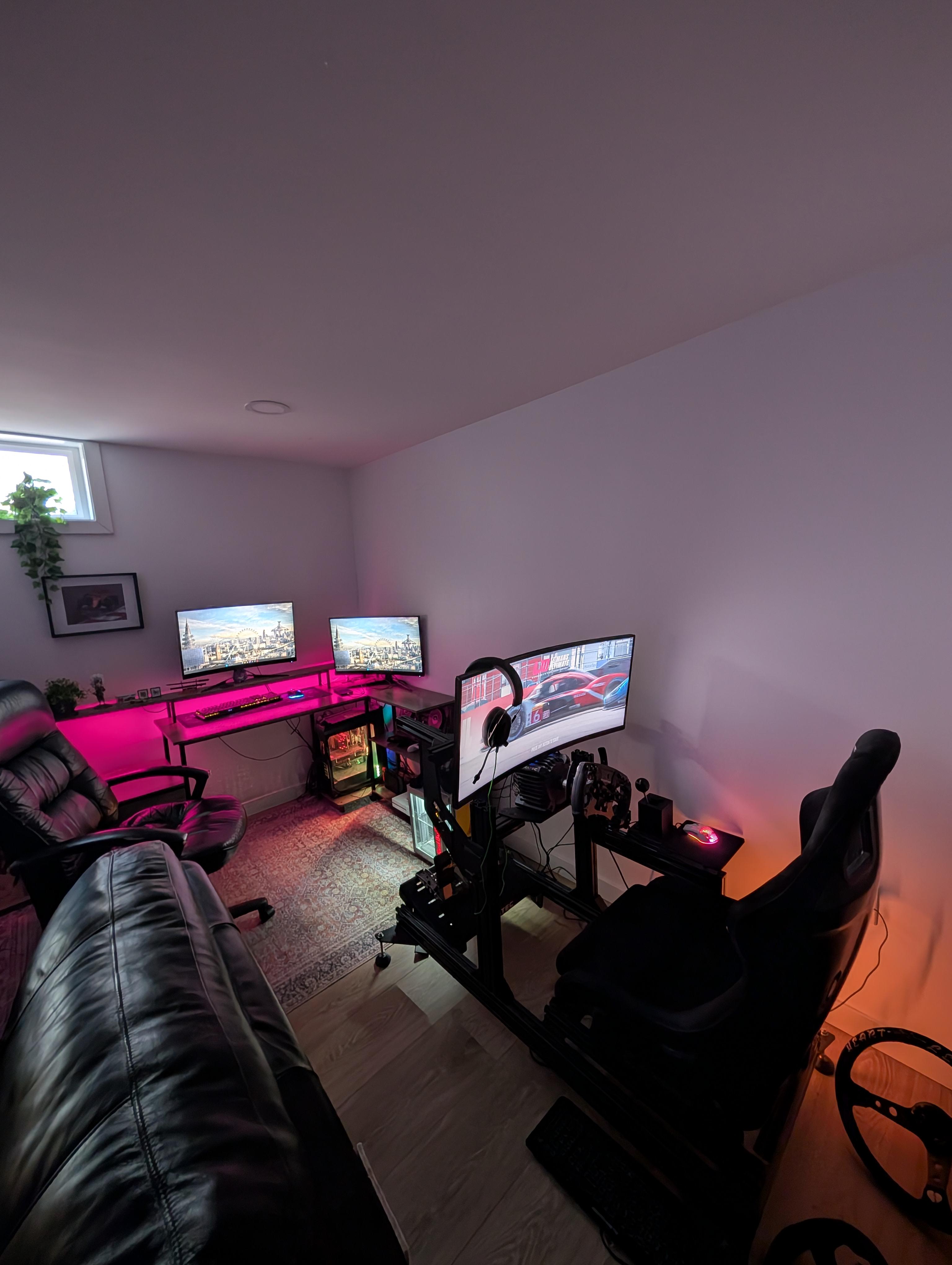
Desktop Let me have it! Basement setup

Post image
97 Upvotes