Hello everyone,
I just purchased my first Apple TV 4K—the latest model—and I’ve run into something I don’t quite understand regarding how audio is handled.
Everything played through my Apple TV shows up as **Dolby Atmos in the Sonos app**, even when I’m watching content that definitely isn’t in Atmos (YouTube, stereo content, etc.).
I discovered an option called "Always-On Audio" (or "Continuous Audio Connection") in the Apple TV’s audio settings. When this is enabled, the Sonos app displays "Dolby Atmos" for everything.
If I disable this option, the Sonos app shows other formats—such as "Multichannel PCM 5.1"—whereas, without the Apple TV, I would normally see "Dolby Digital 5.1."
The issue is that the sound quality seems worse when this option is turned off. With "Always-On Audio" enabled, I find the sound more immersive and enjoyable.
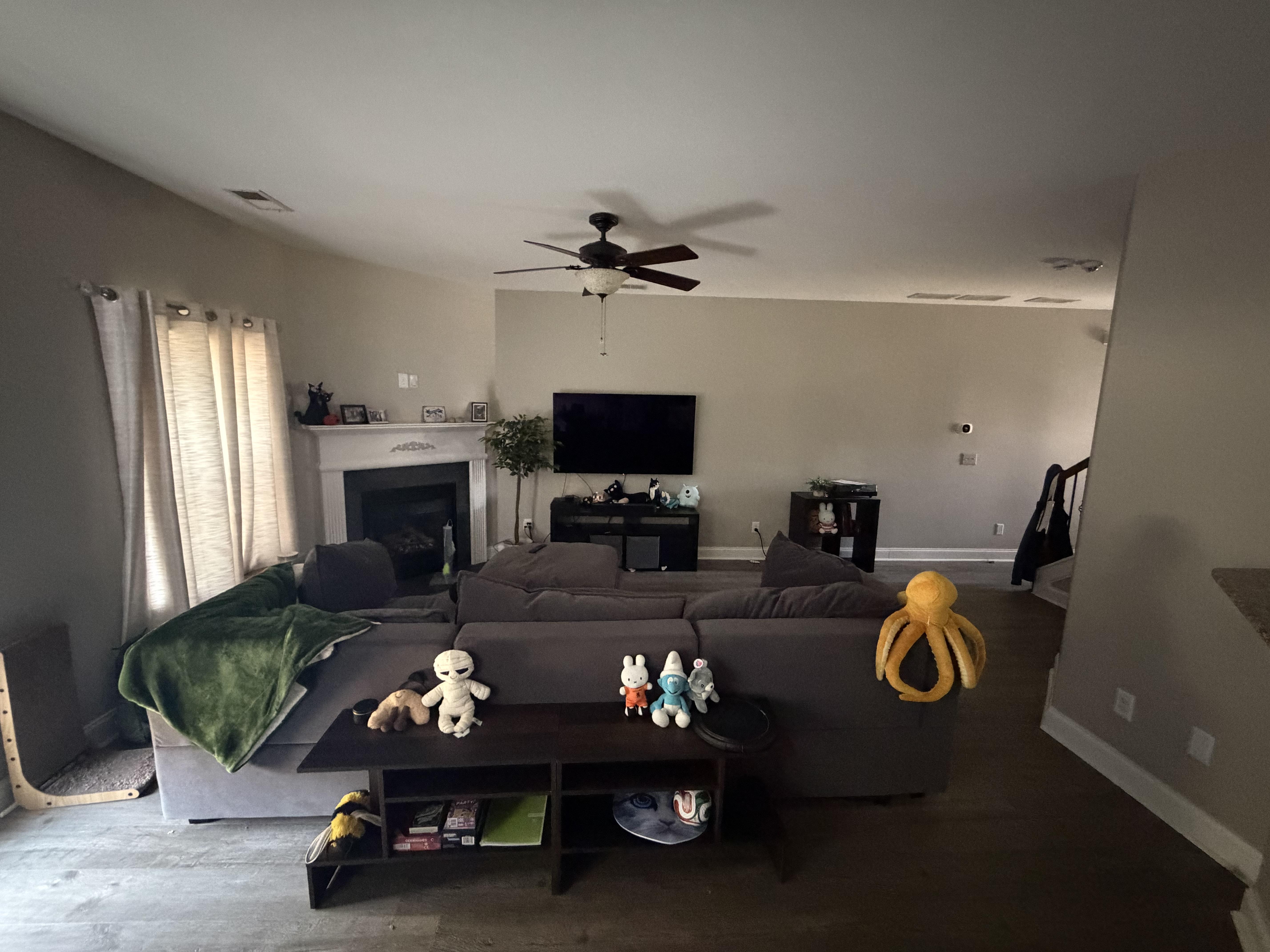
My setup:
Sonos Arc Ultra
2 Sub (Gen 4) units
2 Era 300 speakers (as surrounds)
Apple TV 4K connected to an LG OLED C8 (via HDMI ARC).
**My question is: what settings do you recommend?**
Is it better to leave "Always-On Audio" enabled, even if the Sonos app reports "Dolby Atmos" for content that isn’t actually in that format?
Or is it better to disable it so that the Sonos app correctly displays the actual audio format being received—even if that means getting "Multichannel PCM"?
I’m particularly interested in hearing from others who have a similar Sonos setup. I’d prefer to see the correct audio formats displayed in the Sonos app, but I don’t want to sacrifice sound quality to achieve that.
Thanks for your insights!