Hey fam! Here's how I installed kaiHEN on Switch 2
I’m close to a noob, so I wrote this with all the questions I had along the way. It wasn’t hard, but it needed some patience. There are probably faster ways, but this is the all in one tutorial I wish I had before starting.
My setup
Mac
Switch on firmware 23.0.1
microSD activated (Support → “③ B”)
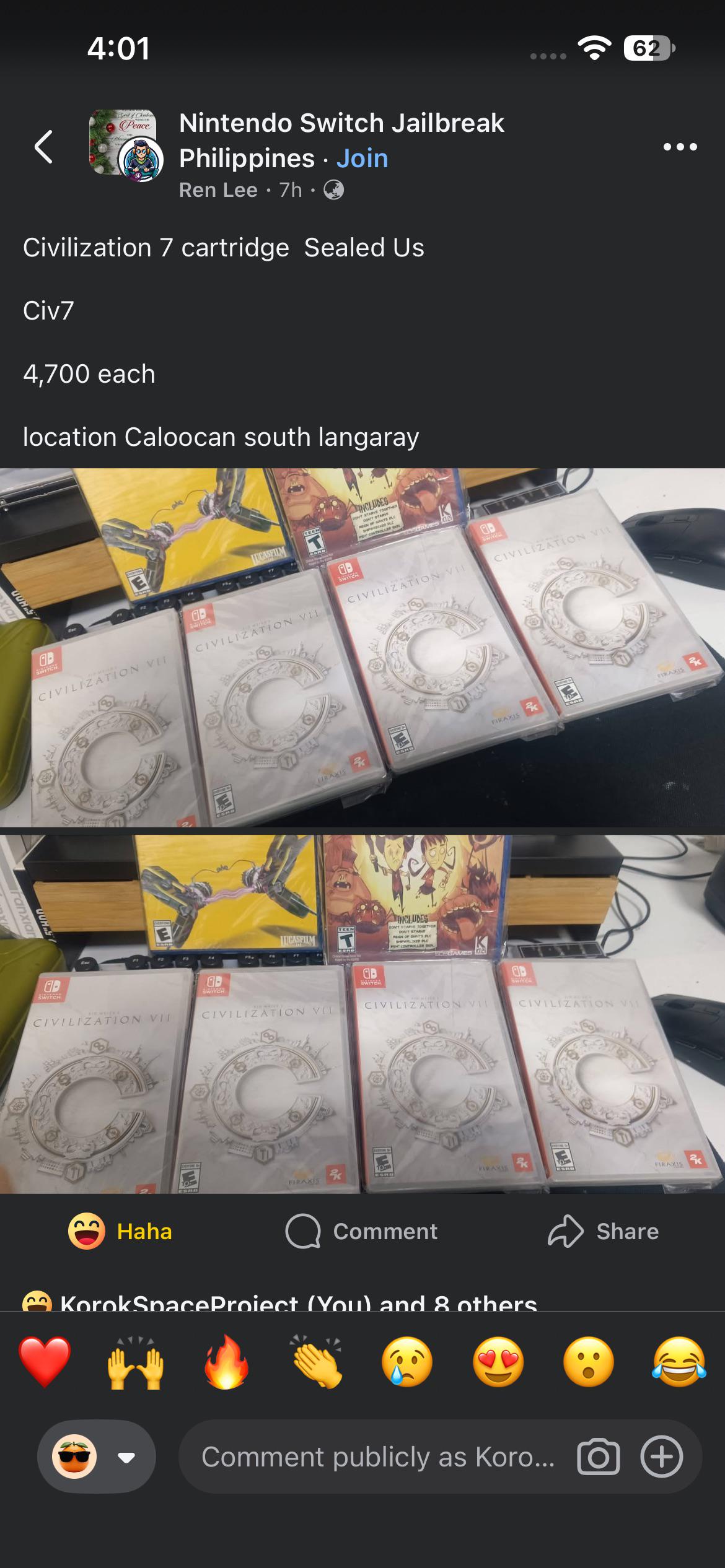
Physical Civilization VII v1.0.0 cartridge
Pico (to inject the first CivSwitch payload)
ESP32 (to create an offline network)
1. Create an offline network with an ESP32
Repo: jackspence7/CivSwitch-SerialBridge
This is very important. The ESP32 creates a Wi-Fi network called Switch2Bridge that tricks the Switch into thinking it has internet (Civ 7 needs a connection to create a game for the exploit).
Tip: In my case, connecting the Mac to the same Wi-Fi network (Switch2Bridge) worked better than pure USB serial to later inject payloads.
2. Install the base loader (CivSwitch)
Repo: Gezine/CivSwitch
I compiled the Pico UF2 and injected the payload via the multiplayer chat in Civ 7.
Once I had the “Awaiting payload” screen, I used the ESP32 network to install persistence from the Mac (connecting the mac to Switch2Bridge)
3. Prepare the microSD card
I formatted the card in FAT32 (don't know if this was critical, I thought exFAT made the file verification fail but then realised I had a previous KaiHEN release).
Then I copied the latest kaiHEN files to the root of the card.
Release: ouncebrew/kaihen
4. Install CivSwitchFS-kaiHEN (the full homebrew environment)
Repo: s8n/CivSwitchFS-kaiHEN
I created a Python venv and made sure the Mac and Switch were on the same ESP32 Wi-Fi network and correctly connected. (Was a pain beacause at first I didn't set USB CDC On Boot to Disabled on the Arduino IDE app so the WiFi was working but couldn't send the payloads)
Then I launched CivSwitch (Load Game → XSTRIG) and sent the persistence payload.
First attempt failed with:
PAYLOAD ERROR: KH: required SD files failed verification
The kaiHEN files on the SD were not the latest version.
I updated them from the official release, retried, and it worked very quickly.
Key things that made it work
Reading the README.md files in each repo
USB CDC On Boot set to Disabled on the ESP32
FAT32 formatting of the SD card
Latest kaiHEN release
Mac and Switch on the same Wi-Fi network created by the ESP32
Patience and NO RUSHING
Hope this helps someone!