Developed by Skyhook Games, Train Sim World 7: Cargo Line Vol. 8: Taschenwagen arrives on November 26th, introducing the versatile Sdgkkmss pocket wagon and new freight gameplay across S-Bahn Vorarlberg: Lindau - Bludenz. Read our full coming soon article here: https://bit.ly/cargo-line-8-coming-soon-1
Running a late-night NJ Transit commuter service toward Newark in heavy winter snow with Arrow III EMU #1396 leading the consist.
Night driving in the snow really brings out the lighting on the overhead catenary and stainless-steel sides. How does everyone else like running the Arrow IIIs in winter weather?
Wrapping up a late-night winter commuter run by navigating the maze of snow-covered switches entering Hoboken Terminal with NJ Transit Arrow III EMU #1396.
There's nothing quite like the atmosphere of threading through the Hoboken throat under the catenary at night in the snow. Do you prefer terminal arrivals at Hoboken or New York Penn on the Morristown Line?
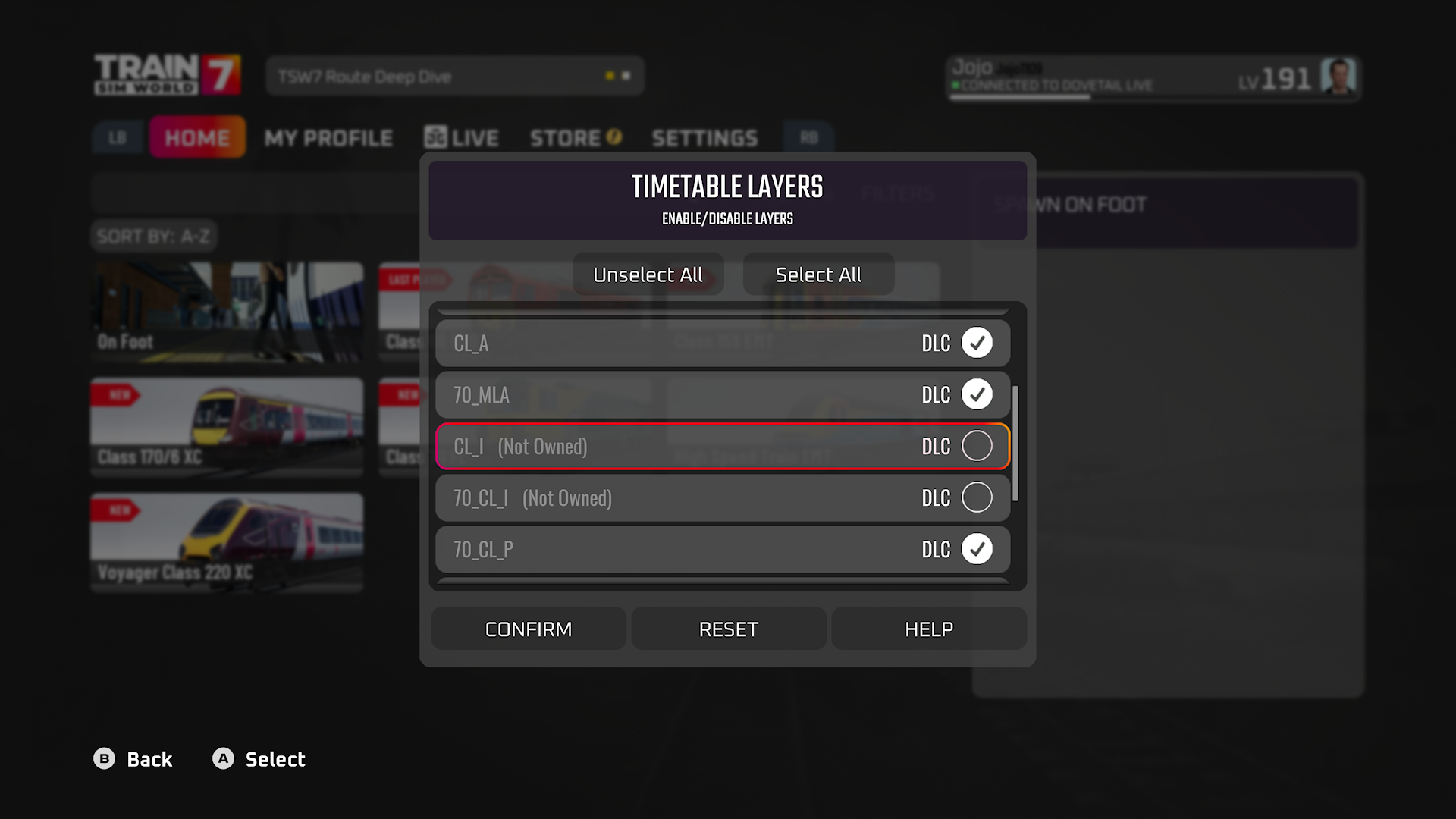
Does anyone have this? Announcements and Audi settings and much more is bring reset ti Standard every time I freaking Open the Game on PS5!
NOW EVEN THE DARK UI!! I set it on dark, restart the game and itās white again. Like seriously wtf?? Do they test their shit? Itās literally from yesterday and yet it wonāt save a shit, they canāt be serious.
Had that for years that settings are not being saved properly, but it was sporadic. NOW ITS EVERY TIME I OPEN THE GAME! Literally so annoying and what a shit show of a development is this game. Never seen such bad developing in a PS5 game era not start with the bugs), and yet itās literally the most expensive game on the PS Store. Unbelievable.
Started the Trent Valley Line journey last night. Came back today to find that my route and loco levels for that route had been reset to 1. Completed a service in the hope that it was just a visual glitch, but it unsaved as soon as I reloaded the game.
I tested this with Blackpool Branches as well, performing a short shunting manoeuvre, to get some route and loco exp. Closed and reopened the game, and my levels have been reset again.
Journey Mode does not work as intended now with the new update, which kills my enthusiasm as it was my main way of playing the game.
So i am one of the people that enjoyed scrolling through the dtg forums every now and then. Since the start of October there was this worldwide uhp or whatever issue. Every normal website was back in service in like 24 hours. Except for the DTG Forum. What is up with that? Does anyone know something?
Vanilla TSW7 Free, get an instant crash to desktop with no error message when at Maidenhead. Spawned in free roam and instantly crashed as well so it's not a matter of the game getting too full of trains after driving for a while. Seems to have been introduced with the new patch which also causes the game to fail to load altogether every few tries.
Running a morning commuter service on the Boston ā Framingham/Worcester Line with MBTA F40PH-3C #1053 on the point, pulling a mixed consist of single-level and bi-level coaches right past the iconic towers of Worcester Union Station.
Easily one of the best-looking stations in TSW. Do you prefer running the F40PH-3C or the HSP46 on this route?
So since launch, the control- and the AI-guard-settings do always reset when closing and opening the game again (PS5Pro). Today the DarkMode got introduced (looks nice btw⦠instead of the instances where they choose new pictures for the UI⦠f.e. Choose a route: click on it and you canāt read ātrainingmoduleā because itās white font on white backgroundā¦)
I chose the DarkMode, closed the game, reopened it later⦠flash⦠back to LightMode⦠it also does not save between settings just like controls and AI-guard, somebody even mentioned sound settingsā¦
Is somebody else having this issue, because Iām tired of all these little bugs and I donāt know if reporting all those bugs even helps, because they told us in the 1st or 2nd patch for TSW7 that the ānot saving settings between sessionsā bug is fixed⦠but itās not, we all test, report, they tell they fixed it, they didnāt fix it, bring in new bugsā¦
I donāt know if Iām going crazy but with todayās patch I think they deleted the progressive camera controls?! PS5Pro, DualSense. It feels linear again, I canāt really precisely select the buttons in the cab, just like Pre-TSW7⦠Is anybody else having this weird, clunky feeling again? Would be very interested to hear from you :)
I didn't see it mentioned in the patch notes, but it seems the latest TSW7 update has fixed the Class 47 brakes which have been broken for a year, maybe more. Up until now, when using a 47 in a scenario and I think possibly when spawning one in free roam / timetable mode, you systematically had to uncouple from the train, reset the simulation physics and then recouple before the brakes would release, regardless of which setting you set the brake switch to.
As of today's patch, this problem seems to have disappeared. I'm acutely aware of the issue since I've been working on two scenarios that use the 47 with Mk2 and Mk3 coaches, and it was driving me nuts.
Can anyone else confirm? Unfortunately the patch also seems to have removed the faster external cam that came with TSW7...
(UNPLAYABLE!) I'm still playing TSW6 via Nvidia Geforce Now, because DTG is still working on releasing TSW7 on the service. Today I bought Schnellfahrstrecke Kƶln-Aachen alongside the BR423 S-Bahn Kƶln expansion and the DB BR 187 for around 15 euros. But I have a major problem. When I try to play a service on the revamped timetable, the game instantly crashes. After clicking to start the service, the game goes into the loading screen as usual, and then crashes after less than a second. This is extremely frustrating, knowing I put down 15 euros for this route and I cant even drive on the very fun revamped timetable. Anyone else experiencing this problem, and do you have a solution? I tried turning off all the layers, but that didnt help as well.
I have a 4080 super playing on the xbox app. I've tried to research and find a resolution but nothing I do has made the option appear. I've set screen % to 100% etc and still cannot access it.
I use Nvidia DSR which I've also turned off and still no look. Am I doing something wrong?
This entire network totals just over 60 miles and would feature 4 end-to-end routes, alongside ScotRailās GlasgowāEdinburgh services as far as Carstairs, plus Class 390s, 220s, and 801s between Glasgow and Motherwell. Rolling Stock:
Class 318 and/or Class 320: At least one of these is non-negotiable for the services on the Argyle Line and the stretch to Cumbernauld.
Class 334: A possible addition for extra variety on the suburban lines (this trains frequently run the Glasgow-Whifflet stretch and down to Motherwell.)
Class 385: To operate the Lanark and GlasgowāCarstairs services.
Some sections could realistically be cut to keep the route length manageable (such as the stretch up to Cumbernauld). However, keeping all of these lines together would create a very interesting and varied network, offering a great mix of local commuter stopping services and semi-fast trains to Carstairs.
This is my first time making a route map like this so lmk if you have any tips/changes
Upgraded to 7 cause the deluxe edition is on sale, went through and added all my dlc/past content, 115 items š (that includes 7 plus the routes/deluxe edition)
I will probably delete some later as I tend to play more UK based routes but I do like seeing other parts of the world in the game.
I'll post later on how much space it uses, should be over 300gb at least cause that's how much was on 6
I did have a discrepancy of 66.7gb on my ps5 after deleting 6 so it might be better to delete the dlc first before the game, I just deleted 6 from the main screen, might not have been this but just a precaution if anyone notices a difference in their games and apps folder, mine said it was 292.3gb but if I went to delete everything it only came to 225.8gb and given how much dlc I have, every gb counts
Ended up having to reset the ps5 from safe mode (option 7) as the clear cache, rebuild database and repair console storage didn't do anything
There's a bug in the scoring that has existed since the start of the TSW7 era on most loco DLC's that I own causing all scores to show as 0. Here's a list of the DLC I have found this issue with.
*Flix train
Class 390
Class 220
WMR & XC 170
Class 700
DB BR 294 Shunter
I'm unsure of if this affects any other DLC, this is just a list from the stuff I own and could find. If anyone can tell me if this bug is known (if not how to report it), and if anything on a fix is known. I am on the steam version if that matters.
We're all aware of the Scenario Planner's shortcomings, notably the infuriating 5-minute increments for start times that prevent you from having a service start one minute after another one, let alone 30 seconds.
The only workaround I'm aware of that allows you to adjust timings is to mess around with the code in the scenario's .sav file, which is risky and not very user-friendly. I've been working on a little tool for myself to make it much easier, and will upload it to to Train Sim Community when it's ready.
Hot on the heels of TSW Reskin Manager, TSW Scenario Editor provides an easy-to-use graphical interface allowing you to modify timings down to the second, change service names, switch the player service assignment, and the scenario's name, description and global start time.
Adding or removing services and changing train formations and paths must still be done within the game.
If you have any requests or suggestions for the first release, now's your chance!