r/ultrawidemasterrace • u/DevlLo0pers • 6h ago
Discussion Odyssey G9 OLED
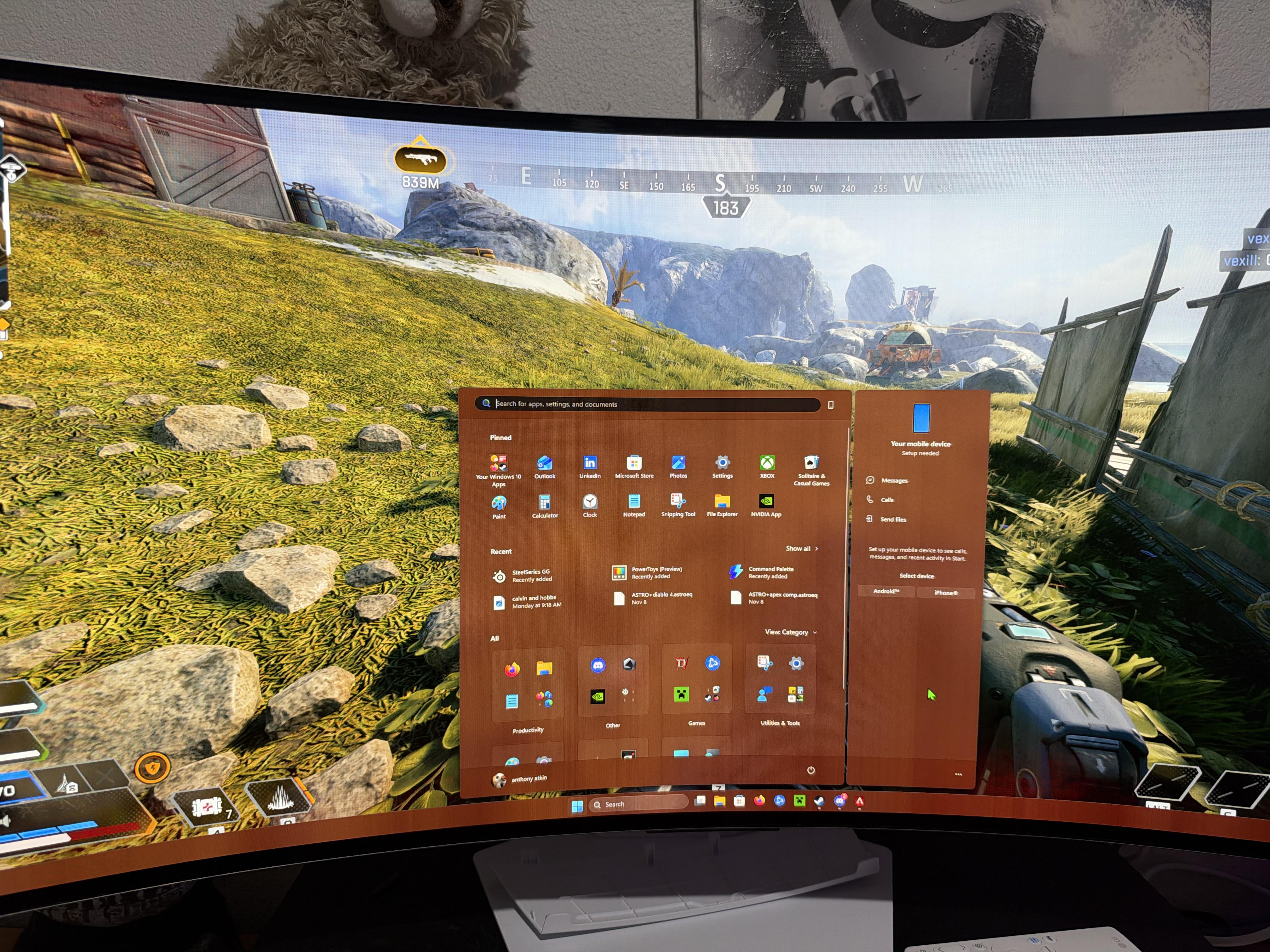
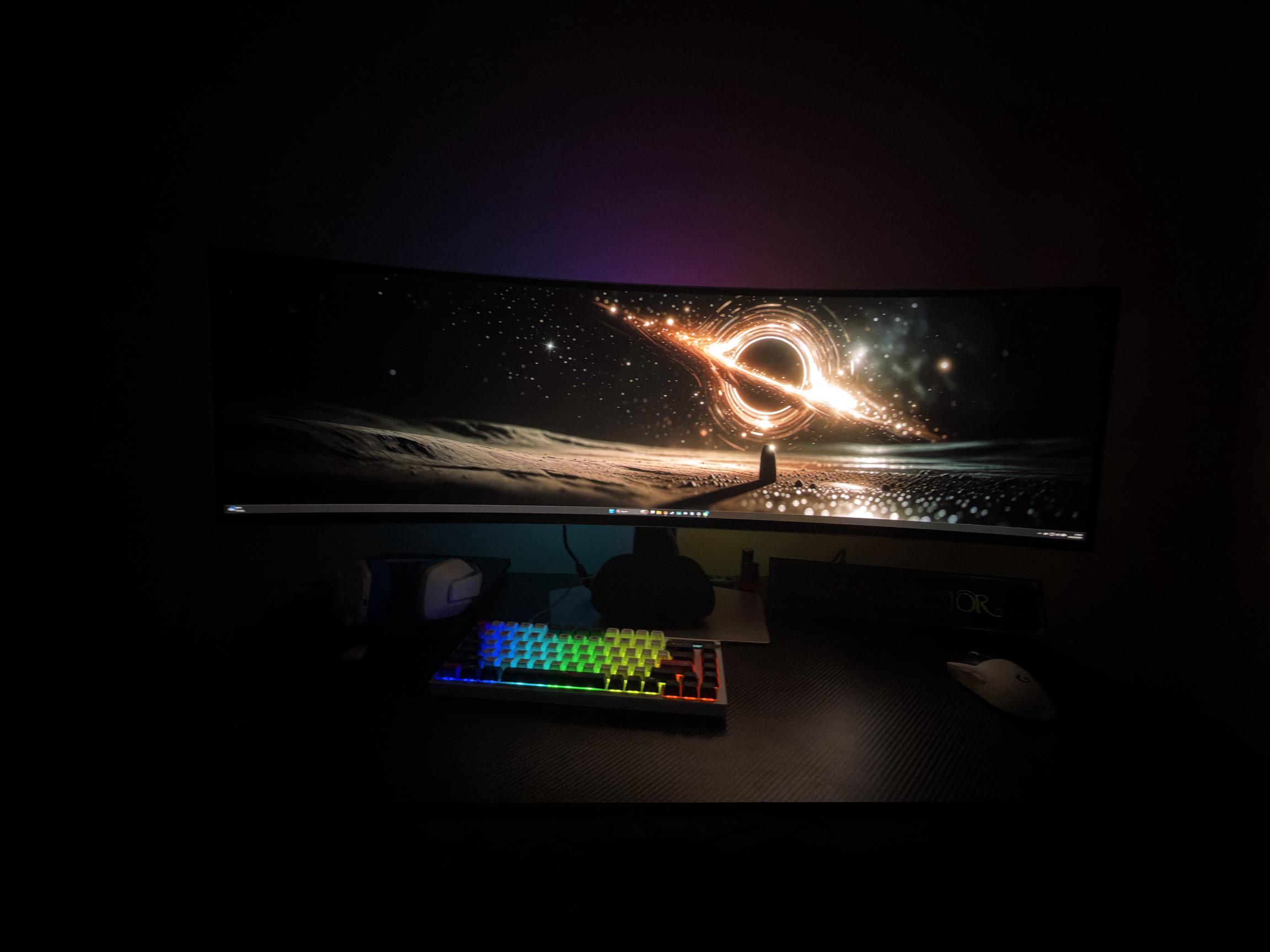
i made the greatest decision of my life and switched to an ultra wide OLED monitor, this is truly one of the coolest things i own
r/ultrawidemasterrace • u/DevlLo0pers • 6h ago
i made the greatest decision of my life and switched to an ultra wide OLED monitor, this is truly one of the coolest things i own
r/ultrawidemasterrace • u/wowoiiiii • 11h ago
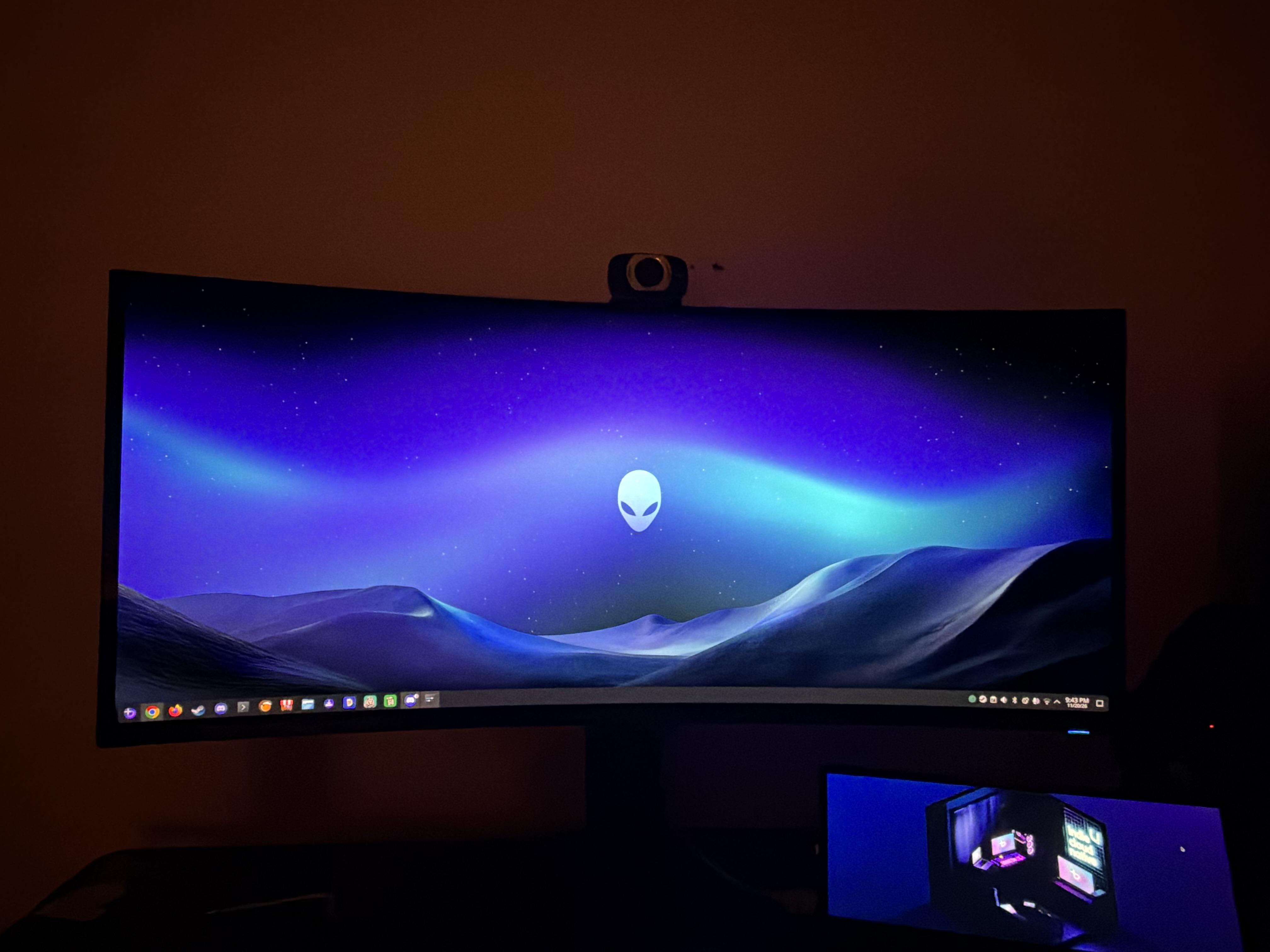
alienware 39 inch beauty. this feels so amazing. i had a ultra wide before. but this feels different. i was torn between this and the lg45. I think I wont regret my choice. hopefully the next version just ups the hz to 240. but either way my 5080 wont even reach 165hz on most games.
any suggestions on monitor arms? my previous monitor arm cant handle the weight for this.
r/ultrawidemasterrace • u/Pretend_Ad7917 • 3h ago
There is a AW3426DW for sale locally here, open box and excellent condition $605. I know it normally retails around 800 but with the new 5k out I was wondering if this is still a good price to buy it at? I absolutely cannot get use out of the 5k monitor so im not as worried about upgrading that far, I have the 27" 360hz alienware oled and I enjoy it but this would be replacing my second monitor that I've had for almost 10 years.
r/ultrawidemasterrace • u/Worddroppings • 7h ago
I need to replace my LG 34GP950G-B because it's developed some kind of issue where the monitor won't wake back up. It's a need to unplug the power cable type of problem.
I use my computer for gaming, writing in different apps and browsing. Room is a home office with minimal lighting and the 1 window has a dark curtain. Opening the curtain will cause reflection/glare depending on the time of day. I'm also limited to one monitor because of my setup/limitations in the room, so having a slightly larger monitor might be helpful when I'm writing and referencing something else (and also running tidal and discord in the background).
With black Friday deals realized I should start shopping around. Partly with help from rtings dot com I'm looking at Alienware monitors and narrowed it down to AW3926QW or AW3425DW
Here's the dell product page https://www.dell.com/en-us/shop/monitors/apd/alienware-34-240hz-qd-oled-gaming-monitor-aw3425dw/aw3425dw_monitor/-
There's a lot about these two monitors that are not that different. Rtings rates the color accuracy pretty close and either monitor is significantly better than the LG I'm replacing. (Color accuracy of 8.0 on LG and higher than 9 on both alienwares.)
It's coming down to a couple of things.
- Two different types of OLED. And I'm seeing that maybe the 39 inch is a newer model than the 34 inch? It didn't take very long on reddit to see that QD-OLED versus WOLED is yet another technology rabbit hole where the answer to which is better is it depends who you ask.
- The 34 inch deals with reflections better, but the 39 inch is rated to have better text clarity.
- how much is my FPS going to suffer with the increased resolution on the 39 inch?
34 inch is WQHD (3440 x 1440)
39 inch is 5K WUHD (5120 x 2160)
I am playing/have played: POE1/2, Cyberpunk 2077, FFXIV, Valheim, Dune: Awakening.
edit to add: have Radeon™ RX 9070 XT
r/ultrawidemasterrace • u/Arthurp95 • 7h ago
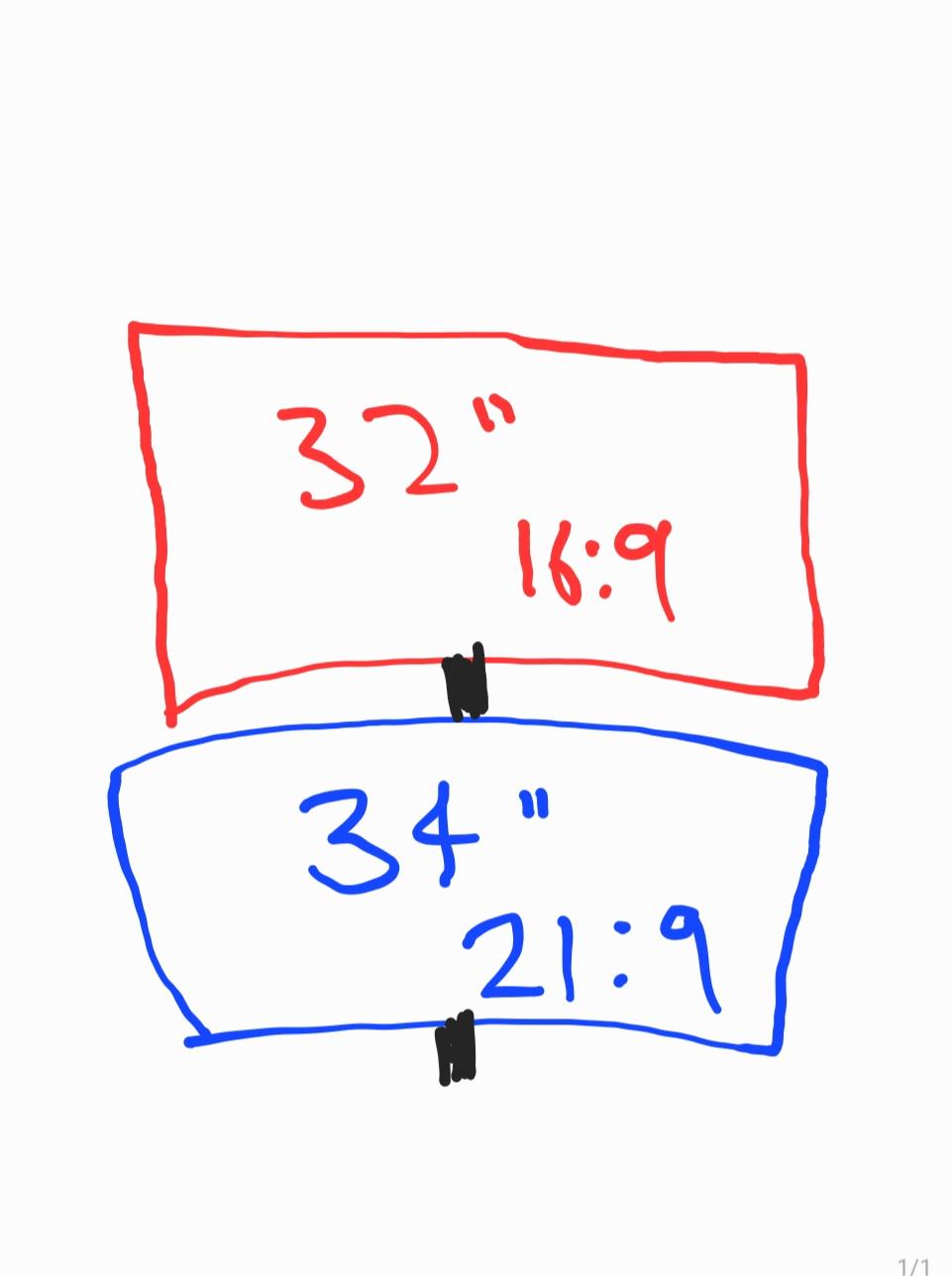
Has anyone got these two size monitors? Can you show your setup? I got a 34in ultrawide 21:9, and a 32" 16:9, considering vertical arm but unsure how it'll be
r/ultrawidemasterrace • u/Eyehopeuchoke • 3h ago
r/ultrawidemasterrace • u/CanisMajoris85 • 15h ago
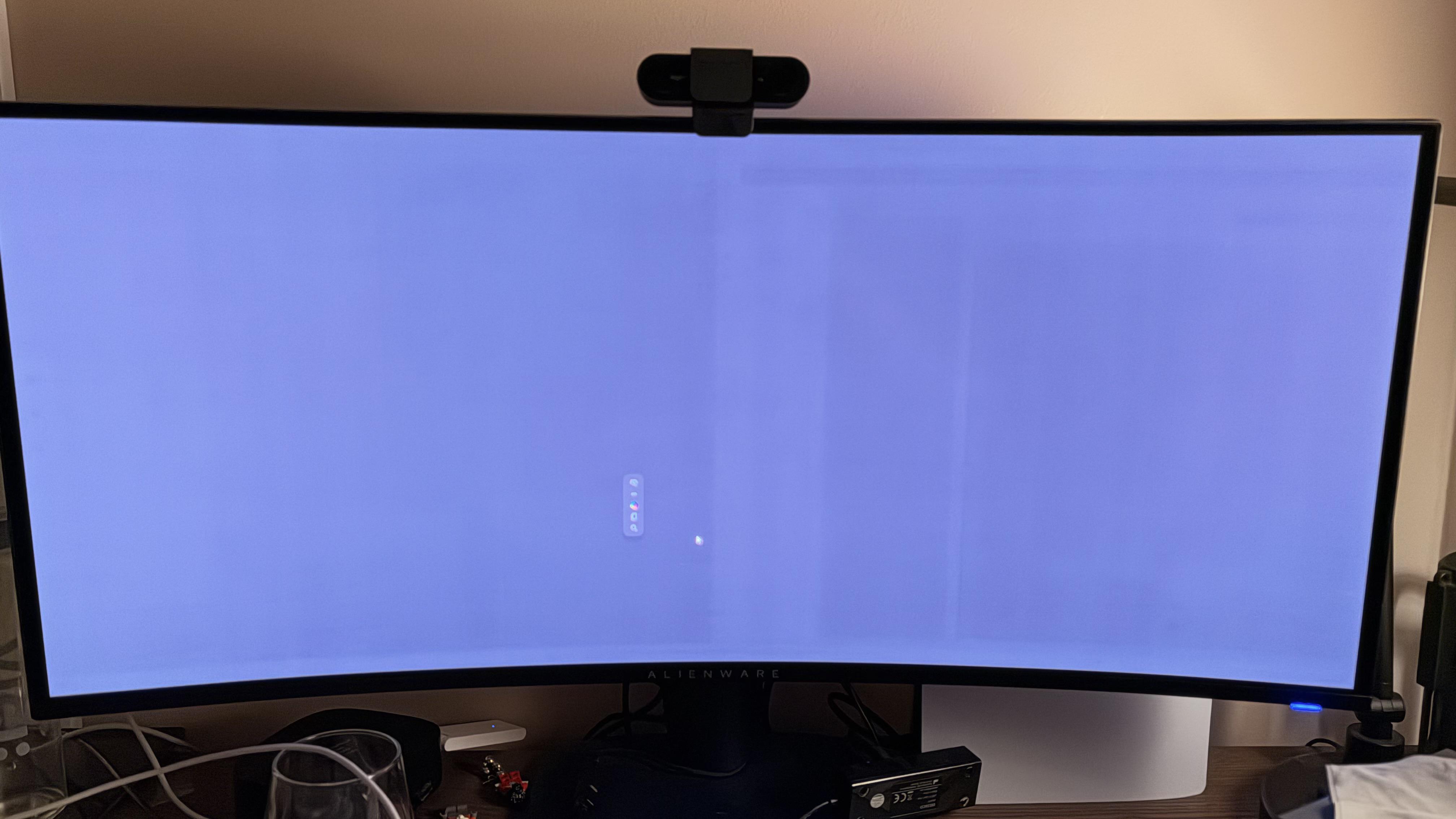
To start, have loved this monitor and until today I honestly didn't even notice anything because I hadn't looked for it in years I suppose. Measures taken basically from the start were things like dark mode for browser (on right and really nothing to show as it seems fine) and dark taskbar on bottom (clearly visible). Also screen off after 5 minutes inactivity. May have been another minor thing or two but I can't think of it right now. Active power on time says 37840 hours but obviously images haven't been on 22 hours every single day since I got it.
Been using my AW3423DW about 8-10 hours a day pretty much for work and then gaming. For work this is apparently what a bunch of orange/red/green lettering will do to all the blackish after 4+ years. It's also apparent on a white screen but not horrible. I don't notice on a green/red/orange full screen but not sure if I even should.
Blue picture is an extreme example to show things and until today in excel for normal use I just hadn't noticed anything, but after checking multiple colors on full screen and now just really looking for the burn-in zones it's totally apparent. Not like it's terrible since I didn't even notice until now, but glad I don't have to live with it much longer because....
My AW3426DW arrives Monday! Paid $622 after tax and then I have $157 in rewards to use. I ordered the monitor days ago so the burn in on my 23DW wasn't the reason to change. Because of the burn in I'm not sure if I'll sell it cheaper for maybe like $200 or just swap my other computer monitor for it so that both are ultrawides.
Update: Did a panel refresh for an hour and it eliminated the noticeable burn in. On a white screen perhaps the left side is a bit more yellowish but there's no obvious lines/areas and not as easy to tell as before.
r/ultrawidemasterrace • u/FinallyAnUntakenName • 1h ago
Hi all,
Last year I was gifted an Ultragear 45GX950A-B.
It's a great monitor but seems to have developed an issue with randomly going to static (including making static noise out the monitor speaker), then blacking out. The screen's own menu is unresponsive/frozen when this happens.
It has only happened a couple times, when playing games. When it does happen the monitor has to been unplugged from power for a solid 20+ minutes to get a 'permanent' fix.
Otherwise, turning the monitor and PC off and on again will only give me about 5 seconds to a minute of the screen displaying properly before it returns to static.
It is connected to an RTX 5080. I use display port and have tried all display port connectors (but I only have one display port cable). When it has occured, I've tried HDMI and I still have the problem. I've even unplugged all input connections and it would still be stuck on static.
I have a feeling that it is related to the power adaptor - I think from memory the first time it happened it was a stormy night and the electricity may have flickered (but I may be misrembering).
Wondering if anyone else has had this issue or some tips on diagnosing the problem.
I intend to submit a warranty claim but I suspect I will have difficulties as it was a gift and probably can't obtain proof of purchase anymore.
r/ultrawidemasterrace • u/hiperco • 2h ago
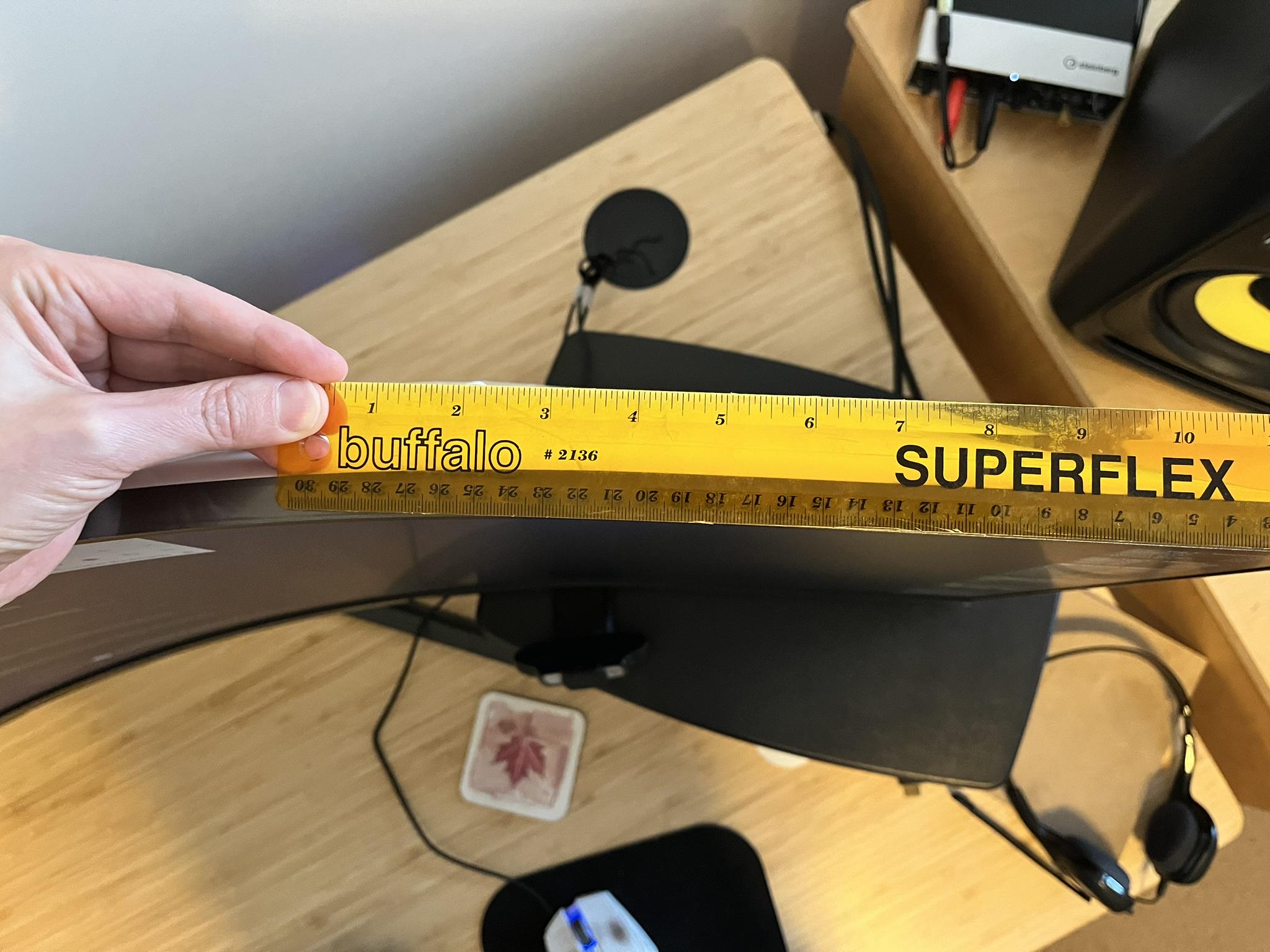
I'm seriously considering the 57 Inch Odyssey Neo G9. There are none I near me I can look at in person, so I've been looking at a lot of photos and video reviews. One thing that keeps standing out to me is the non-uniform curve. It seems to significantly flatten out at the edges. For those that own it, do you notice it? If so, is it a plus, or a minus? See attached photos. The ones with the ruler I found somewhere on Reddit, but I forgot where so I can't give credit. (That poster returned the 57 because of this situation).


r/ultrawidemasterrace • u/No-Location6557 • 15h ago
Hi all! I have two monitors on one long desk: a 39" ultrawide for story-driven single-player games and a 24.5" 16:9 for competitive PUBG. I currently slide my keyboard and mouse on a laptop stand from one screen to the other, which is awkward and clunky.
I'm thinking of mounting both on arms so my keyboard and mouse never move. For PUBG I'd pull the 24.5" to the centre, about 60-70cm from my eyes, and swing the ultrawide out of the way. For story games it'd be the other way round (I've attached a sketch of the idea that claude ai suggested, plus a pic of my current setup).
If you run a big ultrawide with a small esports screen:
- Could you share a pic of your layout?
- Which arms are you using, and do they handle a 39" screen well?
- Did you go with one dual arm or two single arms?
- Anything you'd change?
Any tips or photos are very welcome. Thanks!
r/ultrawidemasterrace • u/TuckingFypoz • 12h ago
r/ultrawidemasterrace • u/ScrambledNoise • 12h ago
I’m looking for a black ultrawide around 39-inch (max 95cm wide). It’ll be my primary monitor for coding, browsing, and editing documents. I also play sim racing and adventure games, so I’d like good motion clarity and a high refresh rate. My NEC PA271Q is staying as a second screen for photo and video editing.
I’m between the Alienware AW3926QW and LG 39GX950B-B. The Alienware appeals for its RGB-stripe text clarity and the option to turn off edge dimming. The LG appeals for its matte finish and hardware calibration. The room sketch attached: a 2.2 m window behind the monitor, offset to my right, and a desk lamp on the left.
I’m picky about sharp small text and even brightness and tint across the screen, and I’ve never had an OLED screen. I spend a lot of time looking at white pages and dark-gray editor backgrounds, so I’m interested in what these look like after several hours of actual work.
- If you use either monitor for work, do you notice uneven whites, dim edges, near-black banding, or distracting reflections?
- If you’ve used 5K2K OLED for full workdays, would you buy it again? Have static IDE or browser elements been an issue over time?
- What other (incl IPS) ultrawide would you consider for my use case? I’d love a 5K2K option that’s still good for racing and shooters. Hardware calibration is a bonus. USB hub and KVM features are low priority.
r/ultrawidemasterrace • u/Digital_Reaction • 1d ago
r/ultrawidemasterrace • u/permatempeVIP • 11h ago
so i’m back to using an ultrawide after two year and purchased the Alienware AW3426DW on sale. i’m noticing that with Smart HDR Deep Blacks enabled, the refresh rate maxed out, and adaptive sync off, there is still flickering happening. when i’m watching YouTube or playing a game, the screen goes black for about 2 seconds every couple minutes or so.
is there anything i should try to remedy this? i’m using the displayport cable that came with it and i’m curious if this is the case, but before i buy a new cable, i want to try and fix it. for what it’s worth, i’m running Linux (Bazzite) with a AMD Radeon RX 7800 XT installed. thanks in advance?
r/ultrawidemasterrace • u/KAHDOSS • 5h ago
Hey everyone,
I’m thinking about buying the Samsung Odyssey OLED G9 (G93SD) and I’d love to get some feedback from people who own it before pulling the trigger.
My main concern is black bars and aspect ratio issues. I plan to use the Multi View / PBP mode to split it into two 27" 16:9 screens for work and coding, but I also want to enjoy full 32:9 immersion when gaming or watching shows.
For reference, I mostly play games like Clair Obscur: Expedition 33, Lies of P, Monster Hunter Wilds, and Deadlock. Do you run into black bars often with these kinds of games or streaming platforms, and if so, is it easy to fix (mods, Flawless Widescreen, etc.)? Also, let me know if there are any annoying quirks or issues I should be aware of with this monitor.
Thanks!
r/ultrawidemasterrace • u/gj2233 • 5h ago
Hello Everyone!
I am in law school and I have come to the realization that my ViewSonic VA2456-MHD 24 Inch hunk of junk is not going to cut it anymore. I always have 15 tabs open and never enough screen real estate between the monitor and my 15 inch MacBook Air. I want to get an approx. 34-inch monitor (it doesn't matter whether its curved or not) that has decent screen quality BUT also is easy on the eyes. Maybe like a reading mode or a blue light filter. Most, if not all, the monitors I see online are geared towards gaming and tbh I am going crazy trying to figure it all out. Budget is around $300. Not in a rush to purchase, but imagine some deals are out there now for Black Friday. Also, I would use the Mac in clamshell mode andI do have one of those Anker adapter hubs. Clamshell has worked with the adapter.
My school uses these monitors:
- SANSUI 32 Inch Curved 240Hz Gaming Monitor
- Sceptre 34-inch Curved ultrawide WQHD Monitor
^these seem like off-brand monitors...I know they are probably not considered good.
Some options from my brief googling:
- LG 34U60ZB-B 34-inch UltraWide WQHD 120Hz
- SAMSUNG 34" ViewFinity S50GC Series Ultra-WQHD Monitor, 100Hz
- LG 34U640B-B 34-inch UltraWide WQHD 144Hz FreeSync Premium Curved Monitor
r/ultrawidemasterrace • u/Tomzibad • 9h ago
AW3425DW less than 1 year old. Just noticed it playing GTA6 I low light. This is 5% greyscale.
r/ultrawidemasterrace • u/dakari777 • 6h ago
I have an ultrawide (2) with two monitors (1 & 3) setup beside it. Because of bezels, if I want my mouse to transition smoothly from 2 to either 1 or 3 I need them setup with a gap between them in Windows Display Settings. Unfortunately Windows isn't smart enough to recognize that 1 & 3 should still be connected at their top/bottom.
Has anyone been able to find a solution to this or do I just have to accept that my mouse will never move perfectly across my monitors?

r/ultrawidemasterrace • u/Pumciusz • 6h ago
r/ultrawidemasterrace • u/Perfect-Cause-6943 • 7h ago
My dad is looking to get an Ultrawide like me I have a 34-in OLED from Alienware but he's going to use it for documents and Multitasking, so I figured that a 5k2k non-oled would be a better option for him, but I just couldn't find proper reviews on this monitor to see if it's worth it.
r/ultrawidemasterrace • u/Loi84 • 11h ago
Have folks here had any luck with improving the white/brightness uniformity of their screens? It’s less noticeable in colors or gray, but I still think it’s a brightness issue and not tint.
It doesn’t bother in dark content, but for certain websites or Excel it’s distracting.
r/ultrawidemasterrace • u/Romain6795 • 12h ago
r/ultrawidemasterrace • u/Odd-Cry6445 • 9h ago
r/ultrawidemasterrace • u/Odellot • 1d ago
Happy Weekends!
Recently replace my two years old Aorus FO32U2P Monitor with an LG 45GX950A-B Monitor.
Coming from a QD Oled, didn't bother me at all when going to WOLED.
Will transfer my Aorus FO32U2P to my Secondary Rig.
Setup Specs:
Main Monitor: LG 45GX950A-B (45 inch 5120x2160 165hz WOLED)
Top Monitor: LG 27GR95QE-B (27 inch 1440p 240Hz WOLED)
Sides: Anmite 16 inch Portable (16 inch 1080p 60Hz IPS)
Powered by:
CPU: AMD Ryzen 9 9950X3D
GPU: MSI Gaming Trio RTX 5090
RAM: Gskill Trident Z5 Royal Neo 48GB 8200MT/s
PSU: MSI AI1300TS 1300w PSU