Question Curious cat
Hi guys I have some Widgy before and it uses transparency, it saying it’s not supported when I try to import them on my iPhone Duo. Is Widgy still working on fully optimizing the app?
r/widgy • u/MrFoxitall • 15h ago
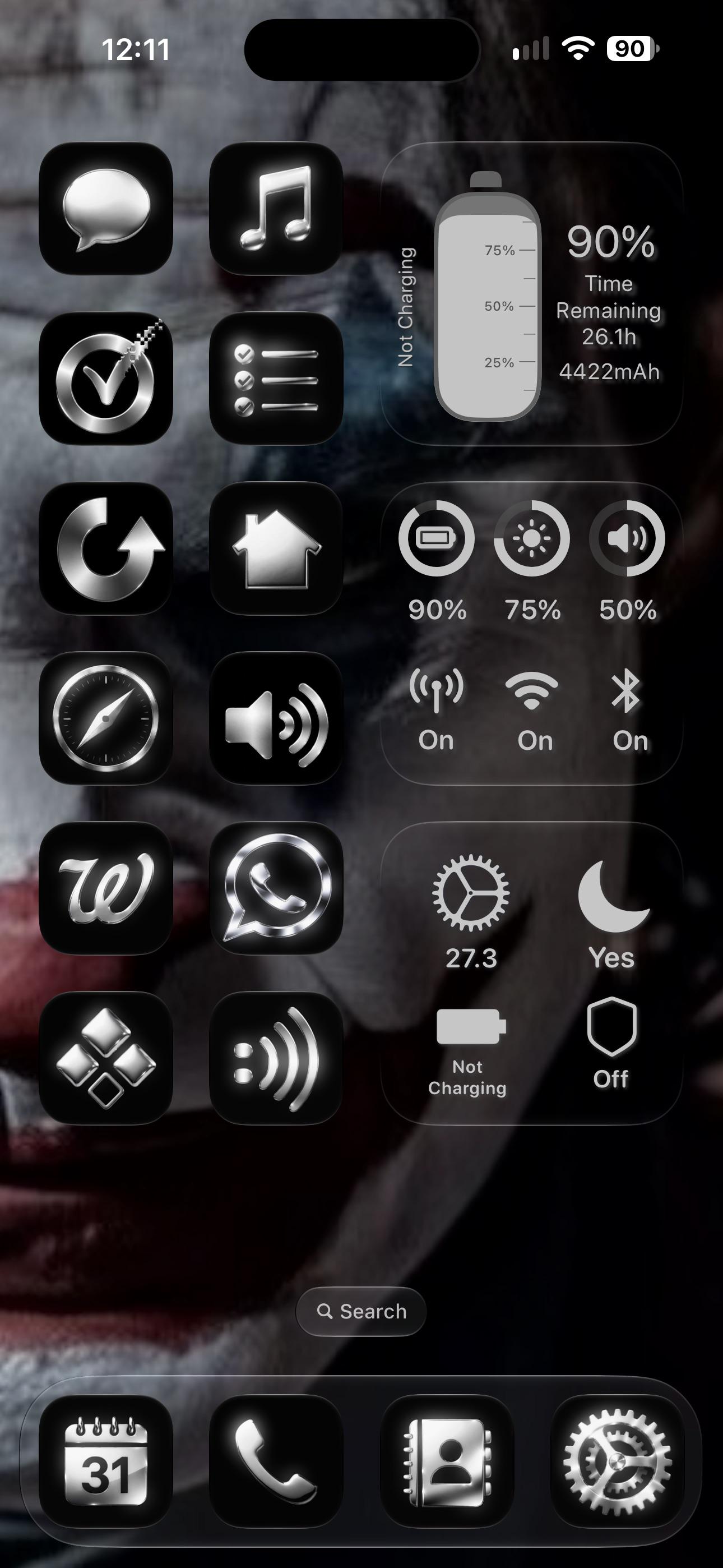
So, i made a widget that has the same icons but rotate their visibility with an action button. I don’t have this issue with other widgets just with this one whenever I push one of the action buttons the app also opens and I don’t know why. could someone please tell me where am I missing something?
Summary
Since a while ago, when I set a widget's background to a dynamic color (white in Light appearance, black in Dark appearance), the widget on my Home Screen always shows black. It doesn't switch to white when the system is in Light appearance. Same configuration worked properly in earlier Widgy/OS version.
Steps to reproduce
Expected result
The background is white in Light mode and black in Dark mode, switching automatically with the system appearance.
Actual result
The background is always black, whatever the system appearance. The preview inside the Widgy app switch correctly, though.
Environment
What I've tried
Has anyone else run into this, or developer been aware of this condition?
Where can I find a thorough explanation of true transparency and glass effect settings that tells me how they work?
r/widgy • u/thefaceofdanno • 2d ago
Hey all
Would anyone know why this widget isn’t being transparent? It looks fine while editing in Widgy but when adding to the Home Screen it’s blurred out. I’ve tried customising the app themes as well but to no avail. TIA
r/widgy • u/Silvrstreek58 • 3d ago
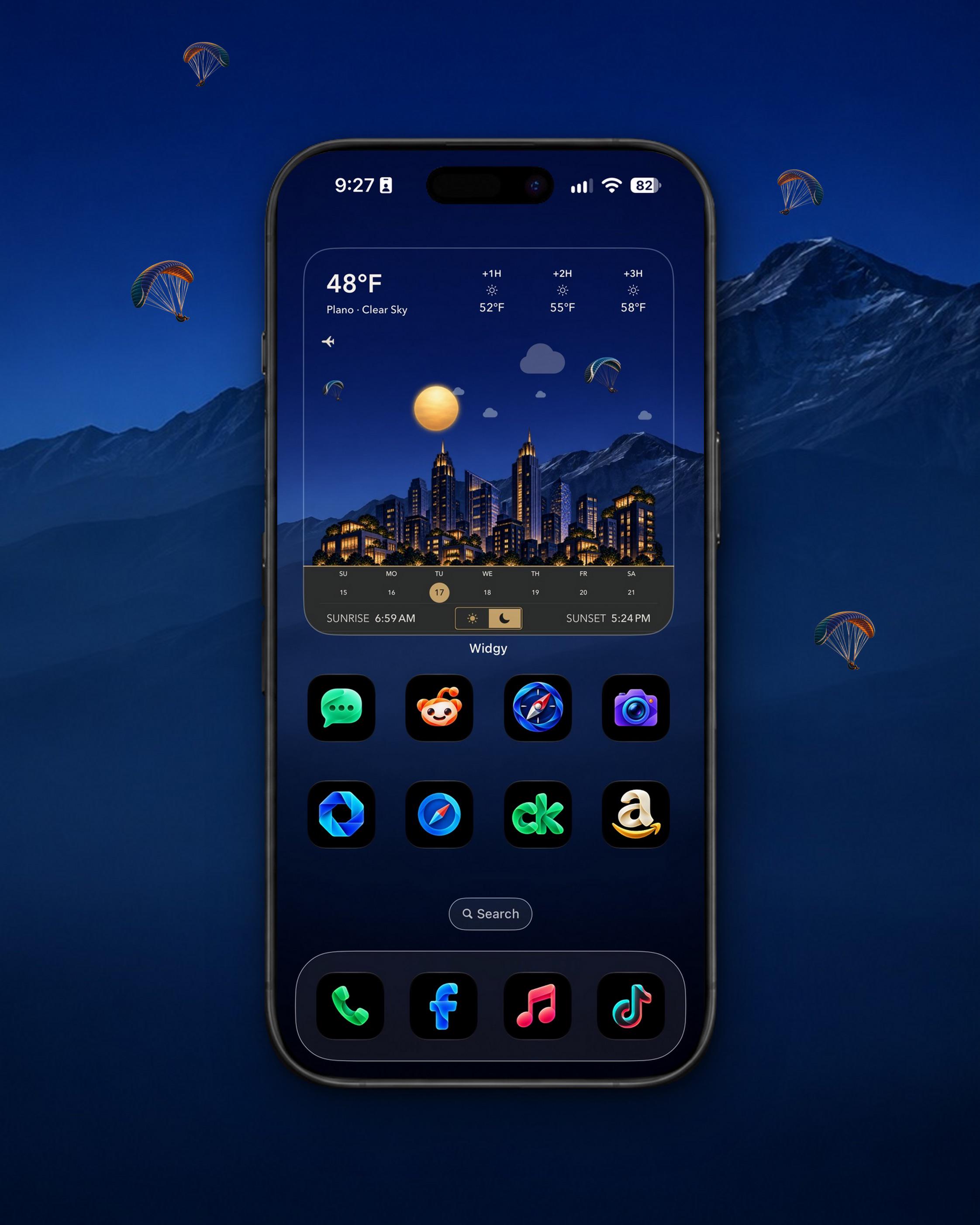
Fun hourly changes through the day ✈️🪂🛸
r/widgy • u/Sufficient-Catch2841 • 3d ago
One Widgy widget with three tabs: Home, Agenda and Weather. This is the Weather tab: next hours on top, 6 days below. I drew the icons pixel by pixel to match. Happy to answer how it is built.
r/widgy • u/Content-Eagle-2374 • 4d ago
Hi, I'm having trouble with the CSV Picker after updating, and I'm not sure if it's a bug or something on my end.
**Summary**
In the Data tab of a Graph or Chart layer, the CSV Picker dialog does not open after entering a URL with "Custom - CSV from Web URL" and tapping Go. Nothing appears at all.
**Steps to Reproduce**
**Expected Behavior**
The CSV Picker opens and shows the CSV columns.
**Actual Behavior**
Nothing happens. No dialog, no error message.
**Notes**
- It also fails with the default sample URL, so it doesn't seem to be a server or CSV format issue.
- It happens even when starting from a brand-new widget and layer.
**Environment**
- ❌ Not working: iOS 27.2 / Widgy v27.0.1
- ✅ Working: iOS 26.6.2 / Widgy v26.1.1
Since both the iOS and Widgy versions differ between the two setups, I'm not sure which one is the cause — or if it's something specific to my device.
Is anyone else seeing this on iOS 27 / v27? Thanks!
r/widgy • u/Sonnflix_94 • 5d ago
Hi, I recently switched to the new iPhone Duo and tried to set up the transparent background in Widgy. However, the app rejects my home screen screenshots because of the unsupported resolution (both on the outer and inner displays).
r/widgy • u/Sonnflix_94 • 5d ago
Hi, I recently switched to the new iPhone Duo and tried to set up the transparent background in Widgy. However, the app rejects my home screen screenshots because of the unsupported resolution (both on the outer and inner displays).
Is the developer on this sub? Can someone explain to me why I can’t just import a widget exactly as it appears on the Explore tab and assign it without the app completely changing the widget leaving you to edit said widget with an insane amount of edit options within an unintuitive interface? I just want to use the widget as it was designed. Is it me? What am I doing wrong? I thought this may have been a weird ‘free to try’ limitation so I paid to upgrade the app, but there was no change to this behavior. This is the iOS version on an iPhone Duo.
r/widgy • u/rashrock • 5d ago
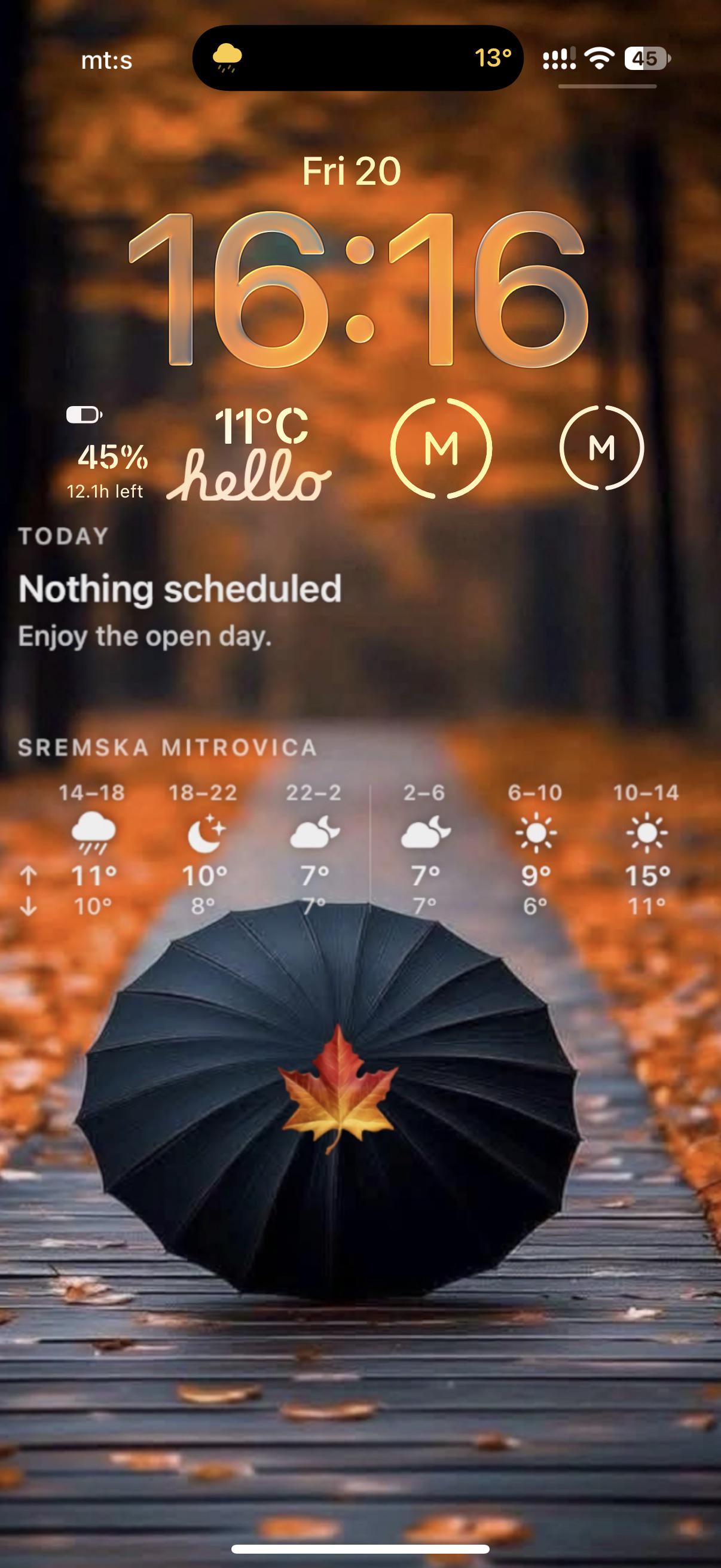
Simple clean widget for iPad showing time, date, weather and agenda
r/widgy • u/Maximum-Sentence-572 • 5d ago
Widget available here:
https://ko-fi.com/s/7c34c5f90b
r/widgy • u/Graphic74 • 6d ago
When adding vertical XL Widgy layouts to the Today View sidebar on iPadOS, the widget successfully occupies the sidebar slot, but the Widgy app fails to render or allow configuration of its contents.
Steps to Reproduce:
Expected Result:
The widget should render its contents correctly and allow seamless editing/configuration within the app.
Actual Result:
The slot is accepted by the sidebar container, but the app fails to load, configure, or render the widget contents properly.
Device Info:
Punto elenco Device: iPad
Punto elenco OS: iPadOS
Punto elenco App Version: Latest Widgy release
r/widgy • u/trenniepennie • 6d ago
Im on beta if that helps