Hey folk,
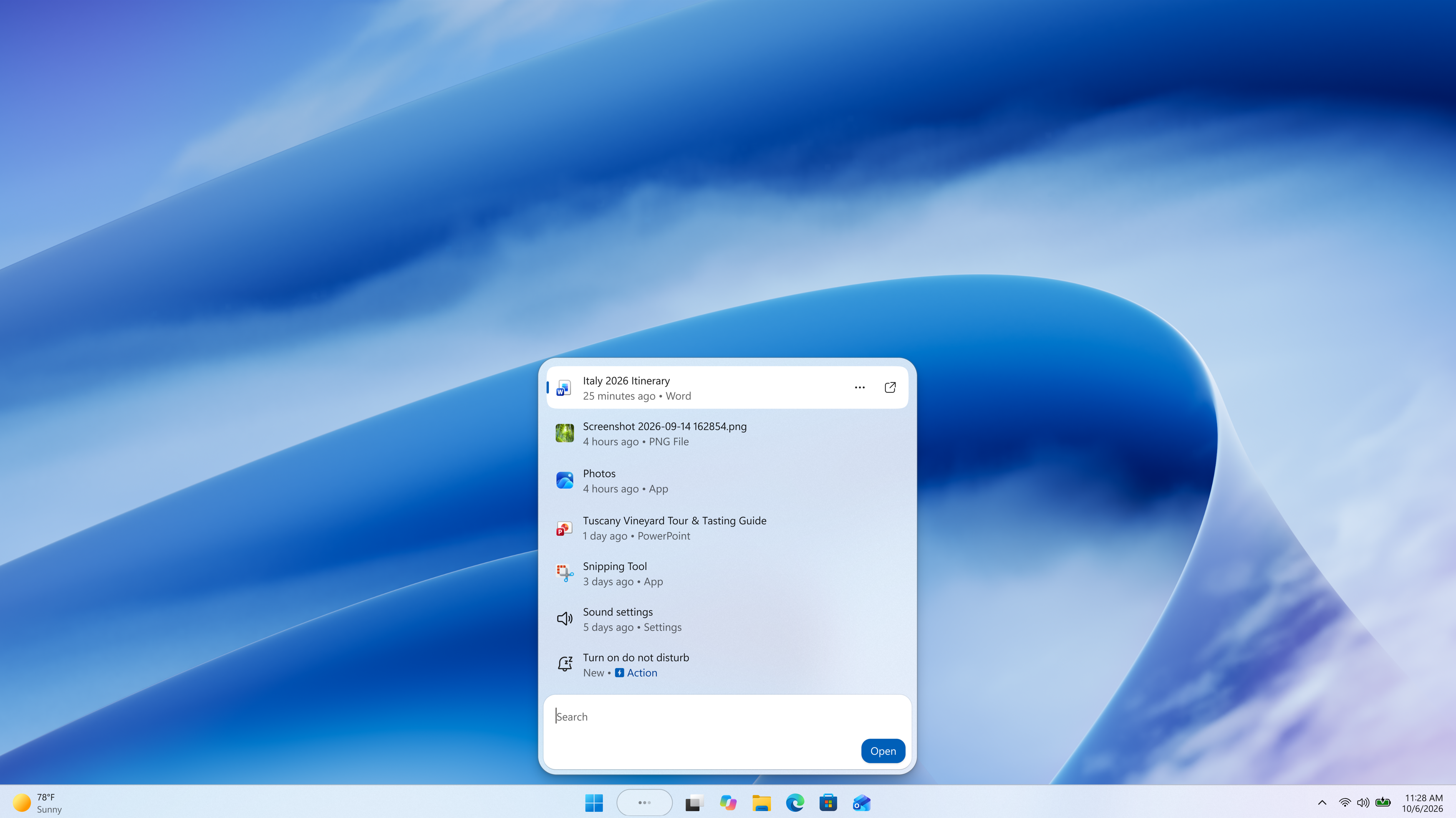
Recently, Windows 11 build 29704 has made it to the Experimental channel under future platforms. Last build, (29698), they ported the new WinUI 3 search flyout to the 29xxx range. It could be enabled using ViVeTool and using Velocity IDs 57739723, 58381341, 59210767, and 59210771
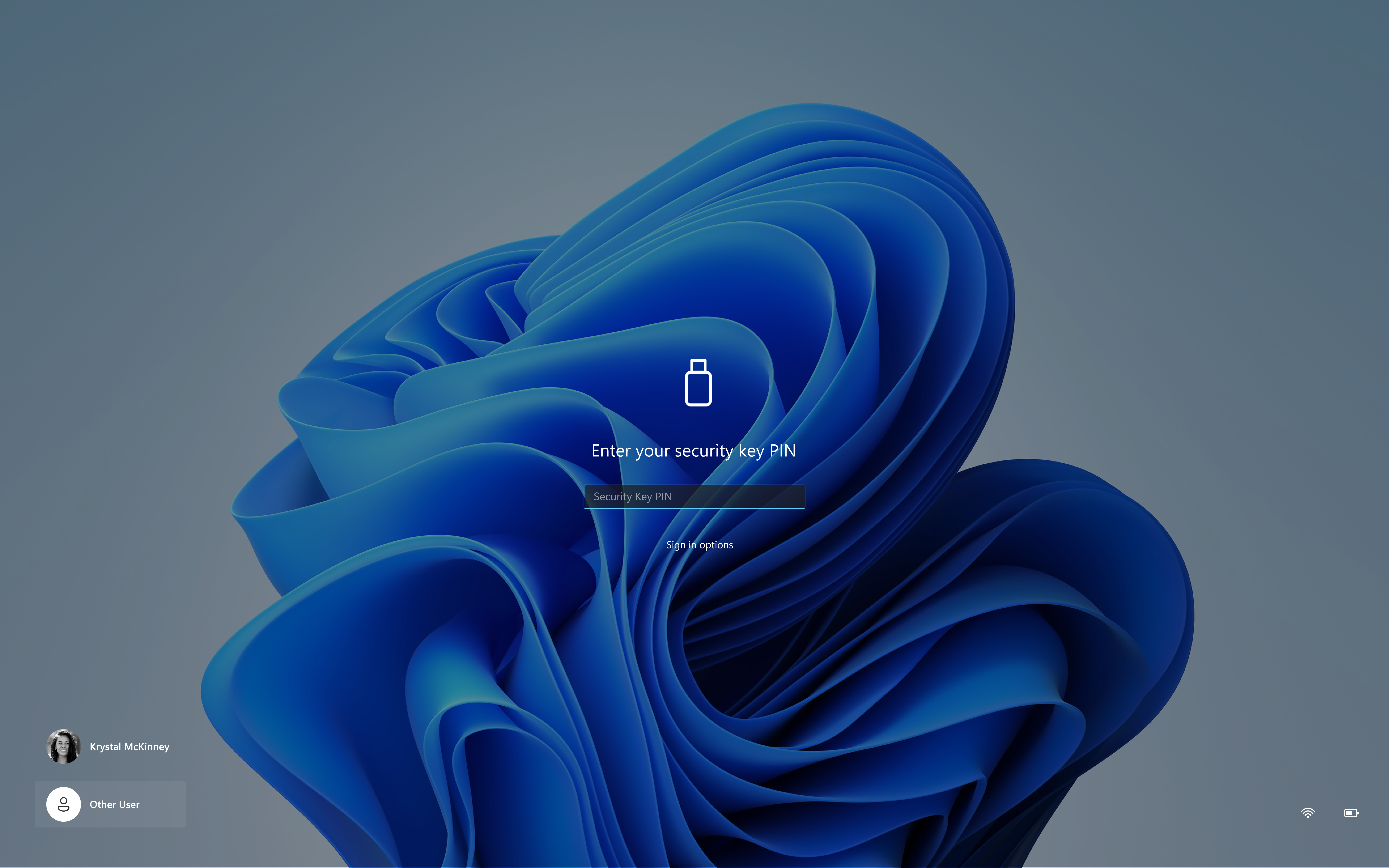
I was upgrading to this build from 29680; I couldn't upgrade for a while as I had my TPM disabled in the BIOS and didn't realize until yesterday. After upgrading to 29704, I used those Velocity IDs to enable the new search. After the reboot, I simply had a black screen and had to use Task Manager to launch CMD, disable those velocity IDs, and restart.
I then tried out 29698 in a VM, thinking it might be a bug on my end. The search flyout did work after enabling those IDs, but after upgrading the VM to 29704, I was met with the same black (or well, grey?) screen, and it didn't fix until I disabled those velocity IDs.
I did try a few things like restarting explorer but they didn't work and I could never get past the screen. Settings didn't start either when starting it using ms-settings: in the run dialog.
Did anyone on this build have the same issue? If so, was it fixable? I couldn't find much info about it online. I should also add that I got the information about both of these builds from BetaWiki.
-Faylie