r/xbox • • 4d ago

Discussion [ Removed by moderator ]
Post image

[removed] — view removed post

0 Upvotes

4 comments sorted by

•

u/xbox-ModTeam 4d ago

Thank you for your submission. Unfortunately, your post has been removed for the following reason: Support posts are not allowed in this community. This includes all tech, compatibility, setup, help me buy/decide, and similar topics. Please consider the following resources:

  • r/XboxSupport - Reddit's home for peer-to-peer Xbox help and support
  • Xbox Support Page - An absurd number of frequent questions are already answered on the official Xbox support page. This is a great place to start and often solves any potential issues.
  • Xbox Support on Twitter/'X' - This team is extremely helpful to end users including following up on issues and offering direct help through DM.
  • r/XboxInsiders - If you are a member of the preview program, this should be your first stop for any issues. Not only will you find potential fixes, you'll be helping the program by bringing issues to their attention.
  • Xbox "Contact Us" Page - This is a resource with Xbox contact information if you need to escalate your issue.

Please see our entire ruleset for further details.

4

u/Rexter2k 4d ago

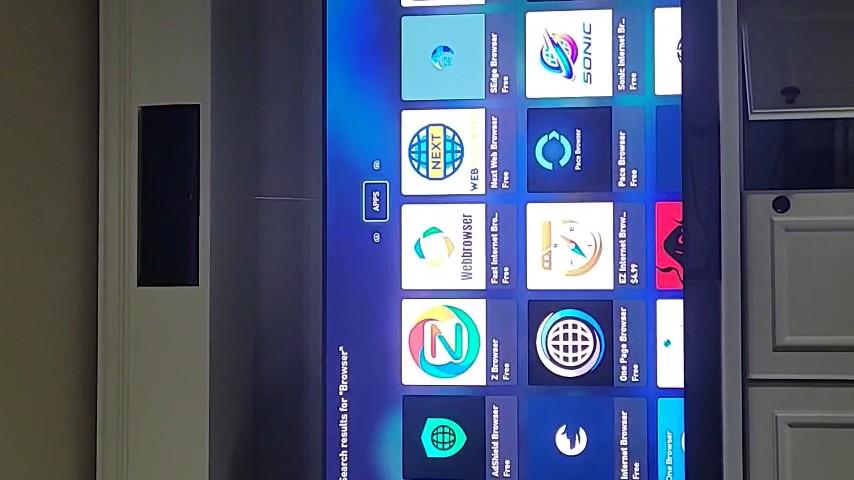
There is a rudimentary ad block function in the Edge browser. It’s exclusive to the Xbox version and isn’t available on the standard windows version.

1

u/Stunning-Importance5 4d ago

where is that located and how good is it?

3

u/Rexter2k 4d ago

You can Google it. But it’s in settings and something called “privacy, search, services” can’t remember exactly. There should be a feature called tracking prevention you can turn on, and then select three levels. That should be it. Like I said before, it’s rudimentary, but deals with at least SOME ads.