r/xteinkereader • • 13h ago

Firmware Update X4 Classic XT Licorice v20261124 - Release Note

27 Upvotes

【Screen and Battery Life】

  1. Refresh Mode: Three new levels have been added - less ghosting, balanced (recommended), and less flickering. You can customize based on your usage habits. Note: <Less flickering> will reduce the full-screen refresh rate, making it easier to accumulate ghosting; prolonged non-refreshing may affect the screen lifespan (Settings > Display and Personalization).
  2. Device Battery Life: Optimized power-saving strategies. WiFi and Bluetooth are enabled on demand by default, and automatically turn off during idle. To maintain continuous connection, you can go to "Settings > General > Advanced" to turn on the performance mode.
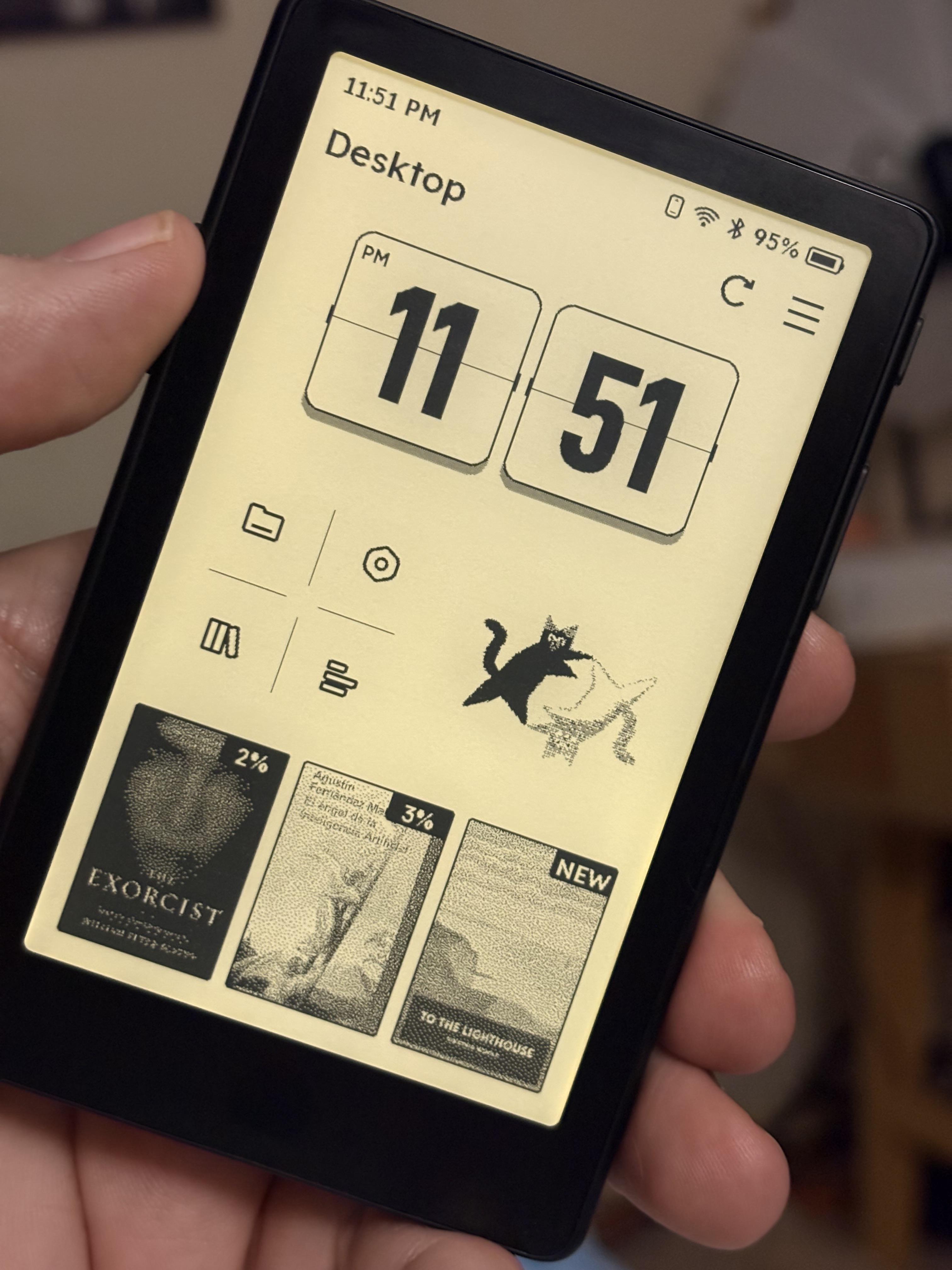
  3. Lock Screen and Unlock: Optimized lock screen and unlock logic, adding lock screen interface settings items (Settings > General).

【Bookshelf and Menu】

  1. Bookshelf: Added "Bookshelf Customization" option, allowing you to switch between recently read / all books, sorting/sorting methods, switching between grid/list views, quick page flipping, etc. (Long press left/right keys to quickly flip to the previous/next page).
  2. Favorites: Added "Favorites" management function. Long press on bookshelf items to add to favorites (Bookshelf > Favorites).
  3. Ink App: Added sorting, font, etc. custom operations; added folder organization, long press on application to perform folder operations (Home > Ink App).

【Syncing and Connectivity】

  1. Wireless LAN: Optimized wireless connection, added Wi-Fi signal strength display, automatic sorting, the smaller the number, the stronger the signal (Settings > Network and Connections > Wireless LAN).
  2. New CrossPoint extension synchronization: Reading statistics, notes, bookmarks can be synchronized between different devices (Settings > Network and Connections).

【Other】

  1. Added pinyin input: Input box interface supports pinyin, Chinese-English switching, long press "Back" to continuously delete characters, etc. (Settings > General > Keyboard > Download Dictionaries).
  2. Pre-installed recommended Ink App and fonts.

【Important Notice】 Upgrade Instructions:

  1. The upgrade will reset system settings, including Wi-Fi, Bluetooth, etc., and requires reconfiguration.
  2. There is a risk of losing reading progress. Please back up the data on the memory card in advance, or manually record the current reading chapter and position.
  3. Reading font: Only supports TTF format. The font size can be adjusted in the reading interface; System font: Only supports XTSF format. Supports push notifications from Yuesingtong App or online download (Settings > Display & Personalization > System Font > Download & Install).
  4. The reader no longer supports directly opening MOBI books. You can import the book in Yuesingtong App > Import > Book Import > Sync to Reader for better adaptation for reading.

r/xteinkereader • • 1d ago

Announcement X4 Pro Is Now 15% OFF for Black Friday

Post image
77 Upvotes

Hey everyone, Henry here.

A few of you brought up the fact that the X4 Pro wasn't getting a Black Friday discount. I saw the post, and I brought it up with our team.

One post that really got the conversation started was:

A friendly request from us all: Could you show the X4 Pro some BlackFriday love and give us an actual discount? Even a simple 10% off would be greatly appreciated!

After talking it through internally, we've decided to make a change.

Starting today, November 23 at 4:00 PM Beijing time, the X4 Pro is now 15% OFF, bringing the price down to just $84.00 USD. The offer runs through November 30.

Here's the link if you'd like to check it out:
https://www.xteink.com/s/x4p

I also want to explain why we hadn't discounted it in the first place.

We were being careful about the X4 Pro's market positioning. We believe it's a strong product, and we didn't want to discount it just for the sake of having a sale. We wanted its value to speak for itself.

But your feedback was fair, and after discussing it with the team, we felt it was the right thing to do.

One thing we should have done better: we should have figured this out before Black Friday started. Changing the offer halfway through the campaign isn't ideal, and I'm sorry about that.

And if you've already ordered an X4 Pro, don't worry. Our price protection policy covers eligible purchases made within five days before or after the promotion. If you think your order qualifies, please reach out to our support team at support@xteink.com. They'll be able to help clarify the details.

Thanks to everyone who spoke up about this. I really appreciate the feedback, even when it means we have to go back and rethink our original decisions.

I'll keep an eye on the comments if anyone has questions.


r/xteinkereader • • 3h ago

Discussion Thoroughly impressed with their updates.

30 Upvotes

About a week ago, I submitted two bugs to them on the X4 Pro. The first bug was chapters not displaying correctly and the second bug was the battery icon wouldn’t display correctly if you made a bookmark and removed the bookmark before switching pages. They replied back saying they would have a fix for it in the next update. I am so used to companies saying something to appease a customer but not actually follow through with what they said they’d do. Sure enough, their next update they fixed both issues. I am incredibly impressed that they fixed those two bugs as quickly as they did. I can now with complete confidence recommend them to anyone because they make a great ereader AND they actually listen to their customers. Thank you, XTEINK.


r/xteinkereader • • 7h ago

My Xteink X4 Pro Licorice update: Clippings, Bookmarks and Stats sync is here!

Post image
49 Upvotes

Want to switch to Licorice but worried about losing your stats and clippings? Worry no more! Crosspoint extras work with clippings and stats sync is here! Yay!


r/xteinkereader • • 14h ago

My XTEINK Story Wish there was more time before winter

Post image
55 Upvotes

I’m getting addicted to reading again thanks to this tiny device. I can’t wait for spring and summer next year!


r/xteinkereader • • 12h ago

Discussion Licorice update!

Post image
27 Upvotes

We can now sync stats, bookmarks, clippings to crosspoint! For x4c at the moment.


r/xteinkereader • • 14h ago

X4 Classic Just got X4classic

Post image
20 Upvotes

Just got this , is case a must if so which one ( Canada ) so far I love it more then my kindle , any recommendations I’m open to what works best case wise system wise adding books I’m new to X4 thanks


r/xteinkereader • • 2h ago

Question On Licorice firmware, my lockscreen clock used to show time like "11:2-". Now it's updating every minute showing "11:23". Is there a way to revert it back? I liked the old way much better.

2 Upvotes

r/xteinkereader • • 15h ago

Discussion [Update] - Banana Converter - New Desktop Mode for the Pros

Thumbnail
gallery
13 Upvotes

Your favorite Banana Converter has another big update!

A quick toggle now takes you from the Classic UI to a more Desktop friendly UI and if you ever want to go back, just toggle back!

The Classic UI quickly became a bit cumbersome as I kept converting more and more of my Mangas to read on my desktop and needed a better solution to have some more structured and tabbed settings and previews all in front of me instead of scrolling through all settings.

This mode can still be used on Phones as well with tabs at the bottom and Preview on top.

In addition, there now is also a Dark Mode - where all the gutters/borders around the panels are black. This is helpful when reading in the dark or at night or on Phones/OLED devices. The panels are untouched and don't invert like they would by turning on the Dark Mode in device, so this was a good compromise. Also helps saving battery on OLED devices to some extent.

You can also now opt to not Scale Up the panels and retain their original size should you choose to do so. But any Panels larger than the selected screen size will be scaled down to fit.

Also has some tweaks to scanning panels better than before

As always, thank you all for all the feedback and suggestions so I can try to keep this as user friendly as possible and keeping the development based on everyone's needs and requirements.

Bananas!


r/xteinkereader • • 1h ago

X3 Please help lol

1 Upvotes

I got a xtink 3 I think but my charger has literally disappeared. And on the eu website it’s sadly sold out. Where can I buy a replacement charger 🫪


r/xteinkereader • • 8h ago

Question Xteink X3 Crosspoint question

3 Upvotes

So I have had my X3 for about 2 months now, and I've always thought about trying Crosspoint. However, someone said I wouldn't be able to use the app if Crosspoint is installed.

If I install Crosspoint on it, can I go back to the original software, or am I tied to Crosspoint the moment I install it?

Because I love my app, but also wanted to try Crosspoint 👉🏼👈🏼


r/xteinkereader • • 1d ago

My Xteink Best device to bring on vacation

Post image
51 Upvotes

Went on a trip to Aruba and couldn’t be more in love with my X4 Pro.


r/xteinkereader • • 1d ago

X4 Pro My new Xteink X4 Pro in Mist Gray 🤍

Thumbnail
gallery
35 Upvotes

I love my new Xteink X4 Pro in Mist Gray but I desperately need a better case! ✨️

(And a new display protection film*!* 🫧😅)


r/xteinkereader • • 23h ago

My Xteink Daisy Case is here 🩷

14 Upvotes

(Ignore the dust on the screen). Made by StuffDaisyMakes on Etsy! It's so cute! It reminds me of the light attachments for the original Gameboy when I was a kid. The front buttons are a little stiff and require extra effort to press, but I love it still.


r/xteinkereader • • 16h ago

My XTEINK Story A special gift for a special person

4 Upvotes
I bought my significant other their own XTEINK reader after sharing my personal one with them for about a year. We read similar books and have shared 1 reader between the two of us for a while. For an opportunity to study abroad they will be gone for a few months, and instead of 1 of us missing out on our reading, I decided too get them their own

#TheGiftOfReading
#XTEINKSweepstakes


r/xteinkereader • • 9h ago

Question Change in font

1 Upvotes

Can anyone help in telling me how to install/copy fonts to the X4P? I have tried to use the app to copy ttf files to the device, but it only copies ttf without converting to either .bin or .xtf. When I try to copy the bin files, the reside doesn’t read them. I have the Chinese firmware because ordered directly from China through a contact in Shenzhen.


r/xteinkereader • • 13h ago

Question X3 coming in tomorrow! How do I make it so it can read EPUB 3 (Adobe DRM) files? Just download the Crosspoint software?

2 Upvotes

r/xteinkereader • • 1d ago

My XTEINK Story The Gift of Reading: my XTEINK is on its way to my best friend 🎄📚

Thumbnail
gallery
13 Upvotes

A great friend introduced me to digital reading and I was hooked, so I bought myself an XTEINK. When she saw it, she loved it so much she wanted one too, so guess what's going under the tree this Christmas? 🎄🎁

While I wait for hers to arrive, here's mine in the picture, living in a High School Musical sock case, because I'm a proud millennial 🧦🏀

#TheGiftOfReading #XTEINKSweepstakes


r/xteinkereader • • 1d ago

My Xteink So easy to fall in love with the X4 Pro

Post image
148 Upvotes

My first e ink device since I sold my Kindle Paperwhite Signature, which mainly gave me frustrations to no end.

The amount of customization one can have on this device is a dream I had since buying my first Sony PRS 600. I uploaded NV Bitter as my font of choice, set up the desktop and status bar just how I like it, set up the touch areas for left-hand users, uploaded a Russian dictionary… (also happy to report Russian-English bilingual books render beautifully).

My main worries after countless hours of videos before buying were the sharpness of the text and speed of page turns. Happy to say sharpness is excellent and page turns are instantaneous.

The biggest surprise was the firmware and the app —once you figure out how to link the devices, which is not super obvious. This leaves Kindle light years behind.

The biggest issue: I don’t which book to read first!

Congrats to the dev team and thank you to the amazing community around this device.


r/xteinkereader • • 1d ago

Question Would XTEINK be able to do something like this for the X3?

Post image
15 Upvotes

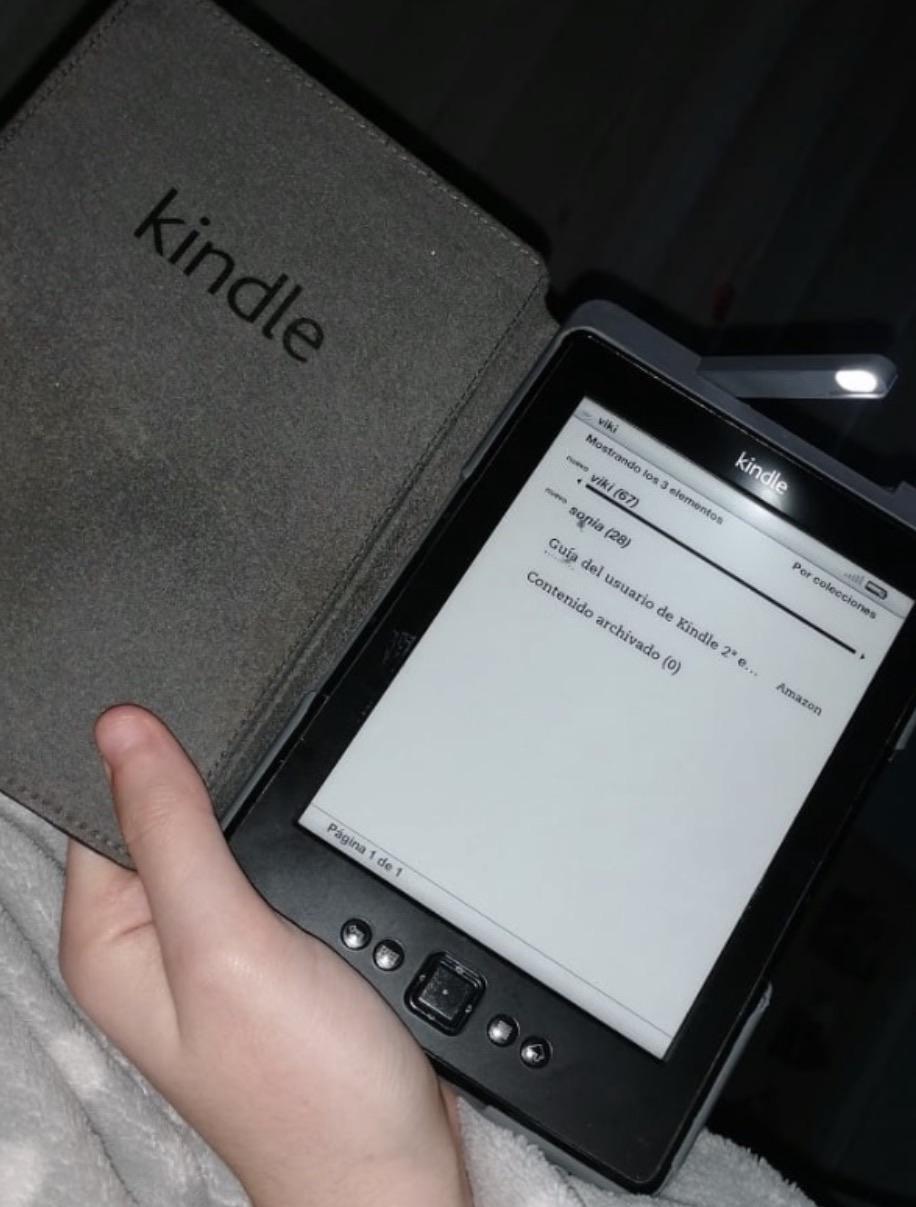
Back when I first got a Kindle they didn’t have a light, but they did have pogo pins on the back that allowed cases with integrated light like this one to exist and not need to be charged/have batteries.

Shouldn’t the X3 and pogo pins X4s allow something like this to work? I totally LOVED this system and genuinely thought XTEINK would work the same way before buying my X3.

(Not my picture)


r/xteinkereader • • 16h ago

Question Turning my X Pro into a desktop info terminal

1 Upvotes

Hi guys,

I have 2 X Pros (mint). One is sitting in a dock next to my monitor. I was thinking of turning it like an info station:

Time (already there) Weather Upcoming next task appointment

Can this be done or has this been done. I'm pretty techy, Macs, Linux boxes, Pis galore, just need to be pointed in the right direction.

Thank you


r/xteinkereader • • 18h ago

Question Best CFW to read Manga on the X4 pro

1 Upvotes

Been out of the loop for a while, but i want small device for Manga. Which CFW do you recommend that works well ?


r/xteinkereader • • 1d ago

My Xteink Why I chose the x4 Pro

Thumbnail
gallery
14 Upvotes

I’ve already talked about it a bit in my post about the X4 Classic, but I chose the X4 Pro as an early birthday gift for myself (the 14th was the day!) because I wanted a device that could do it all. Unlike the simpler models, having the built-in light for night reading and the mix of physical buttons and touch controls convinced me to finally make the decision and get it. I can't wait for it to arrive, I'm so excited!!

#TheGiftOfReading


r/xteinkereader • • 23h ago

Troubleshooting X4C Firmware Update issue

2 Upvotes

I am trying to download an ink app on my x4c, it keeps telling me to update the firmware but I am on the latest one and both my app and device say that??
I am on the XTLicorice 20261118 for reference


r/xteinkereader • • 20h ago

My XTEINK Story Why I chose an X4 Pro

Post image
0 Upvotes

I was so excited to see the Black Friday deal on the X4 Pro. It will be the perfect stocking stuffer for my husband! He is a big reader, he primarily enjoys long fantasy epics and he loves the open source software. I am so excited to surprise him with his own XTEINK eReader… hopefully he’ll stop taking mine! XD

#TheGiftOfReading