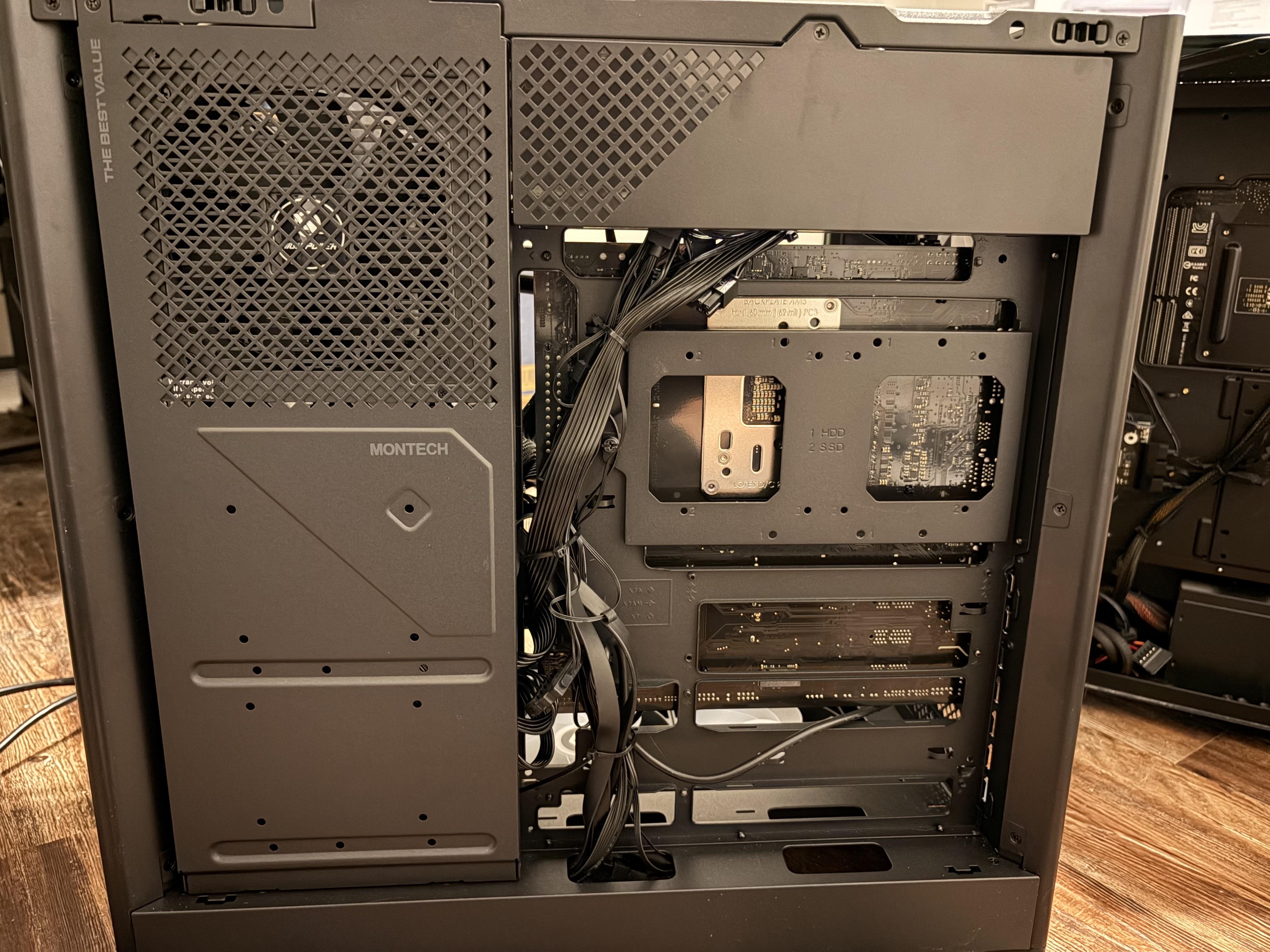
Hi everyone,
I'm experiencing increasingly severe stability problems with my CyberPowerPC prebuilt desktop. I've been troubleshooting it for several days, but I haven't been able to isolate the faulty component.
PC specifications:
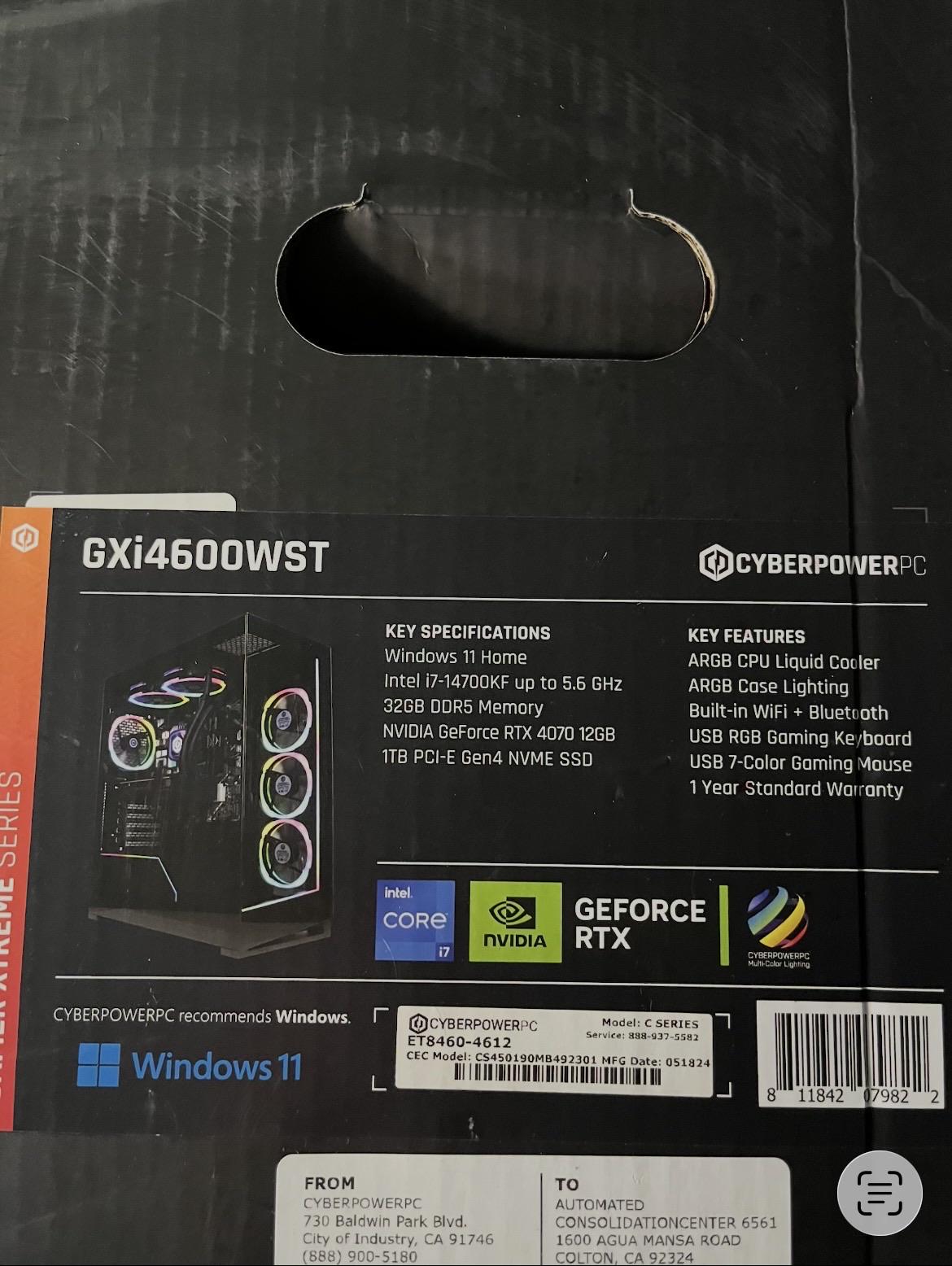
- CPU: Intel Core i7-12700KF
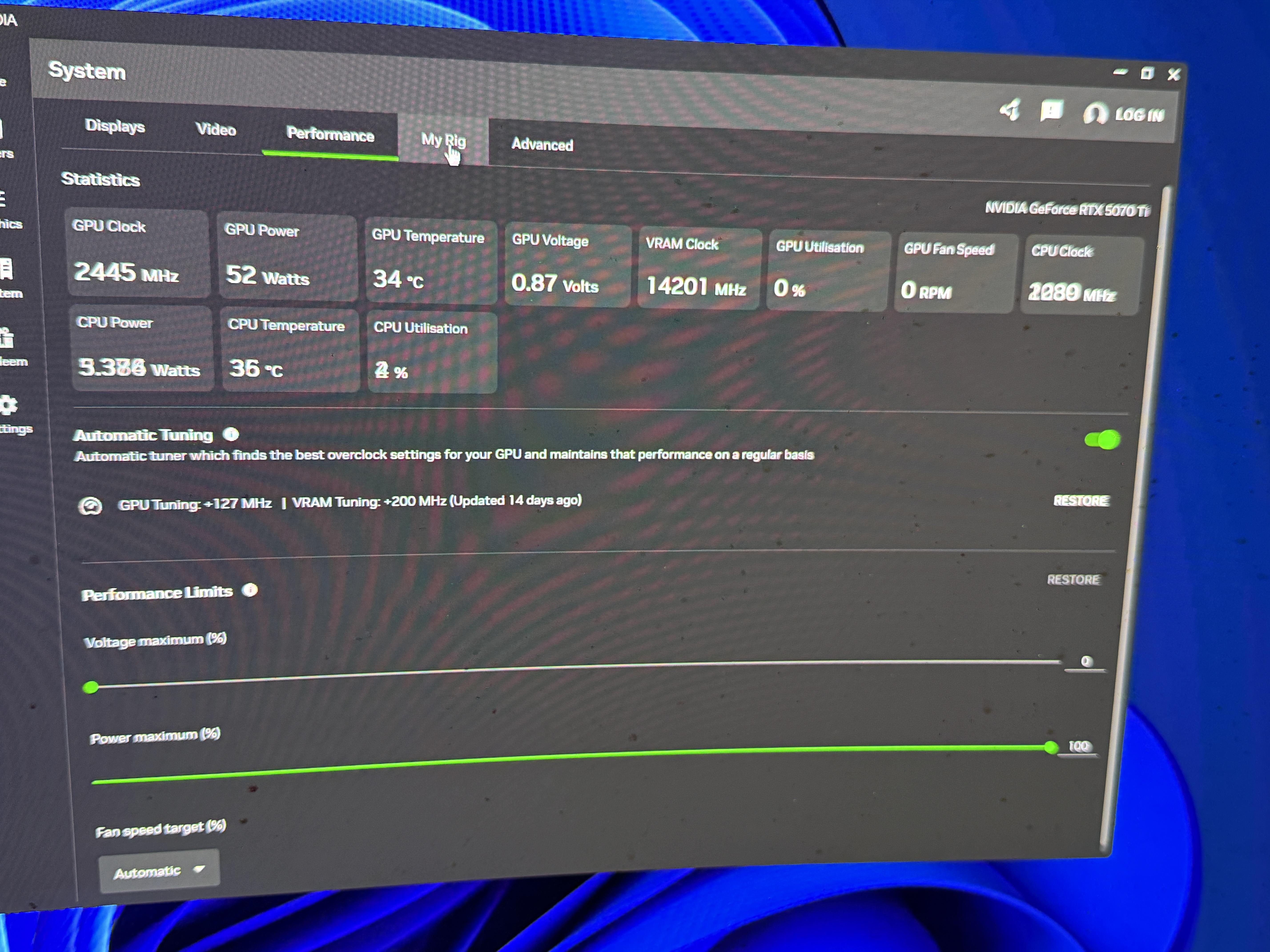
- GPU: Gigabyte GeForce RTX 5070 12 GB
- Motherboard: Gigabyte B760 GAMING X WIFI6E GEN5
- BIOS: F2 (19 June 2025)
- RAM: 32 GB (2 × 16 GB) ADATA DDR5-4800, part AD5U480016G-B
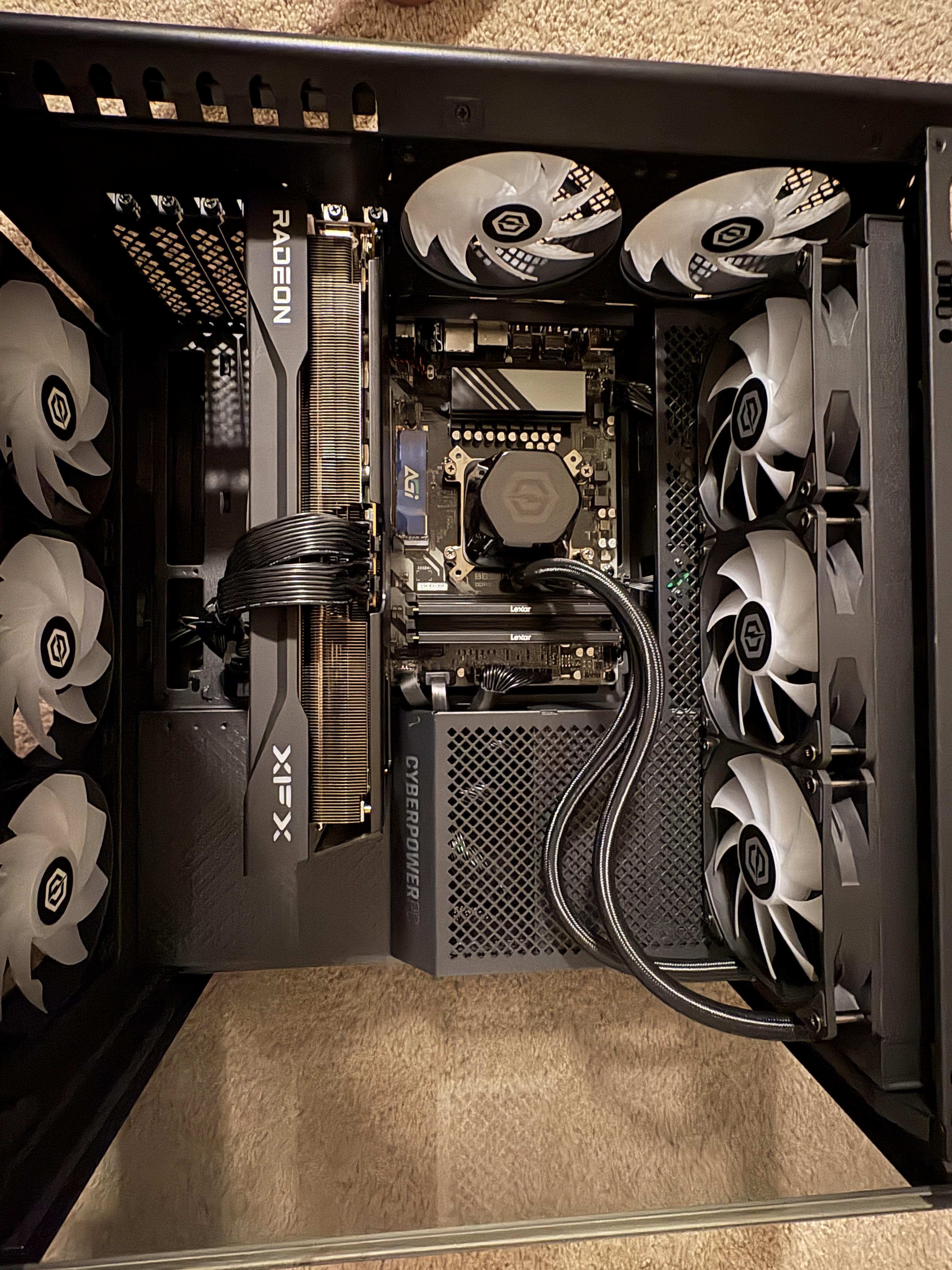
- PSU: InWin B65E 650 W, 80 PLUS Bronze (original CyberPowerPC PSU)
- Main SSD: ADATA LEGEND 700 1 TB NVMe
- OS: Windows 11
- Complete system freezes
The PC randomly freezes after varying times of stable operation. sometimes 2 hours or even the first 5 mins since boot and sometimes even in BIOS it would just randomly freeze on the last shown frame on the desktop display..
What exactly happens:
- The monitor remains on, displaying the exact last frame.
- The Windows clock stops updating.
- Keyboard and mouse become completely unresponsive.
- TeamViewer can no longer connect to the PC.
- The system does not show a BSOD.
- The PC sometimes remains frozen until I manually force a shutdown or restart.
- The GPU continues outputting the frozen image to the connected monitor.
This is not just Blender or another application crashing. The entire system appears to hang.
2. Freezing inside BIOS/UEFI
The same kind of freezing has occurred inside the BIOS interface, before Windows loads.
This is the most concerning symptom because it suggests the problem isn't limited to Windows, installed drivers, or corrupted system files.
3. POST failures and repeated beeps
The PC has also developed intermittent startup problems.
I've observed:
- Four short POST beeps on one startup, followed by a successful Windows boot.
- Three short beeps repeated approximately three times on another startup.
- The motherboard displaying "Boot Failure Detected."
- Sometimes the PC powers on with internal lights illuminated, but initially shows no BIOS screen, no display output, and no audible POST beeps.
- After a delay or subsequent initialization attempt, the Boot Failure Detected screen appears.
- Selecting Load Optimized Defaults and Boot sometimes allows Windows to start successfully.
I've also noticed a yellow/amber light near the CMOS battery, but I haven't positively identified which motherboard indicator it is.
4. Windows diagnostic evidence
I collected Windows Event Viewer, Reliability Monitor, WHEA, and hardware diagnostics.
Findings include:
- Kernel-Power Event 41 and EventLog 6008 after unclean shutdowns.
- Many of these may be consequences of manually forcing a restart after a hard freeze, rather than evidence of spontaneous power loss.
- A WHEA-Logger Event ID 1 fatal hardware-error record containing Intel Crash Log Technology / PMC diagnostic data.
- No specific faulty component identified by that WHEA record.
- Some NVMe administrative-command timeouts and USB storage-related errors.
- Windows update and recovery problems, including a failed cumulative update and a failed cloud reset attempt.
I also observed the RTX 5070 negotiating PCIe 5.0 x8 under a GPU-Z render test, despite the card and primary motherboard slot supporting x16. I haven't established whether this is related.
5. Troubleshooting already performed
- Loaded BIOS Optimized Defaults several times. This temporarily restored functionality but did not permanently solve the problem.
- Disabled DDR5 performance-enhancement settings during troubleshooting, but later restored defaults.
- Tried Windows Safe Mode and clean boot. These appeared to help temporarily, but the freezes returned.
- Investigated Windows corruption and attempted recovery.
- Checked CPU temperatures; approximately 30°C in BIOS, with no evidence of CPU overheating.
- Checked SSD health; no confirmed internal SSD media failure.
- Identified the original PSU as an InWin B65E 650 W.
- MemTest86 has been recommended but I haven't completed a four-pass test yet.
- I haven't tested a replacement PSU or individual RAM sticks yet.
6. Current hypotheses
I'm considering:
- Faulty motherboard or motherboard power delivery.
- RAM instability, memory-controller issues, or failed DDR5 training.
- Faulty or unstable InWin B65E PSU.
- BIOS/firmware instability.
- GPU or PCIe-related hardware fault.
The computer sometimes boots normally and works for a while, but then hard-freezes again. Startup reliability also seems to have deteriorated.
I'm considering replacing the InWin B65E with a Corsair RM750e (2025) 750 W ATX 3.1, but I don't want to spend money replacing parts unnecessarily.
Questions
Given that the PC also freezes inside BIOS and intermittently fails POST, would you prioritize testing the PSU, RAM, or motherboard?
Has anyone experienced similar symptoms with this Gigabyte B760 motherboard, ADATA DDR5 memory, or InWin B65E PSU?
Could this be a memory-training or BIOS issue rather than a physical hardware defect?
Any suggestions for the most useful next diagnostic test would be appreciated.
I can provide Event Viewer logs, WHEA records, motherboard photos, and videos of the POST behavior.
Region: Germany.